

41890€
Показать НДС 0%
Показать НДС 25,5%
Multitronic Vaasa
Multitronic Pietarsaari
Multitronic Jyväskylä
Multitronic Lappeenranta
Multitronic Mariehamn
Характеристики
Описание
Наличие в магазинах
Доставка
Динамика цен
Manuals
| Порты и интерфейсы | |
| Технология подключения | Проводной и беспроводной |
| Тип USB коннектора | USB тип-A |
| Основной интерфейс | USB |
| Энергопитание | |
| Тип батареек | AAA |
| Число поддерживаемых батарей | 2 |
| программное обеспечение | |
| Совместимость с Mac |  |
| Поддерживаемые операционные системы Windows | |
| Свойства | |
| Цвет товара | Белый |
| Совместимость c брэндом | Benq |
| Тип продукта | Дистанционное управление |
| Логистические данные | |
| Код гармонизированной системы описания (HS) | 85299097 |
| EAN | 4718755057779 |
| Гарантия | 1 год |
| Source: Icecat.biz | |
Enabling Interactive Learning
PointWrite™ Interactivity
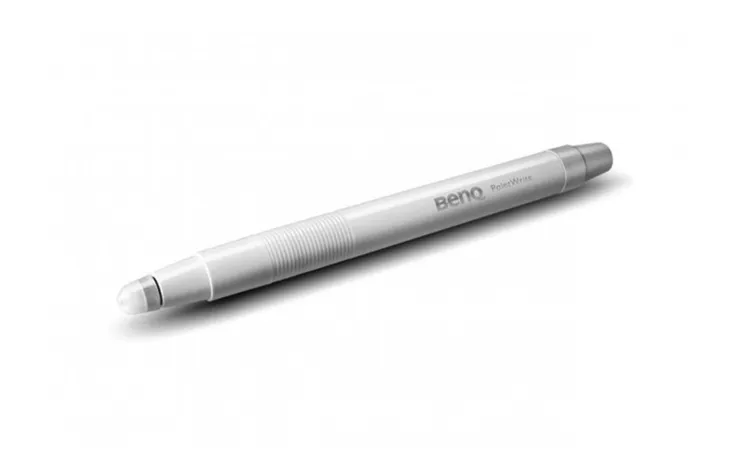
PointWrite™ technology can transform BenQ’s education projectors into collaborative platforms that turn any surface into an interactive whiteboard. Seamless integration of PointWrite Kit PW20U and QWrite software with BenQ projectors encourage a truly collaborative learning environment. Students and teachers are can now working together using intuitive templates along with annotation tools to spark creativity and encourage fun.
Create Interaction on Any Surface
The PointWrite Kit PW20U works on any flat surface, so no expensive digital whiteboard or additional equipment is necessary. With the PW20U module, images can be projected onto a desk or table for multiple students to easily share and write on the same screen, creating vast new opportunities for classroom interactivity and enabling possibilities for modern, digital classroom.
Dual Screen with Multiple Touch Capabilities
BenQ’s Dual Screen feature allows teachers to create an immersive learning experience by seamlessly connecting two screens. What’s more, you can use PointWrite Infrared pen or pair the system with PointWrite Touch* to have a fully scalable and forward-thinking classroom. The multi-touch capabilities, which can support Windows 8 or above and future applications, are enabled by the QWrite software to encourage students to collaborate and generate ideas together using one big screen. Students will now be able to watch video and take note simultaneously using easy and intuitive technology.
User-Friendly Auto-Calibration and Configuration
The first time PointWrite™ is plugged into a computer’s USB port, it instantly auto calibrates and the interactive teaching session is ready to begin. Connectivity settings are saved automatically, and PointWrite™ is always ready with no need for manual configuration or complicated training for teachers.
Effective Auto Calibration
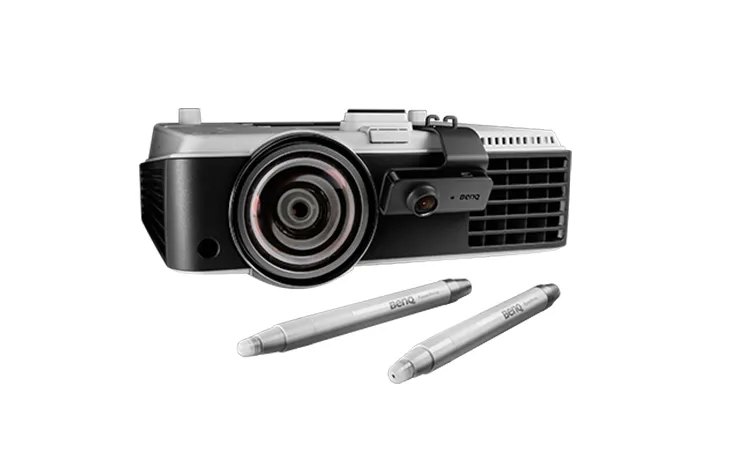
The PointWrite Kit PW20U is compatible with MW883UST/ MX882UST and the interactive sensor guarantees reliable auto-calibration in any ambient lighting for hassle-free setup, regardless of the situation.
Easy 1-2-3 PointWrite™ Set Up
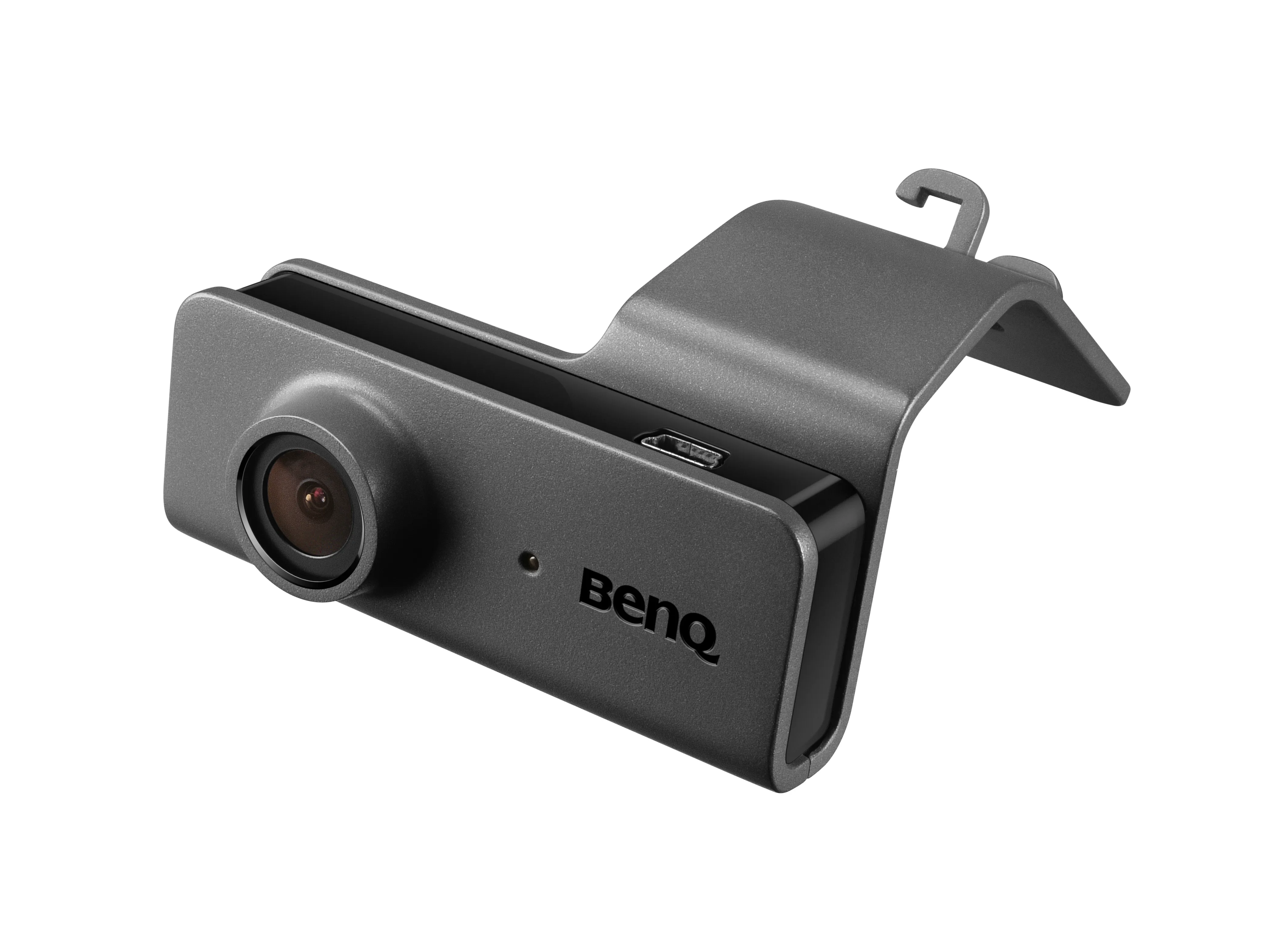
1. Insert the camera with 60fps infrared sensor into the projector.
2. Setup and calibration executes automatically, immediately allowing a smooth writing experience with ultra-fast 16ms response time.
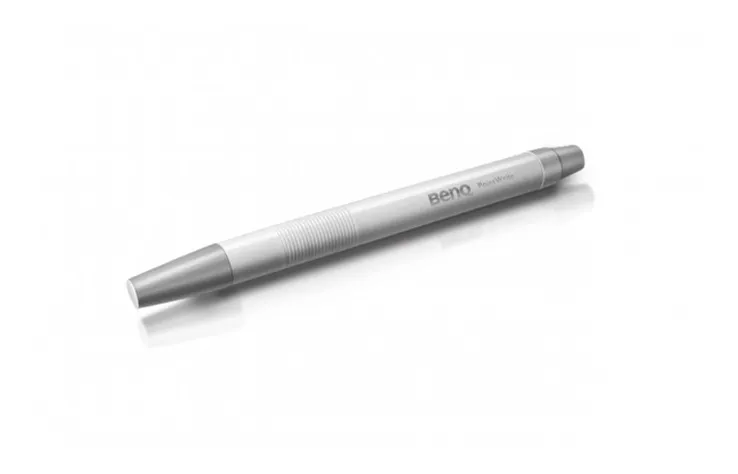
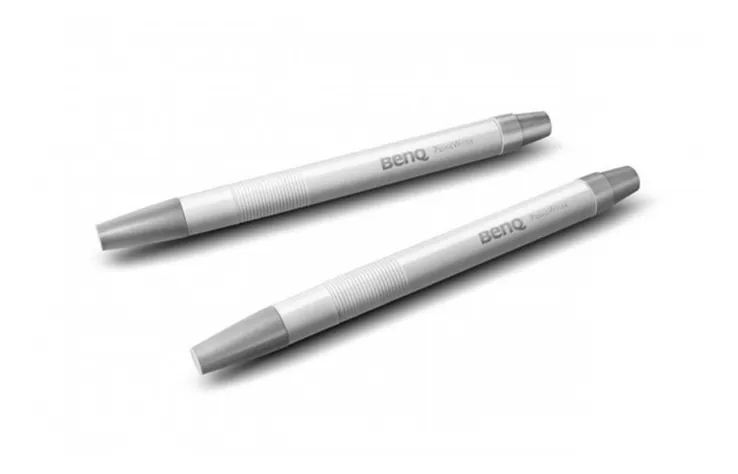
3. Turn any surface into an interactive whiteboard with an infrared PointWrite™ Pen or PointWrite™ Touch Module.
Windows Gesture Support
PointWrite™ projectors support intuitive Windows gestures such as zooming in and out or scrolling while browsing webpages, pictures or Google Maps. All multi-touch commands and gestures are supported for Windows 8 or above and future applications.
PointWrite™ Interactivity
PointWrite™ technology can transform BenQ’s education projectors into collaborative platforms that turn any surface into an interactive whiteboard. Seamless integration of PointWrite Kit PW20U and QWrite software with BenQ projectors encourage a truly collaborative learning environment. Students and teachers are can now working together using intuitive templates along with annotation tools to spark creativity and encourage fun.
Create Interaction on Any Surface
The PointWrite Kit PW20U works on any flat surface, so no expensive digital whiteboard or additional equipment is necessary. With the PW20U module, images can be projected onto a desk or table for multiple students to easily share and write on the same screen, creating vast new opportunities for classroom interactivity and enabling possibilities for modern, digital classroom.
Dual Screen with Multiple Touch Capabilities
BenQ’s Dual Screen feature allows teachers to create an immersive learning experience by seamlessly connecting two screens. What’s more, you can use PointWrite Infrared pen or pair the system with PointWrite Touch* to have a fully scalable and forward-thinking classroom. The multi-touch capabilities, which can support Windows 8 or above and future applications, are enabled by the QWrite software to encourage students to collaborate and generate ideas together using one big screen. Students will now be able to watch video and take note simultaneously using easy and intuitive technology.
User-Friendly Auto-Calibration and Configuration
The first time PointWrite™ is plugged into a computer’s USB port, it instantly auto calibrates and the interactive teaching session is ready to begin. Connectivity settings are saved automatically, and PointWrite™ is always ready with no need for manual configuration or complicated training for teachers.
Effective Auto Calibration
The PointWrite Kit PW20U is compatible with MW883UST/ MX882UST and the interactive sensor guarantees reliable auto-calibration in any ambient lighting for hassle-free setup, regardless of the situation.
Easy 1-2-3 PointWrite™ Set Up
1. Insert the camera with 60fps infrared sensor into the projector.
2. Setup and calibration executes automatically, immediately allowing a smooth writing experience with ultra-fast 16ms response time.
3. Turn any surface into an interactive whiteboard with an infrared PointWrite™ Pen or PointWrite™ Touch Module.
Windows Gesture Support
PointWrite™ projectors support intuitive Windows gestures such as zooming in and out or scrolling while browsing webpages, pictures or Google Maps. All multi-touch commands and gestures are supported for Windows 8 or above and future applications.
Multitronic Vaasa: 0 шт
Срок доставки: Нет информации о доставке
Срок доставки: Нет информации о доставке
Сегодня: 10:00 - 18:00
Multitronic Pietarsaari: 0 шт
Срок доставки: Нет информации о доставке
Срок доставки: Нет информации о доставке
Сегодня: 09:00 - 17:00
Multitronic Jyväskylä: 0 шт
Срок доставки: Нет информации о доставке
Срок доставки: Нет информации о доставке
Сегодня: 10:00 - 17:00
Multitronic Lappeenranta: 0 шт
Срок доставки: Нет информации о доставке
Срок доставки: Нет информации о доставке
Сегодня: 10:00 - 18:00
Multitronic Mariehamn: 0 шт
Срок доставки: Нет информации о доставке
Срок доставки: Нет информации о доставке
Сегодня: 10:00 - 17:00
Самовывоз из магазина
Время доставки: Нет информации о доставке
Время доставки: Нет информации о доставке
Posti: Постоматы и пункты самовывоза
Время доставки: Нет информации о доставке
Время доставки: Нет информации о доставке
Posti: Почтовое отправление
Время доставки: Нет информации о доставке
Время доставки: Нет информации о доставке
Matkahuolto: Постоматы и пункты самовывоза
Время доставки: Нет информации о доставке
Время доставки: Нет информации о доставке
Posti: Доставка до двери
Время доставки: Нет информации о доставке
Время доставки: Нет информации о доставке
Matkahuolto: Для бизнеса
Время доставки: Нет информации о доставке
Время доставки: Нет информации о доставке
Matkahuolto: Доставка на дом
Время доставки: Нет информации о доставке
Время доставки: Нет информации о доставке
Posti: Доставка домой
Время доставки: Нет информации о доставке
Время доставки: Нет информации о доставке
- PDF document (English)
The above technical details are for reference only and may change without notice. We reserve the right to correct printing errors and use illustrations for guidance. Some text may be auto-generated or machine-translated, which could lead to inaccuracies.