

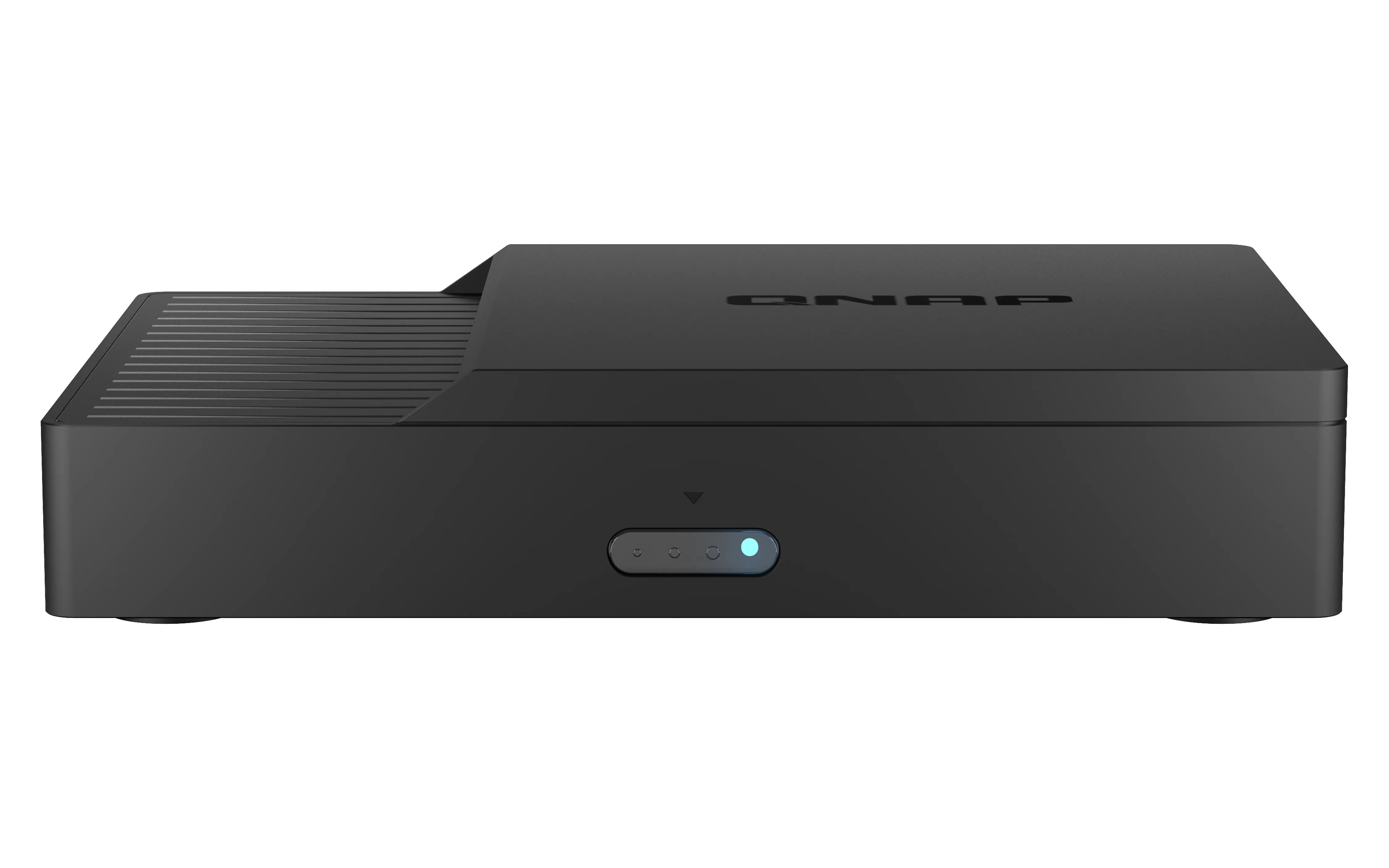
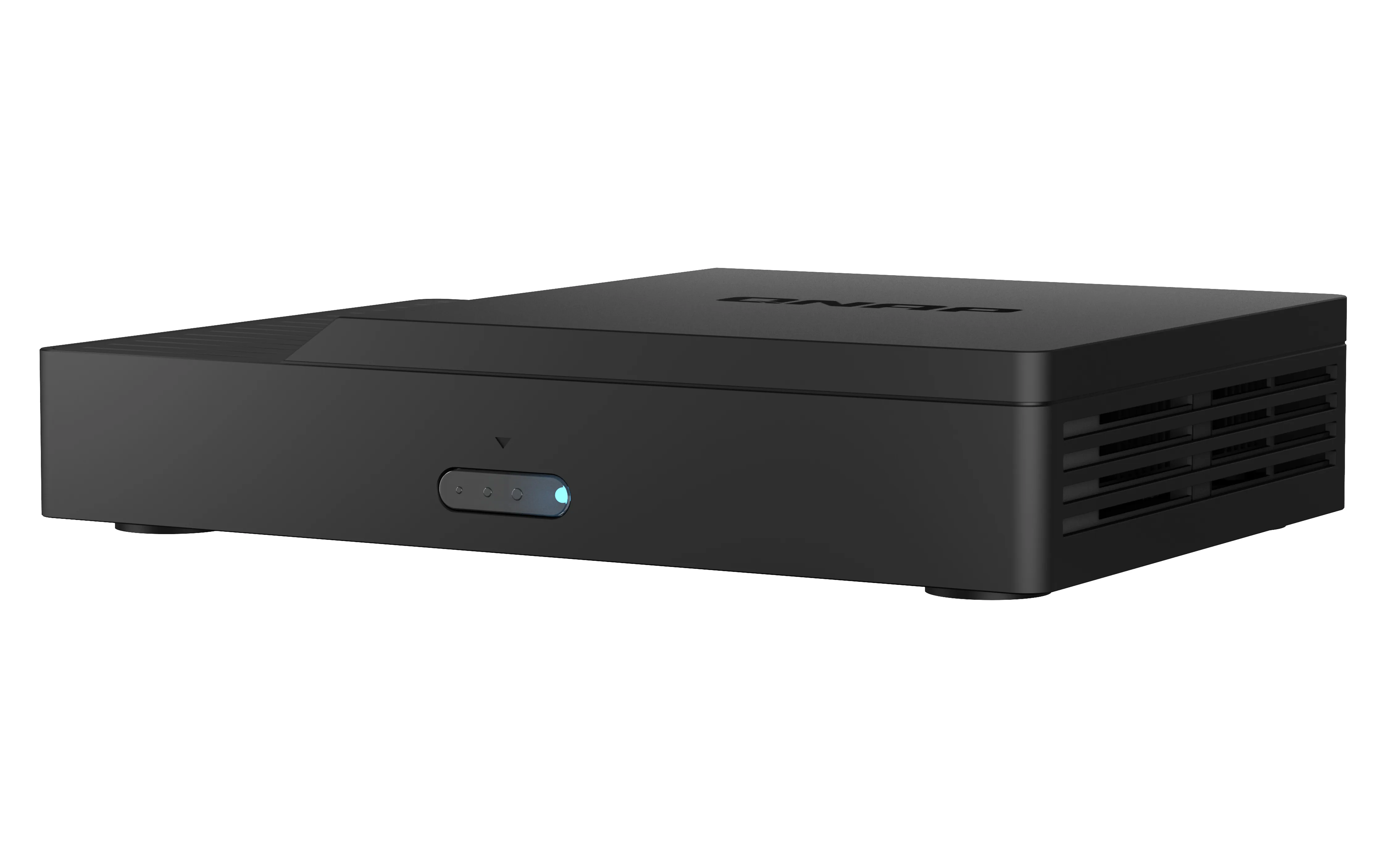
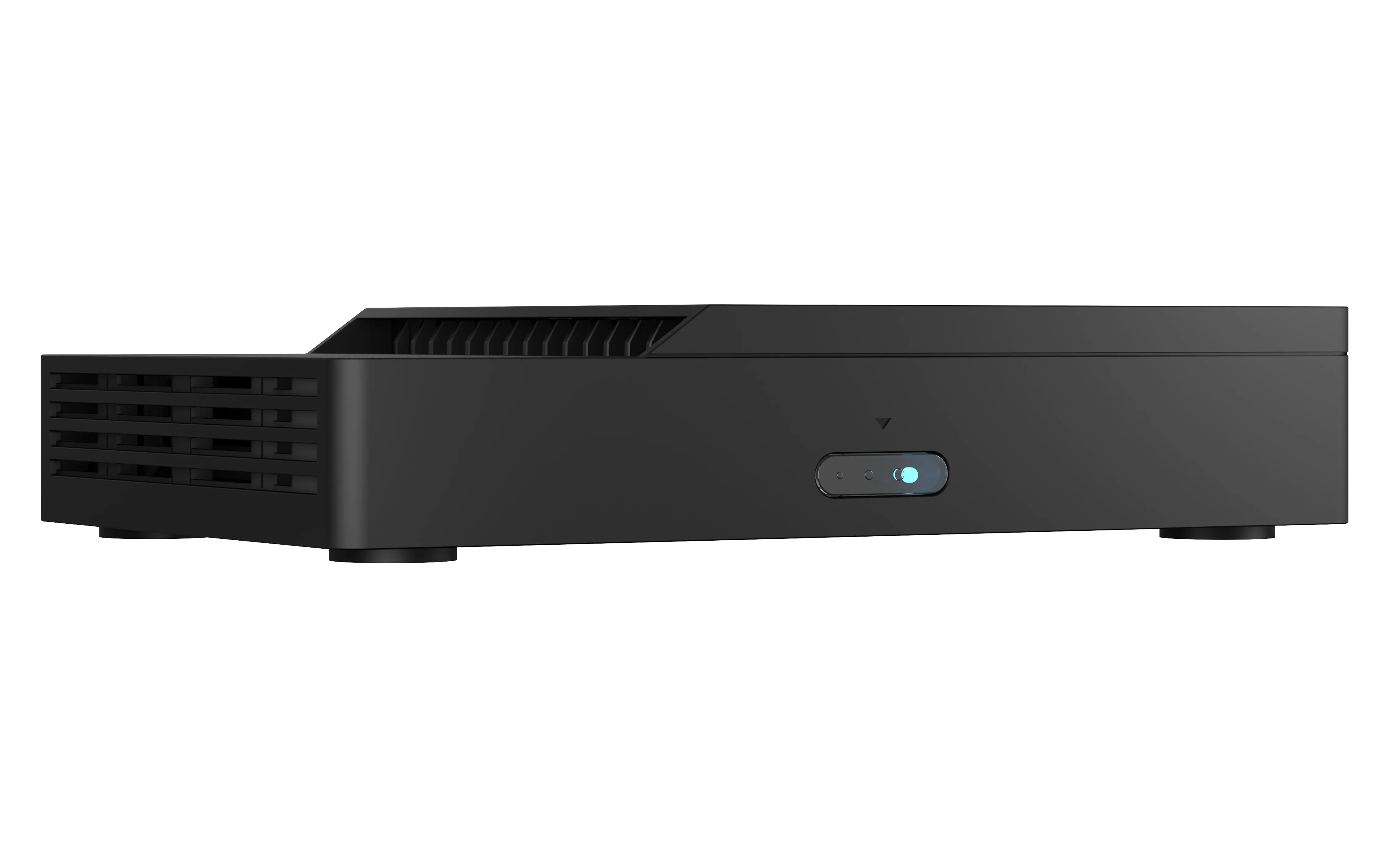
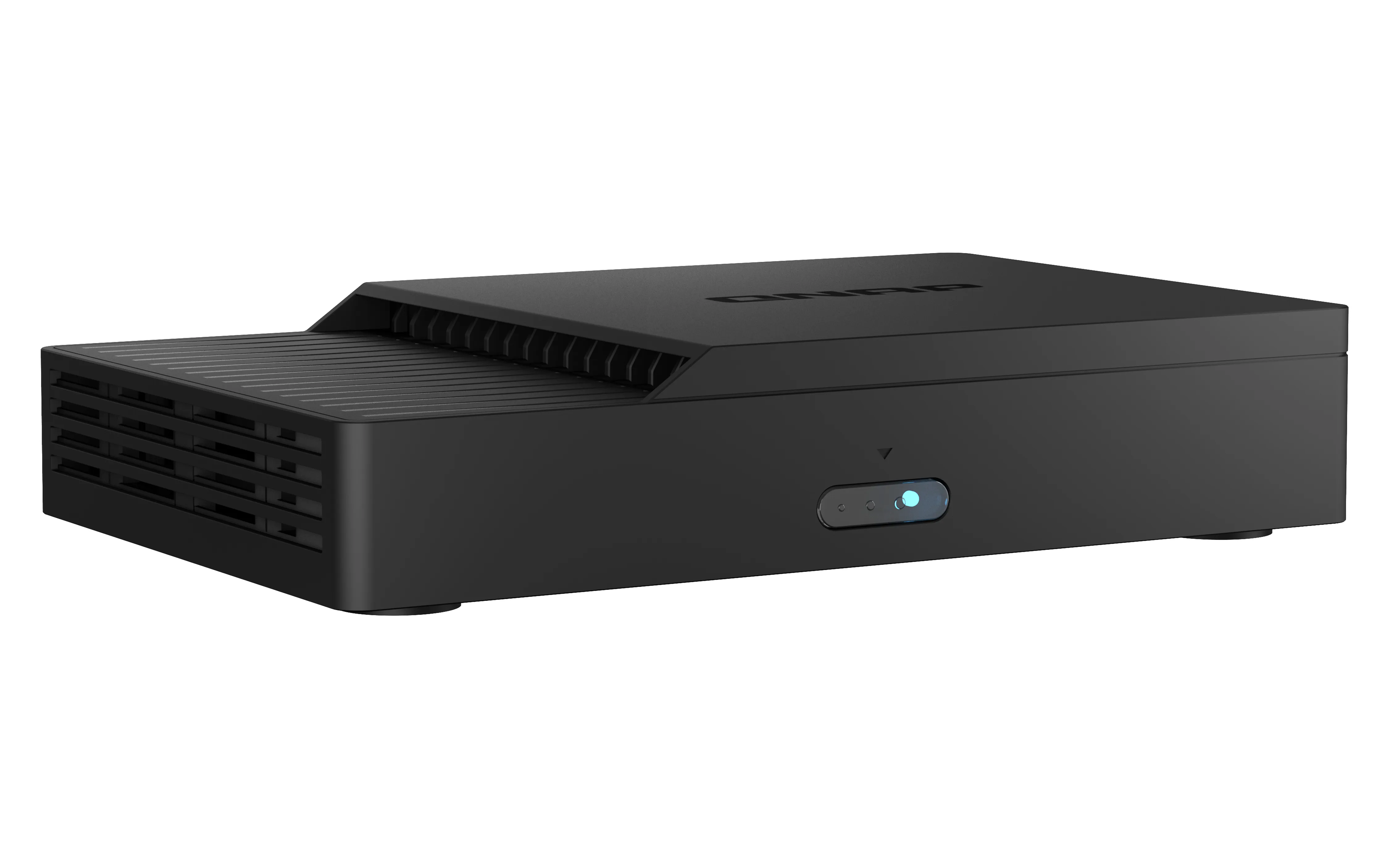
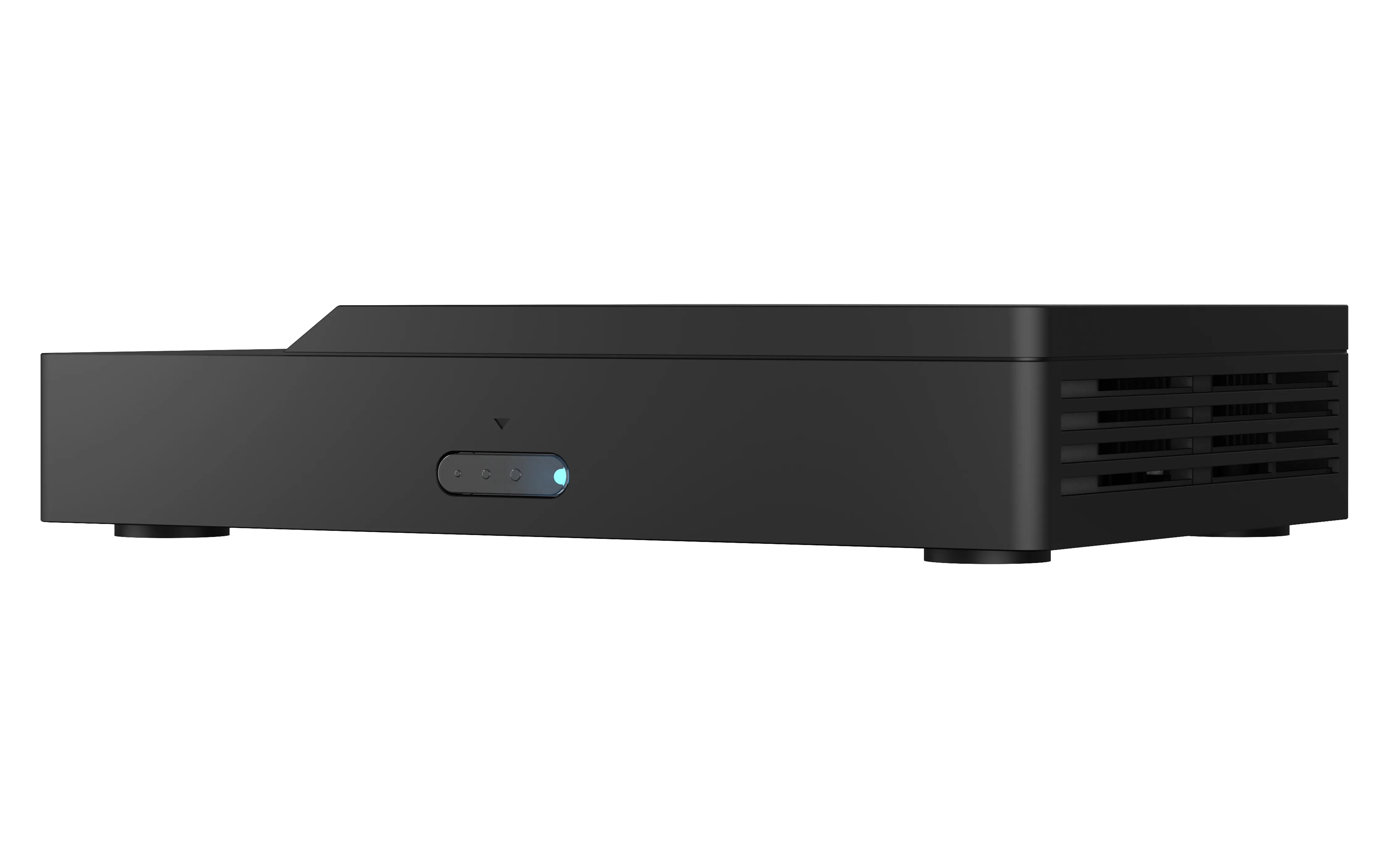
QNAP KoiBox-100W Intel Celeron TGL 6305 4GB DDR4 1xGbE RJ45 video conferencing
Производитель: QNAP SYSTEMS
ID: KOIBOX-100W
Multitronic Vaasa
Multitronic Pietarsaari
Multitronic Jyväskylä
Multitronic Lappeenranta
Multitronic Mariehamn
Характеристики
Описание
Наличие в магазинах
Доставка
Динамика цен
Manuals
| Технические характеристики | |
| Гарантийный срок | 2 лет |
| Порты и интерфейсы | |
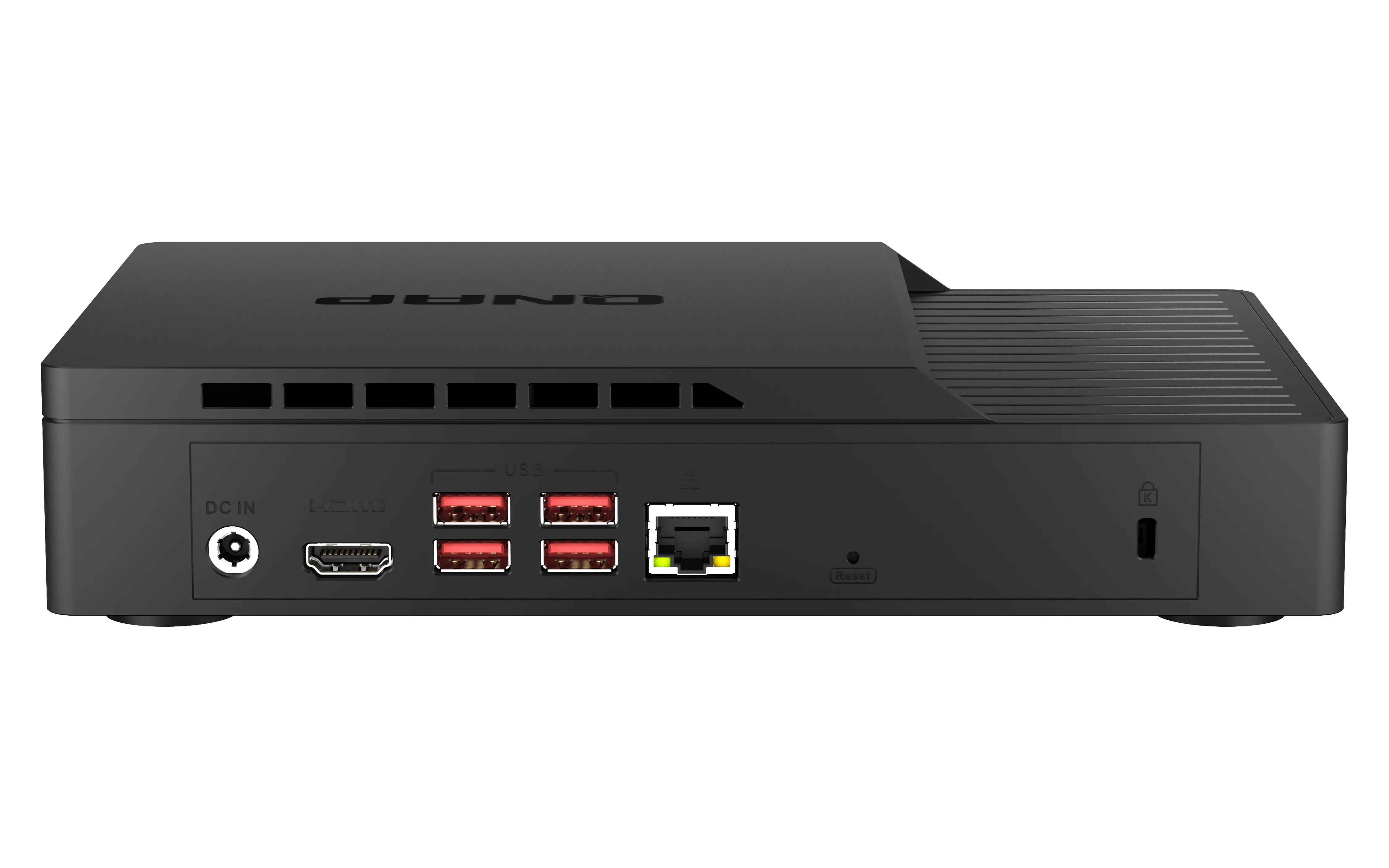
| Интерфейс | HDMI |
| Количество портов Ethernet LAN ( RJ-45) | 1 |
| Гнездо входа постоянного тока (DC) |  |
| Версия HDMI | 1.4b |
| Количество HDMI выходов | 1 |
| Количество портов USB 3.2 Gen 1 (3.1 Gen 1) Type-A | 4 |
| Вес и размеры | |
| Вес | 1,09 kg |
| Масса брутто | 150 g |
| Высота | 232 mm |
| Ширина | 152,1 mm |
| Глубина | 45 mm |
| Глубина упаковки | 57,5 mm |
| Высота упаковки | 293 mm |
| Ширина упаковки | 263 mm |
| Энергопитание | |
| Входное напряжение | 100 - 240 V |
| Частота входного сигнала | 50/60 Hz |
| Тип источника питания | Постоянный ток |
| Внешние условия | |
| Диапазон относительной влажности при эксплуатации | 5 - 95% |
| Диапазон рабочих температур | 0 - 40 °C |
| Сеть | |
| Wi-Fi стандартов | Wi-Fi 6 (802.11ax) |
| Свивка кабеля | 10/100/1000Base-T(X) |
| Подключение Ethernet | |
| Стандарты сети | IEEE 802.11a, IEEE 802.11ac, IEEE 802.11ax, IEEE 802.11b, IEEE 802.11g, IEEE 802.11n |
| Скорость передачи данных Ethernet LAN | 10,100,1000 Mbit/s |
| Основной стандарт Wi-Fi | Wi-Fi 6 (802.11ax) |
| Модель WLAN контроллера | Intel Wi-Fi 6 AX201 |
| Характеристики управления | |
| Кнопка сброса установок | |
| Вкл/Выкл переключатель | |
| Содержимое упаковки | |
| Сетевой адаптер в комплекте | |
| Пульт дистанционного управления | |
| Краткая инструкция пользователя | |
| Дизайн | |
| Формат | Настольный |
| Слот кабельной блокировки | |
| Светодиодные индикаторы | ЛВС, Статус |
| Цвет товара | Black |
| Тип слота кабельной блокировки | Kensington |
| Свойства | |
| Тактовая частота процессора | 1,8 МГц |
| Модель процессора | 6305 |
| Видеокарта | Intel® UHD Graphics |
| Производитель процессора | Intel |
| Семейство процессоров | Intel Celeron |
| Поддерживаемые видеоформаты | 1080p, 1440p, 2160p |
| Количество ядер процессора | 2 |
| Емкость RAM | 4 GB |
| Емкость встроенной памяти | 30 GB |
| Носитель | SSD |
| Гостевой доступ | |
| Управление конференцией | |
| Поддерживаемые разрешения потокового видео | 4096 x 2160 |
| Логистические данные | |
| Страна производства | Тайвань |
| Количество в мастер-картоне | 8 шт |
| Код гармонизированной системы описания (HS) | 85176990 |
| EAN | 4713213519943 |
| Гарантия | 3 лет |
| Source: Icecat.biz | |
KoiBox-100W
High-quality video conferencing and 4K wireless presentation solution for business meeting rooms
Running the KoiMeeter video conferencing operating system, the KoiBox-100W is the ideal replacement for costly SIP-based conferencing systems and features value-added 4K wireless projection, four-way communication, and local storage features. Creating private meetings with the KoiBox-100W provides higher security and privacy compared with public cloud meetings, and the auto-answering function provides greater convenience in certain usage environments. Besides private meetings, the KoiBox-100W streamlines communication between different platforms by allowing joining Zoom®, Skype™, Microsoft Teams®, Cisco Webex®, and Google Meet™ calls.
Connect, click, and start your meetings!
Simply connect the KoiBox-100W to an HDMI display and network, and you’re ready to go. Coupled with affordable cameras and microphones, you can easily start video conferencing and wireless presentations without requiring complex settings. Simply call another KoiBox-100W, KoiMeeter system, KoiMeeter mobile app, or compatible SIP system (such as Avaya® or Polycom®) to start a high-resolution video conference, or alternatively join other cloud conferencing rooms*. The KoiBox-100W is the ideal solution for budget-constrained organizations to deploy in all their meeting rooms.
The KoiMeeter video conferencing operating system
KoiMeeter, engineered for optimal video conferencing experience, is the ideal solution for organizations to create private meeting systems with trusted security. It also offers great compatibility with mainstream cloud video conferencing services for seamless communication. The highly-anticipated 4K wireless projection makes it easy for all members in the same meeting room view the KoiBox-100W screen on an HDMI display without needing a dedicated computer.
Up to four-way video conferencing and collaboration
The KoiBox-100W can form up to 4-way video conferencing with QNAP NAS running the KoiMeeter and mobile phones with KoiMeeter mobile app*. The KoiBox-100W also supports SIP systems and cloud meeting platforms for cross-platform communications.
- Join meetings with NAS
Install KoiMeeter on a QNAP NAS to transform the NAS as a video conferencing system!
- Join meetings from mobile devices
Join meetings from anywhere by using the KoiMeeter mobile app.
- Join meetings from computers
Join meetings in a web browser (Chrome™ or Firefox®) by using the browser-based version of KoiMeeter. (Feature coming soon)
- Join cloud meeting rooms
KoiBox-100W is well-integrated with popular cloud meeting platforms.
- Join meetings with SIP systems
Flexibly join a multi-point video conference launched by a SIP system (such as Avaya, Polycom, and others).
Automatically answer calls
Ensure you never miss any calls and meetings by enabling the auto answering function. It is useful for scenarios such as elderly or disabled people, or assembly line workers who can’t leave their position.
4K wireless projection. Free yourself from cables.
No cables. No software installation. KoiBox-100W provides a seamless wireless projection experience free from complex cabling and without the need of buying additional projection devices.
- Cast your screen using a browser
Open a browser (Chrome™ or Firefox®), enter the display’s IP address, and project your screen to start the presentation. No additional wireless projectors, dongles, or software is needed.
- 4K UHD playback
KoiBox-100W supports up to 4K Ultra HD resolution that delivers your presentation with optimal image quality to engage your audience.
- Four-way split screens
Display up to four split screens from different devices in a single presentation.
- Three projection modes
Presenters can choose from “entire screen mode”, “specific application window mode” and “Chrome tab mode” to fit their needs.
Notes: Firefox® does not support “Chrome tab mode”.
- Remote projection
Simultaneously project one screen to multiple KoiBox-100W or KoiMeeter systems via the Internet for greater flexibility and convenience.
Share your mobile phone screen
Simply scan the KoiBox-100W QR code to project your mobile phone screen and camera display on a monitor.
Remote view and chat room
Meeting participants can remotely view the presentation on their computers and use the built-in chat room to share files and have their voices heard.
Record and store meetings
KoiBox-100W includes a 2.5-inch SATA drive bay (SSD/hard drive sold separately) for storing meeting video, audio, and files in the chat room.
Easy-to-use, affordable video conferencing and wireless presentation experience
As an all-in-one video conferencing and wireless presentation solution, KoiBox-100W is perfect for small-to-medium meeting rooms, director’s offices, classrooms, lecture halls, and even home environments.
Multitronic Vaasa: 0 шт
Срок доставки: 30.11 - 01.12
Сегодня: 10:00 - 18:00
Multitronic Pietarsaari: 0 шт
Срок доставки: 30.11 - 01.12
Сегодня: Закрыт
Multitronic Jyväskylä: 0 шт
Срок доставки: 30.11 - 01.12
Сегодня: 10:00 - 17:00
Multitronic Lappeenranta: 0 шт
Срок доставки: 30.11 - 01.12
Сегодня: 10:00 - 18:00
Multitronic Mariehamn: 0 шт
Срок доставки: 30.11 - 01.12
Сегодня: 10:00 - 17:00
Самовывоз из магазина
Время доставки: 30.11 - 01.12
Posti: Постоматы и пункты самовывоза
Время доставки: 30.11
Posti: Почтовое отправление
Время доставки: 01.12
Matkahuolto: Постоматы и пункты самовывоза
Время доставки: 01.12
Posti: Доставка до двери
Время доставки: 01.12
Matkahuolto: Для бизнеса
Время доставки: 30.11 - 01.12
Matkahuolto: Доставка на дом
Время доставки: 30.11 - 01.12
Posti: Доставка домой
Время доставки: 01.12
- leaflet (English)
- leaflet (English)
- manual pdf (English)
- Hardware Specs (English)
The above technical details are for reference only and may change without notice. We reserve the right to correct printing errors and use illustrations for guidance. Some text may be auto-generated or machine-translated, which could lead to inaccuracies.