

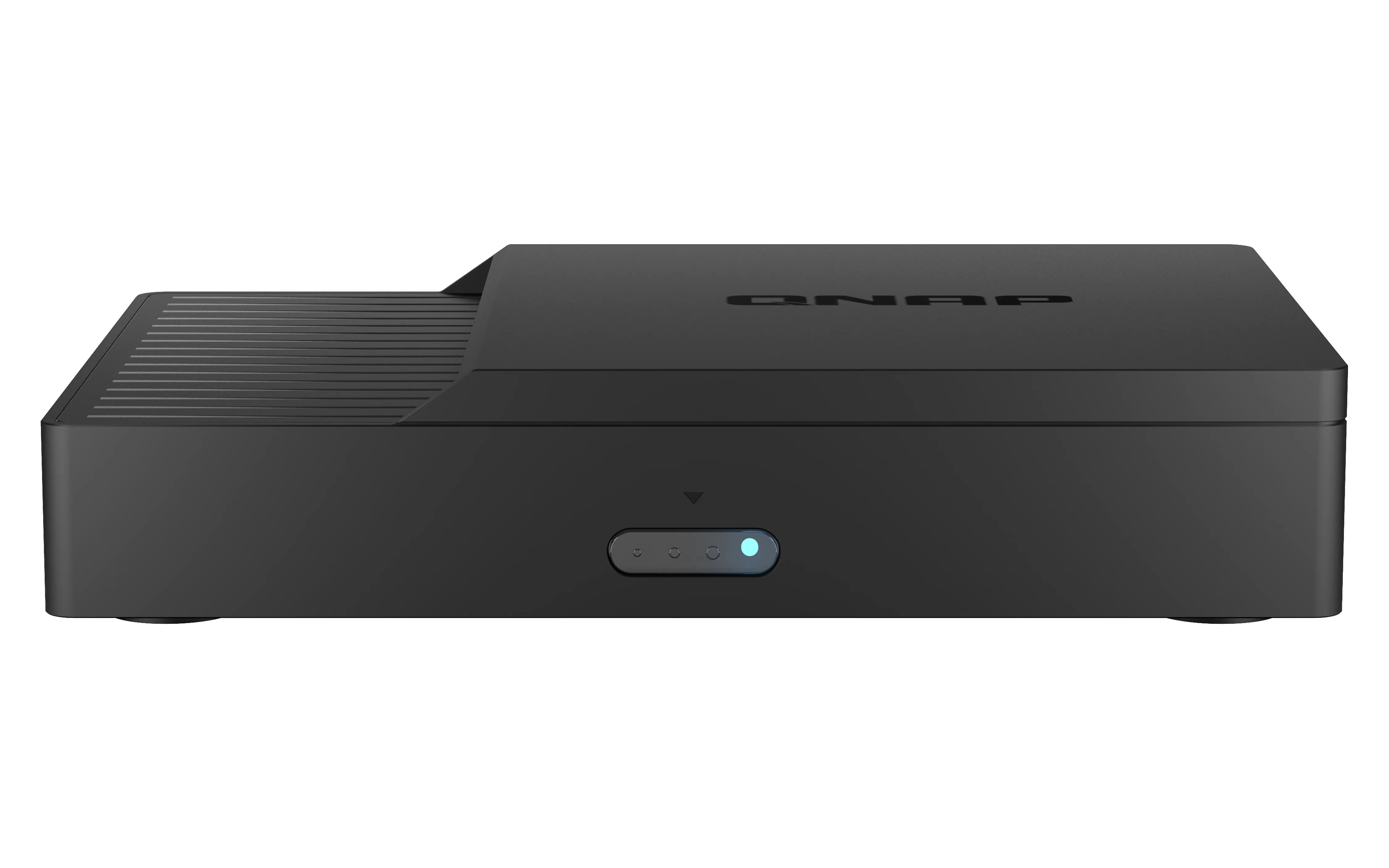
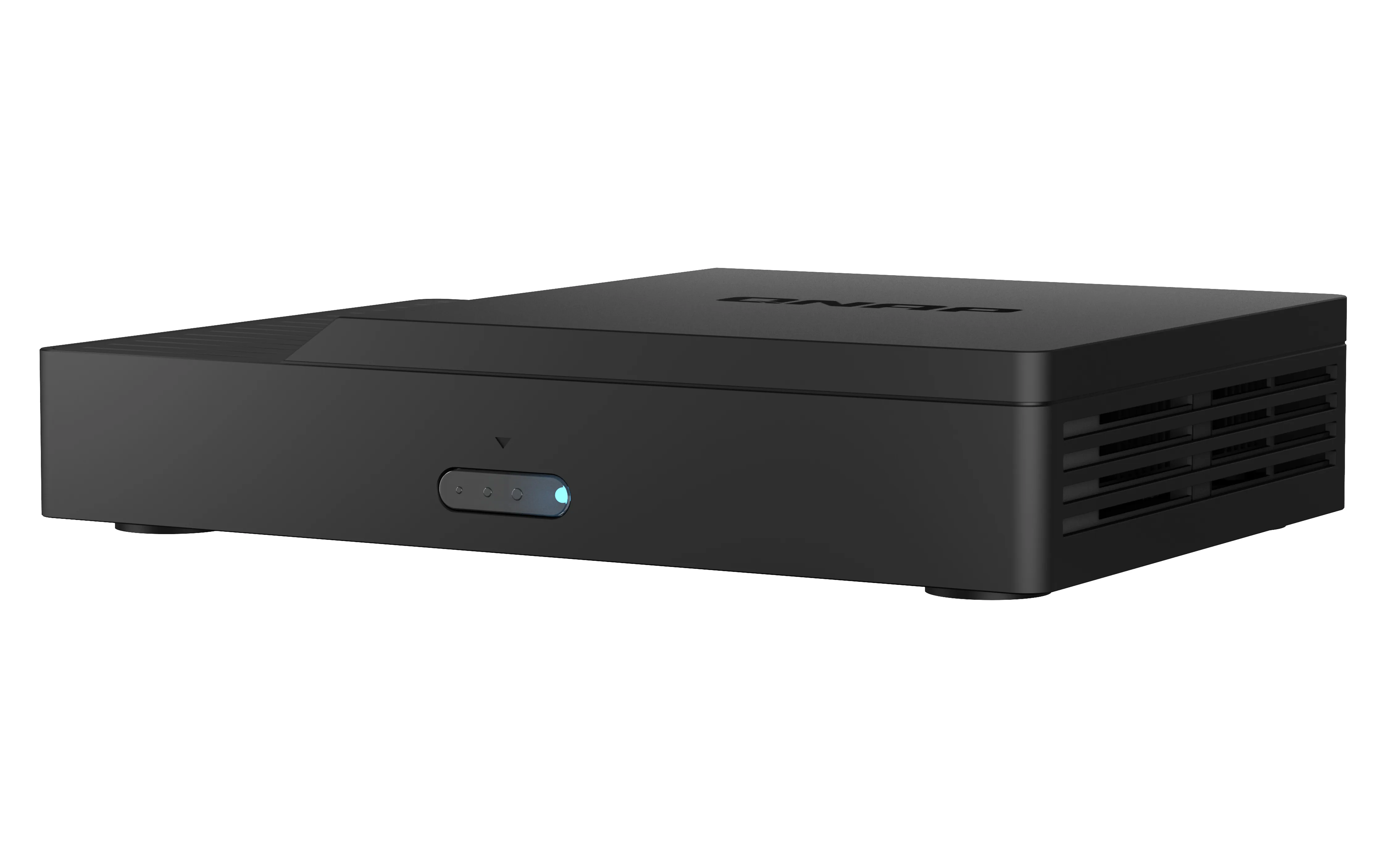
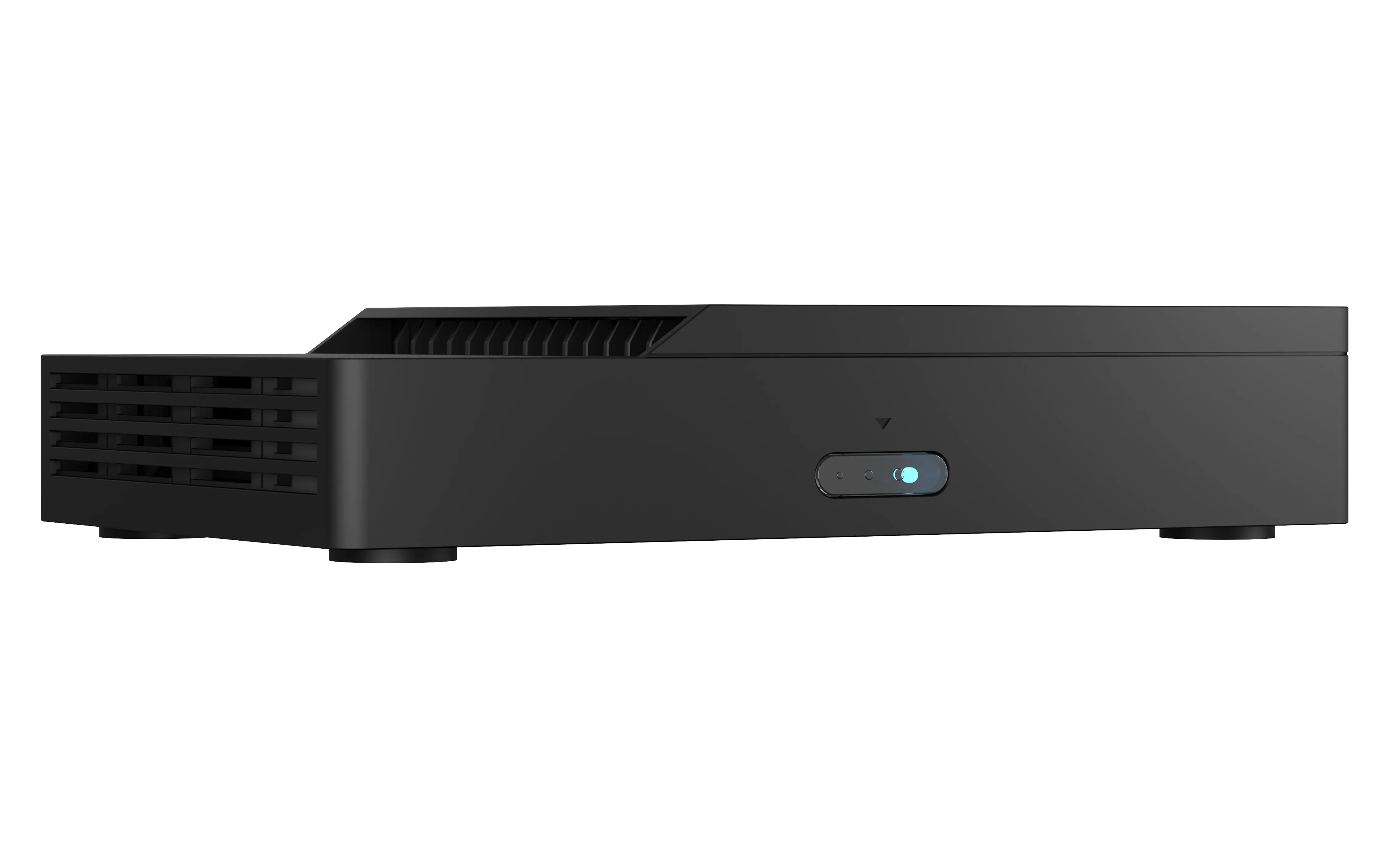
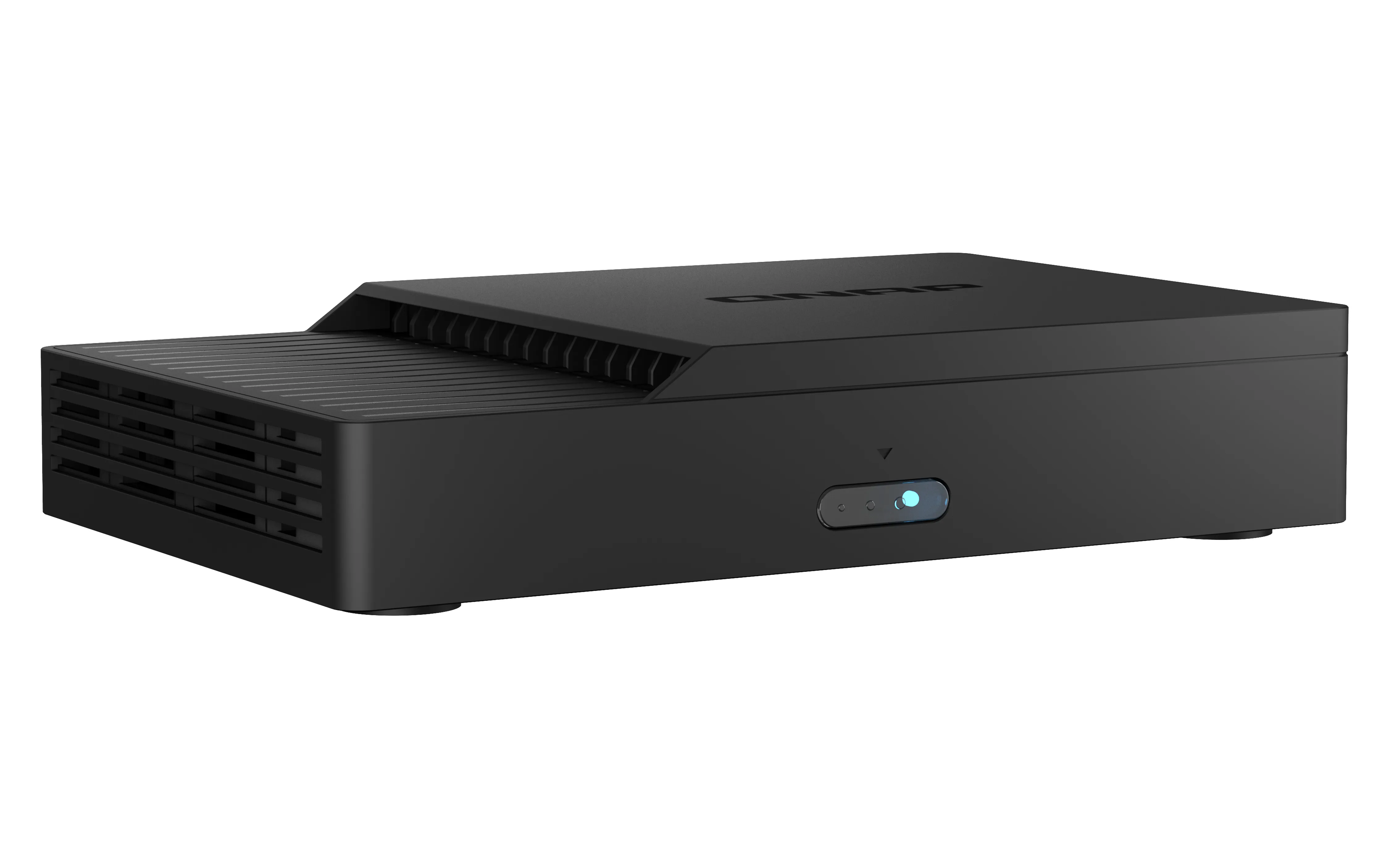
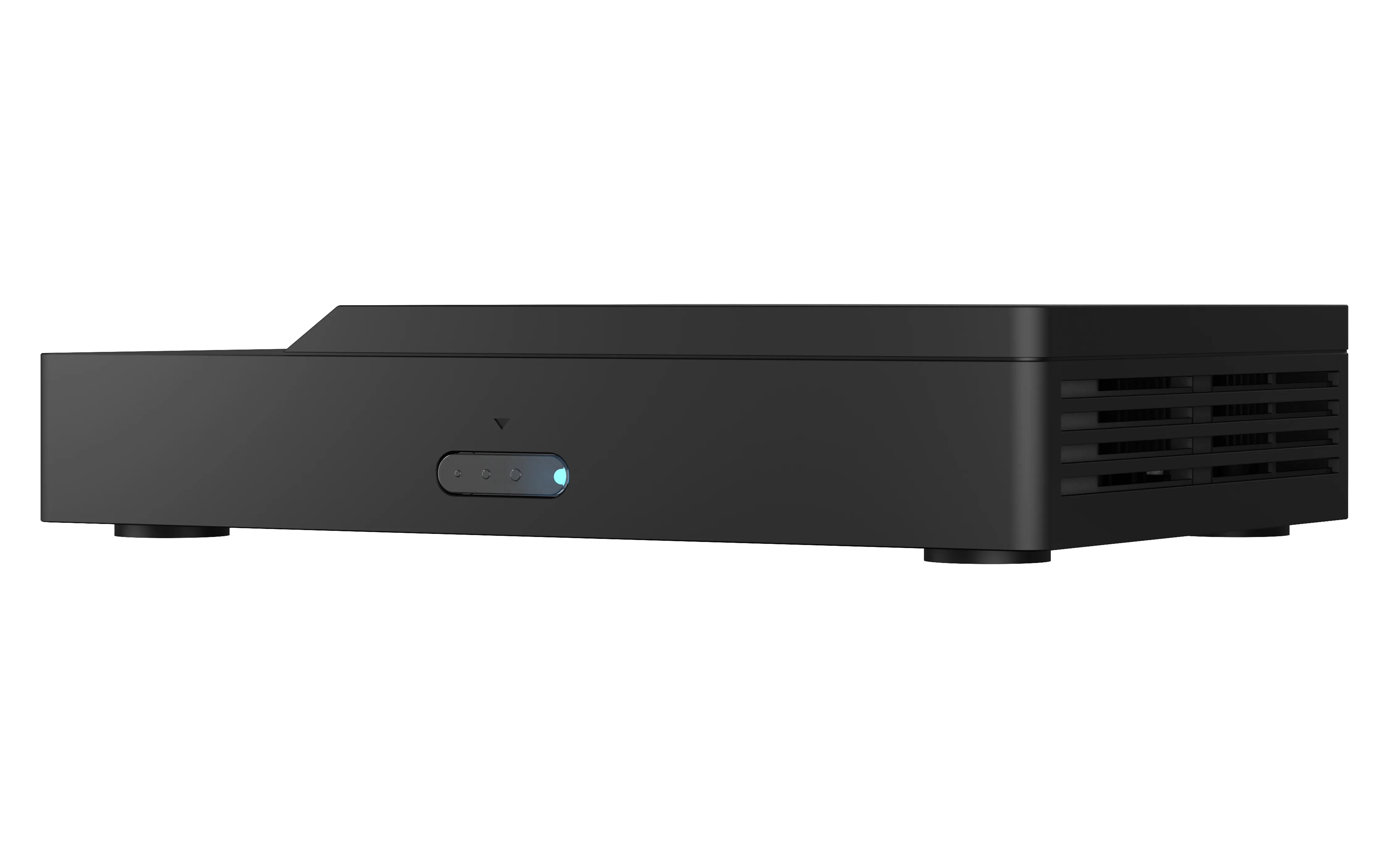
QNAP KoiBox-100W Intel Celeron TGL 6305 4GB DDR4 1xGbE RJ45 video conferencing
Tillverkare: QNAP SYSTEMS
ID: KOIBOX-100W
66090€
Visa Moms 0%
Visa Moms 25,5%
Multitronic Vasa
Multitronic Jakobstad
Multitronic Jyväskylä
Multitronic Villmanstrand
Multitronic Mariehamn
Produktspecifikation
Beskrivning
På lager i butiker
Leverans
Prisutveckling
Manuals
| Tekniska data | |
| Garantiperiod | 2 År |
| Anslutningar | |
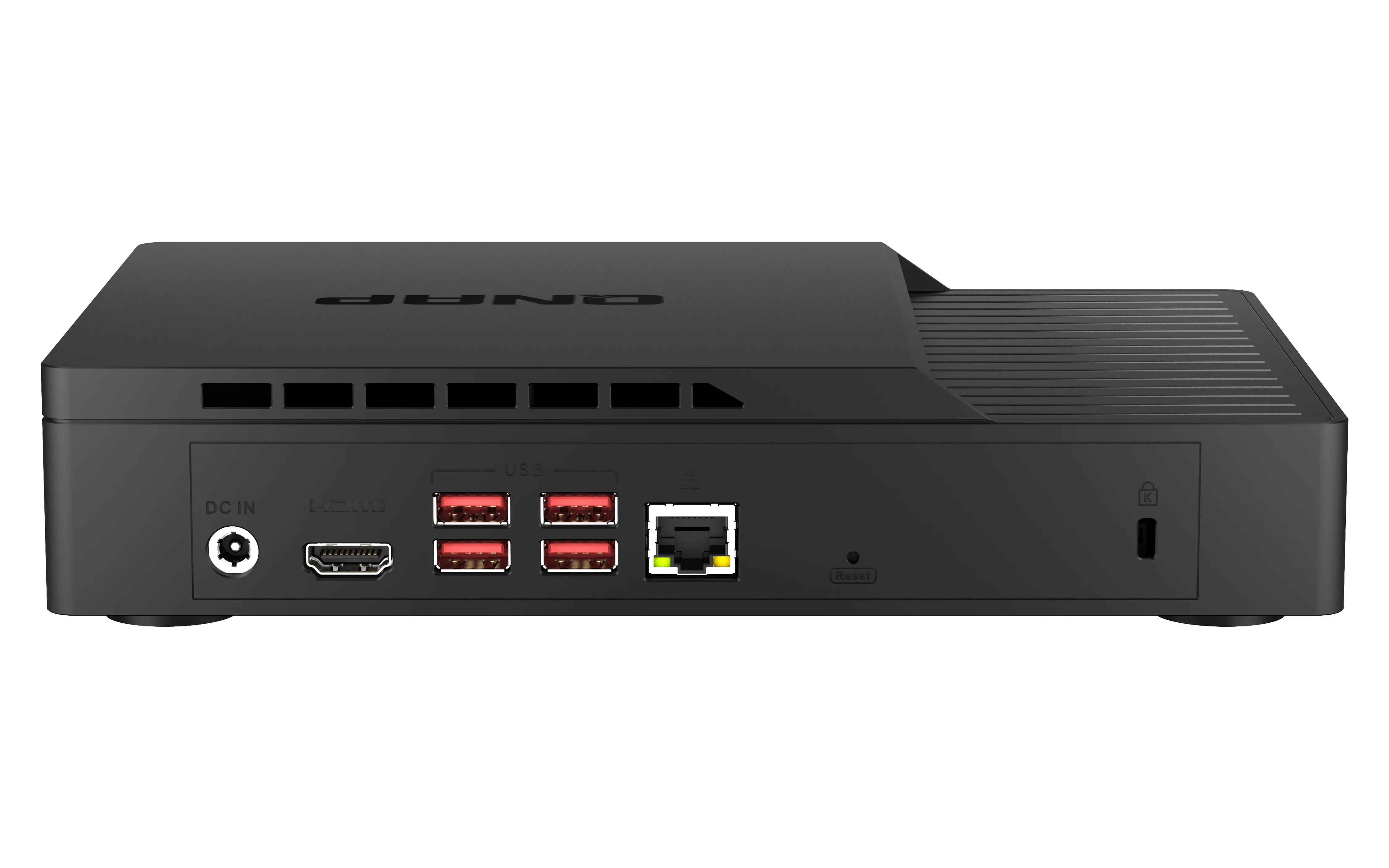
| Gränssnitt | HDMI |
| Antal LAN (RJ-45) anslutningar | 1 |
| Likströmsingång |  |
| HDMI-version | 1.4b |
| Antal HDMI-utgångar | 1 |
| Antal USB 3.2 Gen 1 (3.1 Gen 1) typ A-portar | 4 |
| Vikt & dimension | |
| Vikt | 1,09 kg |
| Vikt inkl. förpackning | 150 g |
| Höjd | 293 mm |
| Bredd | 152,1 mm |
| Djup | 45 mm |
| Låddjup | 57,5 mm |
| Förpackningens bredd | 263 mm |
| Strömtillförsel | |
| Spänning | 100 - 240 V |
| Ingångsfrekvens | 50/60 hz |
| Strömkälla av typen | DC |
| Miljökrav | |
| Intervall för relativ operativ luftfuktighet | 5 - 95% |
| Temperatur vid drift | 0 - 40 ° C |
| Nätverk | |
| Wi-Fi-standarder | Wi-Fi 6 (802.11ax) |
| Kabelteknik | 10/100/1000Base-T(X) |
| Nätverksansluten (Ethernet) | |
| Kommunikationsstandarder | IEEE 802.11a, IEEE 802.11ac, IEEE 802.11ax, IEEE 802.11b, IEEE 802.11g, IEEE 802.11n |
| Datahastighet för Ethernet-LAN | 10,100,1000 Mbit/s |
| Wi-Fi-standard | Wi-Fi 6 (802.11ax) |
| WLAN-kontrollens modell | Intel Wi-Fi 6 AX201 |
| Management features | |
| Återställningsknapp | |
| På / av-knapp | |
| Förpackningens innehåll | |
| AC-adapter inkluderad | |
| Fjärrkontroll ingår | |
| Snabbstartsguide | |
| Design | |
| Formfaktor | Skrivbord |
| Produktvikt (oz) | |
| LED-indikatorer | LAN, Status |
| Produktens färg | Svart |
| Typ av kabellåsanslutning | Kensington |
| Egenskaper | |
| Processorfrekvens | 1,8 MHz |
| Processor | 6305 |
| Video adapter | Intel® UHD Graphics |
| Processortillverkare | Intel |
| Processorfamilj | Intel Celeron |
| Videolägen som stöds | 1080p, 1440p, 2160p |
| Processorkärnor | 2 |
| RAM-kapacitet | 4 GB |
| Intern lagringskapacitet | 30 GB |
| Lagringsmedia | SSD |
| Gästanvändare | |
| Konferenskontroll | |
| Upplösning som stöds för strömmande video | 4096 x 2160 |
| Logistikdata | |
| Ursprungsland | Taiwan |
| Produkter per ytterförpackning | 8 styck |
| Harmonized System (HS)-kod | 85176990 |
| EAN | 4713213519943 |
| Garanti | 3 år |
| Source: Icecat.biz | |
KoiBox-100W
High-quality video conferencing and 4K wireless presentation solution for business meeting rooms
Running the KoiMeeter video conferencing operating system, the KoiBox-100W is the ideal replacement for costly SIP-based conferencing systems and features value-added 4K wireless projection, four-way communication, and local storage features. Creating private meetings with the KoiBox-100W provides higher security and privacy compared with public cloud meetings, and the auto-answering function provides greater convenience in certain usage environments. Besides private meetings, the KoiBox-100W streamlines communication between different platforms by allowing joining Zoom®, Skype™, Microsoft Teams®, Cisco Webex®, and Google Meet™ calls.
Connect, click, and start your meetings!
Simply connect the KoiBox-100W to an HDMI display and network, and you’re ready to go. Coupled with affordable cameras and microphones, you can easily start video conferencing and wireless presentations without requiring complex settings. Simply call another KoiBox-100W, KoiMeeter system, KoiMeeter mobile app, or compatible SIP system (such as Avaya® or Polycom®) to start a high-resolution video conference, or alternatively join other cloud conferencing rooms*. The KoiBox-100W is the ideal solution for budget-constrained organizations to deploy in all their meeting rooms.
The KoiMeeter video conferencing operating system
KoiMeeter, engineered for optimal video conferencing experience, is the ideal solution for organizations to create private meeting systems with trusted security. It also offers great compatibility with mainstream cloud video conferencing services for seamless communication. The highly-anticipated 4K wireless projection makes it easy for all members in the same meeting room view the KoiBox-100W screen on an HDMI display without needing a dedicated computer.
Up to four-way video conferencing and collaboration
The KoiBox-100W can form up to 4-way video conferencing with QNAP NAS running the KoiMeeter and mobile phones with KoiMeeter mobile app*. The KoiBox-100W also supports SIP systems and cloud meeting platforms for cross-platform communications.
- Join meetings with NAS
Install KoiMeeter on a QNAP NAS to transform the NAS as a video conferencing system!
- Join meetings from mobile devices
Join meetings from anywhere by using the KoiMeeter mobile app.
- Join meetings from computers
Join meetings in a web browser (Chrome™ or Firefox®) by using the browser-based version of KoiMeeter. (Feature coming soon)
- Join cloud meeting rooms
KoiBox-100W is well-integrated with popular cloud meeting platforms.
- Join meetings with SIP systems
Flexibly join a multi-point video conference launched by a SIP system (such as Avaya, Polycom, and others).
Automatically answer calls
Ensure you never miss any calls and meetings by enabling the auto answering function. It is useful for scenarios such as elderly or disabled people, or assembly line workers who can’t leave their position.
4K wireless projection. Free yourself from cables.
No cables. No software installation. KoiBox-100W provides a seamless wireless projection experience free from complex cabling and without the need of buying additional projection devices.
- Cast your screen using a browser
Open a browser (Chrome™ or Firefox®), enter the display’s IP address, and project your screen to start the presentation. No additional wireless projectors, dongles, or software is needed.
- 4K UHD playback
KoiBox-100W supports up to 4K Ultra HD resolution that delivers your presentation with optimal image quality to engage your audience.
- Four-way split screens
Display up to four split screens from different devices in a single presentation.
- Three projection modes
Presenters can choose from “entire screen mode”, “specific application window mode” and “Chrome tab mode” to fit their needs.
Notes: Firefox® does not support “Chrome tab mode”.
- Remote projection
Simultaneously project one screen to multiple KoiBox-100W or KoiMeeter systems via the Internet for greater flexibility and convenience.
Share your mobile phone screen
Simply scan the KoiBox-100W QR code to project your mobile phone screen and camera display on a monitor.
Remote view and chat room
Meeting participants can remotely view the presentation on their computers and use the built-in chat room to share files and have their voices heard.
Record and store meetings
KoiBox-100W includes a 2.5-inch SATA drive bay (SSD/hard drive sold separately) for storing meeting video, audio, and files in the chat room.
Easy-to-use, affordable video conferencing and wireless presentation experience
As an all-in-one video conferencing and wireless presentation solution, KoiBox-100W is perfect for small-to-medium meeting rooms, director’s offices, classrooms, lecture halls, and even home environments.
Multitronic Vasa: 0 st
Beräknad leverans: 30.11 - 01.12
Idag: 10:00 - 18:00
Multitronic Jakobstad: 0 st
Beräknad leverans: 30.11 - 01.12
Idag: Stängt (Inventering)
Multitronic Jyväskylä: 0 st
Beräknad leverans: 30.11 - 01.12
Idag: 10:00 - 17:00
Multitronic Villmanstrand: 0 st
Beräknad leverans: 30.11 - 01.12
Idag: 10:00 - 18:00
Multitronic Mariehamn: 0 st
Beräknad leverans: 30.11 - 01.12
Idag: 10:00 - 17:00
Avhämtning från butiken
Beräknad leveranstid: 30.11 - 01.12
Posti: Paketautomater och serviceställen
Beräknad leveranstid: 30.11
Posti: Postpaket
Beräknad leveranstid: 01.12
Matkahuolto: Paketautomater och serviceställen
Beräknad leveranstid: 01.12
Posti: Till dörren-paket
Beräknad leveranstid: 01.12
Matkahuolto: Företagspaket
Beräknad leveranstid: 30.11 - 01.12
Matkahuolto: Hempaket
Beräknad leveranstid: 30.11 - 01.12
Posti: Hempaket
Beräknad leveranstid: 01.12
- leaflet (English)
- leaflet (English)
- manual pdf (English)
- Hardware Specs (English)
De tekniska uppgifterna ovan är endast avsedda som referens och kan ändras. Vi förbehåller oss rätten att korrigera tryckfel och att använda illustrationer som vägledning. Viss text kan vara autogenererad eller maskinöversatt, vilket kan leda till felaktigheter.