

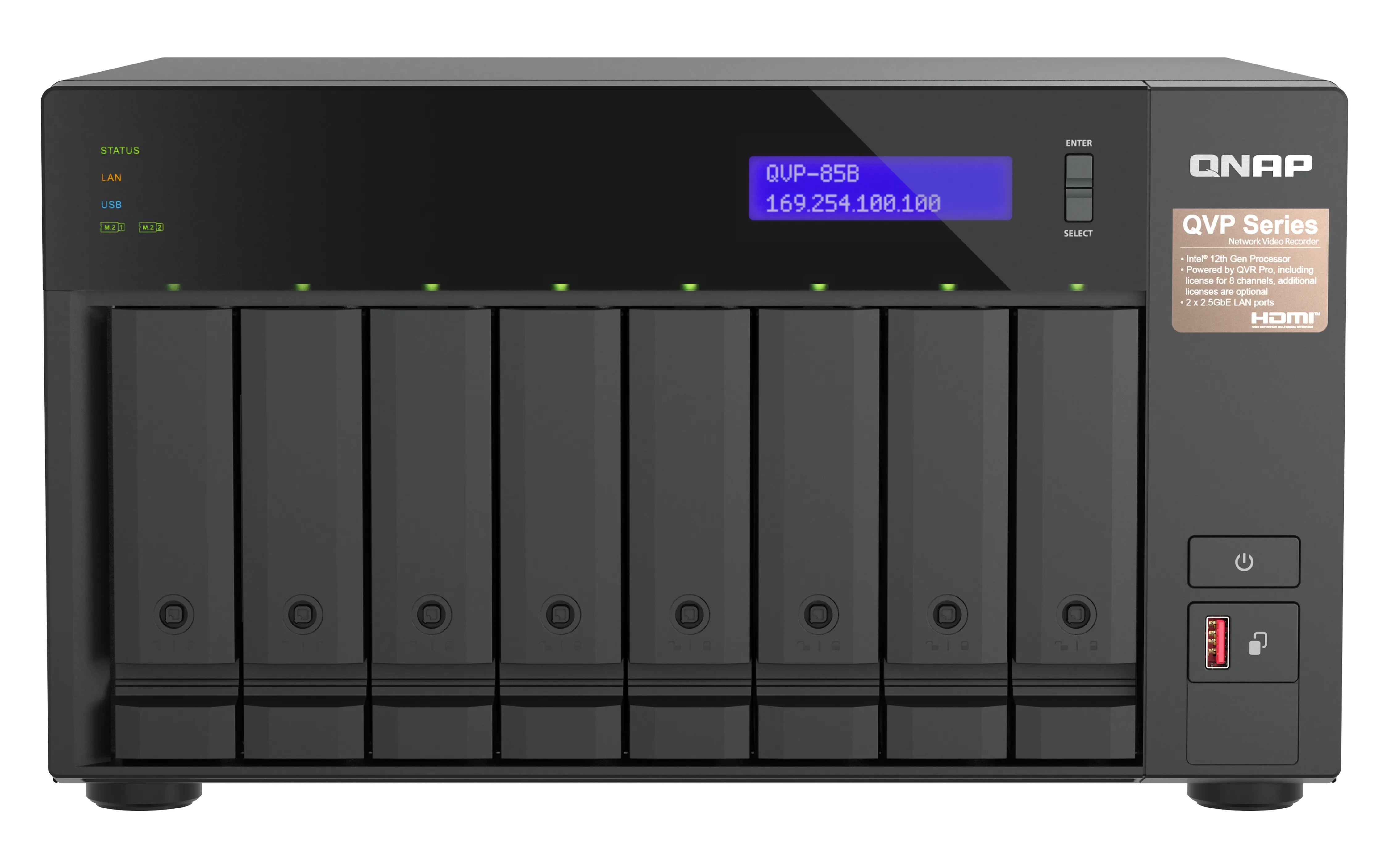
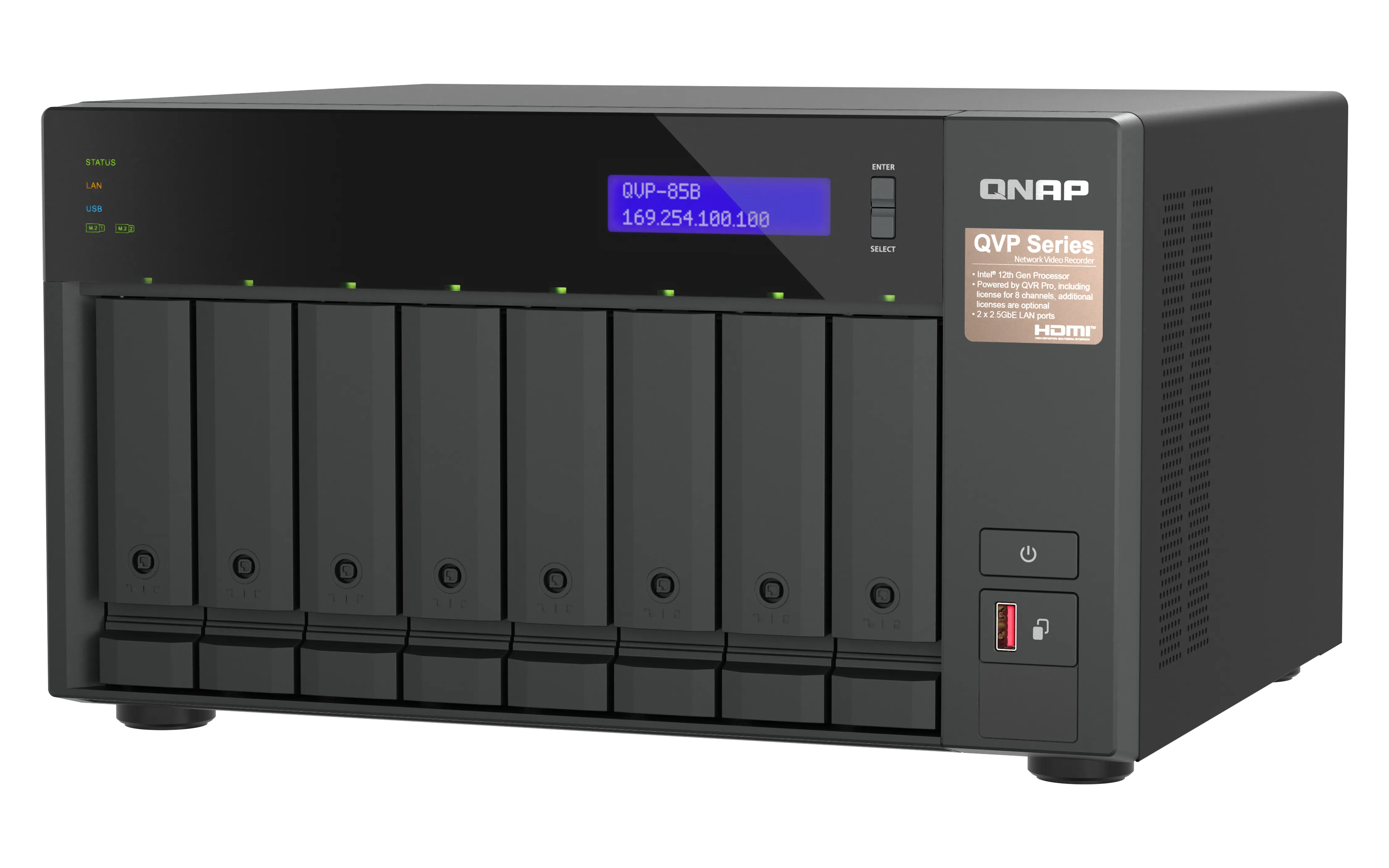
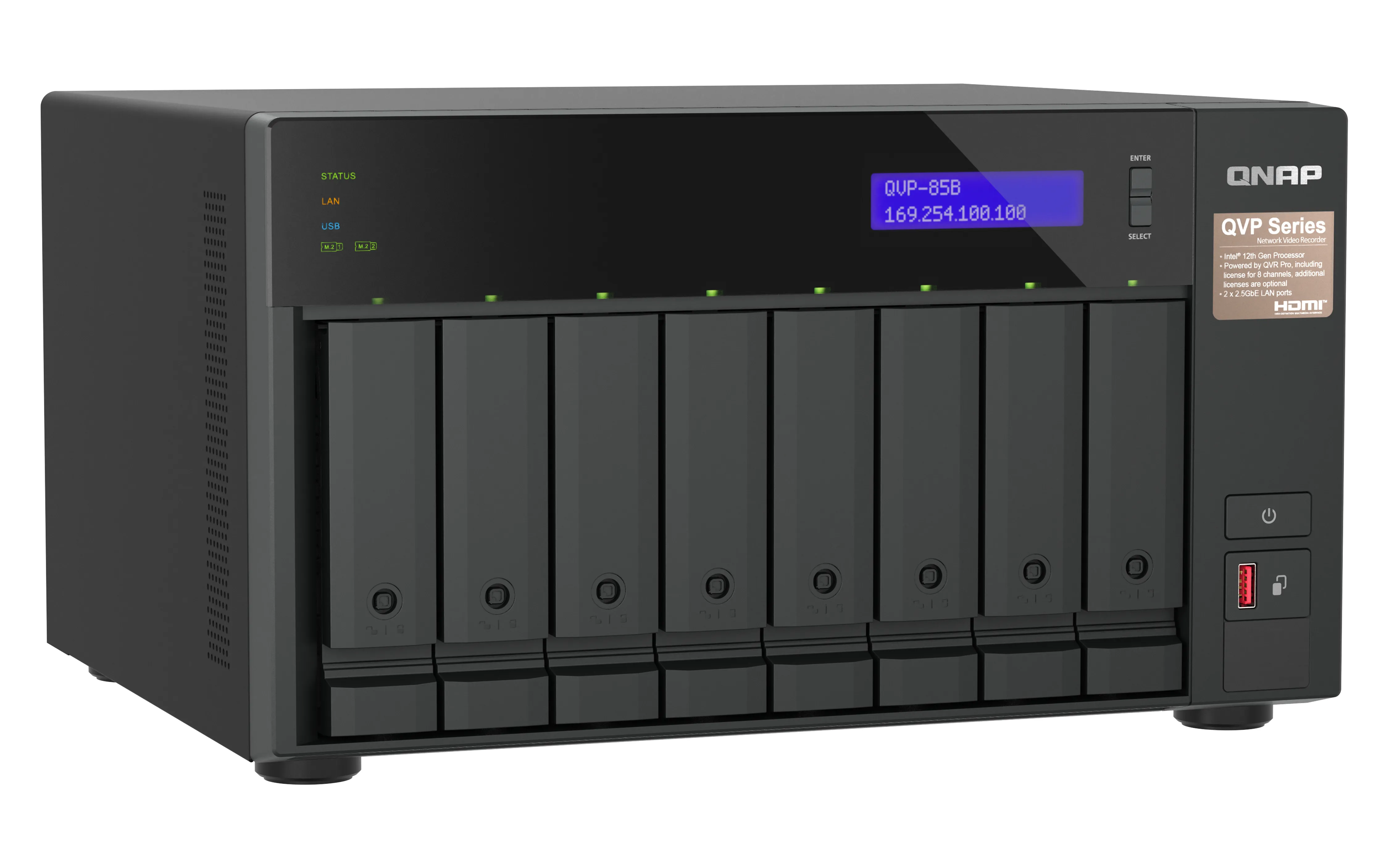
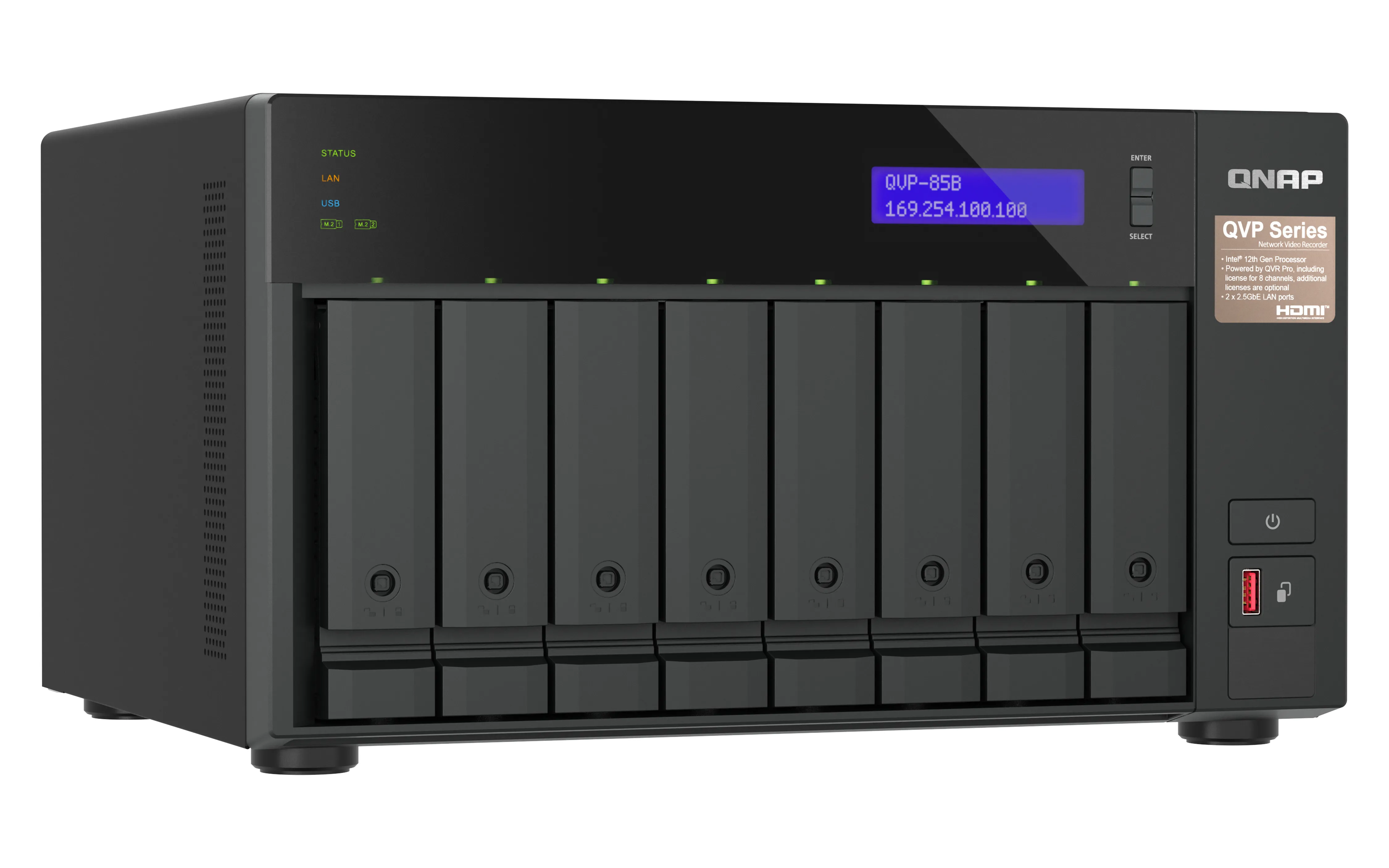
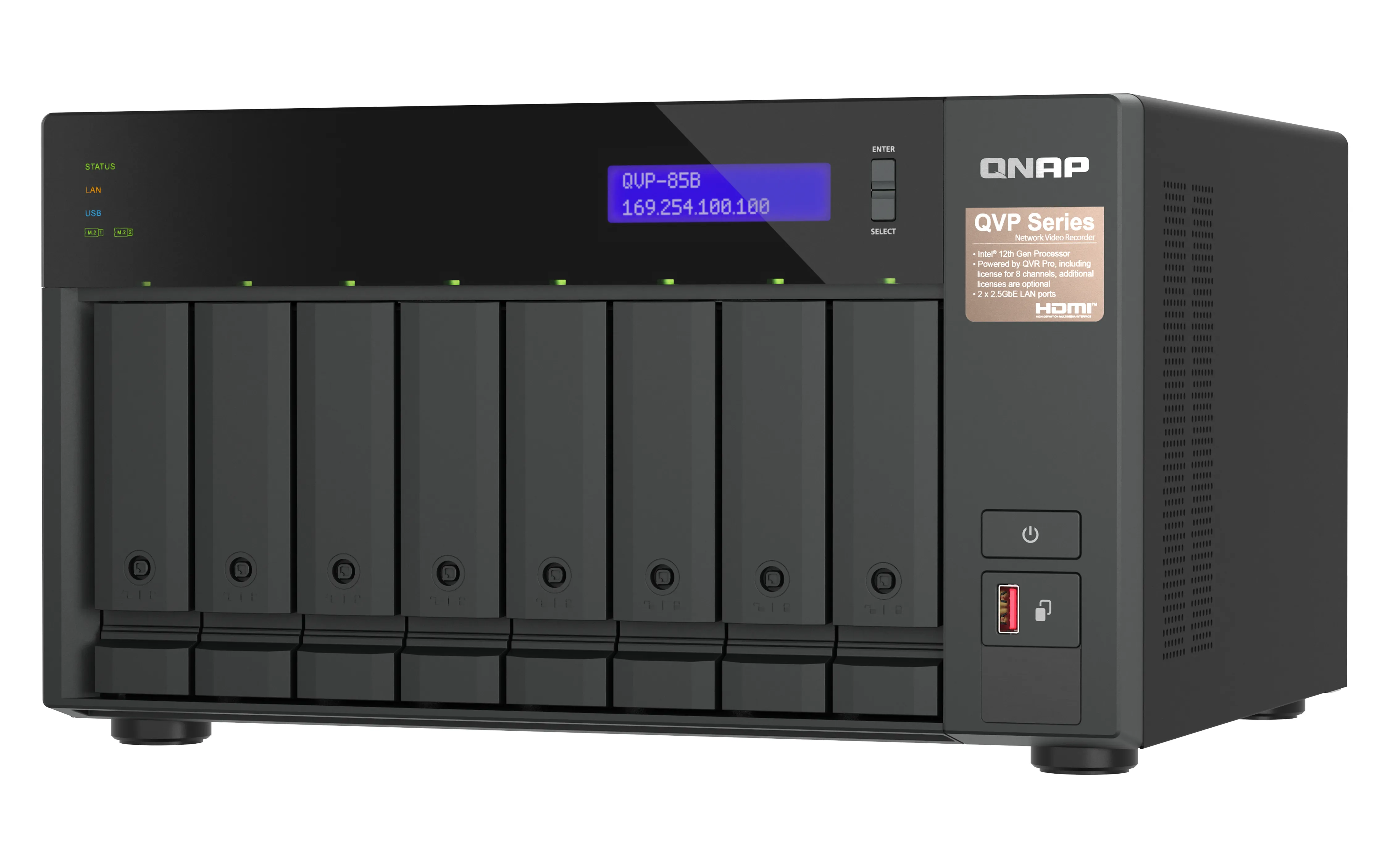
QNAP QVP-85B Surveillance NAS Intel Core i5-12400 6-core/12-thread Processor
Производитель: QNAP SYSTEMS
ID: QVP-85B
302890€
Показать НДС 0%
Показать НДС 25,5%
Multitronic Vaasa
Multitronic Pietarsaari
Multitronic Jyväskylä
Multitronic Lappeenranta
Multitronic Mariehamn
Характеристики
Описание
Наличие в магазинах
Доставка
Динамика цен
Manuals
| Процессор | |
| Производитель процессора | Intel |
| Семейство процессоров | Intel Core i5 |
| Количество ядер процессора | 6 |
| Потоки процессора | 12 |
| Память | |
| Тип внутренней памяти | DDR4 |
| Флэш-память | 5000 MB |
| Слоты памяти | 2 |
| Форм-фактор памяти | SO-DIMM |
| Максимальный объем RAM | 64 GB |
| Оперативная память | 32 GB |
| Порты и интерфейсы | |
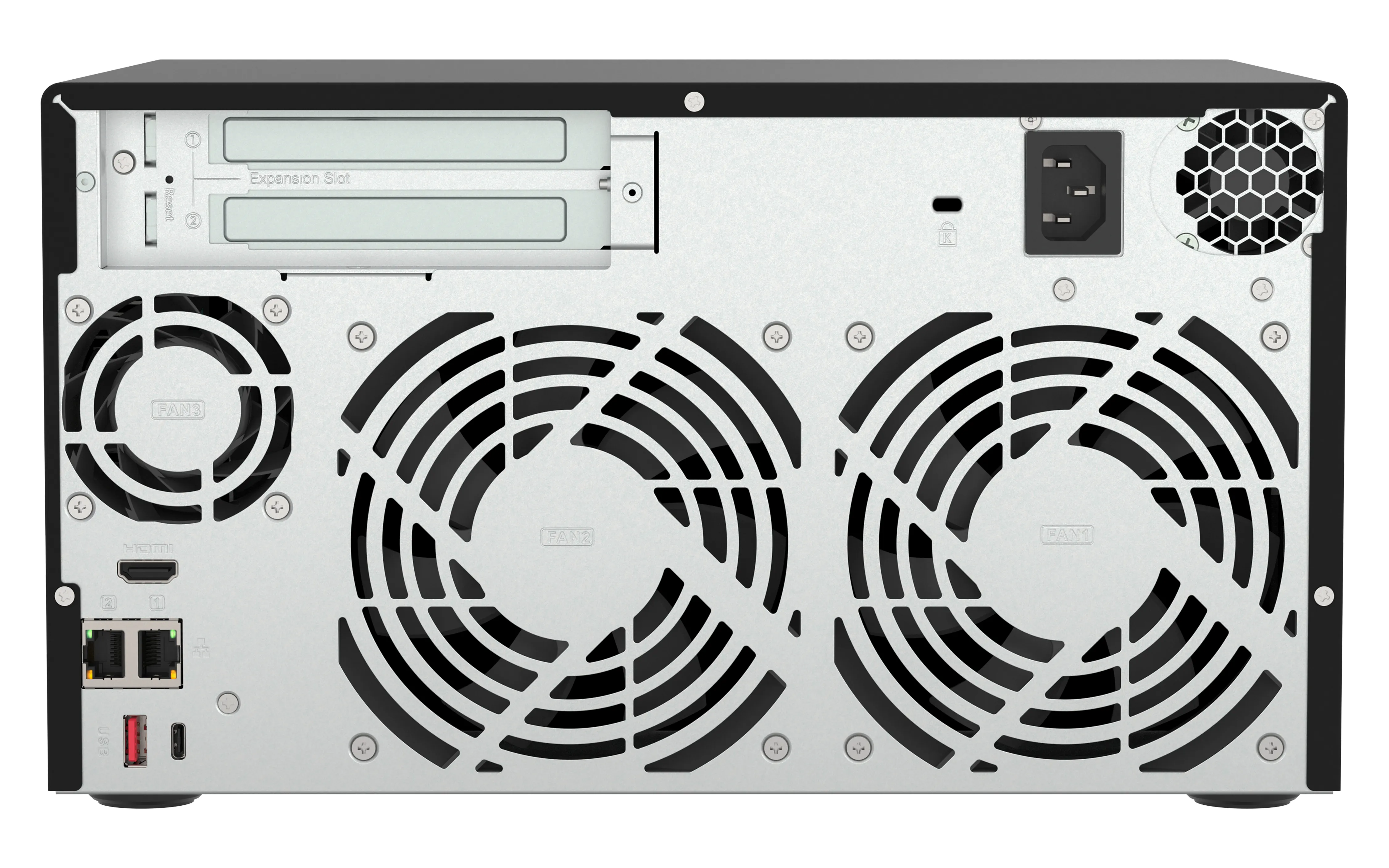
| Количество портов Ethernet LAN ( RJ-45) | 2 |
| Количество HDMI портов | 1 |
| Версия HDMI | 1.4b |
| Аудио вход/выход |  |
| Слоты PCI Express x4 (поколение 3.x) | 2 |
| Количество портов USB 3.2 Gen 1 (3.1 Gen 1) Type-A | 1 |
| Количество портов USB 3.2 Gen 2 (3.1 Gen 2) Type-A | 2 |
| Количество портов USB 3.2 Gen 2 (3.1 Gen 2) Type-С | 1 |
| USB порт | |
| Вес и размеры | |
| Вес | 7,3 kg |
| Масса брутто | 8,99 kg |
| Высота | 180,2 mm |
| Ширина | 329,3 mm |
| Глубина | 280,8 mm |
| Глубина упаковки | 426 mm |
| Высота упаковки | 396 mm |
| Ширина упаковки | 338 mm |
| Энергопитание | |
| Потребляемая мощность (в обычном режиме) | 85,701 W |
| Количество блоков питания | 1 |
| Потребление энергии в спящем режиме | 43,131 W |
| Частота входящего переменного тока | 50-60 Hz |
| Входящее напряжение сети | 90-264 V |
| Расположение блока питания | Built-in |
| Мощность блока питания | 250 W |
| Внешние условия | |
| Диапазон относительной влажности при эксплуатации | 5 - 95% |
| Диапазон рабочих температур | 0 - 40 °C |
| Сеть | |
| Поддерживаемые сетевые протоколы | HTTP, HTTPS, TCP/IP, UDP, DHCP, Static IP, DNS, DDNS, UPnP, FTP, NTP, and SMTP |
| Подключение Ethernet | |
| Функция Wake-on-LAN | |
| DHCP сервер | |
| Скорость передачи данных Ethernet LAN | 2500 Мбит/с |
| Носители хранения данных | |
| Уровни RAID | 1, 5+S, 5, 6, 6+HS, 10+HS, 10, JBOD |
| Поддержка RAID | |
| Интерфейс носителя памяти | SATA |
| Количество поддерживаемых дисков памяти | 8 |
| Поддерживаемые размеры дисков | 2.5,3.5" |
| Дисковые накопители установлены |  |
| Количество установленных накопителей | 0 |
| Тип установленного накопителя | |
| Поддерживаемые типы накопителей | HDD & SSD |
| Отсеки накопителей с поддержкой hot-swap | |
| Емкость накопителя | 0 GB |
| Поддерживаемые интерфейсы носителя | M.2, SATA |
| Online миграция уровней RAID | |
| Online расширение объема RAID | |
| Количество M.2 (M & B) слотов | 2 |
| Общий объем установленной памяти | 0 TB |
| программное обеспечение | |
| Установленная операционная система | QVR Pro |
| Содержимое упаковки | |
| Поставляемые кабели | Кабель переменного тока, LAN (RJ-45) |
| Количество винтов | 52 |
| Количество силовых кабелей | 1 |
| Прочие свойства | |
| Гарантийный срок | 3 лет |
| Дизайн | |
| Тип корпуса | Tower |
| Светодиодные индикаторы | Жесткий диск, ЛВС, Статус, USB |
| Цвет товара | Черный |
| Количество вентиляторов | 3 вентилятор(ы) |
| Тип охлаждения | Active |
| Диаметр вентилятора | 12 cm |
| Встроенный экран | |
| Тип дисплея | ЖК |
| Диаметр вентилятора 2 | 6 cm |
| Характеристики | |
| Тип | NAS |
| Уровень шума | 24,2 dB |
| Зуммер | |
| Кнопка сброса установок | |
| Вкл/Выкл переключатель | |
| Поддержка S.M.A.R.T. | |
| Класс устройства | Малый и средний бизнес |
| Функция резервного копирования | |
| Горячий резерв | |
| Функция копирования USB | |
| EAN | 4711103083468 |
| Гарантия | 2 лет |
| Source: Icecat.biz | |
The QVP-85A QVR Pro appliance is a tower-based network surveillance server that supports real-time video/audio monitoring, high-resolution recording, and simultaneous playback from multiple IP cameras. Users can easily monitor cameras from different platforms (Windows, Mac and mobile devices), making it easier for businesses and offices to safeguard their work environments.
QVP-85A vs. other NAS-based surveillance systems. What’s the difference?
In a conventional NAS-based surveillance system, surveillance is just one of many applications available to users. As all these applications need to share NAS system resources and storage space, surveillance performance could be impacted. The QVP-85A QVR Pro Appliance overcomes this by providing dedicated storage space and reserving full system resources for surveillance, delivering the utmost performance to fulfill professional surveillance system requirements. The QVP-85A also comes with built-in camera channel licenses and essential applications to enable local installation without requiring an internet connection. Simply install the hard drives and power up the QVP-85A to start the installation process.
Comprehensive camera support and management
The QVP-85A supports thousands of camera models from over 150 brands with a variety of image formats (including cameras that use ONVIF and RTSP/ HTTP streaming). Even USB webcams are supported, allowing home and budget-conscious users to quickly build surveillance solutions tailored to their environment while providing convenient camera management.
Motion detection using budget-friendly USB webcams
Standard surveillance systems normally only support event recording and notification functions for expensive cameras with integrated motion detection. The QVP-85A provides motion detection even for entry-level cameras and USB webcams. As long as your camera can stream its footage to the QVR Pro appliance (e.g. through RTSP protocol) it supports motion detection, allowing you to build a budget-friendly, motion-detecting surveillance system.
QVR Pro Client
The QVR Pro Client software can be installed on Windows and Mac devices, allowing you to monitor from different platforms and flexibly switch from live view or playback mode to take full control over monitored areas.
Live view and playback
Monitor the live view of multiple channels and play recordings on a single interface. You can also view recordings at a specific time by clicking the timeline or by defining a time range.
Region of Interest
The Region of Interest (ROI) feature allows for viewing multiple regional images from the same camera in live view and playback mode. You can define and enlarge multiple areas to watch the area more closely.
Qdewarp Technology
The innovative Qdewarp enables users to view standard fisheye camera recordings in proportional ratios and sizes without affecting original recordings. The distorted parts on the edges can be turned into a clear panoramic view.
Multiple Notification Methods
The event notification provides multiple ways of being informed of emerging events, including flashing red borders of channels, alert buzzers, and the motion icon on the e-map.
Easy remote monitoring with the QVR Pro Client mobile app
The QVR Pro Client mobile app allows you to remotely monitor multiple channels simultaneously. If your network connection is slow or metered/capped, you can choose the low-bandwidth mode to view a bandwidth-optimized stream without affecting the quality of recordings. In addition, you can remotely set the camera’s preset point or control the PTZ cameras within the app.
QVP-85A vs. other NAS-based surveillance systems. What’s the difference?
In a conventional NAS-based surveillance system, surveillance is just one of many applications available to users. As all these applications need to share NAS system resources and storage space, surveillance performance could be impacted. The QVP-85A QVR Pro Appliance overcomes this by providing dedicated storage space and reserving full system resources for surveillance, delivering the utmost performance to fulfill professional surveillance system requirements. The QVP-85A also comes with built-in camera channel licenses and essential applications to enable local installation without requiring an internet connection. Simply install the hard drives and power up the QVP-85A to start the installation process.
Comprehensive camera support and management
The QVP-85A supports thousands of camera models from over 150 brands with a variety of image formats (including cameras that use ONVIF and RTSP/ HTTP streaming). Even USB webcams are supported, allowing home and budget-conscious users to quickly build surveillance solutions tailored to their environment while providing convenient camera management.
Motion detection using budget-friendly USB webcams
Standard surveillance systems normally only support event recording and notification functions for expensive cameras with integrated motion detection. The QVP-85A provides motion detection even for entry-level cameras and USB webcams. As long as your camera can stream its footage to the QVR Pro appliance (e.g. through RTSP protocol) it supports motion detection, allowing you to build a budget-friendly, motion-detecting surveillance system.
QVR Pro Client
The QVR Pro Client software can be installed on Windows and Mac devices, allowing you to monitor from different platforms and flexibly switch from live view or playback mode to take full control over monitored areas.
Live view and playback
Monitor the live view of multiple channels and play recordings on a single interface. You can also view recordings at a specific time by clicking the timeline or by defining a time range.
Region of Interest
The Region of Interest (ROI) feature allows for viewing multiple regional images from the same camera in live view and playback mode. You can define and enlarge multiple areas to watch the area more closely.
Qdewarp Technology
The innovative Qdewarp enables users to view standard fisheye camera recordings in proportional ratios and sizes without affecting original recordings. The distorted parts on the edges can be turned into a clear panoramic view.
Multiple Notification Methods
The event notification provides multiple ways of being informed of emerging events, including flashing red borders of channels, alert buzzers, and the motion icon on the e-map.
Easy remote monitoring with the QVR Pro Client mobile app
The QVR Pro Client mobile app allows you to remotely monitor multiple channels simultaneously. If your network connection is slow or metered/capped, you can choose the low-bandwidth mode to view a bandwidth-optimized stream without affecting the quality of recordings. In addition, you can remotely set the camera’s preset point or control the PTZ cameras within the app.
Multitronic Vaasa: 0 шт
Срок доставки: 17.11 - 20.11
Срок доставки: 17.11 - 20.11
Сегодня: 10:00 - 18:00
Multitronic Pietarsaari: 0 шт
Срок доставки: 17.11 - 20.11
Срок доставки: 17.11 - 20.11
Сегодня: 09:00 - 17:00
Multitronic Jyväskylä: 0 шт
Срок доставки: 17.11 - 20.11
Срок доставки: 17.11 - 20.11
Сегодня: 10:00 - 17:00
Multitronic Lappeenranta: 0 шт
Срок доставки: 17.11 - 20.11
Срок доставки: 17.11 - 20.11
Сегодня: 10:00 - 18:00
Multitronic Mariehamn: 0 шт
Срок доставки: 17.11 - 20.11
Срок доставки: 17.11 - 20.11
Сегодня: 10:00 - 17:00
Самовывоз из магазина
Время доставки: 17.11 - 20.11
Время доставки: 17.11 - 20.11
Posti: Постоматы и пункты самовывоза
Время доставки: 17.11 - 19.11
Время доставки: 17.11 - 19.11
Posti: Почтовое отправление
Время доставки: 18.11 - 20.11
Время доставки: 18.11 - 20.11
Matkahuolto: Постоматы и пункты самовывоза
Время доставки: 18.11 - 20.11
Время доставки: 18.11 - 20.11
Posti: Доставка до двери
Время доставки: 18.11 - 19.11
Время доставки: 18.11 - 19.11
Matkahuolto: Для бизнеса
Время доставки: 17.11 - 20.11
Время доставки: 17.11 - 20.11
Matkahuolto: Доставка на дом
Время доставки: 17.11 - 20.11
Время доставки: 17.11 - 20.11
Posti: Доставка домой
Время доставки: 18.11 - 19.11
Время доставки: 18.11 - 19.11
- leaflet (English)
The above technical details are for reference only and may change without notice. We reserve the right to correct printing errors and use illustrations for guidance. Some text may be auto-generated or machine-translated, which could lead to inaccuracies.