

QNAP QVP-85B Surveillance NAS Intel Core i5-12400 6-core/12-thread Processor
Manufacturer: QNAP SYSTEMS
ID: QVP-85B
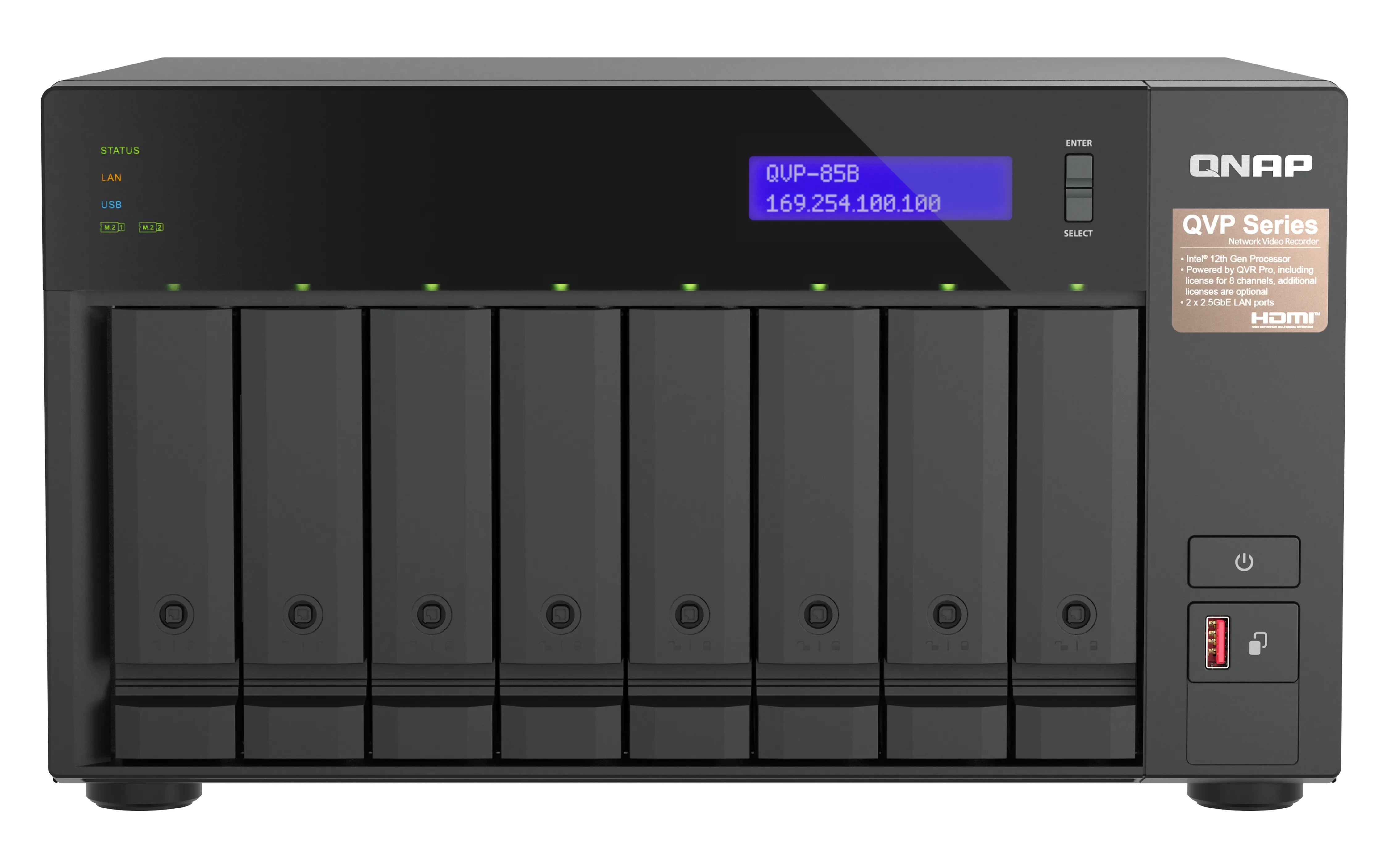
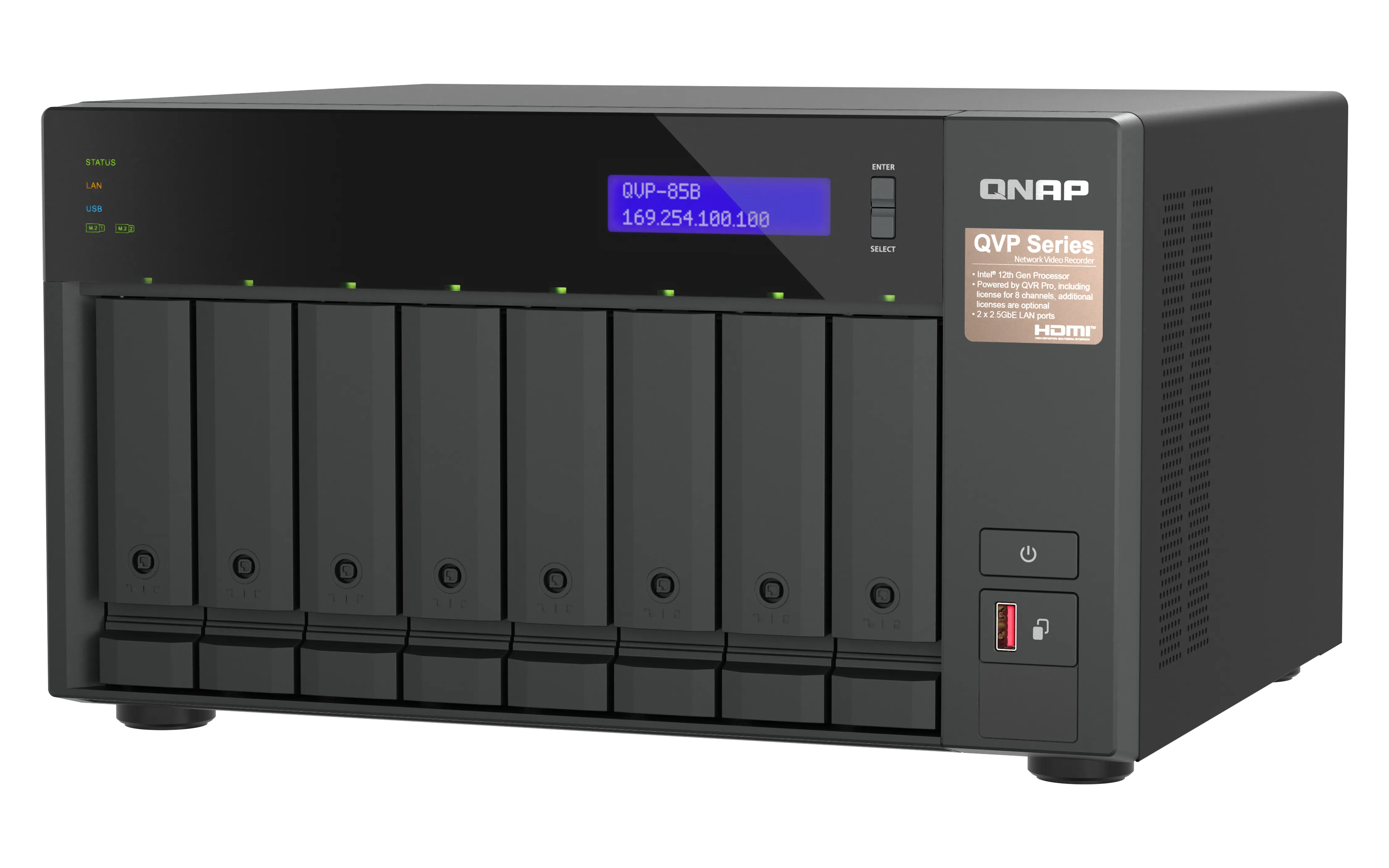
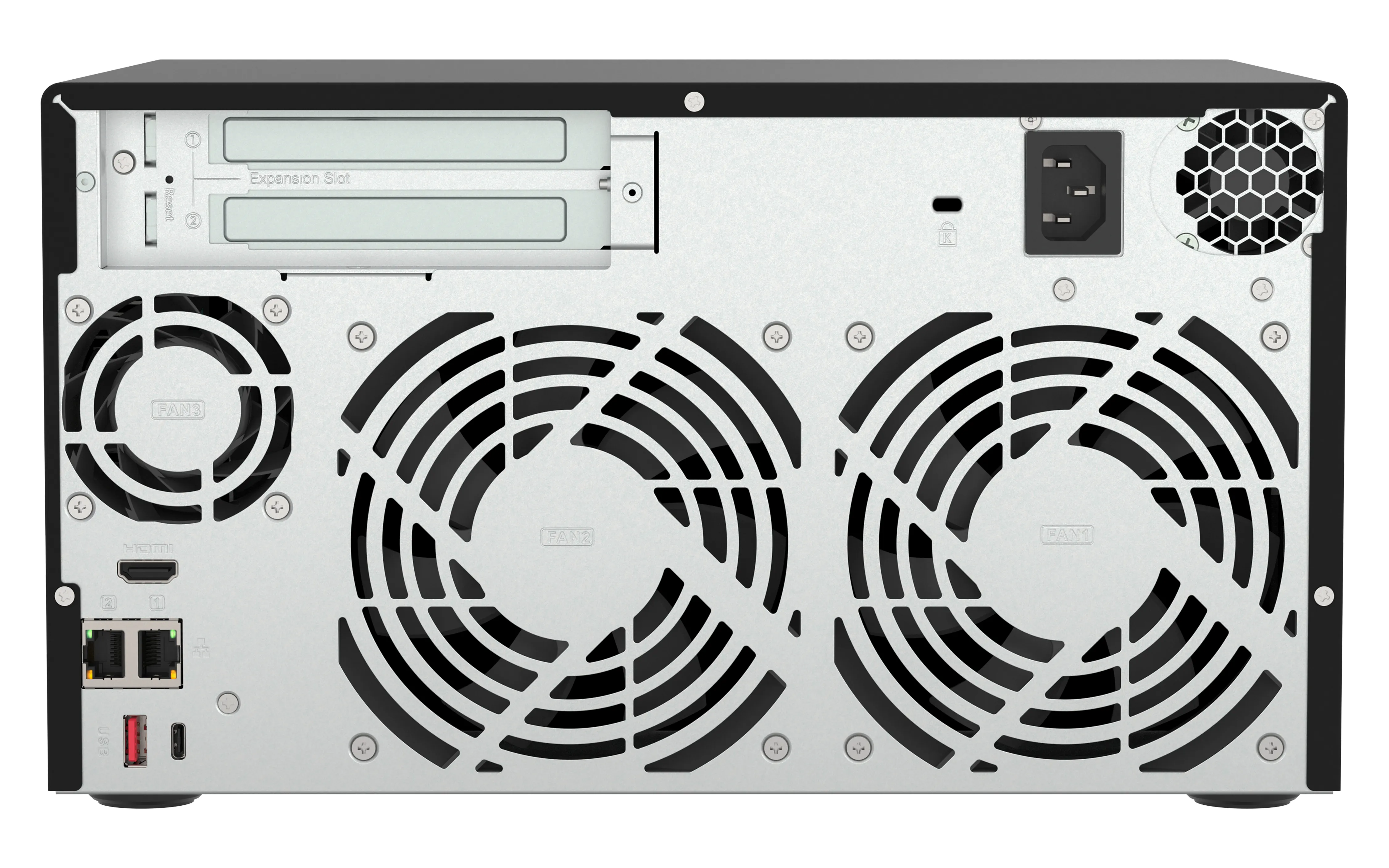
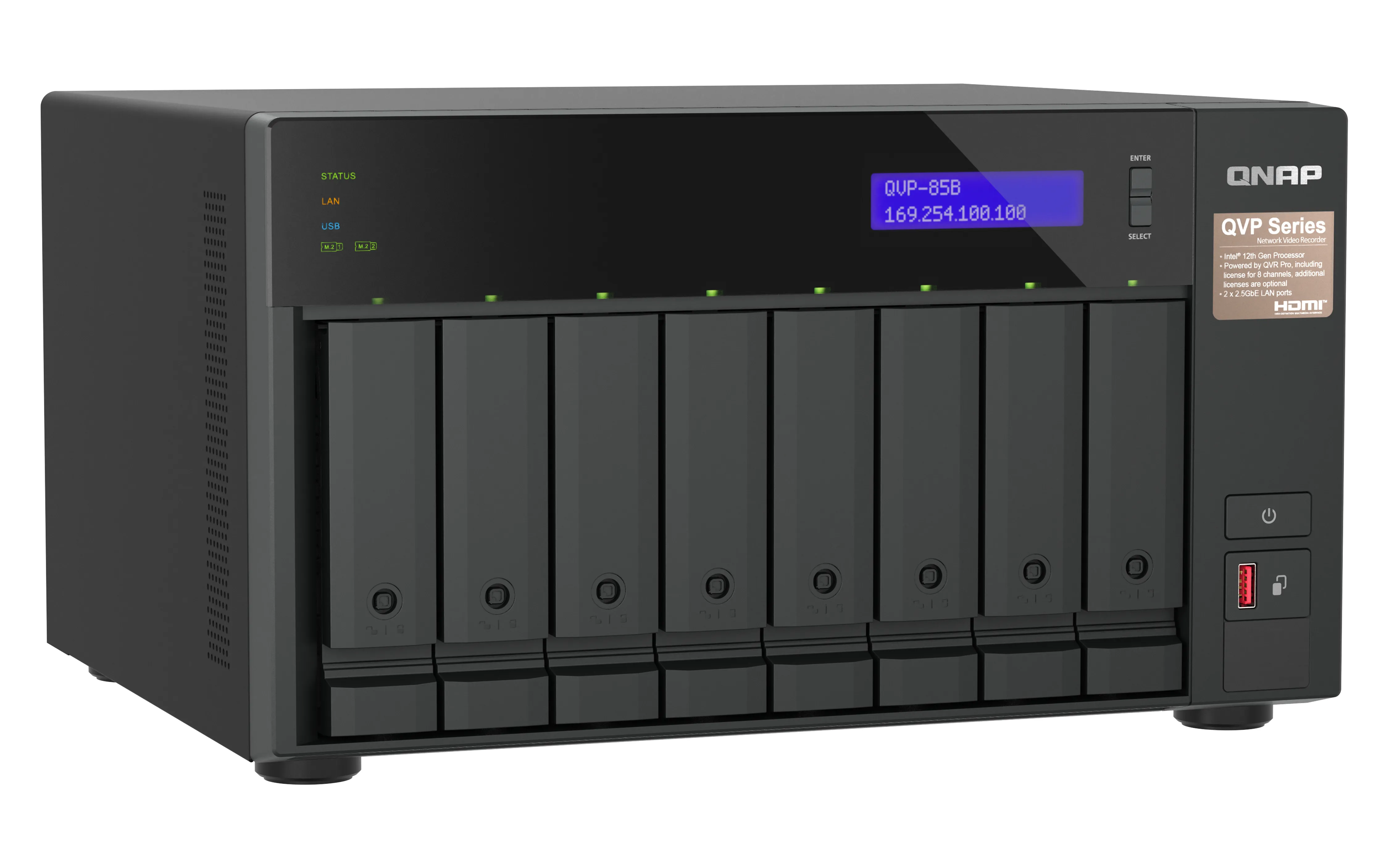
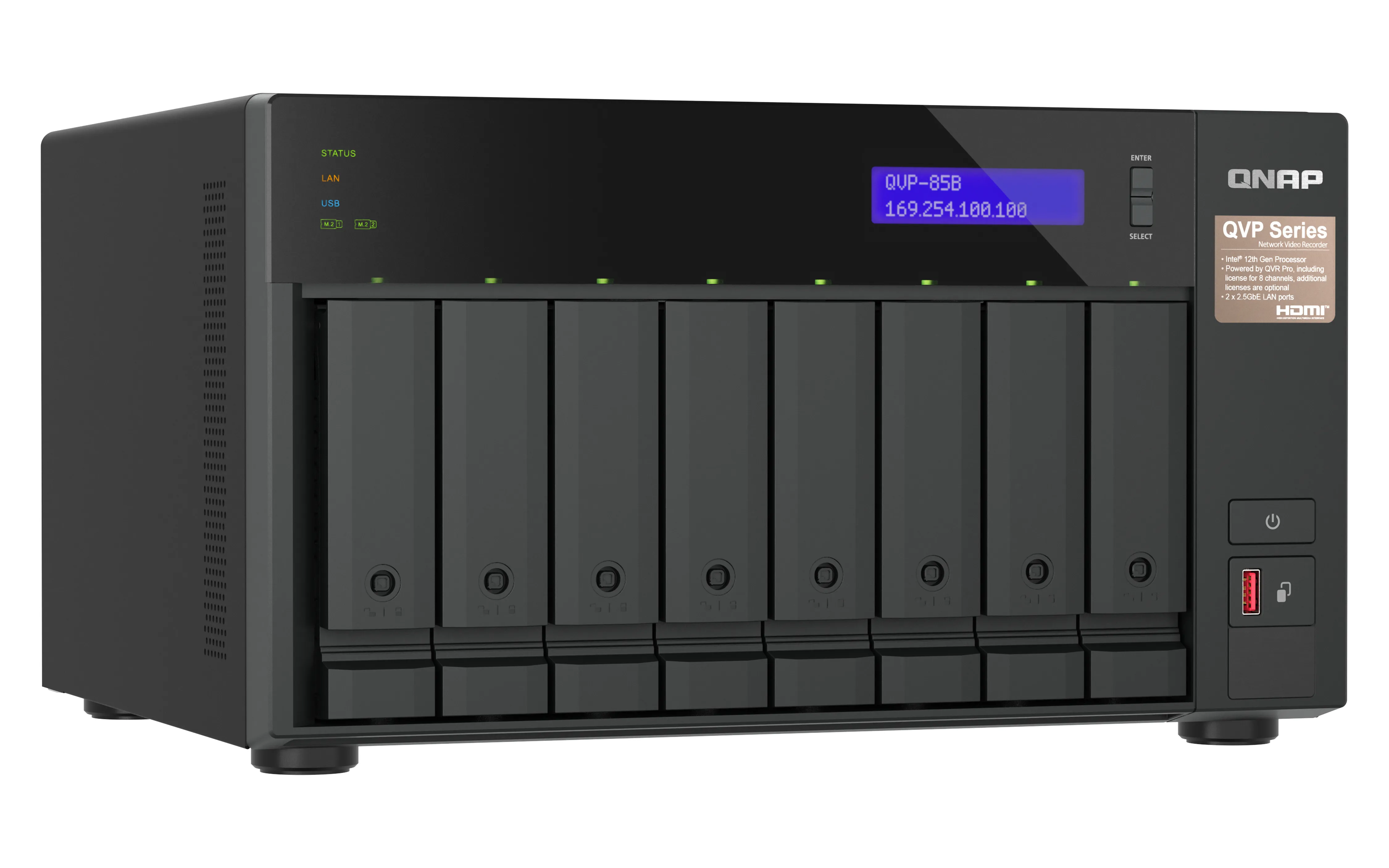
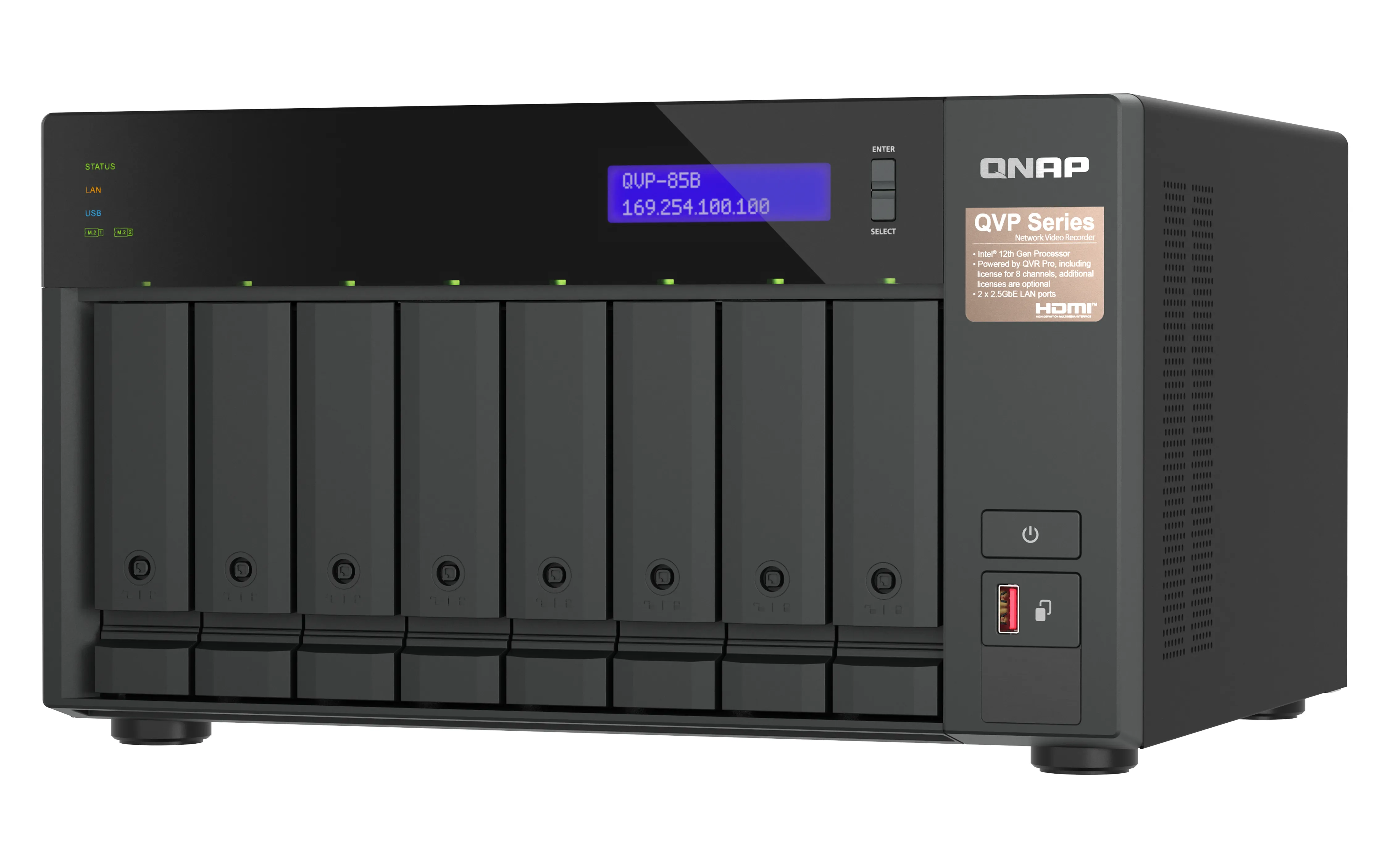
302890€
Show VAT 0%
Show VAT 25,5%
Multitronic Vaasa
Multitronic Pietarsaari
Multitronic Jyväskylä
Multitronic Lappeenranta
Multitronic Mariehamn
Specifications
Description
Store availability
Delivery
Price development
Manuals
| Processor | |
| Processor manufacturer | Intel |
| Processor family | Intel Core i5 |
| Processor cores | 6 |
| Processor threads | 12 |
| Memory | |
| Internal memory type | DDR4 |
| Flash memory | 5000 MB |
| Memory slots | 2 |
| Memory form factor | SO-DIMM |
| Maximum RAM supported | 64 GB |
| Internal memory | 32 GB |
| Ports & interfaces | |
| Ethernet LAN (RJ-45) ports | 2 |
| HDMI ports quantity | 1 |
| HDMI version | 1.4b |
| Audio in/out |  |
| PCI Express x4 (Gen 3.x) slots | 2 |
| USB 3.2 Gen 1 (3.1 Gen 1) Type-A ports quantity | 1 |
| USB 3.2 Gen 2 (3.1 Gen 2) Type-A ports quantity | 2 |
| USB 3.2 Gen 2 (3.1 Gen 2) Type-C ports quantity | 1 |
| USB port | |
| Weight & dimensions | |
| Weight | 7.3 kg |
| Package weight | 8.99 kg |
| Height | 180.2 mm |
| Width | 329.3 mm |
| Depth | 280.8 mm |
| Package depth | 426 mm |
| Package height | 396 mm |
| Package width | 338 mm |
| Energy management | |
| Power consumption (typical) | 85.701 W |
| Number of power supply units | 1 |
| Power consumption (sleep) | 43.131 W |
| AC input frequency | 50-60 Hz |
| AC input voltage | 100-240 V |
| Power supply location | Built-in |
| Power supply unit (PSU) capacity | 250 W |
| Operational conditions | |
| Operating relative humidity (H-H) | 5 - 95% |
| Operating temperature (T-T) | 0 - 40 °C |
| Networking | |
| Supported network protocols | HTTP, HTTPS, TCP/IP, UDP, DHCP, Static IP, DNS, DDNS, UPnP, FTP, NTP, and SMTP |
| Ethernet LAN | |
| Wake-on-LAN ready | |
| DHCP server | |
| Ethernet LAN data rates | 2500 Mbit/s |
| Storage | |
| RAID levels | 1, 5+S, 5, 6, 6+HS, 10+HS, 10, JBOD |
| RAID support | |
| Storage drive interface | Serial ATA |
| Number of storage drives supported | 8 |
| Storage drive sizes supported | 2.5,3.5" |
| Storage drives installed |  |
| Number of storage drives installed | 0 |
| Installed storage drive type | |
| Supported storage drive types | HDD & SSD |
| Hot-swap drive bays | |
| Storage drive capacity | 0 GB |
| Supported storage drive interfaces | M.2, Serial ATA |
| Online RAID migration | |
| Online RAID expansion | |
| Number of M.2 (M & B) slots | 2 |
| Total installed storage capacity | 0 TB |
| Operating system/software | |
| Operating system installed | QVR Pro |
| Packaging content | |
| Cables included | AC, LAN (RJ-45) |
| Number of screws | 52 |
| Power cables quantity | 1 |
| Other features | |
| Warranty period | 3 year(s) |
| Design | |
| Chassis type | Tower |
| LED indicators | HDD, LAN, Status, USB |
| Product colour | Black |
| Number of fans | 3 fan(s) |
| Cooling type | Active |
| Fan diameter | 12 cm |
| Built-in display | |
| Display type | LCD |
| Fan diameter 2 | 6 cm |
| Performance | |
| Type | NAS |
| Noise level | 24.2 dB |
| Buzzer | |
| Reset button | |
| On/off switch | |
| S.M.A.R.T. support | |
| Device class | Small & Medium Business |
| Backup function | |
| Hot spare | |
| USB copy function | |
| EAN | 4711103083468 |
| Warranty | 2 years |
| Source: Icecat.biz | |
The QVP-85A QVR Pro appliance is a tower-based network surveillance server that supports real-time video/audio monitoring, high-resolution recording, and simultaneous playback from multiple IP cameras. Users can easily monitor cameras from different platforms (Windows, Mac and mobile devices), making it easier for businesses and offices to safeguard their work environments.
QVP-85A vs. other NAS-based surveillance systems. What’s the difference?
In a conventional NAS-based surveillance system, surveillance is just one of many applications available to users. As all these applications need to share NAS system resources and storage space, surveillance performance could be impacted. The QVP-85A QVR Pro Appliance overcomes this by providing dedicated storage space and reserving full system resources for surveillance, delivering the utmost performance to fulfill professional surveillance system requirements. The QVP-85A also comes with built-in camera channel licenses and essential applications to enable local installation without requiring an internet connection. Simply install the hard drives and power up the QVP-85A to start the installation process.
Comprehensive camera support and management
The QVP-85A supports thousands of camera models from over 150 brands with a variety of image formats (including cameras that use ONVIF and RTSP/ HTTP streaming). Even USB webcams are supported, allowing home and budget-conscious users to quickly build surveillance solutions tailored to their environment while providing convenient camera management.
Motion detection using budget-friendly USB webcams
Standard surveillance systems normally only support event recording and notification functions for expensive cameras with integrated motion detection. The QVP-85A provides motion detection even for entry-level cameras and USB webcams. As long as your camera can stream its footage to the QVR Pro appliance (e.g. through RTSP protocol) it supports motion detection, allowing you to build a budget-friendly, motion-detecting surveillance system.
QVR Pro Client
The QVR Pro Client software can be installed on Windows and Mac devices, allowing you to monitor from different platforms and flexibly switch from live view or playback mode to take full control over monitored areas.
Live view and playback
Monitor the live view of multiple channels and play recordings on a single interface. You can also view recordings at a specific time by clicking the timeline or by defining a time range.
Region of Interest
The Region of Interest (ROI) feature allows for viewing multiple regional images from the same camera in live view and playback mode. You can define and enlarge multiple areas to watch the area more closely.
Qdewarp Technology
The innovative Qdewarp enables users to view standard fisheye camera recordings in proportional ratios and sizes without affecting original recordings. The distorted parts on the edges can be turned into a clear panoramic view.
Multiple Notification Methods
The event notification provides multiple ways of being informed of emerging events, including flashing red borders of channels, alert buzzers, and the motion icon on the e-map.
Easy remote monitoring with the QVR Pro Client mobile app
The QVR Pro Client mobile app allows you to remotely monitor multiple channels simultaneously. If your network connection is slow or metered/capped, you can choose the low-bandwidth mode to view a bandwidth-optimized stream without affecting the quality of recordings. In addition, you can remotely set the camera’s preset point or control the PTZ cameras within the app.
QVP-85A vs. other NAS-based surveillance systems. What’s the difference?
In a conventional NAS-based surveillance system, surveillance is just one of many applications available to users. As all these applications need to share NAS system resources and storage space, surveillance performance could be impacted. The QVP-85A QVR Pro Appliance overcomes this by providing dedicated storage space and reserving full system resources for surveillance, delivering the utmost performance to fulfill professional surveillance system requirements. The QVP-85A also comes with built-in camera channel licenses and essential applications to enable local installation without requiring an internet connection. Simply install the hard drives and power up the QVP-85A to start the installation process.
Comprehensive camera support and management
The QVP-85A supports thousands of camera models from over 150 brands with a variety of image formats (including cameras that use ONVIF and RTSP/ HTTP streaming). Even USB webcams are supported, allowing home and budget-conscious users to quickly build surveillance solutions tailored to their environment while providing convenient camera management.
Motion detection using budget-friendly USB webcams
Standard surveillance systems normally only support event recording and notification functions for expensive cameras with integrated motion detection. The QVP-85A provides motion detection even for entry-level cameras and USB webcams. As long as your camera can stream its footage to the QVR Pro appliance (e.g. through RTSP protocol) it supports motion detection, allowing you to build a budget-friendly, motion-detecting surveillance system.
QVR Pro Client
The QVR Pro Client software can be installed on Windows and Mac devices, allowing you to monitor from different platforms and flexibly switch from live view or playback mode to take full control over monitored areas.
Live view and playback
Monitor the live view of multiple channels and play recordings on a single interface. You can also view recordings at a specific time by clicking the timeline or by defining a time range.
Region of Interest
The Region of Interest (ROI) feature allows for viewing multiple regional images from the same camera in live view and playback mode. You can define and enlarge multiple areas to watch the area more closely.
Qdewarp Technology
The innovative Qdewarp enables users to view standard fisheye camera recordings in proportional ratios and sizes without affecting original recordings. The distorted parts on the edges can be turned into a clear panoramic view.
Multiple Notification Methods
The event notification provides multiple ways of being informed of emerging events, including flashing red borders of channels, alert buzzers, and the motion icon on the e-map.
Easy remote monitoring with the QVR Pro Client mobile app
The QVR Pro Client mobile app allows you to remotely monitor multiple channels simultaneously. If your network connection is slow or metered/capped, you can choose the low-bandwidth mode to view a bandwidth-optimized stream without affecting the quality of recordings. In addition, you can remotely set the camera’s preset point or control the PTZ cameras within the app.
Multitronic Vaasa: 0 pcs
Estimated delivery: 18.11 - 21.11
Estimated delivery: 18.11 - 21.11
Today: 10:00 - 18:00
Multitronic Pietarsaari: 0 pcs
Estimated delivery: 18.11 - 21.11
Estimated delivery: 18.11 - 21.11
Today: 09:00 - 17:00
Multitronic Jyväskylä: 0 pcs
Estimated delivery: 18.11 - 21.11
Estimated delivery: 18.11 - 21.11
Today: 10:00 - 17:00
Multitronic Lappeenranta: 0 pcs
Estimated delivery: 18.11 - 21.11
Estimated delivery: 18.11 - 21.11
Today: 10:00 - 18:00
Multitronic Mariehamn: 0 pcs
Estimated delivery: 18.11 - 21.11
Estimated delivery: 18.11 - 21.11
Today: 10:00 - 17:00
Fetch from the shop
Estimated delivery time: 18.11 - 21.11
Estimated delivery time: 18.11 - 21.11
Posti: Parcel lockers and service points
Estimated delivery time: 18.11 - 20.11
Estimated delivery time: 18.11 - 20.11
Posti: Postal package
Estimated delivery time: 19.11 - 21.11
Estimated delivery time: 19.11 - 21.11
Matkahuolto: Parcel lockers and service points
Estimated delivery time: 19.11 - 21.11
Estimated delivery time: 19.11 - 21.11
Posti: Doorstep delivery
Estimated delivery time: 19.11 - 20.11
Estimated delivery time: 19.11 - 20.11
Matkahuolto: Business Parcel
Estimated delivery time: 18.11 - 21.11
Estimated delivery time: 18.11 - 21.11
Matkahuolto: Home Parcel
Estimated delivery time: 18.11 - 21.11
Estimated delivery time: 18.11 - 21.11
Posti: Home delivery
Estimated delivery time: 19.11 - 20.11
Estimated delivery time: 19.11 - 20.11
- leaflet (English)
The above technical details are for reference only and may change without notice. We reserve the right to correct printing errors and use illustrations for guidance. Some text may be auto-generated or machine-translated, which could lead to inaccuracies.