

Информация об изменение цен для данного товара отсутствует.
Товар не доступен
Данный товар более не продается или в настоящий момент не может быть приобретен.
Данный товар более не продается или в настоящий момент не может быть приобретен.
Характеристики
Описание
Наличие в магазинах
Доставка
Динамика цен
| Порты и интерфейсы | |
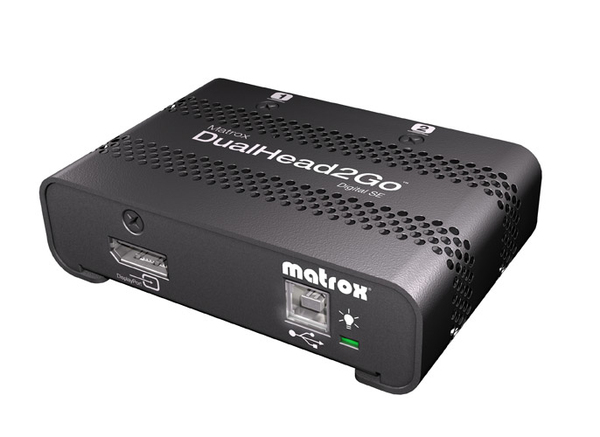
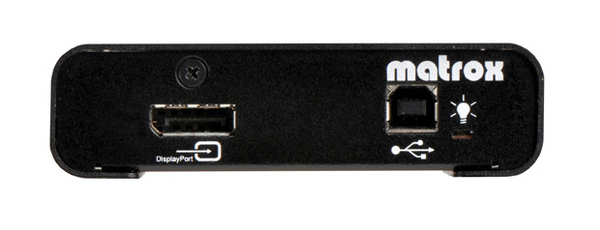
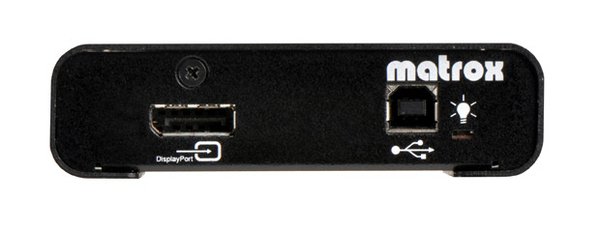
| Вход видео | 1x DisplayPort |
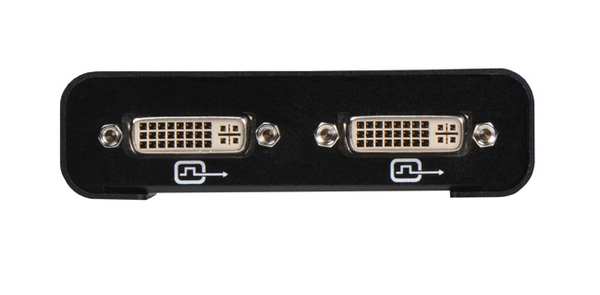
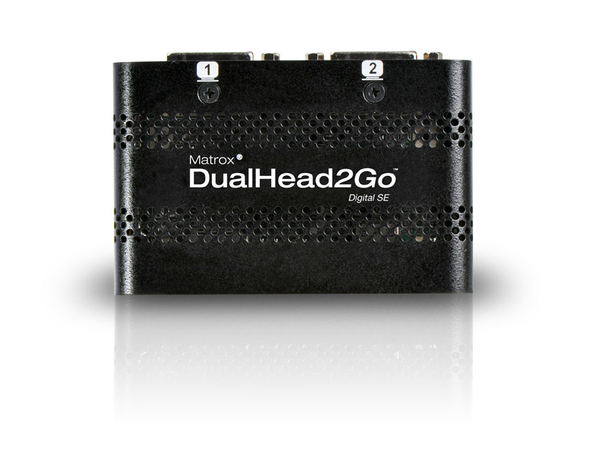
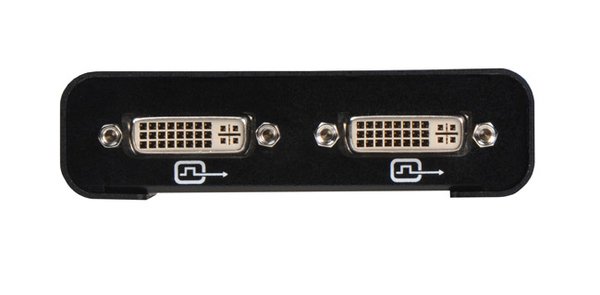
| Выход видео | 2x DVI-D |
| Тип видео порта | DisplayPort |
| Количество видео портов | 2 |
| Вес и размеры | |
| Размеры (ШхГхВ) | 97 x 63 x 28 mm |
| Вес | 120 g |
| Энергопитание | |
| Питание через USB |  |
| Содержимое упаковки | |
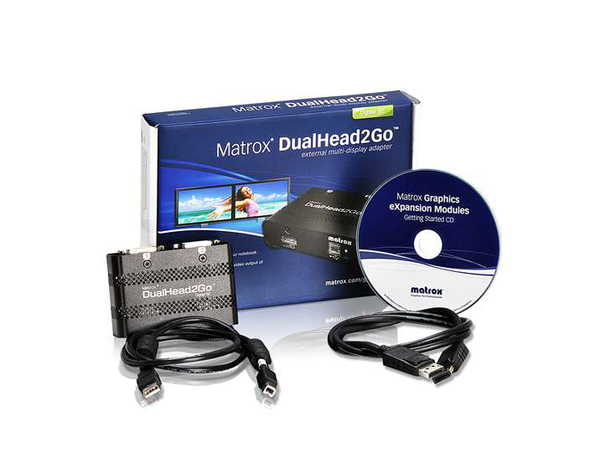
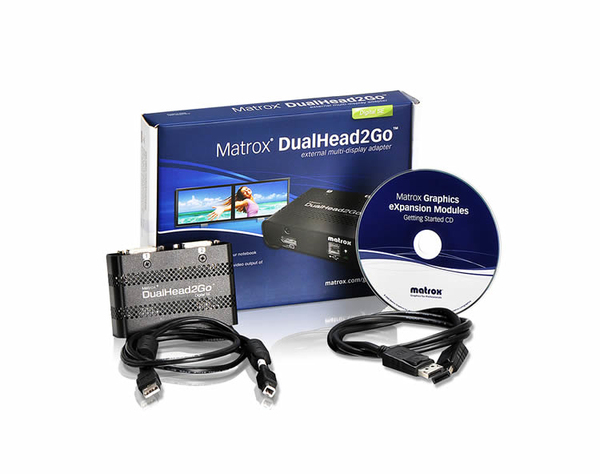
| Поставляемые кабели | DisplayPort, USB |
| Свойства | |
| Максимальное разрешение | 3840 x 1200 пикселей |
| Цвет товара | Черный |
| LED индикатор питания | |
| Легкая установка | |
| Поддерживаемые разрешения | 1600 x 600, 2560 x 2048, 3840 x 1200, 2048 x 1536 (QXGA), 2560 x 1600 (WQXGA) |
| HDCP | |
| Поддерживаемые операционные системы Windows | |
| Поддерживаемые операционные системы Mac |  |
| EAN | 0790750242484 |
| Гарантия | 3 лет |
| Source: Icecat.biz | |
See more. Do more. Be more productive.
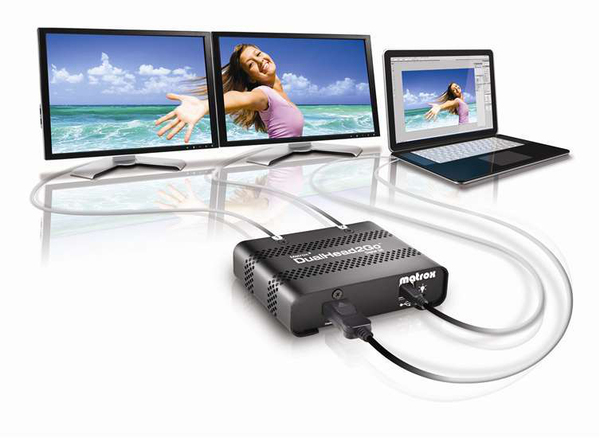
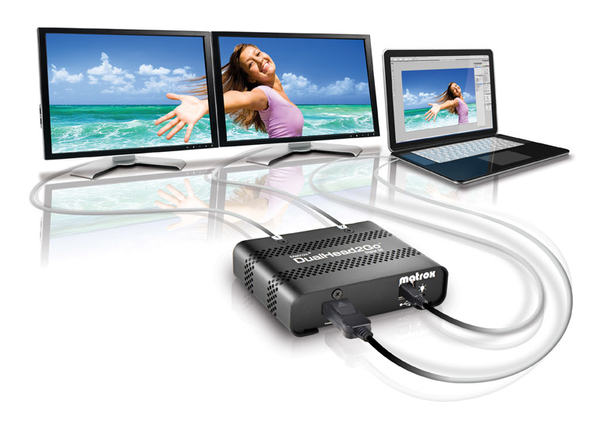
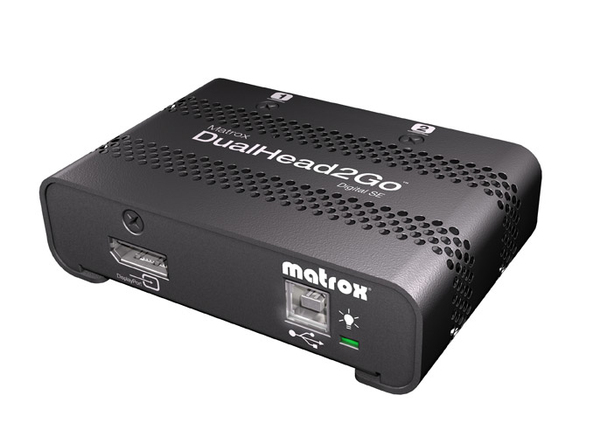
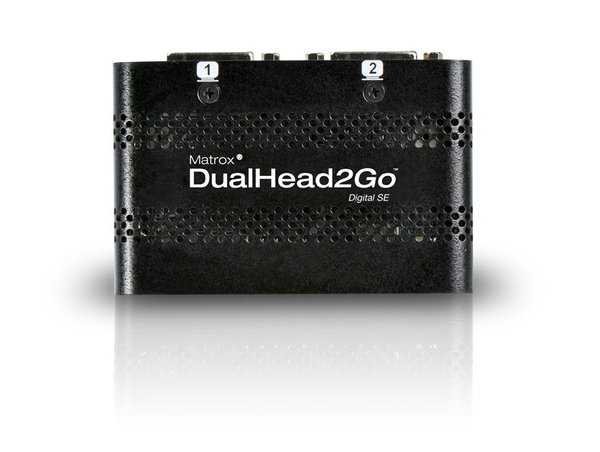
The Matrox DualHead2Go Digital SE external multi-display adapter adds up to two monitors to your laptop or desktop computer. It connects to the video output of your system and uses the system's existing GPU to provide high-quality, uncompressed graphics and video across all monitors. Ideal for business and professional users looking to increase their productivity with a dual display setup, this little black box lets you run different applications on each monitor or view one application across two monitors.
Applications
Working with more than one monitor allows you to see more, do more, and be more productive. Use the extra screen space to spread applications across your desktop, much like you would spread printed documents across your desk. For specialized applications, such as financial services or day trading programs, viewing data across multiple monitors provides the ability to see critical information at all times for quick decision making and streamlined workflow.
- Fit more data on your desktop
- Organize your applications and information as you wish
- Easily multi-task without the need to toggle between applications
- Compare documents side-by-side
Digital signage
Drive two HD displays from a single player PC to create digital signage canvases of up to 4 million pixels. Unique in its ability to support two 1920x1080 monitors, the Matrox DualHead2Go supports a variety of widescreen resolutions for the display of high-quality, uncompressed digital content across multiple monitors.
And if two displays aren’t enough? Connect multiple DualHead2Go units to create all sorts of cost-effective, versatile HD display configurations. DualHead2Go units can be used to improve and simplify digital signage applications such as digital menu boards, shopping mall kiosks, and ambience-enhancing installations—to name a few.
Media creation & DCC
As an artist or digital content creator, you need multiple palettes, menus, bins, controls, and toolbars in your applications. Spread out your projects, work more comfortably, and increase your productivity with a Matrox DualHead2Go-powered multi-monitor setup. The extra screen space will allow you to view more layers of video on the timeline, increase the size of your video scopes and frame viewers, as well as customize your entire workspace to improve your workflow.
Maximize your studio real estate
Transform your laptop into a productivity powerhouse
Comfortably edit video content on your Mac notebook computer
CAD design & GIS
Take advantage of increased desktop space when using CAD software. Work on your design drafts, architectural models, or plans across multiple monitors. Expand your perspective and arrange application windows so you can complete your work more quickly and efficiently. Add two monitors to your notebook computer for a full surround 3D design experience.
ProAV
Benefit from panoramic images and visuals by integrating Matrox DualHead2Go into your ProAV installations. DualHead2Go delivers impressive visual experiences in a variety of environments, including conference rooms, education, worship and training and simulation.
The Matrox DualHead2Go Digital SE external multi-display adapter adds up to two monitors to your laptop or desktop computer. It connects to the video output of your system and uses the system's existing GPU to provide high-quality, uncompressed graphics and video across all monitors. Ideal for business and professional users looking to increase their productivity with a dual display setup, this little black box lets you run different applications on each monitor or view one application across two monitors.
Applications
Working with more than one monitor allows you to see more, do more, and be more productive. Use the extra screen space to spread applications across your desktop, much like you would spread printed documents across your desk. For specialized applications, such as financial services or day trading programs, viewing data across multiple monitors provides the ability to see critical information at all times for quick decision making and streamlined workflow.
- Fit more data on your desktop
- Organize your applications and information as you wish
- Easily multi-task without the need to toggle between applications
- Compare documents side-by-side
Digital signage
Drive two HD displays from a single player PC to create digital signage canvases of up to 4 million pixels. Unique in its ability to support two 1920x1080 monitors, the Matrox DualHead2Go supports a variety of widescreen resolutions for the display of high-quality, uncompressed digital content across multiple monitors.
And if two displays aren’t enough? Connect multiple DualHead2Go units to create all sorts of cost-effective, versatile HD display configurations. DualHead2Go units can be used to improve and simplify digital signage applications such as digital menu boards, shopping mall kiosks, and ambience-enhancing installations—to name a few.
Media creation & DCC
As an artist or digital content creator, you need multiple palettes, menus, bins, controls, and toolbars in your applications. Spread out your projects, work more comfortably, and increase your productivity with a Matrox DualHead2Go-powered multi-monitor setup. The extra screen space will allow you to view more layers of video on the timeline, increase the size of your video scopes and frame viewers, as well as customize your entire workspace to improve your workflow.
Maximize your studio real estate
Transform your laptop into a productivity powerhouse
Comfortably edit video content on your Mac notebook computer
CAD design & GIS
Take advantage of increased desktop space when using CAD software. Work on your design drafts, architectural models, or plans across multiple monitors. Expand your perspective and arrange application windows so you can complete your work more quickly and efficiently. Add two monitors to your notebook computer for a full surround 3D design experience.
ProAV
Benefit from panoramic images and visuals by integrating Matrox DualHead2Go into your ProAV installations. DualHead2Go delivers impressive visual experiences in a variety of environments, including conference rooms, education, worship and training and simulation.
Multitronic Vaasa: 0 шт
Срок доставки: Нет информации о доставке
Срок доставки: Нет информации о доставке
Сегодня: Закрыт
Multitronic Pietarsaari: 0 шт
Срок доставки: Нет информации о доставке
Срок доставки: Нет информации о доставке
Сегодня: Закрыт
Multitronic Jyväskylä: 0 шт
Срок доставки: Нет информации о доставке
Срок доставки: Нет информации о доставке
Сегодня: Закрыт
Multitronic Lappeenranta: 0 шт
Срок доставки: Нет информации о доставке
Срок доставки: Нет информации о доставке
Сегодня: Закрыт
Multitronic Mariehamn: 0 шт
Срок доставки: Нет информации о доставке
Срок доставки: Нет информации о доставке
Сегодня: 10:00 - 14:00
The above technical details are for reference only and may change without notice. We reserve the right to correct printing errors and use illustrations for guidance. Some text may be auto-generated or machine-translated, which could lead to inaccuracies.