


3690€
Show VAT 0%
Show VAT 25,5%
Multitronic Vaasa
Multitronic Pietarsaari
Multitronic Jyväskylä
Multitronic Lappeenranta
Multitronic Mariehamn
Specifications
Description
Store availability
Delivery
Price development
Manuals
| Technical details | |
| Compliance certificates | CE, RoHS |
| Ports & interfaces | |
| Connectivity technology | Wired |
| USB 2.0 ports quantity | 0 |
| Headphone outputs | 0 |
| Microphone in |  |
| DC-in jack | |
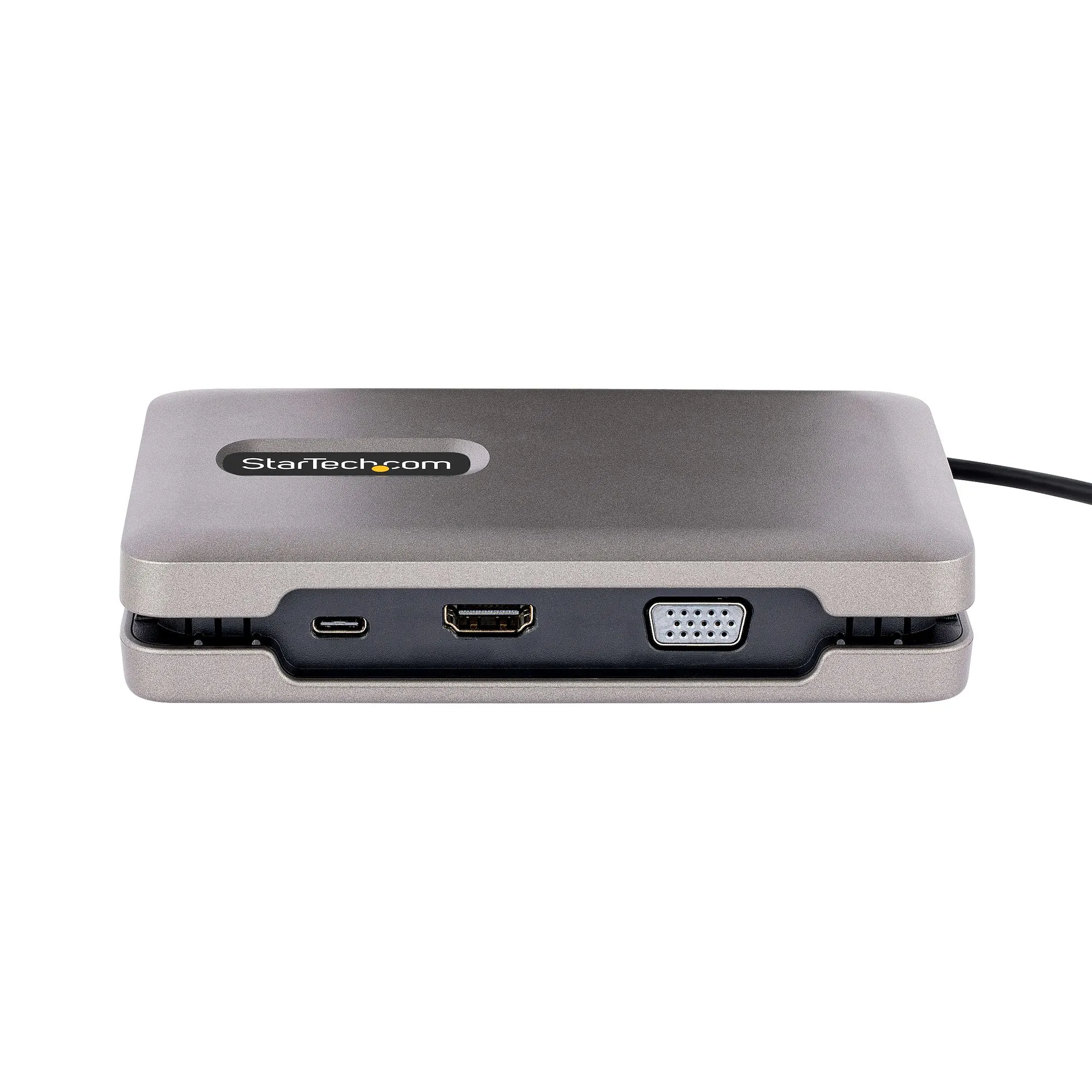
| VGA (D-Sub) ports quantity | 1 |
| Host interface | USB 3.2 Gen 2 (3.1 Gen 2) Type-C |
| HDMI ports quantity | 1 |
| HDMI version | 2.0b |
| USB 3.2 Gen 1 (3.1 Gen 1) Type-A ports quantity | 0 |
| USB 3.2 Gen 1 (3.1 Gen 1) Type-C ports quantity | 1 |
| USB 3.2 Gen 2 (3.1 Gen 2) Type-A ports quantity | 2 |
| USB 3.2 Gen 2 (3.1 Gen 2) Type-C ports quantity | 1 |
| USB Type-C DisplayPort Alternate Mode |  |
| |
| USB Power Delivery up to | 100 W |
| Weight & dimensions | |
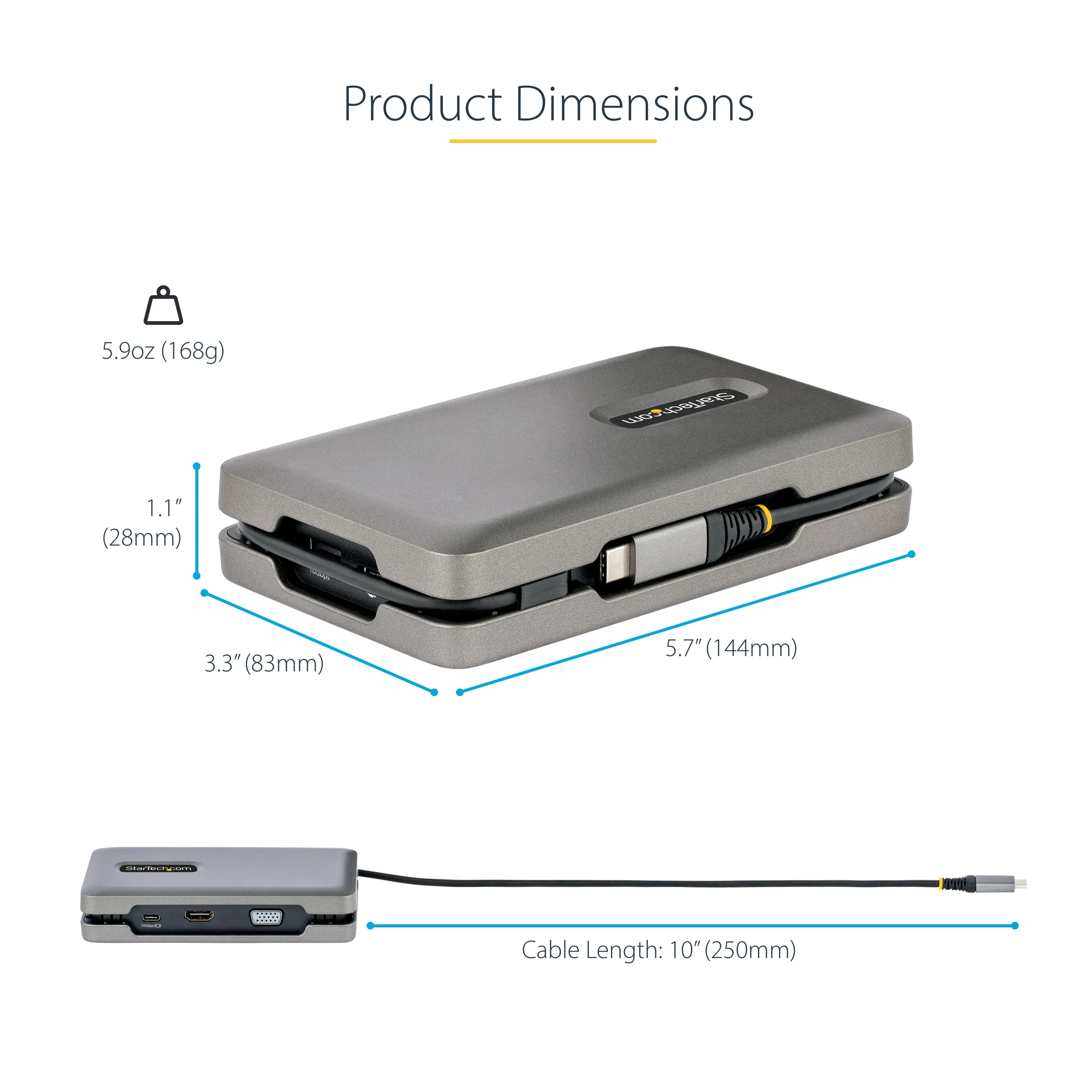
| Weight | 170 g |
| Height | 28 mm |
| Width | 83 mm |
| Depth | 144 mm |
| Energy management | |
| Power consumption (typical) | 12 W |
| Power source type | USB |
| Wireless charging | |
| Operational conditions | |
| Operating relative humidity (H-H) | 0 - 90% |
| Storage temperature (T-T) | -20 - 60 °C |
| Operating temperature (T-T) | 0 - 60 °C |
| Networking | |
| Full duplex | |
| Ethernet LAN | |
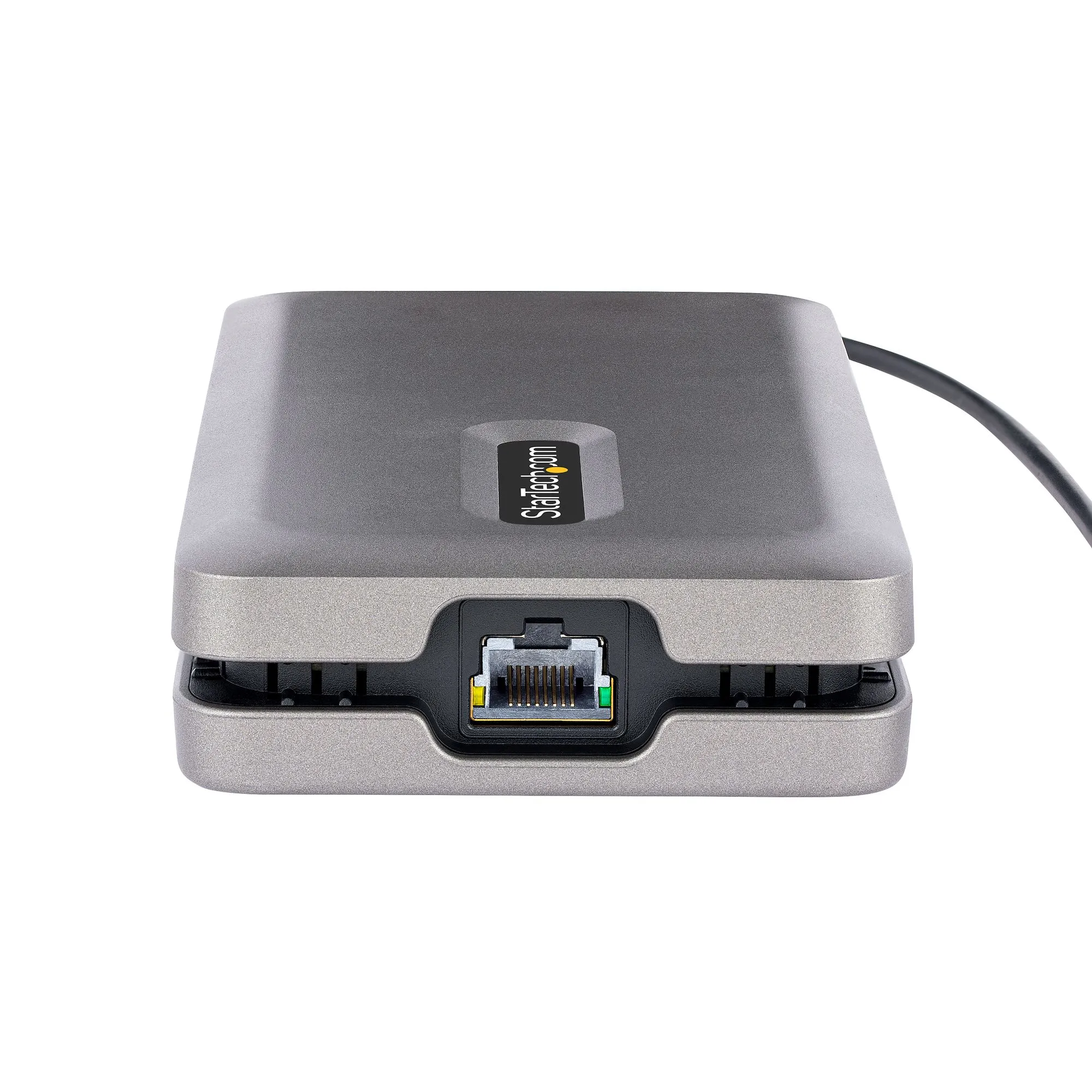
| Ethernet LAN (RJ-45) ports | 1 |
| Ethernet LAN data rates | 10,100,1000 Mbit/s |
| Packaging data | |
| Package weight | 160 g |
| Package depth | 207 mm |
| Package height | 38 mm |
| Package width | 144 mm |
| Operating system/software | |
| Windows operating systems supported | Windows 10, Windows 10 Education, Windows 10 Education x64, Windows 10 Enterprise, Windows 10 Enterprise x64, Windows 10 Home, Windows 10 Home x64, Windows 10 IOT Core, Windows 10 IoT Enterprise, Windows 10 Pro, Windows 10 Pro x64, Windows 10 x64, Windows 11, Windows 11 x64, Windows 7, Windows 7 Enterprise, Windows 7 Enterprise x64, Windows 7 Home Basic, Windows 7 Home Basic x64, Windows 7 Home Premium, Windows 7 Home Premium x64, Windows 7 Professional, Windows 7 Professional x64, Windows 7 Starter, Windows 7 Starter x64, Windows 7 Ultimate, Windows 7 Ultimate x64, Windows 7 x64, Windows 8, Windows 8 Enterprise, Windows 8 Enterprise x64, Windows 8 Pro, Windows 8 Pro x64, Windows 8 x64, Windows 8.1, Windows 8.1 Enterprise, Windows 8.1 Enterprise x64, Windows 8.1 Pro, Windows 8.1 Pro x64, Windows 8.1 x64 |
| Other operating systems supported | ChromeOS |
| Packaging content | |
| Quick start guide | |
| Other features | |
| Chipset | Genesys Logic - GL3590, Genesys Logic - GL9510-UFP, Genesys Logic - GL9510-DFP, Realtek - RTD2142, Realtek - RTL8153 |
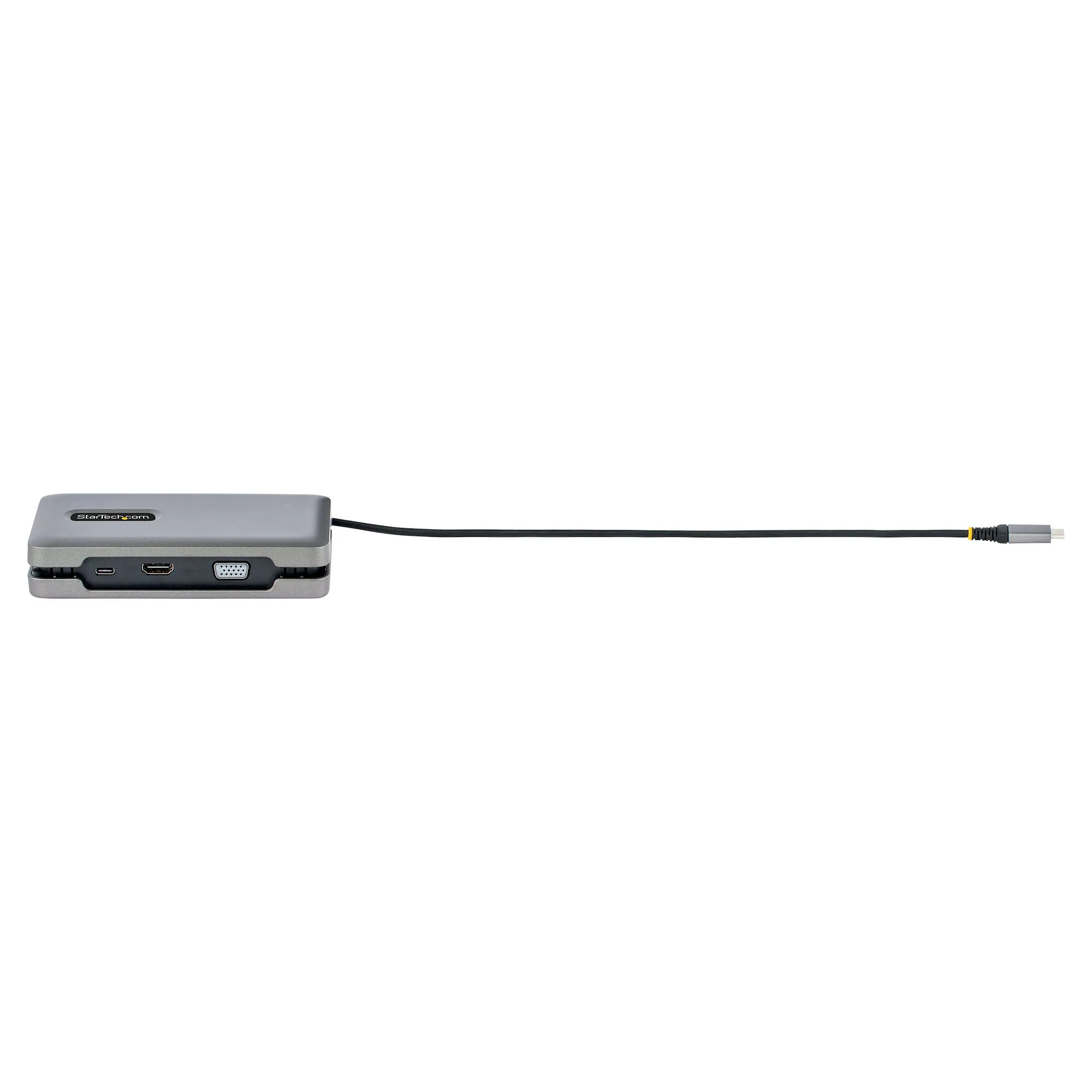
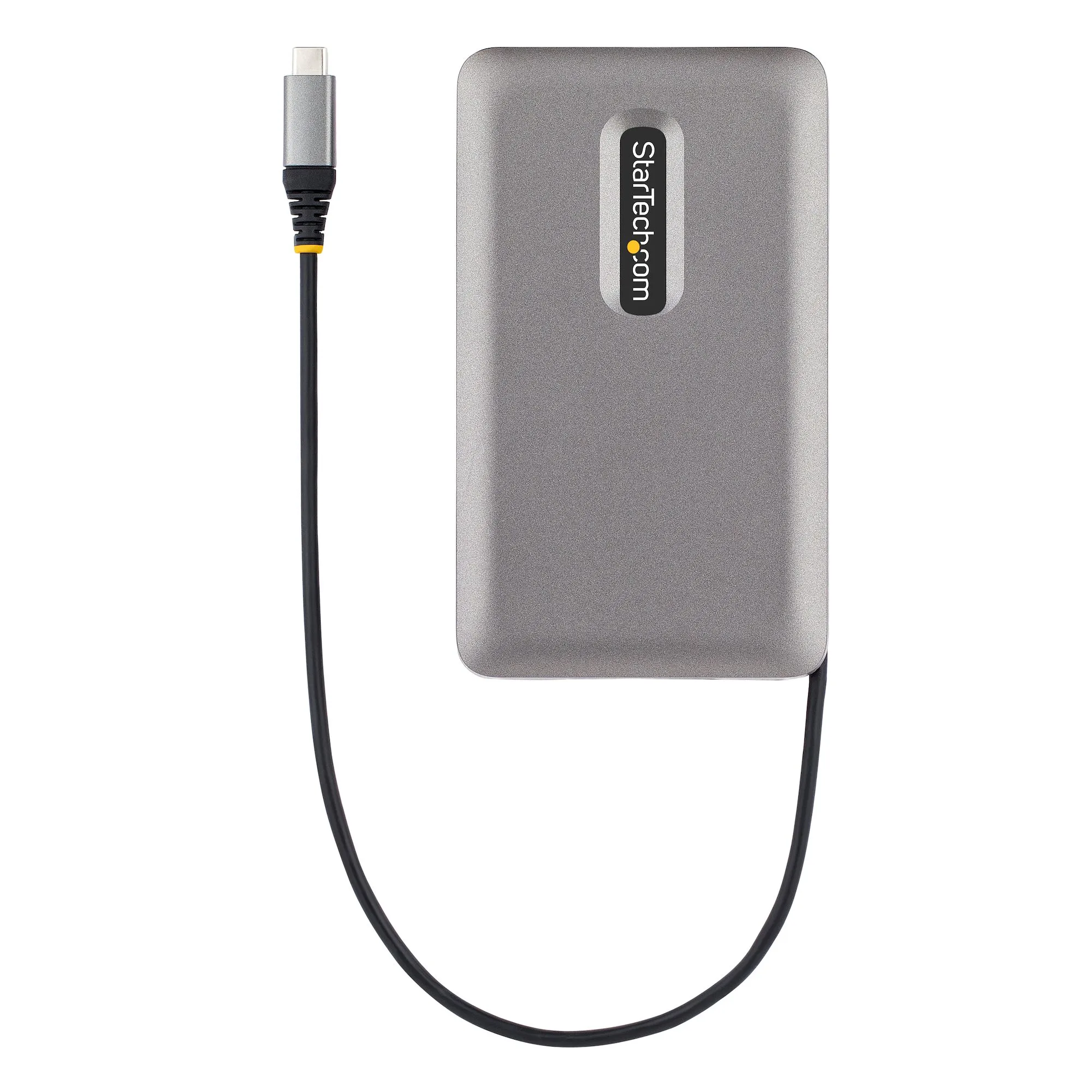
| Cable length | 0.25 m |
| Performance | |
| LED indicators | Activity, Link |
| Data transfer rate | 10 Gbit/s |
| Product colour | Grey |
| Card reader integrated | |
| Maximum analog resolution | 1920 x 1200 pixels |
| Maximum digital resolution | 3840 x 2160 pixels |
| Maximum refresh rate | 60 Hz |
| HD type | 4K Ultra HD |
| UASP support | |
| High Dynamic Range 10 (HDR10) | |
| Logistics data | |
| Master (outer) case height | 330 mm |
| Master (outer) case width | 425 mm |
| Master (outer) case length | 230 mm |
| Products per master (outer) case | 20 pc(s) |
| Harmonized System (HS) code | 84733020 |
| EAN | 0065030887014 |
| Warranty | 3 years |
| Source: Icecat.biz | |
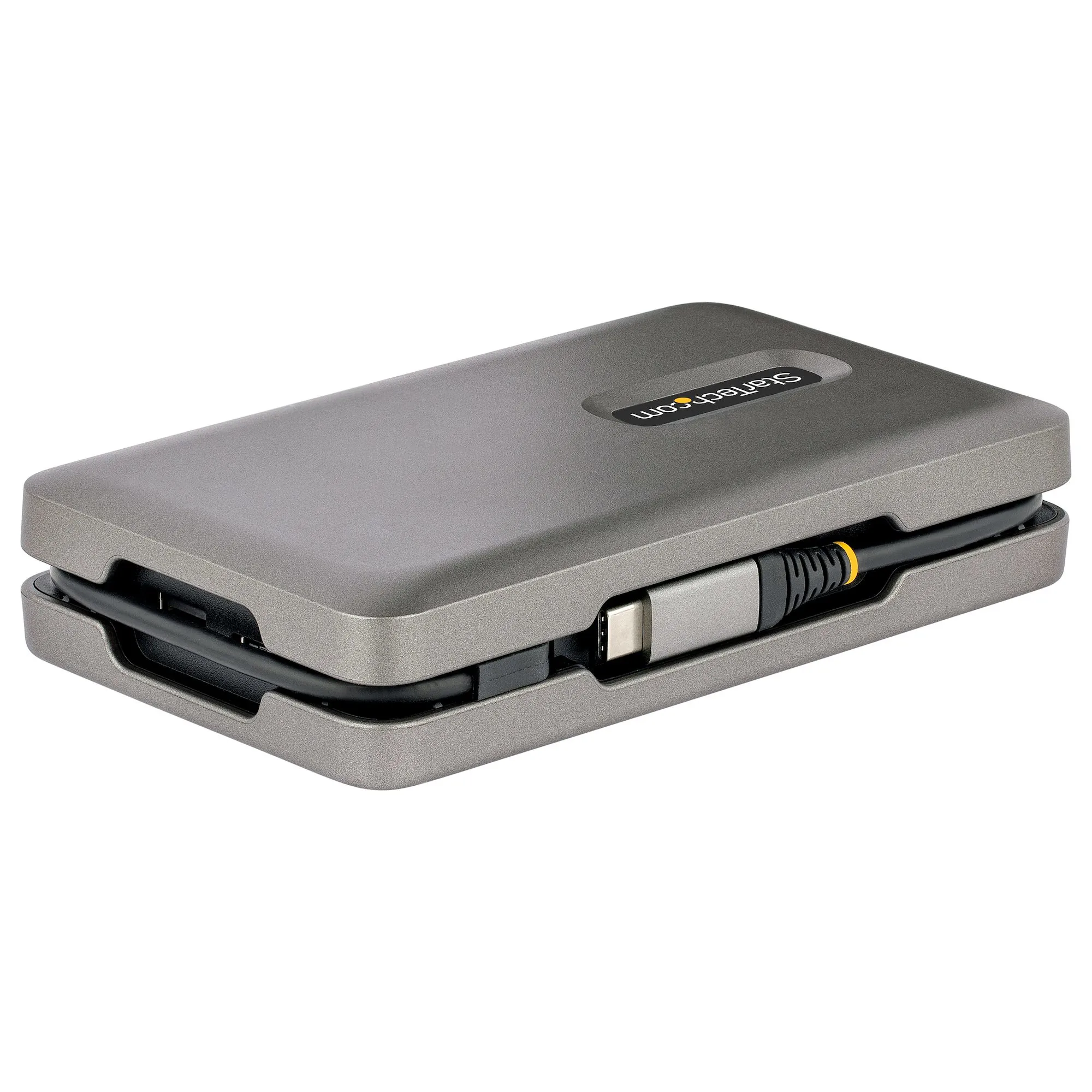
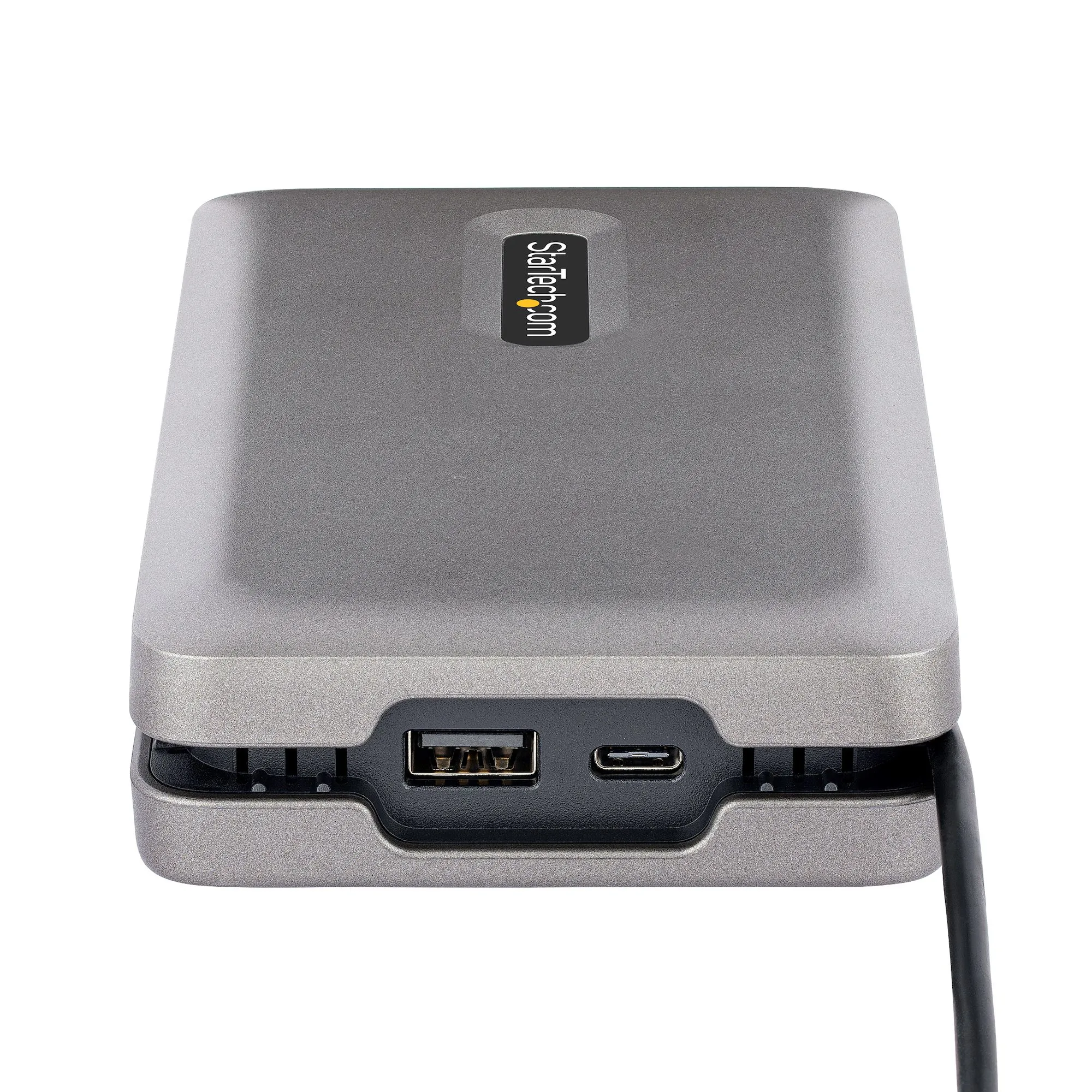
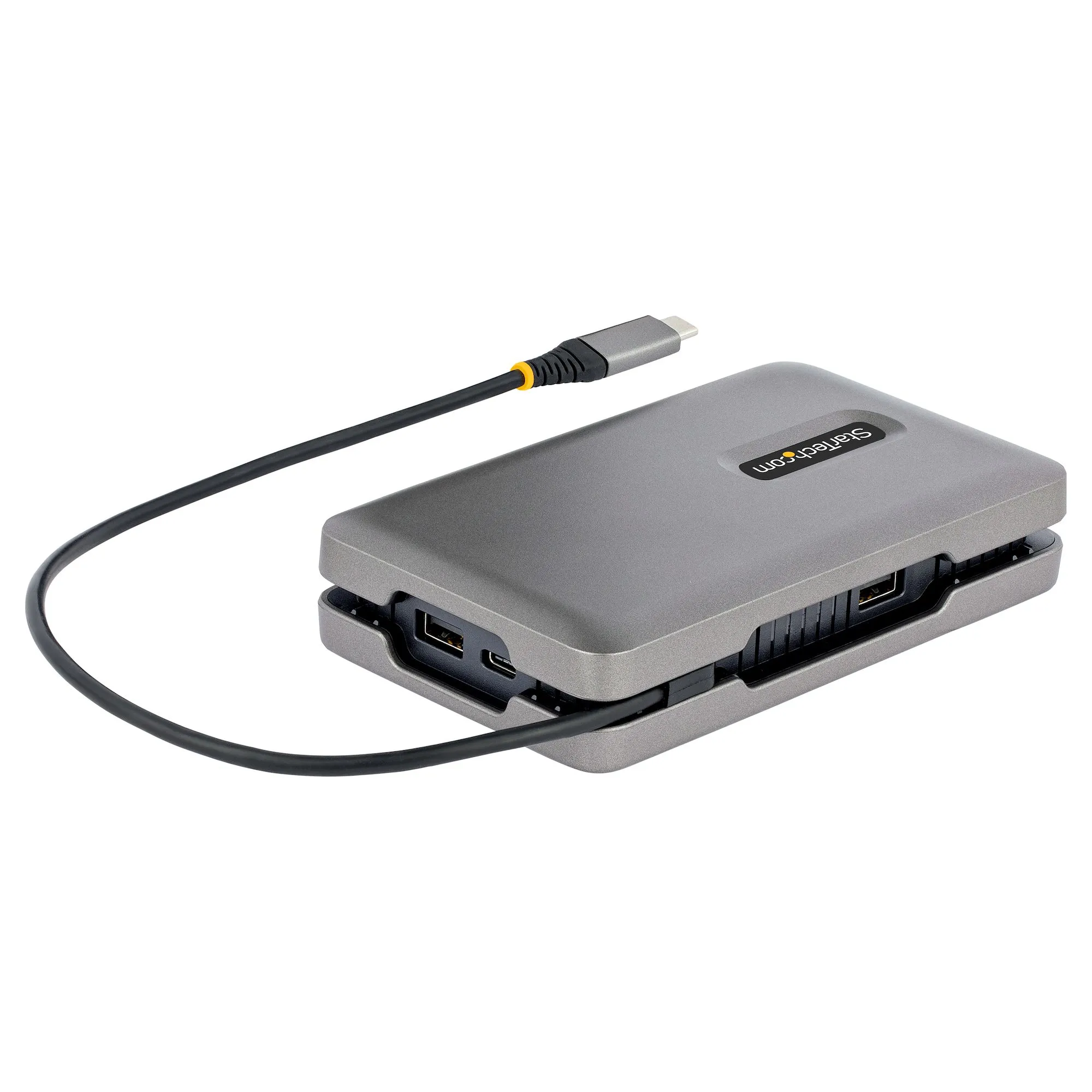
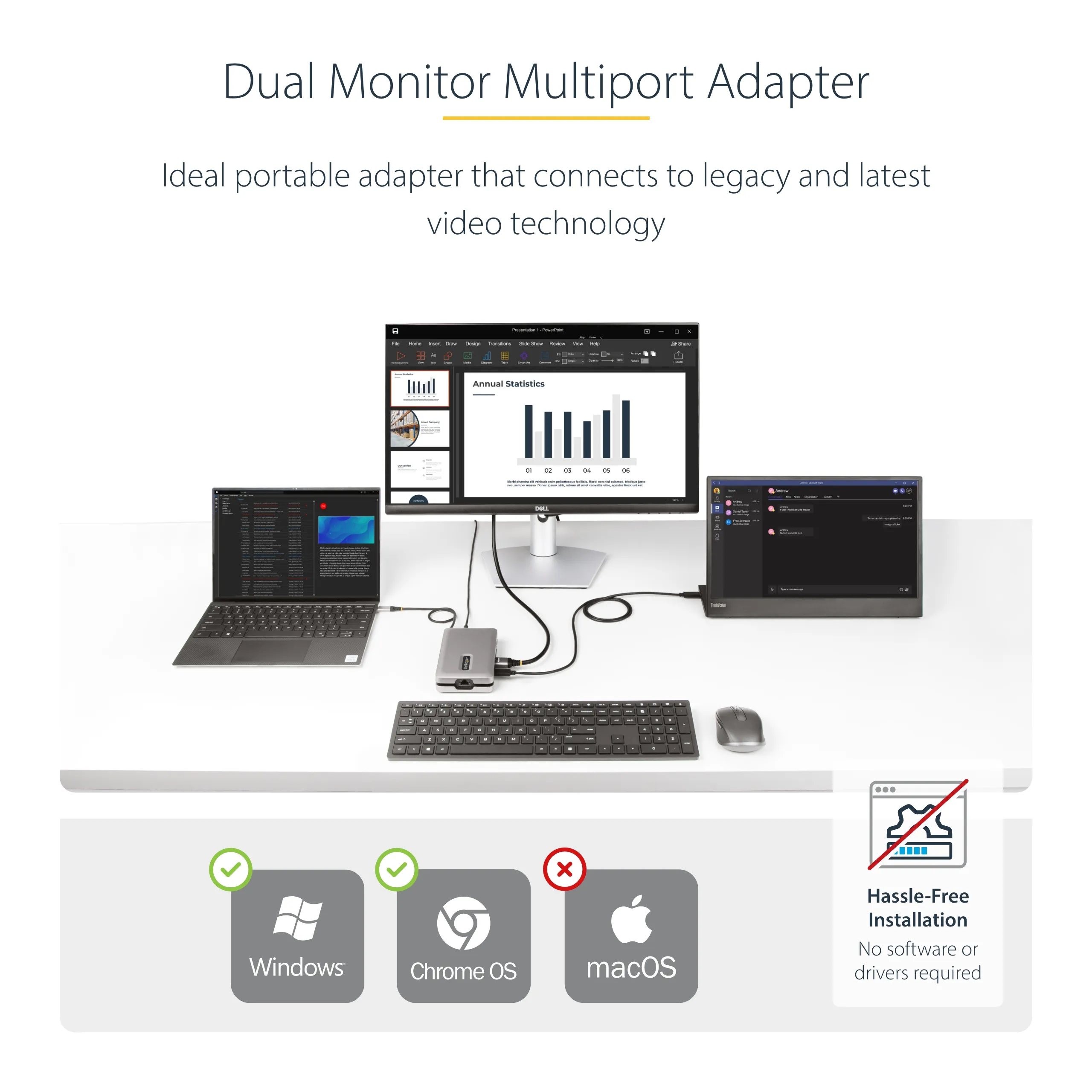
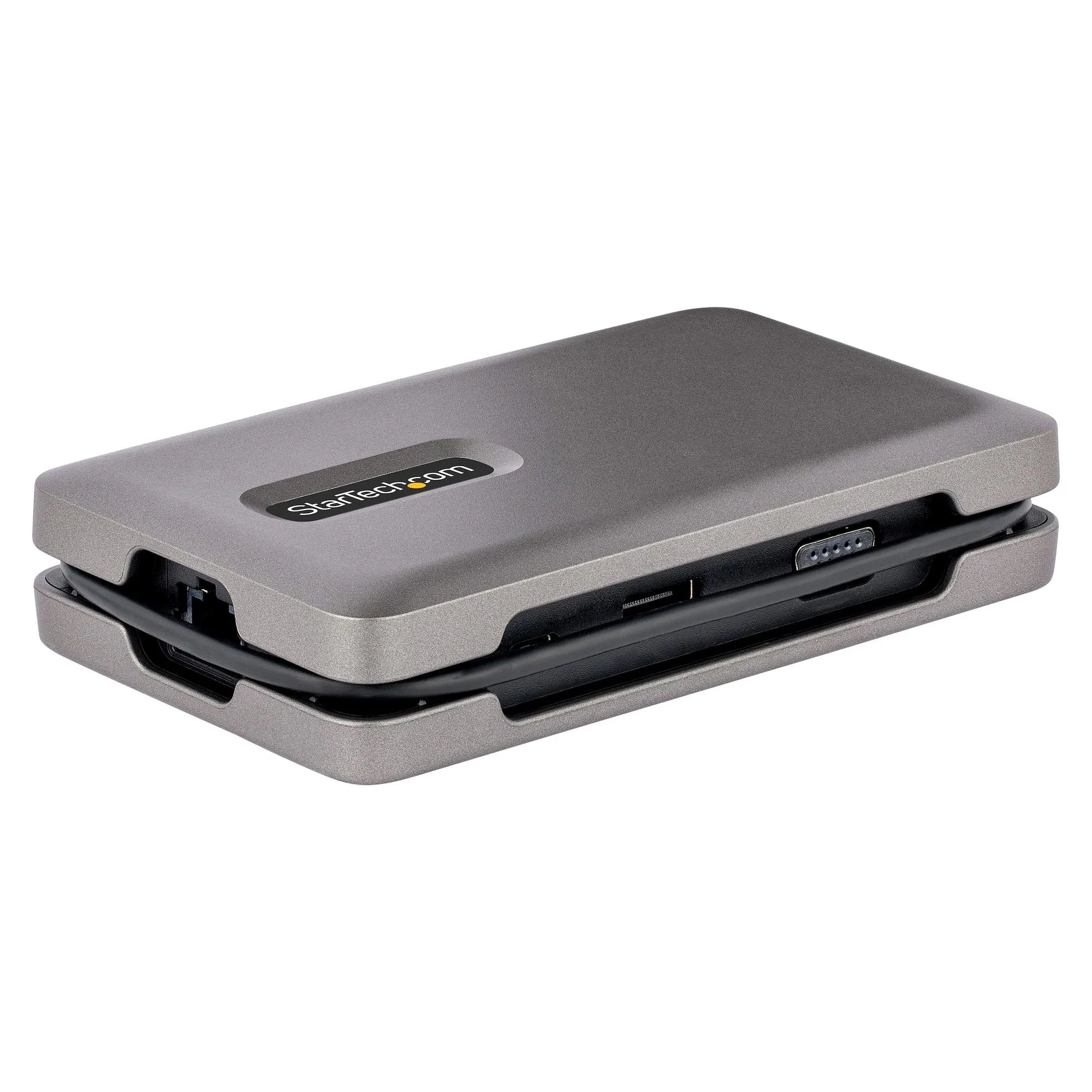
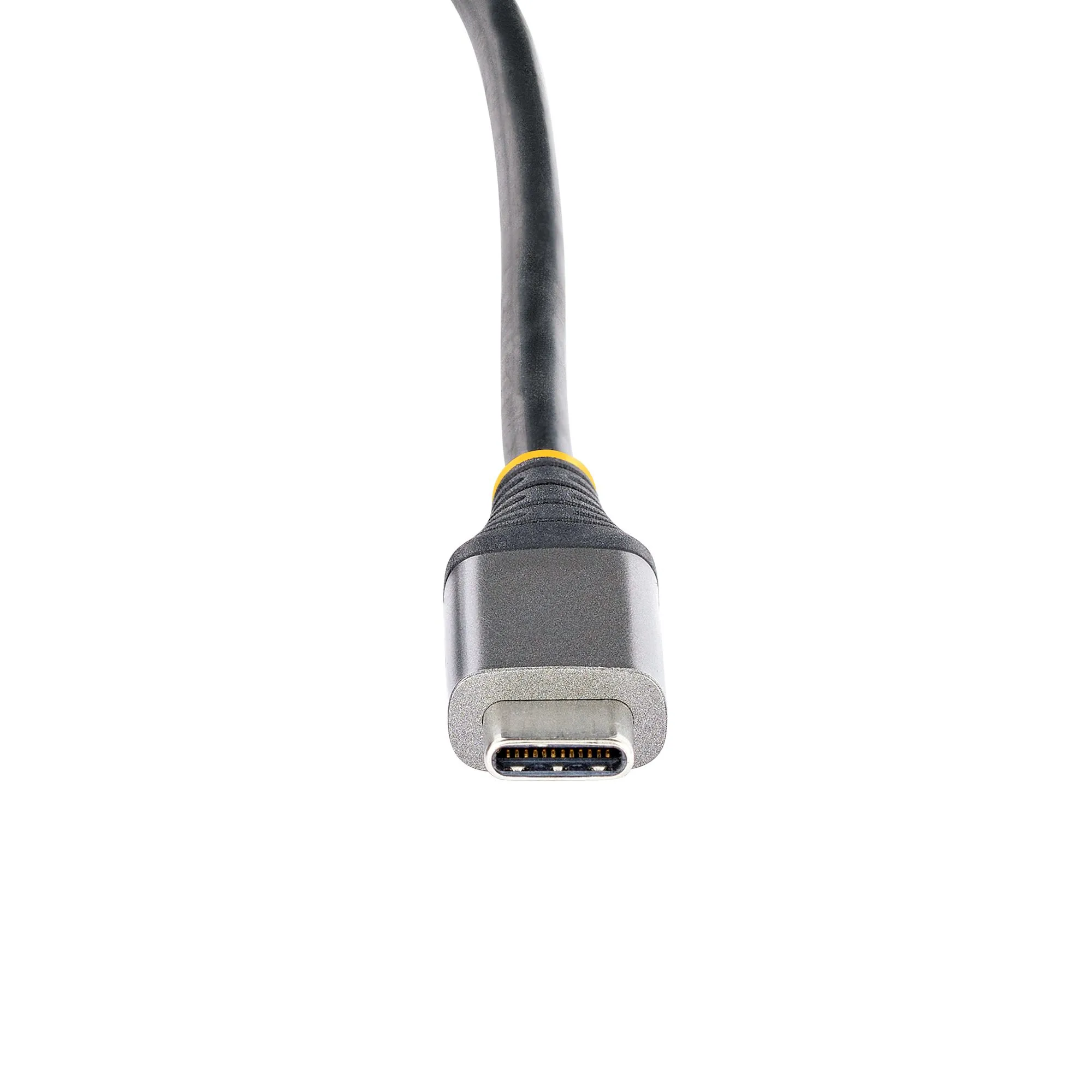
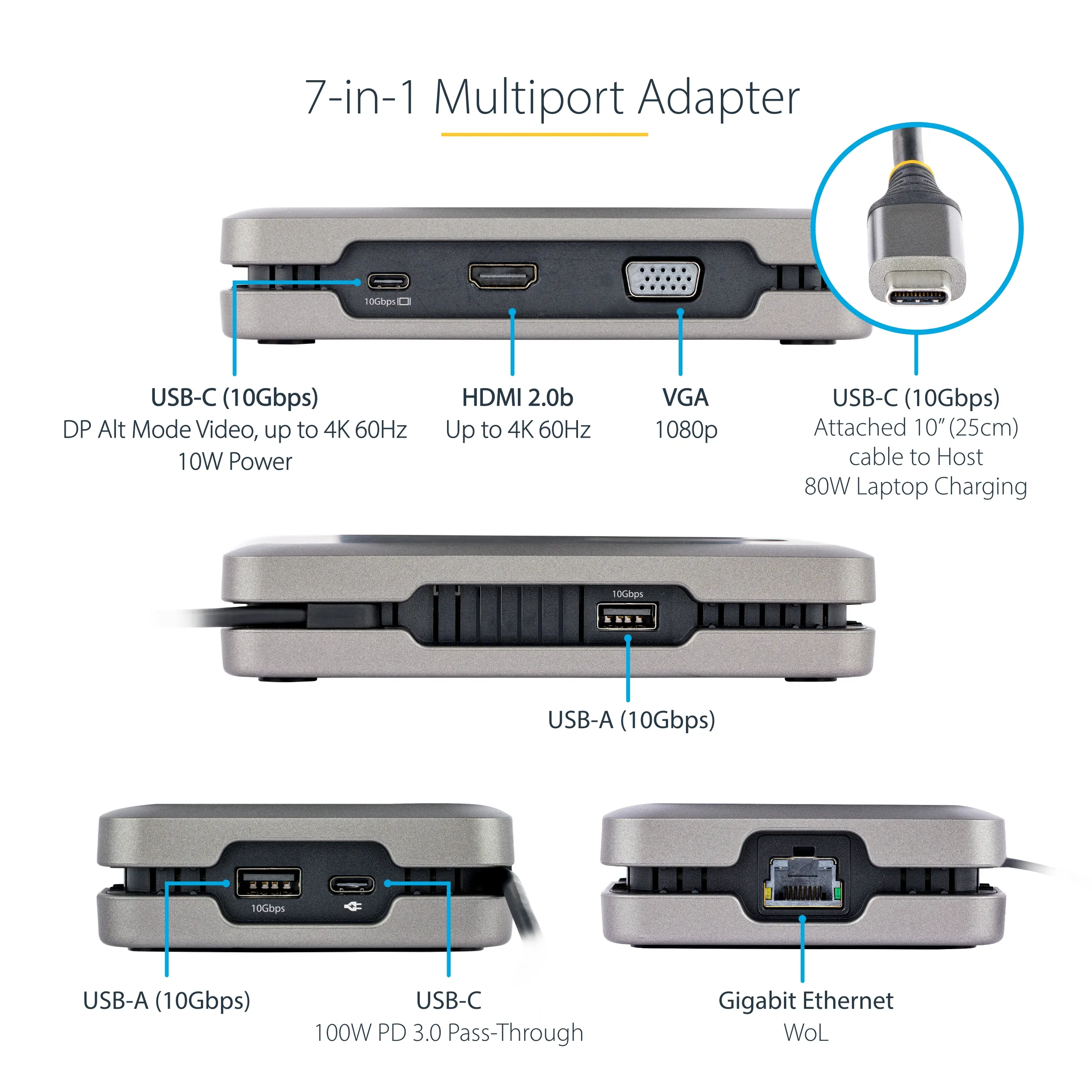
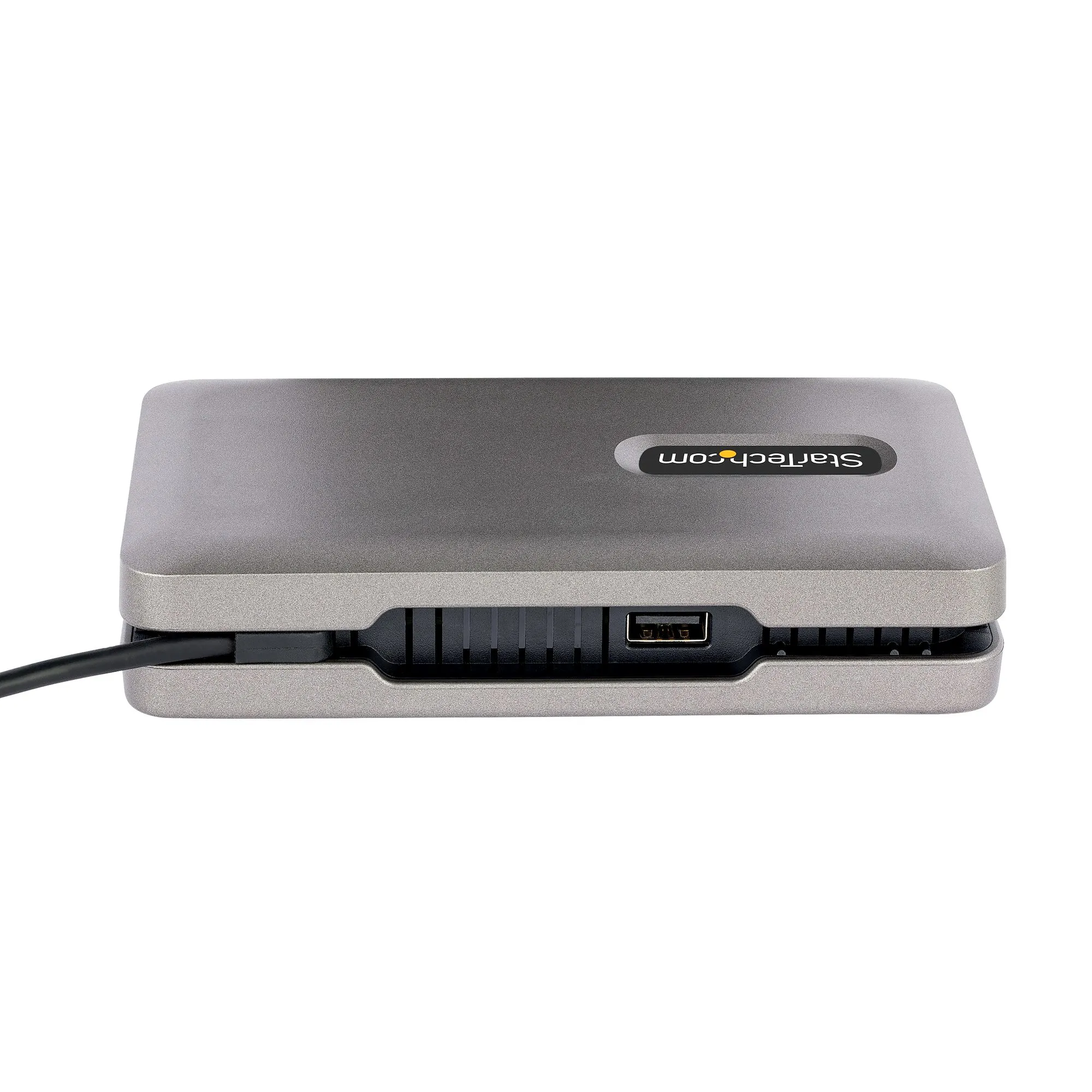
This USB-C™ Multiport Adapter/Docking Station with DisplayPort™ 1.4 (Alt Mode) and Multi-Stream Transport (MST), features three video output options (HDMI, VGA and USB-C video) to support a single or multi-monitor workstation. The USB-C video port supports USB 3.2 Gen 2 (10Gbps) with 10W of power, to connect a USB-C monitor or a USB-C peripheral. In addition, the Docking Station also features a 2-Port USB-A 3.2 Gen 2 (10 Gbps) Hub, a Gigabit Ethernet port, and providing advanced charging through a USB Power Delivery (PD) 3.0 pass-through port. The Multiport Adapter connects to a laptop's USB-C or Thunderbolt 3/4™ port, using the integrated 10-inch (25cm) USB-C cable.
Versatile, High-Performance Video via MST
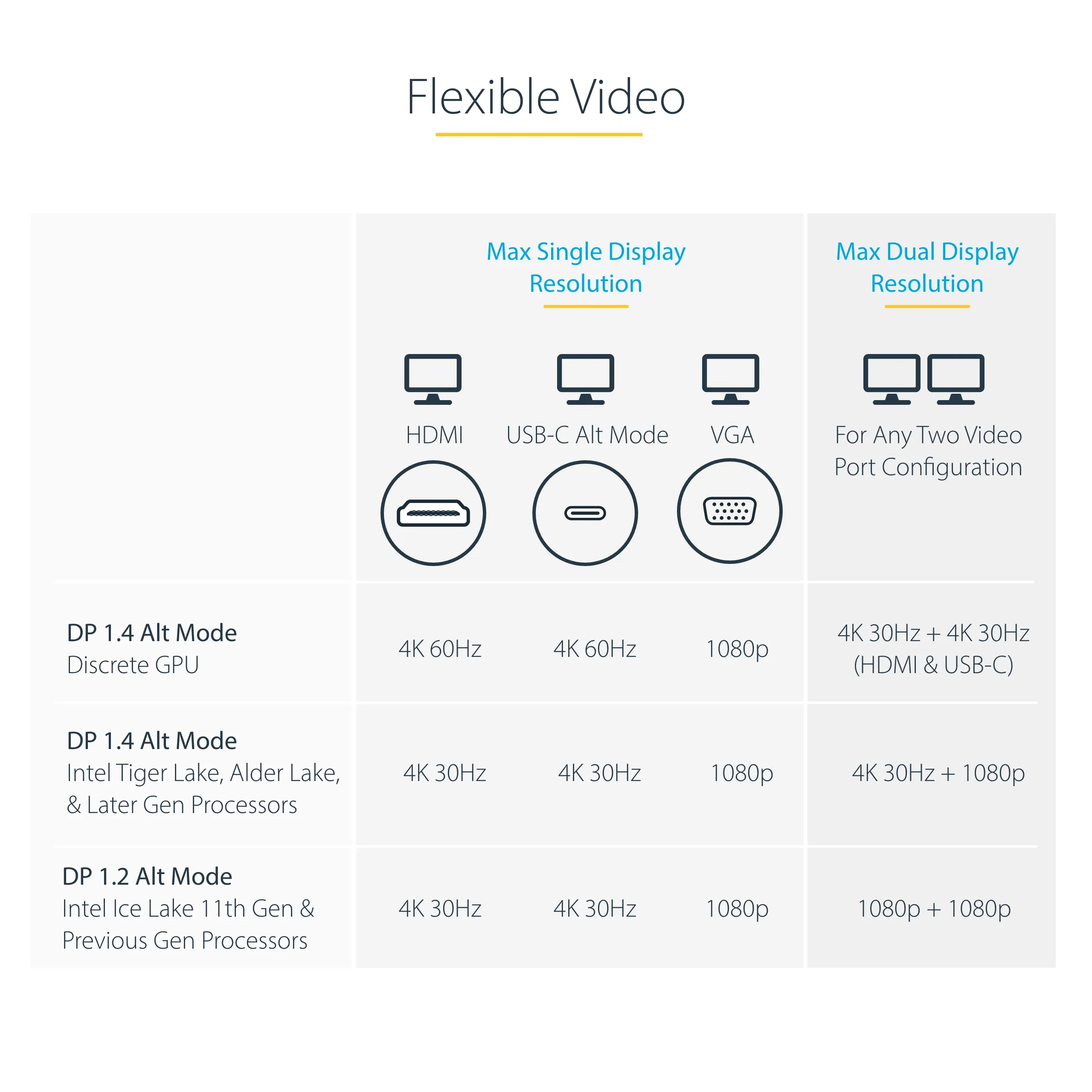
The compact USB Type-C Docking Station features three video output options to turn your laptop into a single or multi-monitor workstation.
HDMI Port
Provides HDR video with resolutions up to 4K 60Hz.
VGA Port
Provides analog video with resolutions up to 1080p 60Hz.
USB-C Port
Provides the industry's first downstream full featured video or data (10Gbps) USB-C port that supports DP Alt Mode video or peripheral connection, on a non-Thunderbolt adapter.
The advanced video versatility of this Multiport Adapter, makes it suitable for a wide variety of applications:
- Connect a portable USB-C monitor as an extended display, to obtain a high resolution external monitor during on-the-go travel between an office desk, home office, hot desk, or the boardroom.
- Connect a USB-C peripheral to the downstream 10Gbps USB-C port, while using the HDMI and/or VGA ports to connect external monitor(s) as extended display(s).
- Connect multiple external monitors as extended displays, using any combination of the two video ports, to create a high-productivity workstation. USB-C video adapters (sold separately) can be used to connect HDMI, DVI, VGA, or DisplayPort monitors to the USB-C video port.
Connect Your Devices
The USB 3.2 Gen 2 (10Gbps) hub features two USB-A ports and one USB-C port, for connecting your USB devices. The downstream USB-C port can be used to connect a monitor, or USB-C peripheral with up to 10W (5V/2A) of power, to power or charge your peripherals.
Multiple Use Cases
A versatile docking solution for use at an office desk, home office, hot desk, or in the boardroom. It's portable enough to be carried in a bag / backpack for mobile use. The USB-C dock can operate with bus-power alone, or with a USB-C power adapter connected to the USB Power Delivery pass-through port - for full laptop and USB-C peripheral charging. The lightweight docking station features a built-in 10 in (25 cm) USB-C host cable for added setup flexibility and to reduce port strain with laptop connection elevated off desktop surface.
Charge Your Laptop and Peripherals
With support for USB PD 3.0 (100W - 80W charging, 20W reserved for multiport adapter), the Multiport Adapter enables charging of the host computer and peripherals connected to the USB-C port. USB PD is only available when a USB-C power adapter is connected to the PD pass-through port. PD 3.0 features Fast Role Swap (FRS) which prevents USB data disruption when switching power sources (e.g., USB-C power adapter to bus power).
Reliable Network Connectivity
The Gigabit Ethernet port ensures reliable wired network access. Support for Wake-on-LAN (WoL) enables remote booting of the host computer.
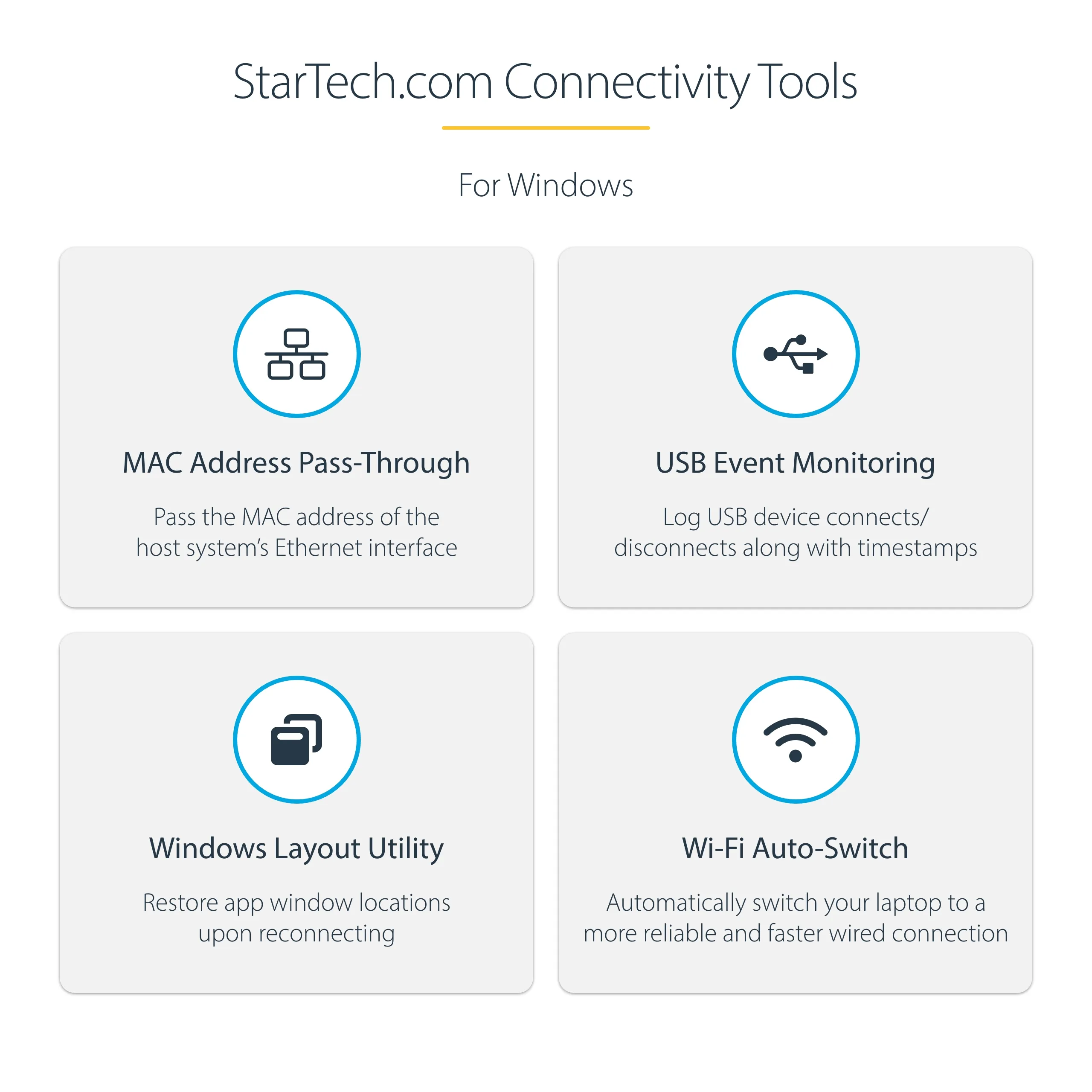
Enhance Productivity and Device Management with the StarTech.com Connectivity Tools Application
Developed to improve performance and security, StarTech.com Connectivity Tools is the only software suite on the market that works with a wide range of IT connectivity accessories. The software suite includes:
- Advanced Windows Layout Utility: Setup and save custom windows layouts.
- MAC Address Pass-Through Utility: Improve network security.
- USB Event Monitoring Utility: Track and log connected USB devices.
- Wi-Fi Auto Switch Utility: Enable users to quickly access faster network speeds via wired LAN.
Versatile, High-Performance Video via MST
The compact USB Type-C Docking Station features three video output options to turn your laptop into a single or multi-monitor workstation.
HDMI Port
Provides HDR video with resolutions up to 4K 60Hz.
VGA Port
Provides analog video with resolutions up to 1080p 60Hz.
USB-C Port
Provides the industry's first downstream full featured video or data (10Gbps) USB-C port that supports DP Alt Mode video or peripheral connection, on a non-Thunderbolt adapter.
The advanced video versatility of this Multiport Adapter, makes it suitable for a wide variety of applications:
- Connect a portable USB-C monitor as an extended display, to obtain a high resolution external monitor during on-the-go travel between an office desk, home office, hot desk, or the boardroom.
- Connect a USB-C peripheral to the downstream 10Gbps USB-C port, while using the HDMI and/or VGA ports to connect external monitor(s) as extended display(s).
- Connect multiple external monitors as extended displays, using any combination of the two video ports, to create a high-productivity workstation. USB-C video adapters (sold separately) can be used to connect HDMI, DVI, VGA, or DisplayPort monitors to the USB-C video port.
Connect Your Devices
The USB 3.2 Gen 2 (10Gbps) hub features two USB-A ports and one USB-C port, for connecting your USB devices. The downstream USB-C port can be used to connect a monitor, or USB-C peripheral with up to 10W (5V/2A) of power, to power or charge your peripherals.
Multiple Use Cases
A versatile docking solution for use at an office desk, home office, hot desk, or in the boardroom. It's portable enough to be carried in a bag / backpack for mobile use. The USB-C dock can operate with bus-power alone, or with a USB-C power adapter connected to the USB Power Delivery pass-through port - for full laptop and USB-C peripheral charging. The lightweight docking station features a built-in 10 in (25 cm) USB-C host cable for added setup flexibility and to reduce port strain with laptop connection elevated off desktop surface.
Charge Your Laptop and Peripherals
With support for USB PD 3.0 (100W - 80W charging, 20W reserved for multiport adapter), the Multiport Adapter enables charging of the host computer and peripherals connected to the USB-C port. USB PD is only available when a USB-C power adapter is connected to the PD pass-through port. PD 3.0 features Fast Role Swap (FRS) which prevents USB data disruption when switching power sources (e.g., USB-C power adapter to bus power).
Reliable Network Connectivity
The Gigabit Ethernet port ensures reliable wired network access. Support for Wake-on-LAN (WoL) enables remote booting of the host computer.
Enhance Productivity and Device Management with the StarTech.com Connectivity Tools Application
Developed to improve performance and security, StarTech.com Connectivity Tools is the only software suite on the market that works with a wide range of IT connectivity accessories. The software suite includes:
- Advanced Windows Layout Utility: Setup and save custom windows layouts.
- MAC Address Pass-Through Utility: Improve network security.
- USB Event Monitoring Utility: Track and log connected USB devices.
- Wi-Fi Auto Switch Utility: Enable users to quickly access faster network speeds via wired LAN.
Multitronic Vaasa: 0 pcs
Estimated delivery: 17.09 - 21.09
Estimated delivery: 17.09 - 21.09
Today: 10:00 - 18:00
Multitronic Pietarsaari: 0 pcs
Estimated delivery: 17.09 - 21.09
Estimated delivery: 17.09 - 21.09
Today: 09:00 - 17:00
Multitronic Jyväskylä: 0 pcs
Estimated delivery: 17.09 - 21.09
Estimated delivery: 17.09 - 21.09
Today: 10:00 - 17:00
Multitronic Lappeenranta: 0 pcs
Estimated delivery: 17.09 - 21.09
Estimated delivery: 17.09 - 21.09
Today: 10:00 - 18:00
Multitronic Mariehamn: 0 pcs
Estimated delivery: 17.09 - 21.09
Estimated delivery: 17.09 - 21.09
Today: 10:00 - 17:00
Fetch from the shop
Estimated delivery time: 17.09 - 21.09
Estimated delivery time: 17.09 - 21.09
Matkahuolto: Parcel lockers and service points
Estimated delivery time: 18.09 - 21.09
Estimated delivery time: 18.09 - 21.09
Posti: Parcel lockers and service points
Estimated delivery time: 17.09 - 20.09
Estimated delivery time: 17.09 - 20.09
Posti: Postal package
Estimated delivery time: 18.09 - 21.09
Estimated delivery time: 18.09 - 21.09
Posti: Doorstep delivery
Estimated delivery time: 18.09 - 20.09
Estimated delivery time: 18.09 - 20.09
Matkahuolto: Business Parcel
Estimated delivery time: 17.09 - 21.09
Estimated delivery time: 17.09 - 21.09
Matkahuolto: Home Parcel
Estimated delivery time: 17.09 - 21.09
Estimated delivery time: 17.09 - 21.09
Posti: Home delivery
Estimated delivery time: 18.09 - 20.09
Estimated delivery time: 18.09 - 20.09
- manual pdf (English)
- leaflet (English)
- leaflet (Svenska)
The above technical details are for reference only and may change without notice. We reserve the right to correct printing errors and use illustrations for guidance. Some text may be auto-generated or machine-translated, which could lead to inaccuracies.