




6290€
Show VAT 0%
Show VAT 25,5%
Multitronic Vaasa
Multitronic Pietarsaari
Multitronic Jyväskylä
Multitronic Lappeenranta
Multitronic Mariehamn
Specifications
Description
Store availability
Delivery
Price development
Manuals
| Technical details | |
| Compliance certificates | CE, RoHS |
| System requirements | |
| Windows operating systems supported | Windows 10, Windows 10 Education, Windows 10 Education x64, Windows 10 Enterprise, Windows 10 Enterprise x64, Windows 10 Home, Windows 10 Home x64, Windows 10 IOT Core, Windows 10 Pro, Windows 10 Pro x64, Windows 10 x64, Windows 11, Windows 11 x64, Windows 7, Windows 7 Enterprise, Windows 7 Enterprise x64, Windows 7 Home Basic, Windows 7 Home Basic x64, Windows 7 Home Premium, Windows 7 Home Premium x64, Windows 7 Professional, Windows 7 Professional x64, Windows 7 Starter, Windows 7 Starter x64, Windows 7 Ultimate, Windows 7 Ultimate x64, Windows 7 x64, Windows 8, Windows 8 Enterprise, Windows 8 Enterprise x64, Windows 8 Pro, Windows 8 Pro x64, Windows 8 x64, Windows 8.1, Windows 8.1 Enterprise, Windows 8.1 Enterprise x64, Windows 8.1 Pro, Windows 8.1 Pro x64, Windows 8.1 x64, Windows Vista Business, Windows Vista Business x64, Windows Vista Enterprise, Windows Vista Enterprise x64, Windows Vista Home Basic, Windows Vista Home Basic x64, Windows Vista Home Premium, Windows Vista Home Premium x64, Windows Vista Ultimate, Windows Vista Ultimate x64, Windows XP Home, Windows XP Home x64, Windows XP Professional, Windows XP Professional x64 |
| Mac operating systems supported | Mac OS X 10.10 Yosemite, Mac OS X 10.11 El Capitan, Mac OS X 10.6 Snow Leopard, Mac OS X 10.7 Lion, Mac OS X 10.8 Mountain Lion, Mac OS X 10.9 Mavericks, Mac OS X 11.0 Big Sur, Mac OS X 13.0 Ventura |
| Linux operating systems supported |  |
| Server operating systems supported | Windows Server 2003, Windows Server 2003 x64, Windows Server 2008 R2, Windows Server 2012 |
| Ports & interfaces | |
| Interface | Ethernet |
| Connectivity technology | Wired |
| Ethernet LAN (RJ-45) ports | 1 |
| Host interface | USB |
| USB version | 3.2 Gen 2 (3.1 Gen 2) |
| USB pass-through | |
| USB 3.2 Gen 1 (3.1 Gen 1) Type-A hub ports quantity | 1 |
| Weight & dimensions | |
| Weight | 38 g |
| Height | 17 mm |
| Width | 35 mm |
| Depth | 275 mm |
| Energy management | |
| USB powered | |
| Operational conditions | |
| Operating relative humidity (H-H) | 5 - 80% |
| Storage temperature (T-T) | -10 - 60 °C |
| Operating temperature (T-T) | 0 - 50 °C |
| Networking | |
| Full duplex | |
| Cabling technology | 10/100/1000BaseT(X) |
| Maximum data transfer rate | 5000 Mbit/s |
| Ethernet LAN | |
| Networking standards | IEEE 802.1Q, IEEE 802.3, IEEE 802.3ab, IEEE 802.3az, IEEE 802.3u |
| Bluetooth |  |
| Wake-on-LAN ready | |
| Wi-Fi | |
| Jumbo frames support | |
| Ethernet LAN data rates | 10,100,1000 Mbit/s |
| Auto MDIX IEEE | |
| Auto MDI/MDI-X | |
| VLAN support | |
| VLAN tagging | |
| Jumbo frames | 4000 |
| Packaging data | |
| Package weight | 92 g |
| Package depth | 171 mm |
| Package height | 30 mm |
| Package width | 143 mm |
| Other features | |
| Housing material | Plastic |
| Design | |
| Internal | |
| Chipset | ASIX - AX88179, VIA/VLI - VL812 |
| Form factor | Portable |
| LED indicators | Activity, Link |
| Product colour | Black |
| Features | |
| Data transfer rate | 1 Gbit/s |
| Logistics data | |
| Master (outer) case height | 373 mm |
| Master (outer) case width | 595 mm |
| Master (outer) case length | 316 mm |
| Products per master (outer) case | 80 pc(s) |
| Harmonized System (HS) code | 85176990 |
| Sustainability | |
| Sustainability compliance | |
| EAN | 4058829183684 |
| Warranty | 1 year |
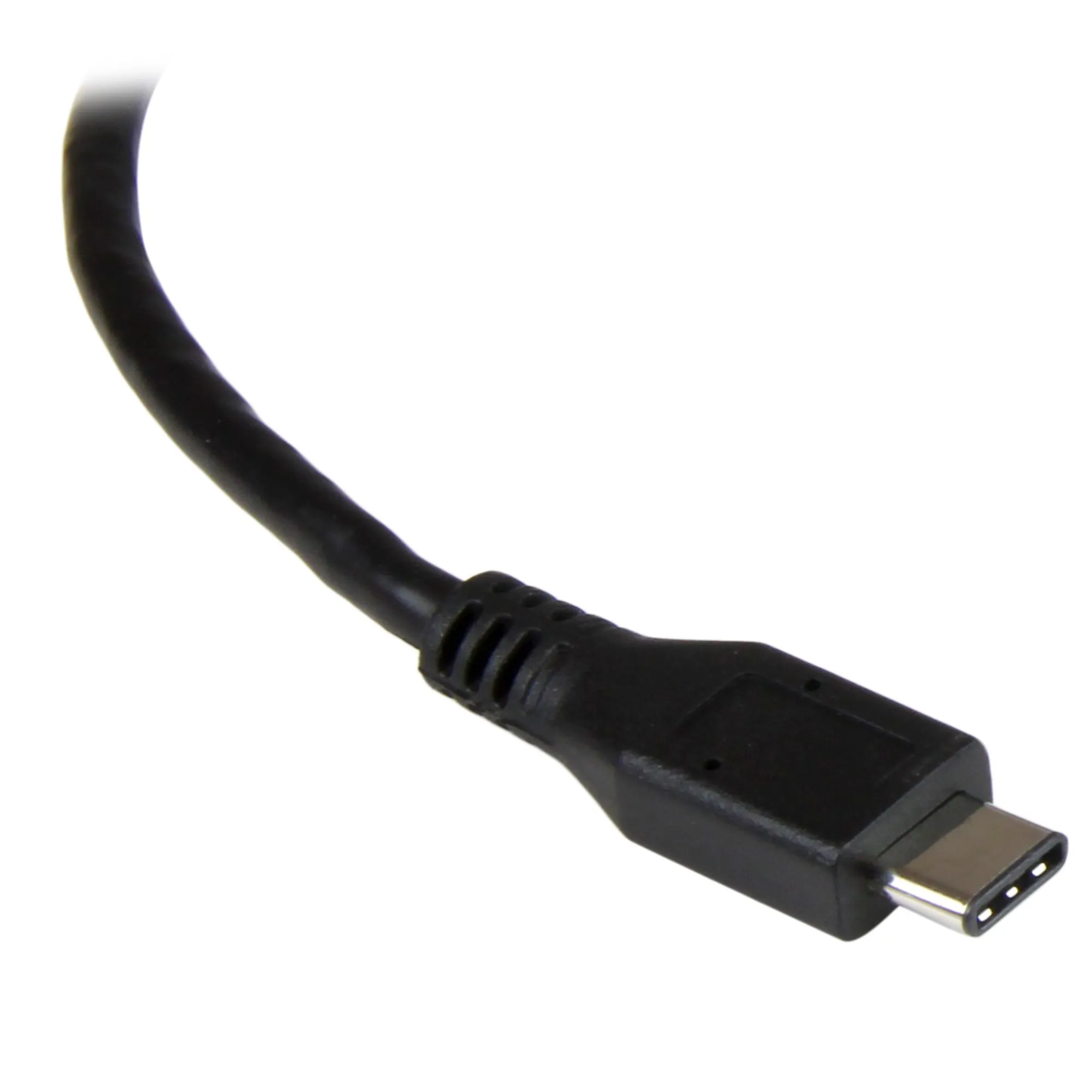
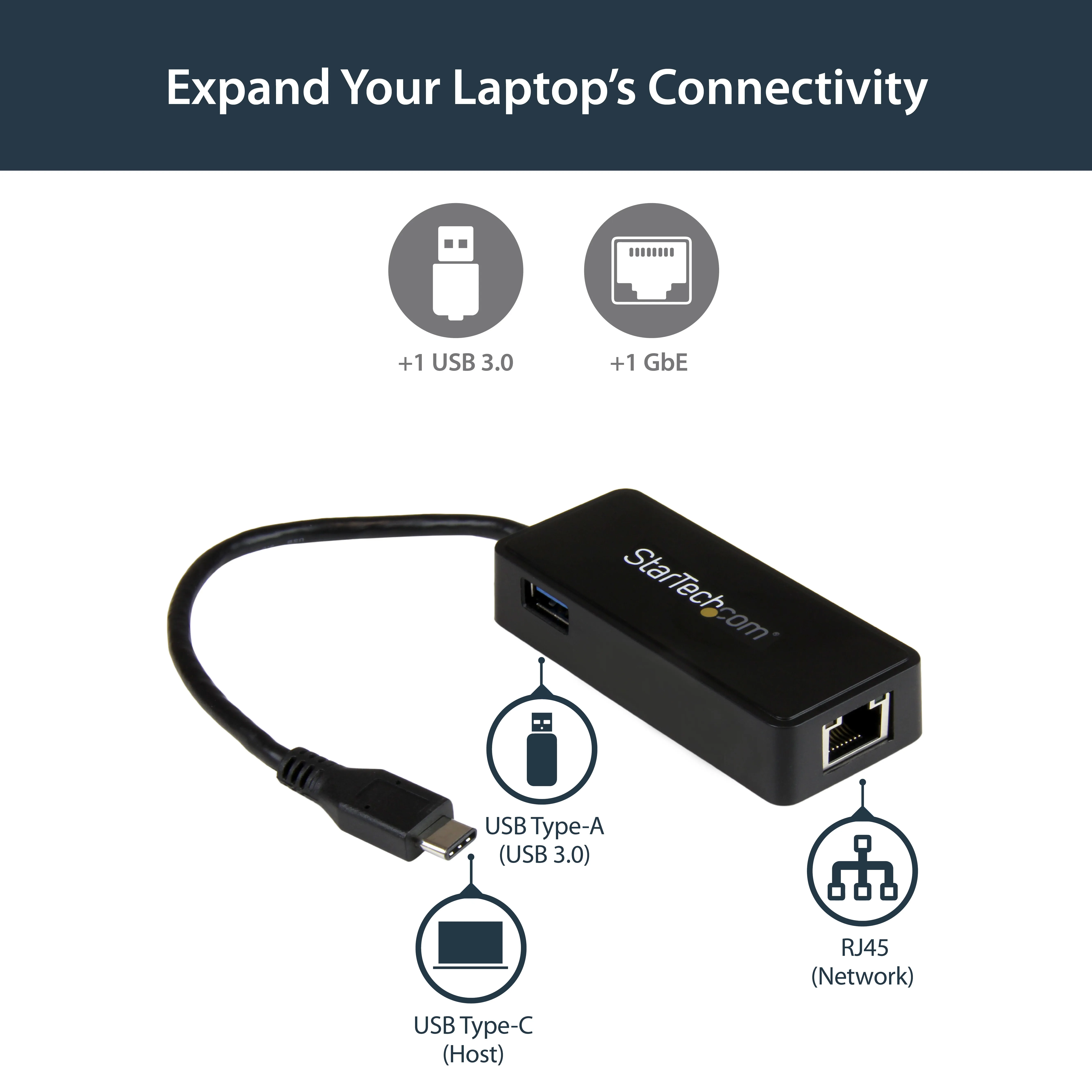
The StarTech US1GC301AU USB to Gigabit Ethernet adapter adds a wired network connection to laptops and desktops that lack an RJ45 port. This portable adapter uses a USB 3.2 Gen 2 interface with a maximum host transfer rate of 5000 Mbit/s. It supports 10, 100, and 1000 Mbit/s Ethernet data rates, is bus-powered, and meets IEEE 802.3 standards for use with standard copper-based networks.
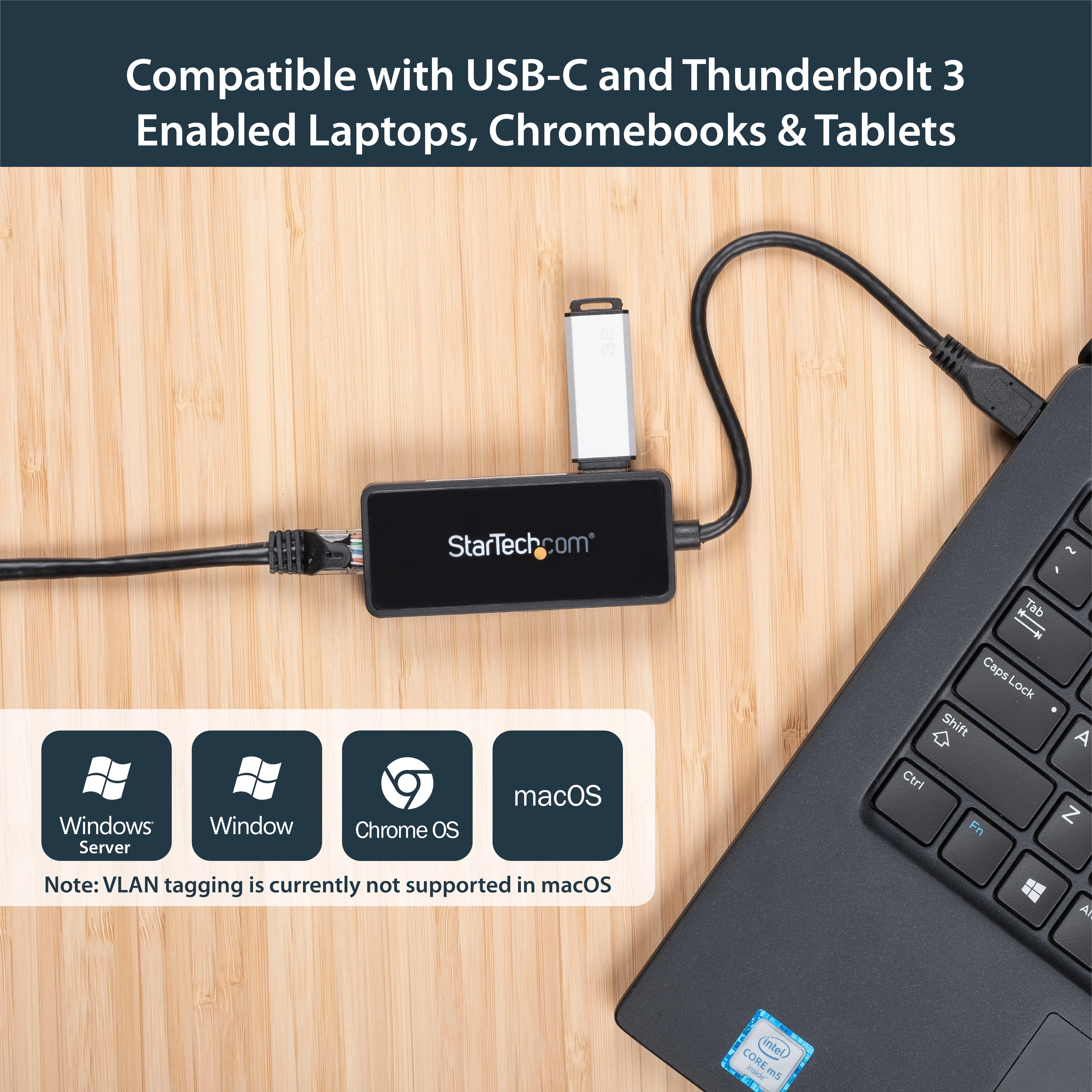
Weighing 38 grams and measuring 17 mm in height, the adapter is easy to transport with mobile workstations. Built-in LED indicators show link status and network activity. The unit uses an ASIX AX88179 and VIA VL812 chipset and is compatible with Windows, macOS, Linux, and various Windows Server versions.
Key Features:- IEEE 802.1Q VLAN tagging for network segmentation and traffic management
- Jumbo frame support up to 4000 bytes to reduce packet overhead during large file transfers
- Full-duplex operation for simultaneous data transmission
- Auto MDI/MDIX detection for both straight-through and crossover cables
- Wake-on-LAN support for remote power management
Multitronic Vaasa: 0 pcs
Estimated delivery: 19.10 - 22.10
Estimated delivery: 19.10 - 22.10
Today: 10:00 - 18:00
Multitronic Pietarsaari: 0 pcs
Estimated delivery: 19.10 - 22.10
Estimated delivery: 19.10 - 22.10
Today: 09:00 - 17:00
Multitronic Jyväskylä: 0 pcs
Estimated delivery: 19.10 - 22.10
Estimated delivery: 19.10 - 22.10
Today: 10:00 - 17:00
Multitronic Lappeenranta: 0 pcs
Estimated delivery: 19.10 - 22.10
Estimated delivery: 19.10 - 22.10
Today: 10:00 - 18:00
Multitronic Mariehamn: 0 pcs
Estimated delivery: 19.10 - 22.10
Estimated delivery: 19.10 - 22.10
Today: 10:00 - 17:00
Fetch from the shop
Estimated delivery time: 19.10 - 22.10
Estimated delivery time: 19.10 - 22.10
Posti: Parcel lockers and service points
Estimated delivery time: 19.10 - 21.10
Estimated delivery time: 19.10 - 21.10
Posti: Postal package
Estimated delivery time: 20.10 - 22.10
Estimated delivery time: 20.10 - 22.10
Matkahuolto: Parcel lockers and service points
Estimated delivery time: 20.10 - 22.10
Estimated delivery time: 20.10 - 22.10
Posti: Doorstep delivery
Estimated delivery time: 20.10 - 21.10
Estimated delivery time: 20.10 - 21.10
Matkahuolto: Business Parcel
Estimated delivery time: 19.10 - 22.10
Estimated delivery time: 19.10 - 22.10
Matkahuolto: Home Parcel
Estimated delivery time: 19.10 - 22.10
Estimated delivery time: 19.10 - 22.10
Posti: Home delivery
Estimated delivery time: 20.10 - 21.10
Estimated delivery time: 20.10 - 21.10
The above technical details are for reference only and may change without notice. We reserve the right to correct printing errors and use illustrations for guidance. Some text may be auto-generated or machine-translated, which could lead to inaccuracies.