

No price development information for this product.
Product unavailable
This product is end of life or currently not available.
This product is end of life or currently not available.
Specifications
Description
Store availability
Delivery
Price development
| Display | |
| Display diagonal | 109.2 cm (43") |
| Display brightness | 400 cd/m² |
| Display resolution | 1920 x 1080 pixels |
| Touchscreen |  |
| Display type | LED |
| Display technology | Direct-LED |
| Native aspect ratio | 16:9 |
| HD type | Full HD |
| Audio | |
| RMS rated power | 20 W |
| Built-in speaker(s) |  |
| Number of speakers | 2 |
| Ports & interfaces | |
| Ethernet LAN | |
| USB 2.0 ports quantity | 2 |
| Ethernet LAN (RJ-45) ports | 1 |
| DVI port | |
| VGA (D-Sub) ports quantity | 1 |
| Digital audio optical out | 1 |
| PC in (D-Sub) | |
| PC Audio in | |
| Component video (YPbPr/YCbCr) in | 1 |
| HDMI ports quantity | 3 |
| VGA (D-Sub) input ports | 1 |
| USB ports quantity | 2 |
| RS-232C | |
| USB port | |
| Weight & dimensions | |
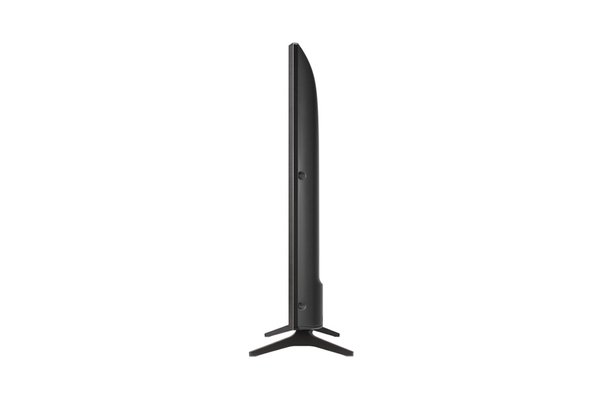
| Weight | 9.21 kg |
| Height | 571.5 mm |
| Width | 972.8 mm |
| Depth | 71.1 mm |
| Width (with stand) | 972.8 mm |
| Height (with stand) | 624.8 mm |
| Depth (with stand) | 221 mm |
| Weight (without stand) | 9.21 kg |
| Height (without stand) | 57.1 cm |
| Width (without stand) | 97.3 cm |
| Depth (without stand) | 7.11 cm |
| Weight (with stand) | 9.3 kg |
| Networking | |
| Ethernet LAN | |
| Wi-Fi | |
| Miracast | |
| Packaging data | |
| Package weight | 11.3 kg |
| Package depth | 152.4 mm |
| Package height | 660.4 mm |
| Package width | 1059.2 mm |
| Package type | Box |
| Other features | |
| Built-in speaker(s) | |
| Digital audio optical out | 1 |
| Screen format adjustments | 4:3, 16:9, Zoom |
| Manual | |
| 3D | |
| Display technology | Direct-LED |
| Hotel mode | |
| Design | |
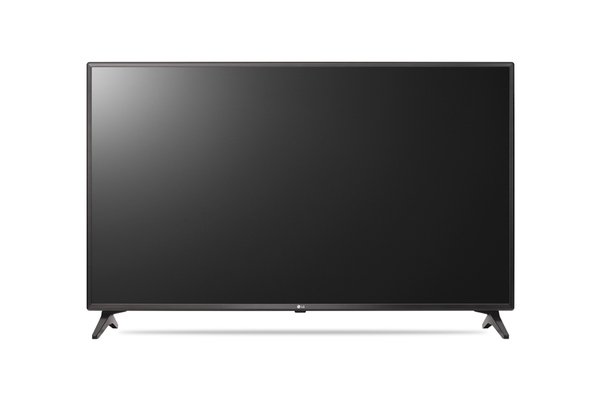
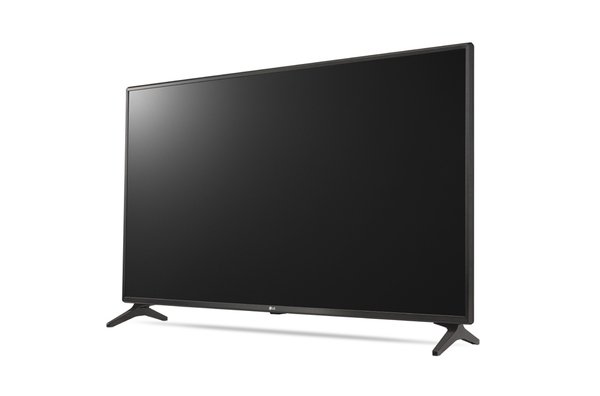
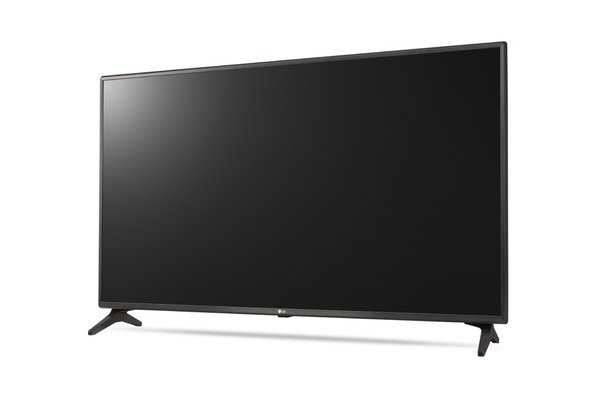
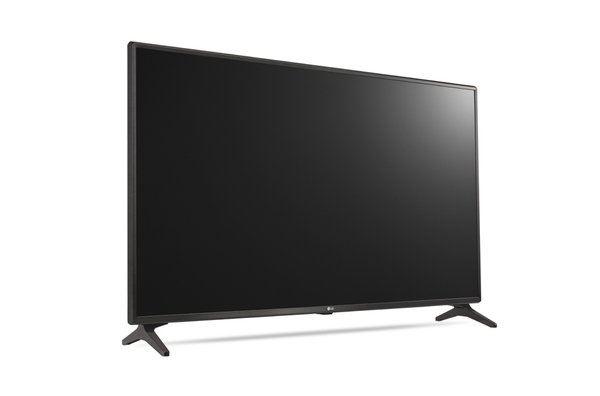
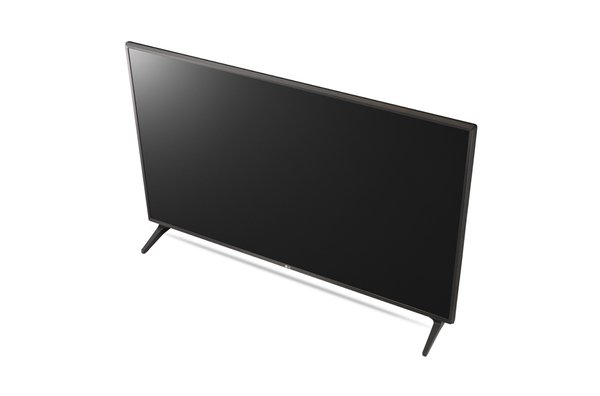
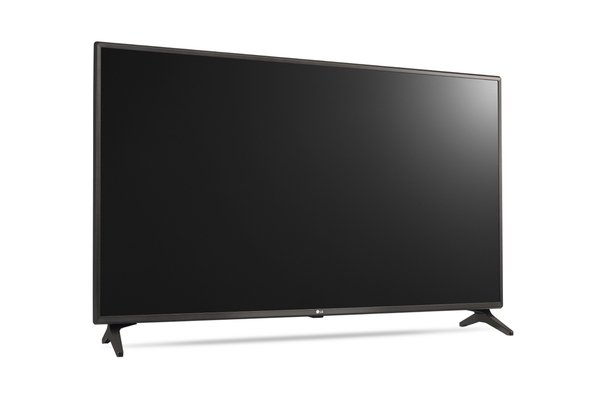
| Product colour | Black |
| Placement supported | Indoor |
| Panel mounting interface | 200 x 200 mm |
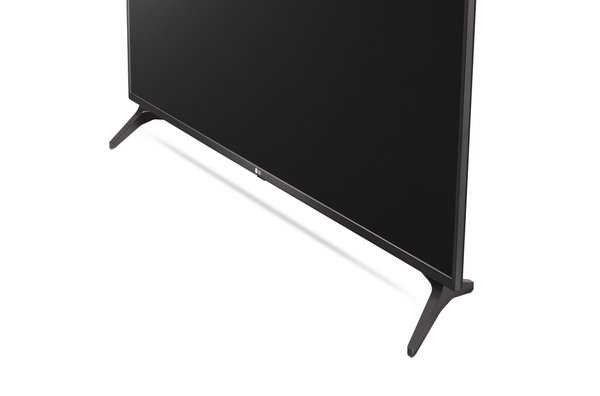
| Product design | Digital signage flat panel |
| VESA mounting | |
| Orientation | Horizontal |
| Performance | |
| Analog signal format system | NTSC |
| TV tuner integrated | |
| Tuner type | Analog & digital |
| Purpose | Retail |
| Operating system installed | Web OS |
| Operating system version | 3.5 |
| Digital signal format system | ATSC |
| Video apps | YouTube |
| Computer system | |
| Operating system installed | Web OS |
| Computer system | |
| Hospitality features | |
| USB cloning | |
| EAN | 8806084644800 |
| Warranty | 1 year |
| Source: Icecat.biz | |
Embedded Content Managment
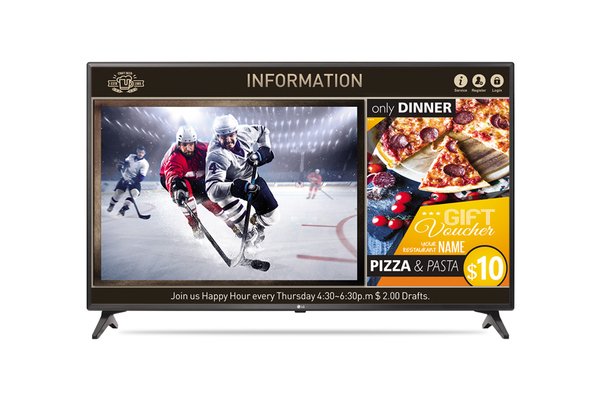
Without extra PC, content can be easily and promptly edited using embedded templates via remote control, keyboard and chrome browser. Also, because a Smart TV Signage itself works as a server, a master TV can distribute content and set data on a selected group within the same network.
SuperSign™ Simple Editor
The LV640S series is compatible with SuperSign™ Simple Editor, one of LG’s editor software, to provide media editing, scheduling, and distributing capabilities.
- Creation with embedded templates (143 templates, 100 stickers)
- Content Scheduling and direct distribution via USB
- Content distribution over the network available via SuperSignTM Lite. (Up to 50 TVs)
Crestron Connected® Certifi ed Display
LG offers a host of commercial displays that are Creston connected certified for seamless integration and automated control.
WOL
WOL (Wake on LAN) helps you remotely turn on TVs over the internet. Connect TVs and a PC in the same network, and send Magic Packet program to the MAC addresses of registered TVs. Then, it will wake up the TVs via LAN port.
SNMP
SNMP (Simple Network Management Protocol) ensures convenient network management for SI and business managers.
Enricher Smart Content
Customers can easily access to various content via pre-loaded YouTube app, web browser as well as live channel.
SmartShare
SmartShare allows users to share content more easily and quickly. It also searches for the content they want in order to share it more easily and accurately, thereby simplifying the process of sharing between various devices.
SoftAP
SoftAP means Software enabled Access Point. This “Virtual” Wi-Fi feature executes by software working on the device to create a wireless hotspot.
*SoftAP should be set in installation menu after TV is on.
*Smart Mirroring may not be operated at the same time.
Without extra PC, content can be easily and promptly edited using embedded templates via remote control, keyboard and chrome browser. Also, because a Smart TV Signage itself works as a server, a master TV can distribute content and set data on a selected group within the same network.
SuperSign™ Simple Editor
The LV640S series is compatible with SuperSign™ Simple Editor, one of LG’s editor software, to provide media editing, scheduling, and distributing capabilities.
- Creation with embedded templates (143 templates, 100 stickers)
- Content Scheduling and direct distribution via USB
- Content distribution over the network available via SuperSignTM Lite. (Up to 50 TVs)
Crestron Connected® Certifi ed Display
LG offers a host of commercial displays that are Creston connected certified for seamless integration and automated control.
WOL
WOL (Wake on LAN) helps you remotely turn on TVs over the internet. Connect TVs and a PC in the same network, and send Magic Packet program to the MAC addresses of registered TVs. Then, it will wake up the TVs via LAN port.
SNMP
SNMP (Simple Network Management Protocol) ensures convenient network management for SI and business managers.
Enricher Smart Content
Customers can easily access to various content via pre-loaded YouTube app, web browser as well as live channel.
SmartShare
SmartShare allows users to share content more easily and quickly. It also searches for the content they want in order to share it more easily and accurately, thereby simplifying the process of sharing between various devices.
SoftAP
SoftAP means Software enabled Access Point. This “Virtual” Wi-Fi feature executes by software working on the device to create a wireless hotspot.
*SoftAP should be set in installation menu after TV is on.
*Smart Mirroring may not be operated at the same time.
Multitronic Vaasa: 0 pcs
Estimated delivery: No delivery info
Estimated delivery: No delivery info
Today: 11:00 - 15:00
Multitronic Pietarsaari: 0 pcs
Estimated delivery: No delivery info
Estimated delivery: No delivery info
Today: Closed
Multitronic Jyväskylä: 0 pcs
Estimated delivery: No delivery info
Estimated delivery: No delivery info
Today: Closed
Multitronic Lappeenranta: 0 pcs
Estimated delivery: No delivery info
Estimated delivery: No delivery info
Today: Closed
Multitronic Mariehamn: 0 pcs
Estimated delivery: No delivery info
Estimated delivery: No delivery info
Today: 10:00 - 14:00
The above technical details are for reference only and may change without notice. We reserve the right to correct printing errors and use illustrations for guidance. Some text may be auto-generated or machine-translated, which could lead to inaccuracies.