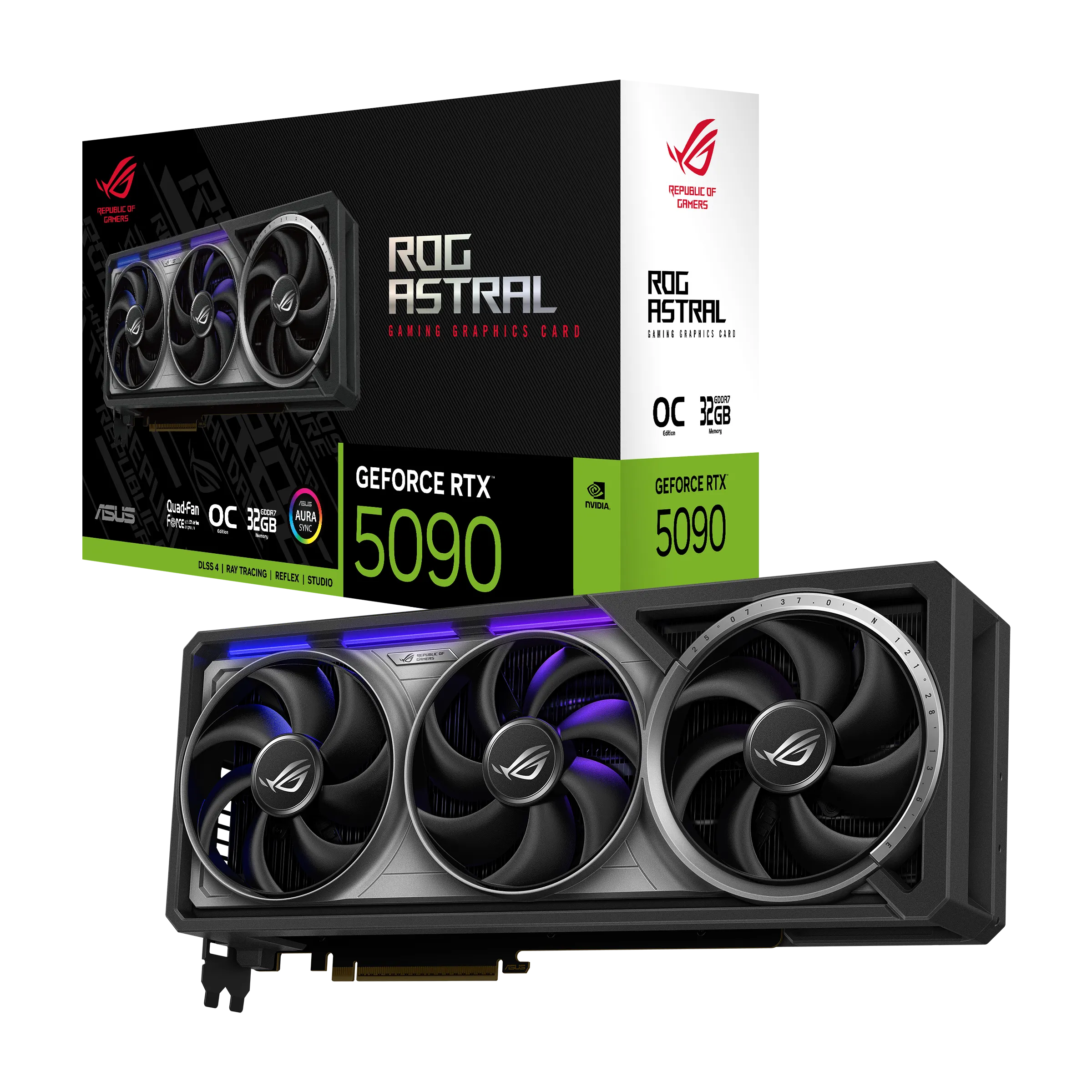
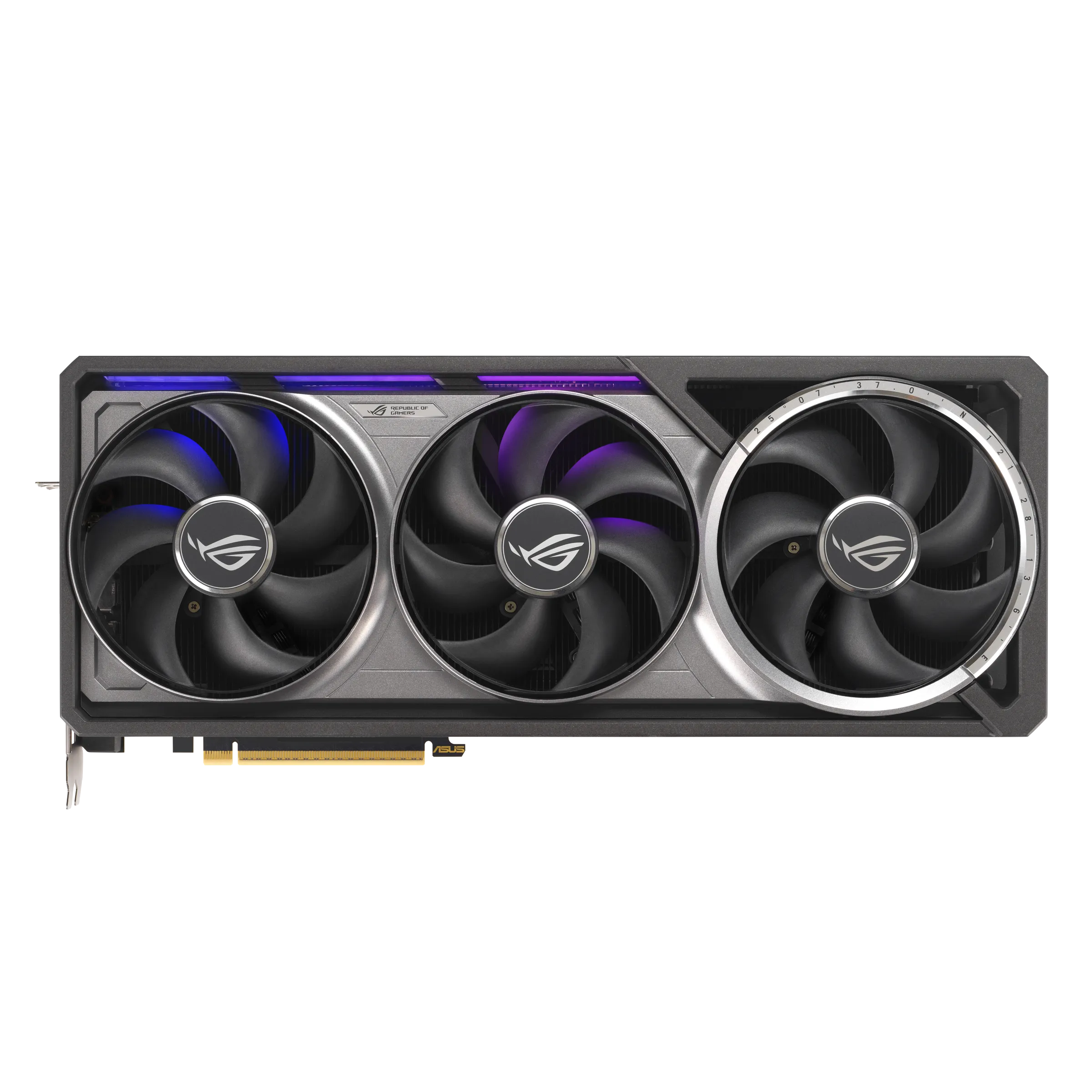
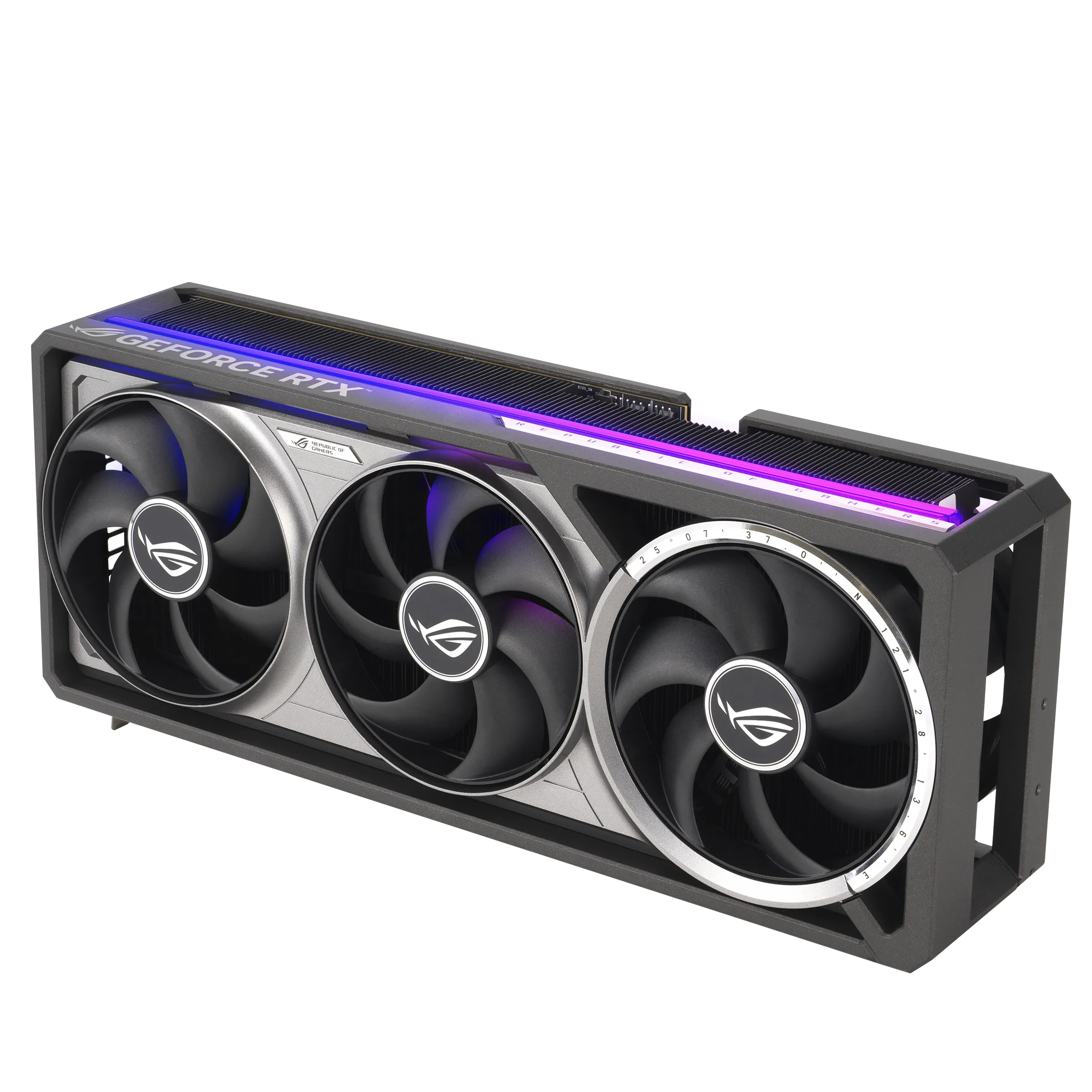
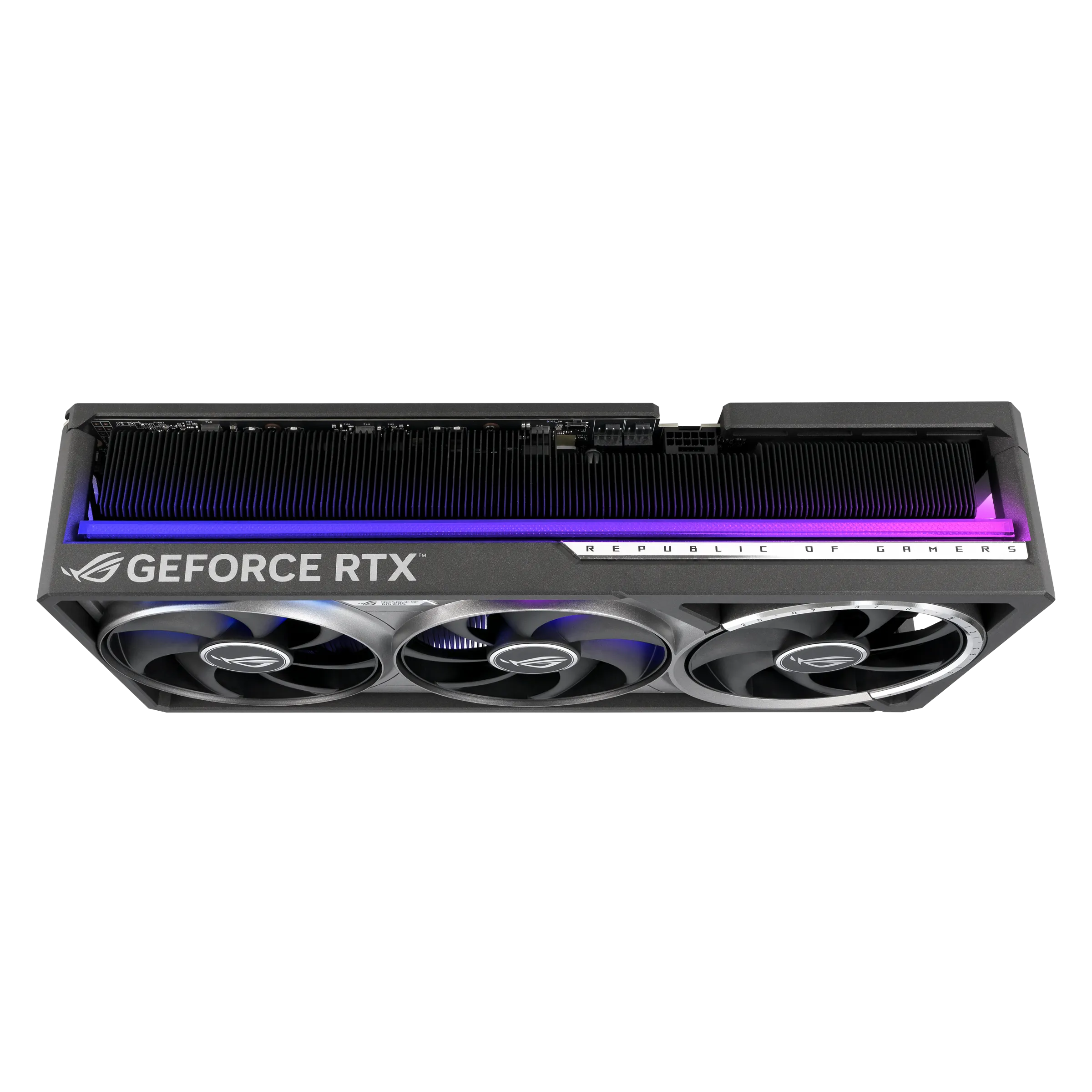
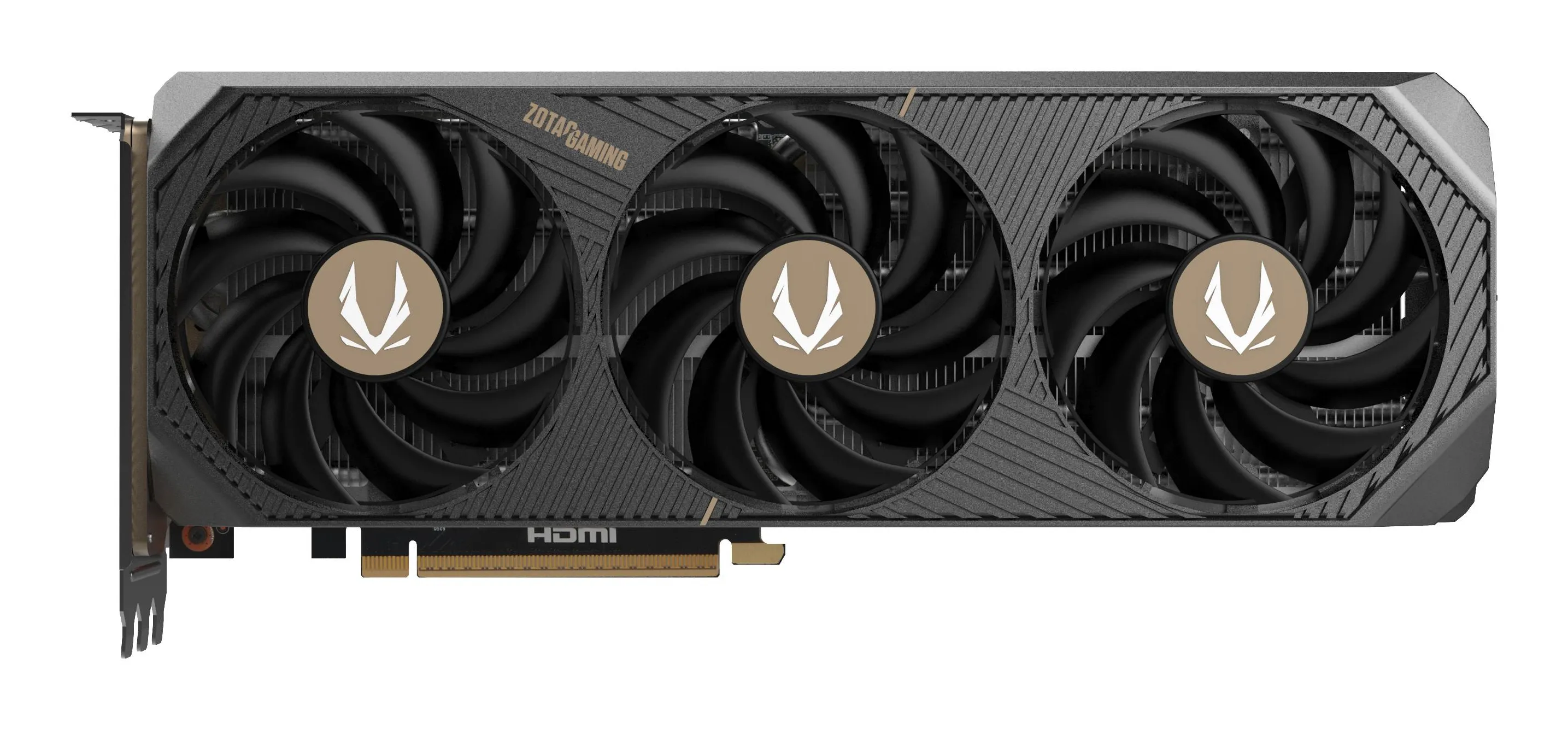
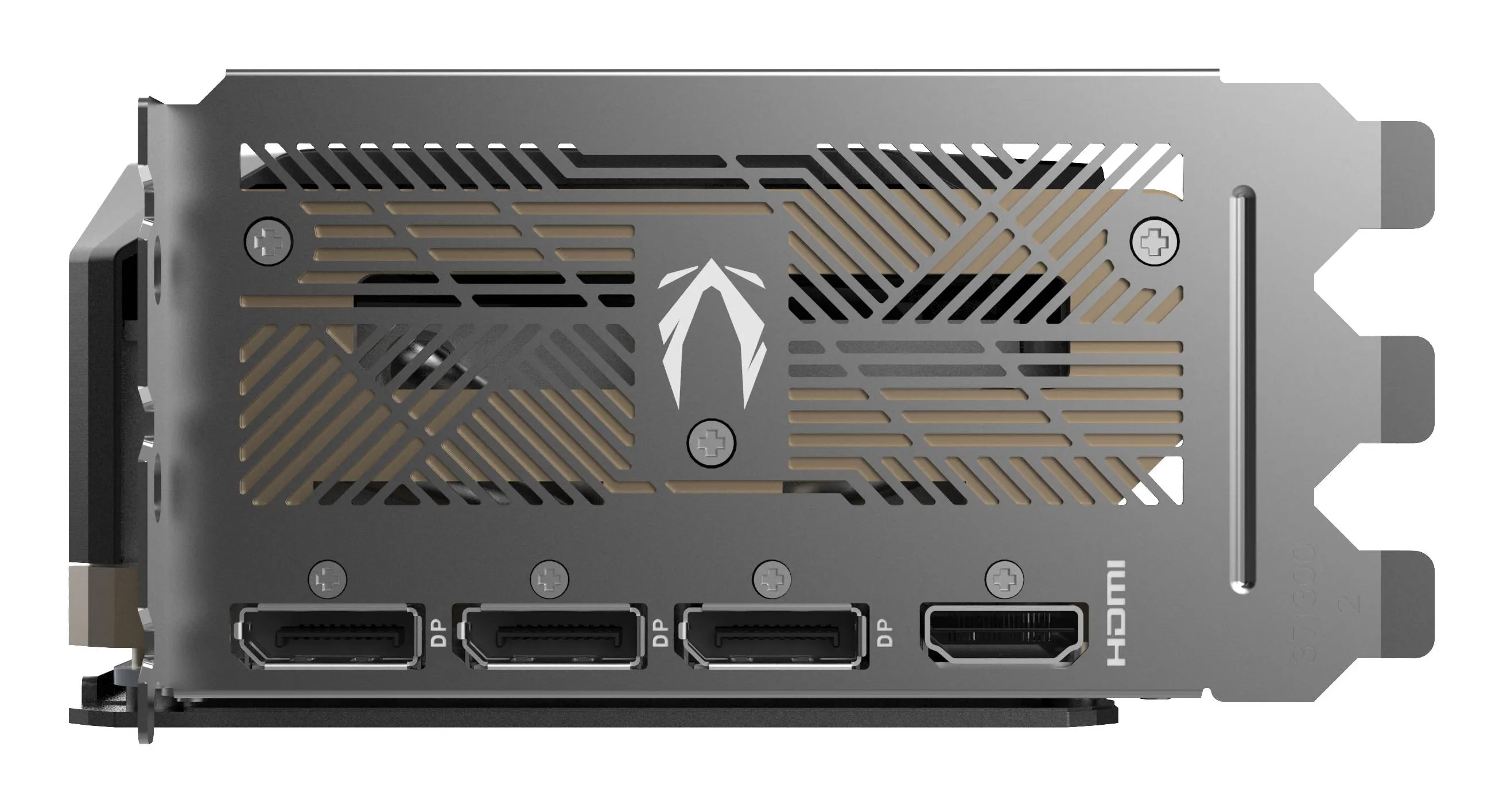
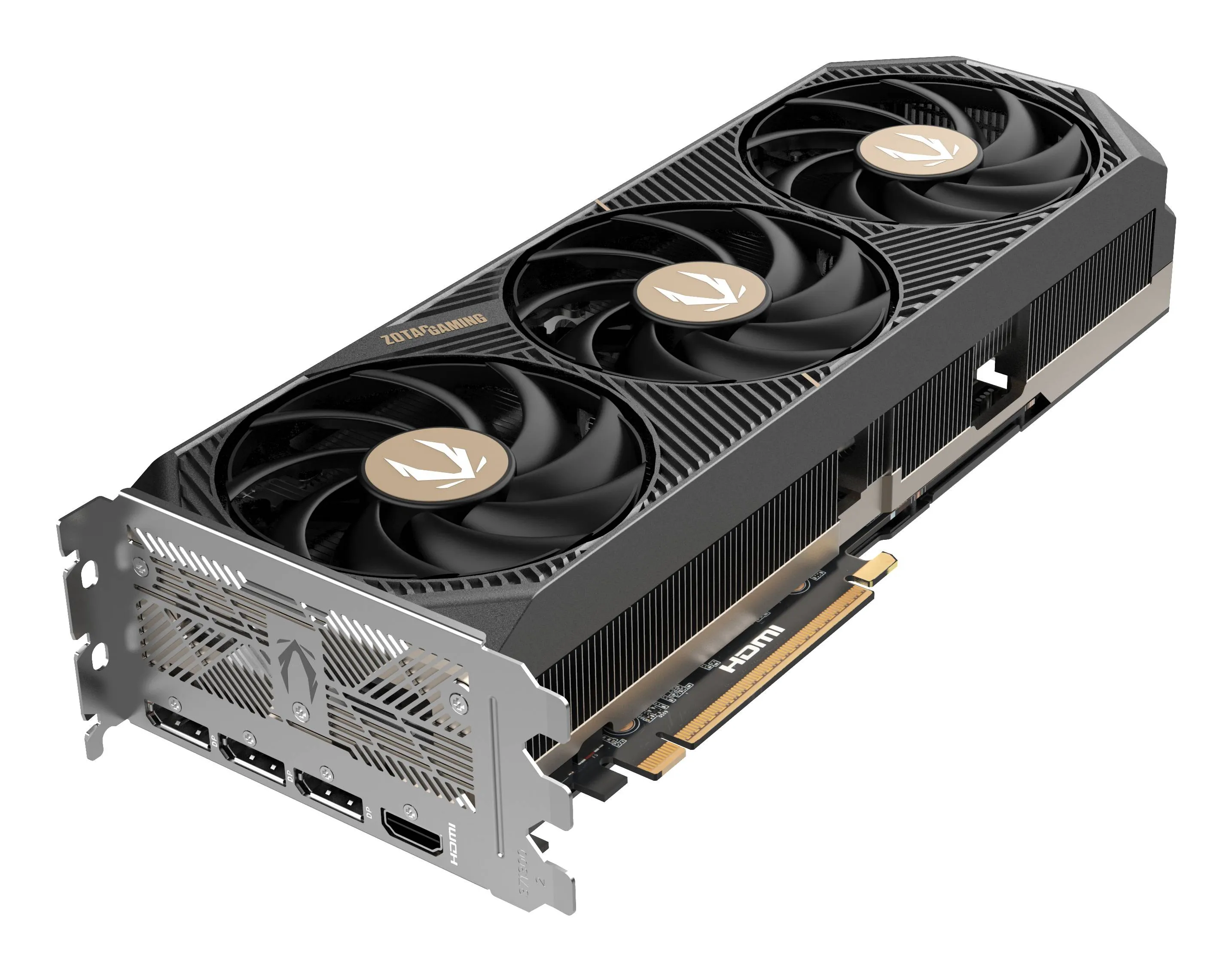
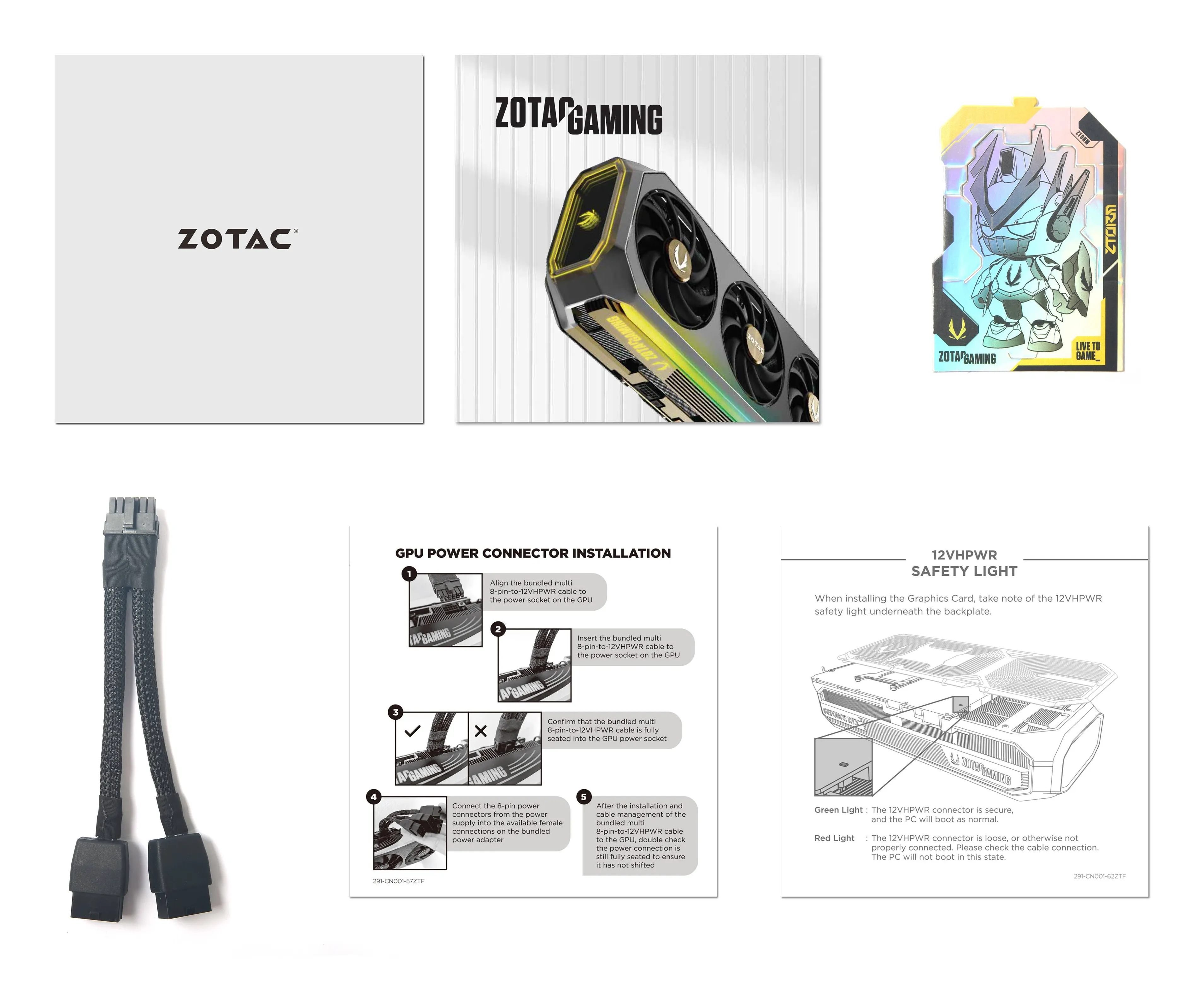
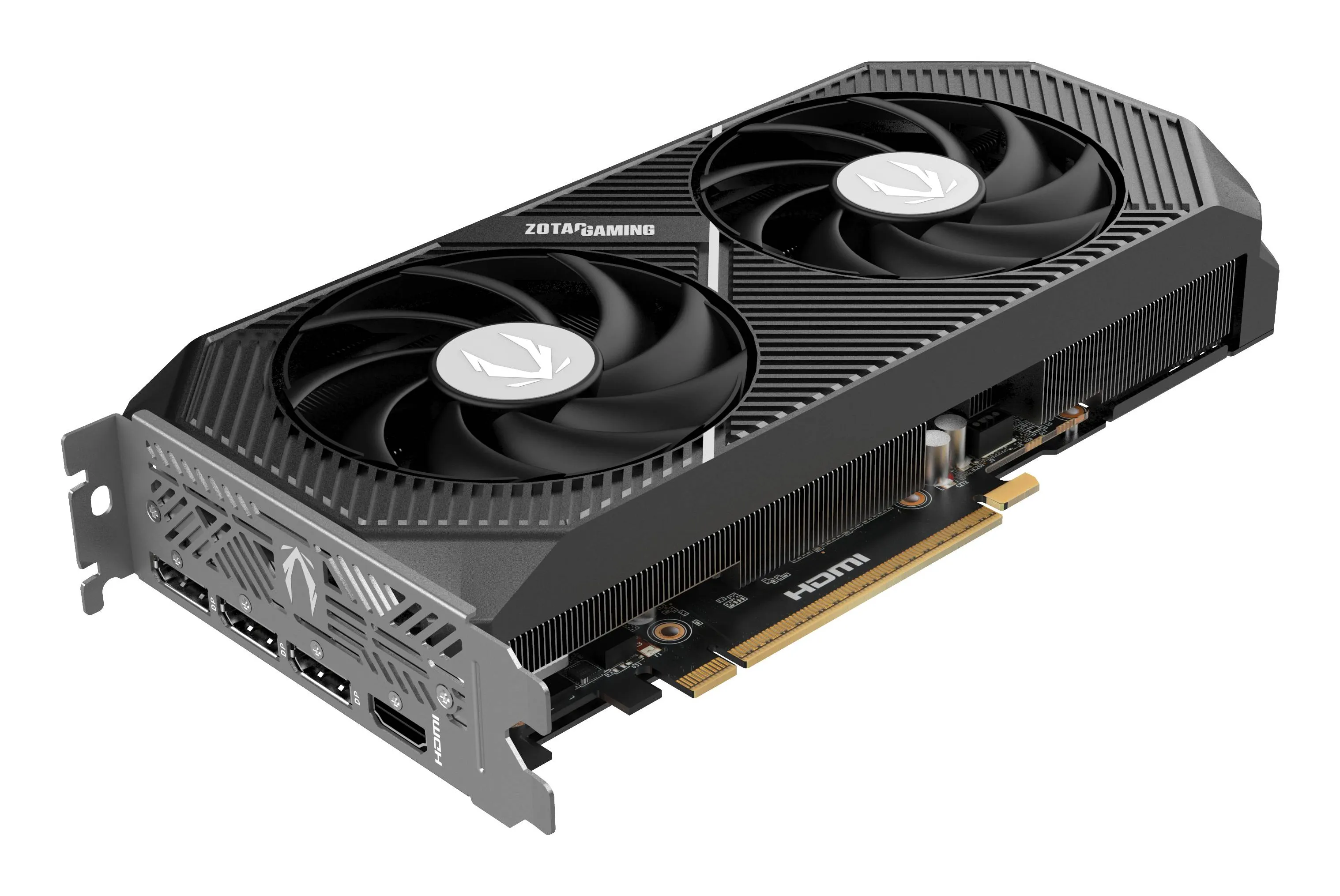
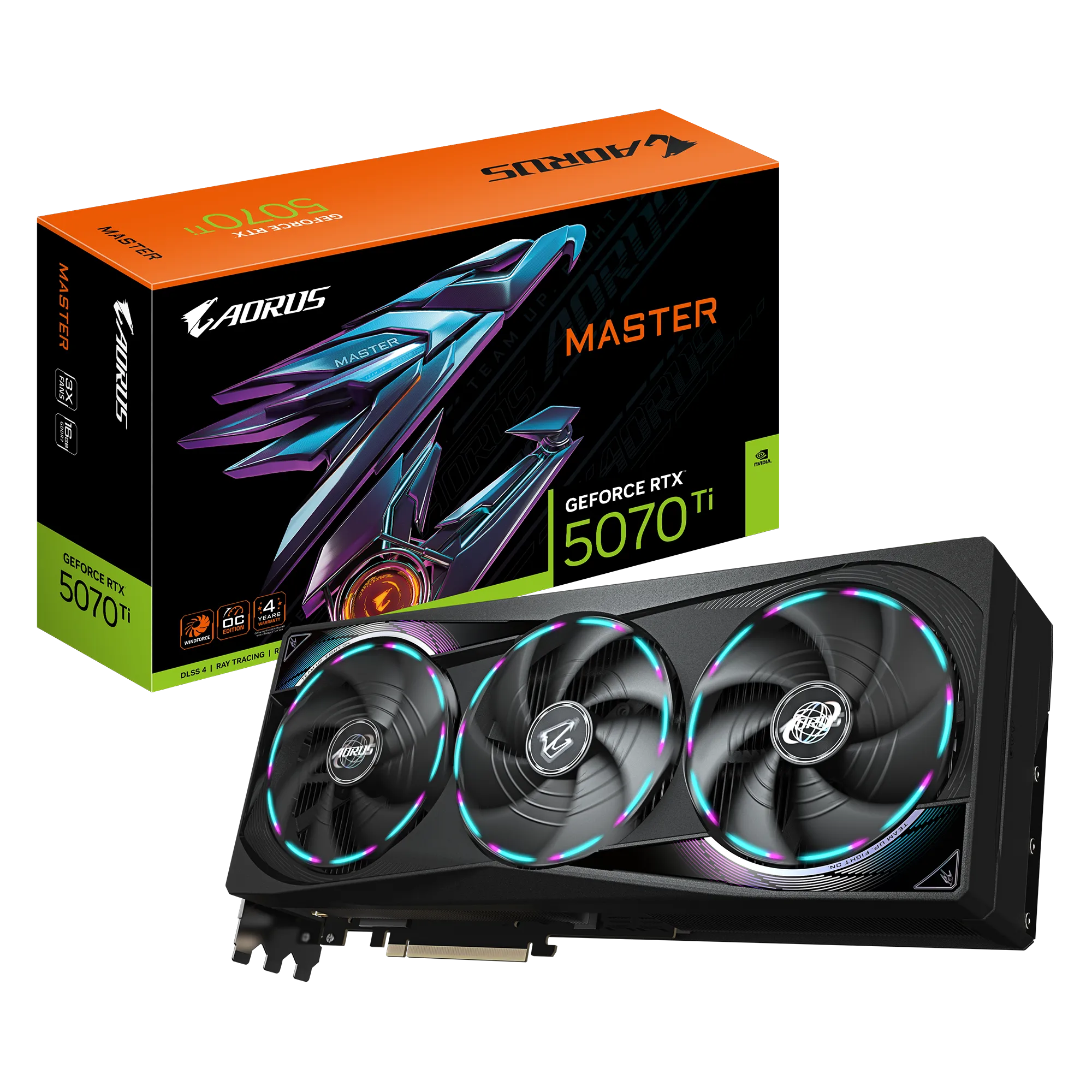
How to choose the right graphics card in 2026?
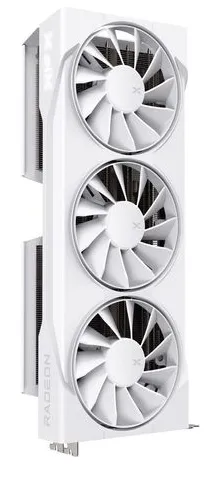
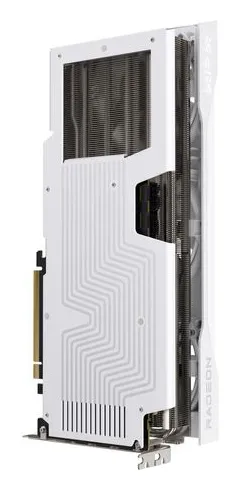
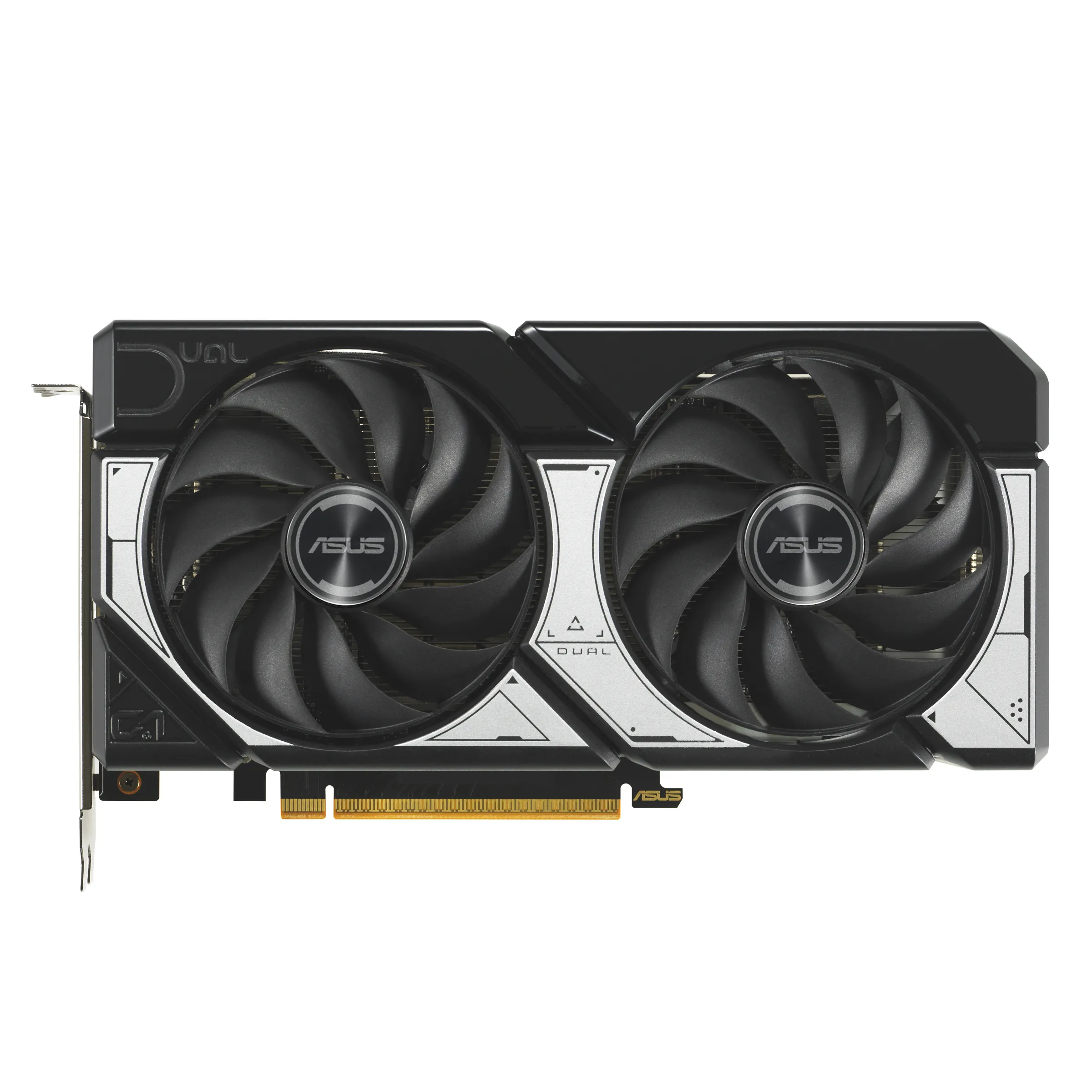
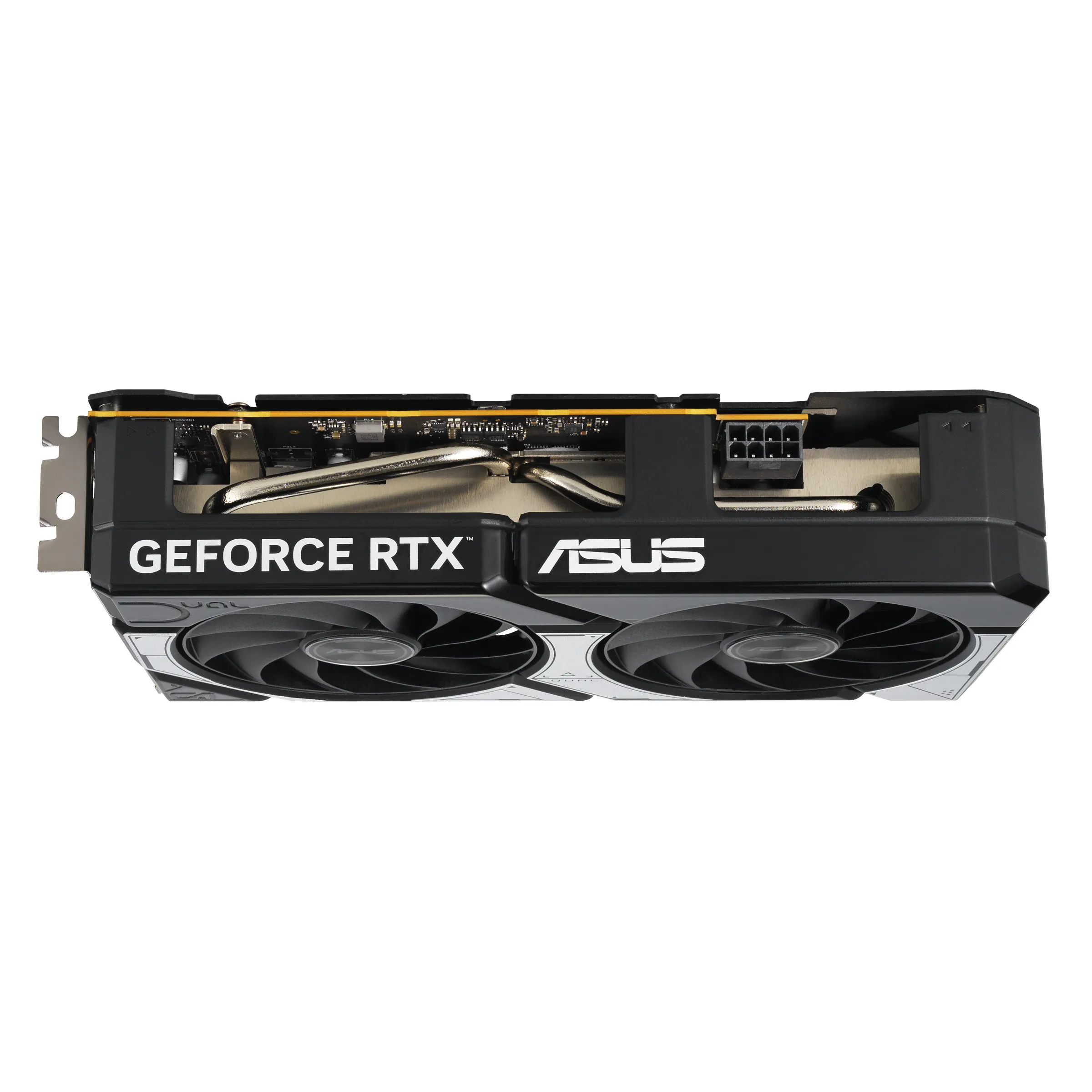
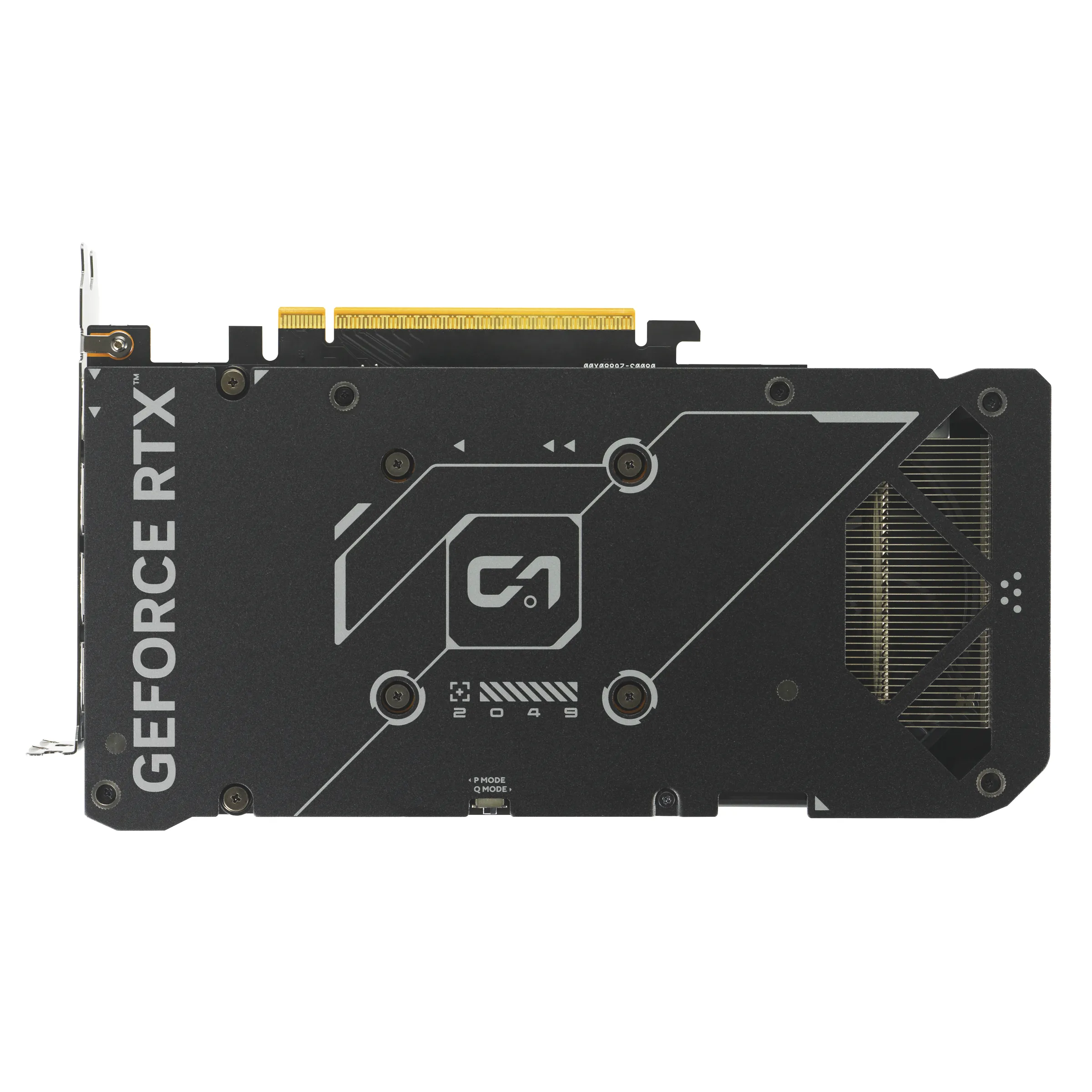
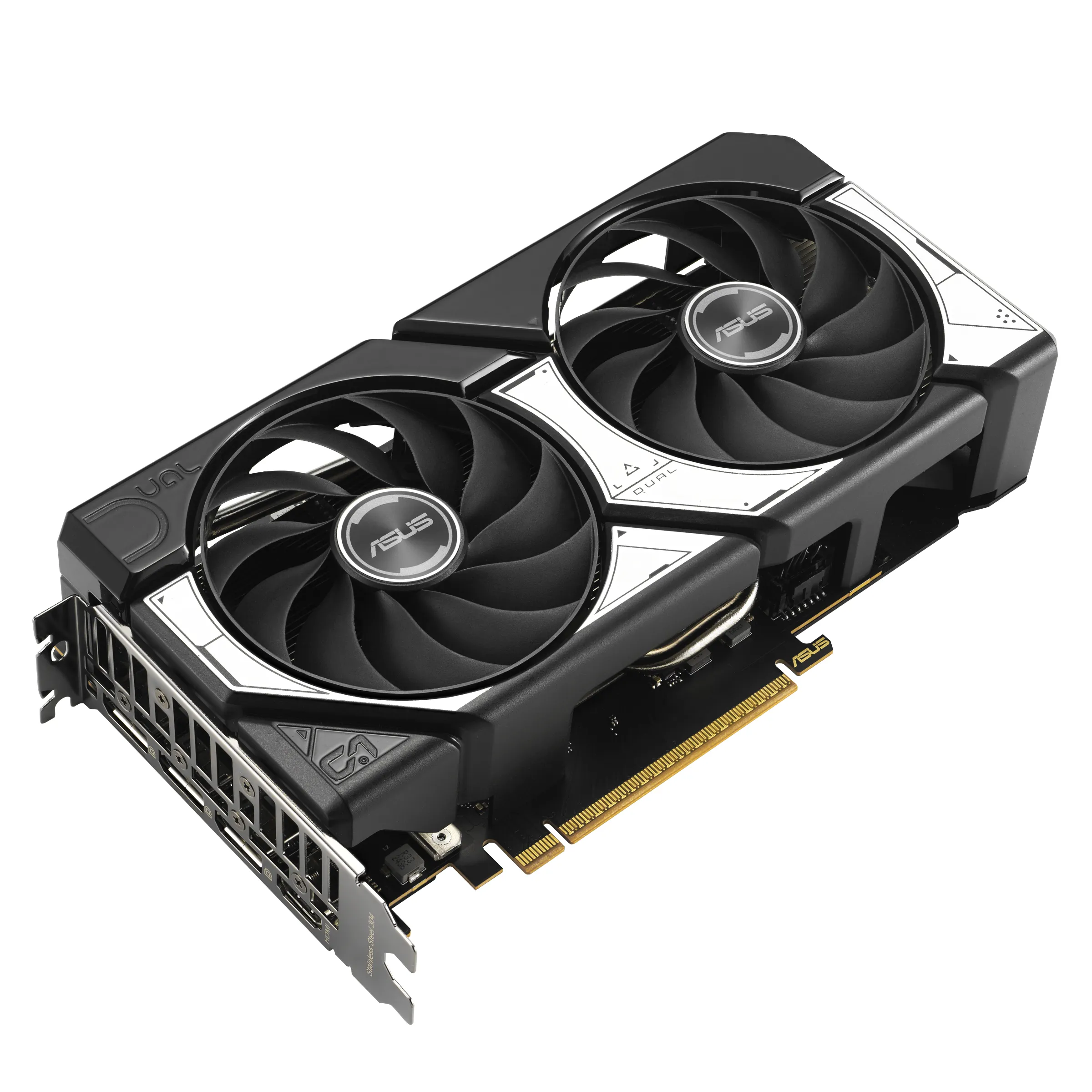
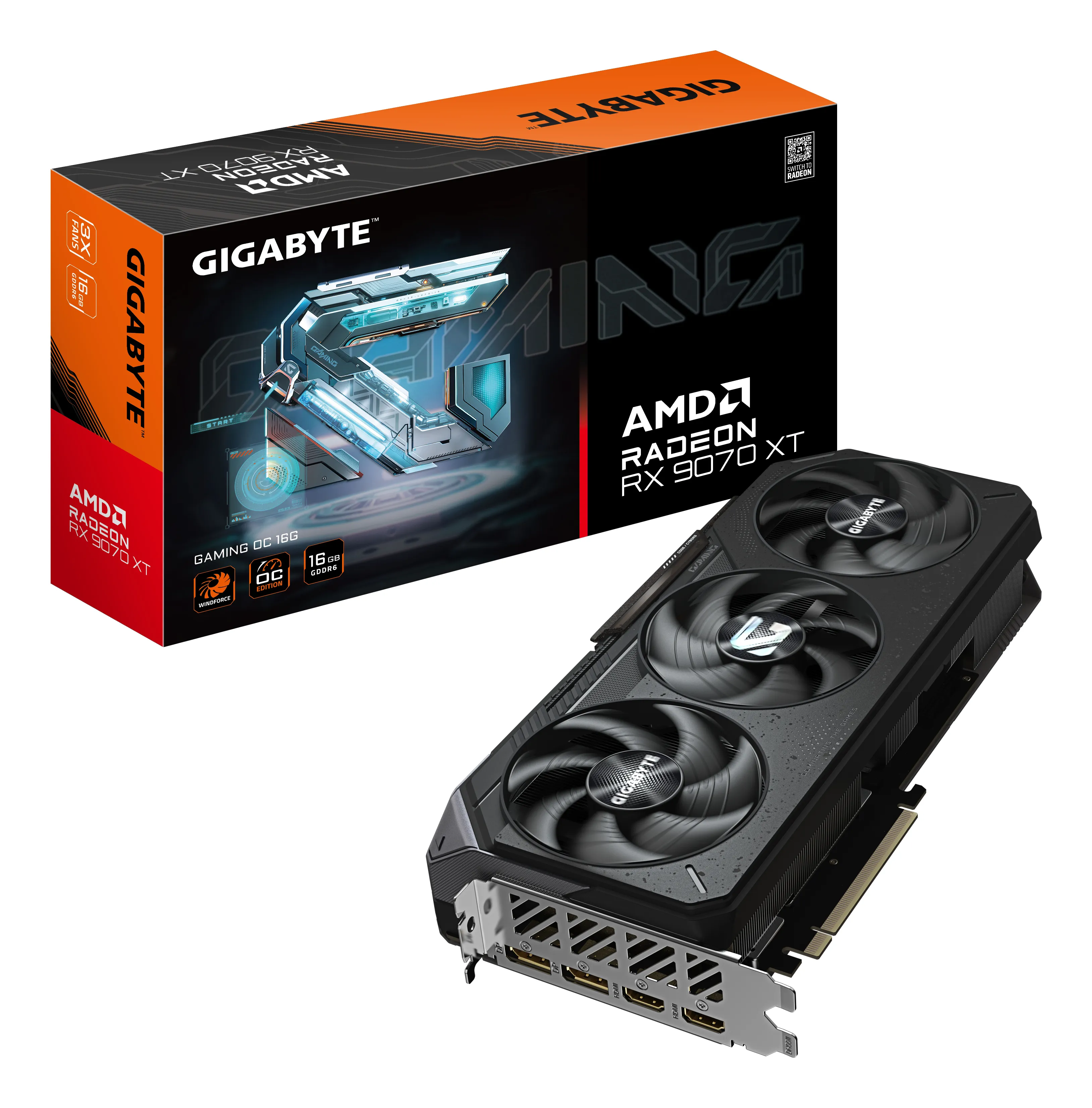
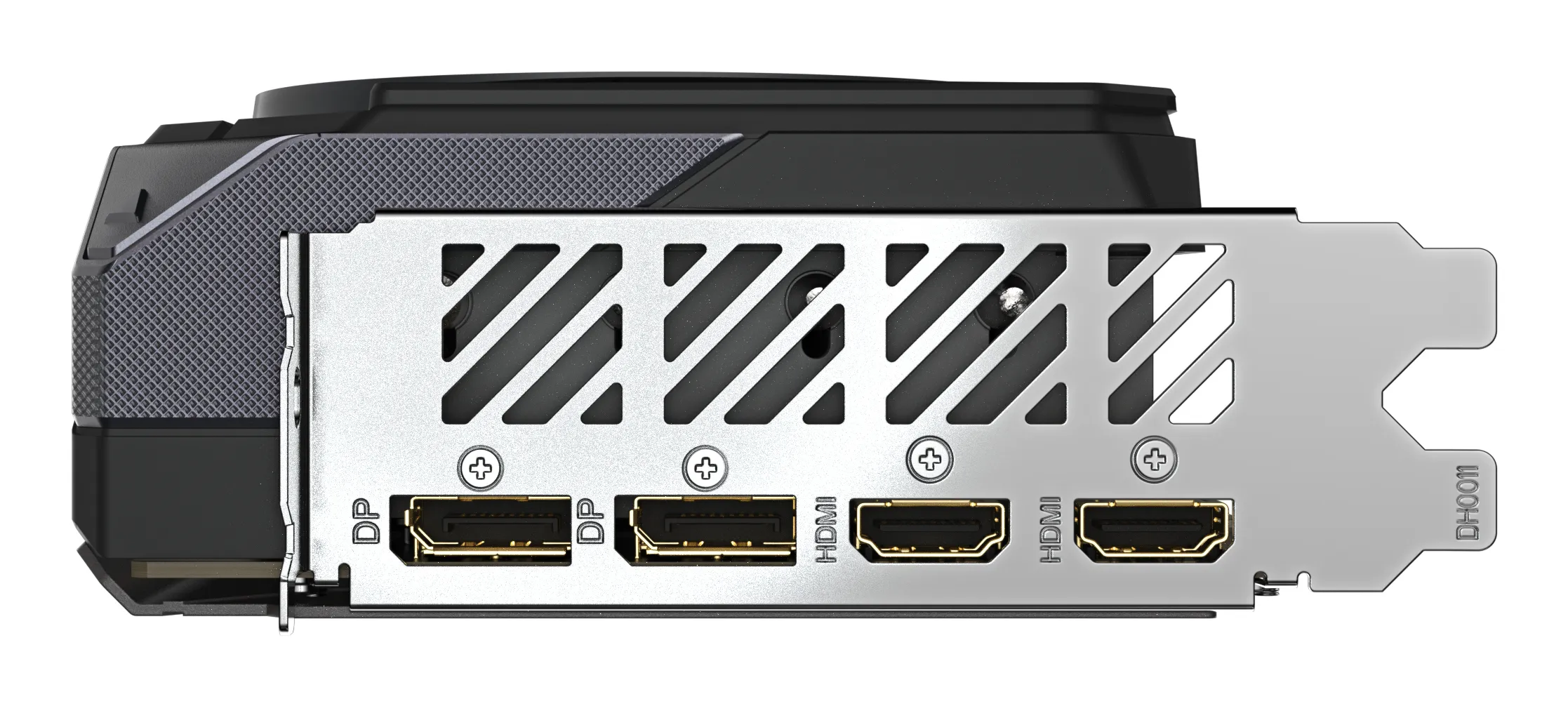
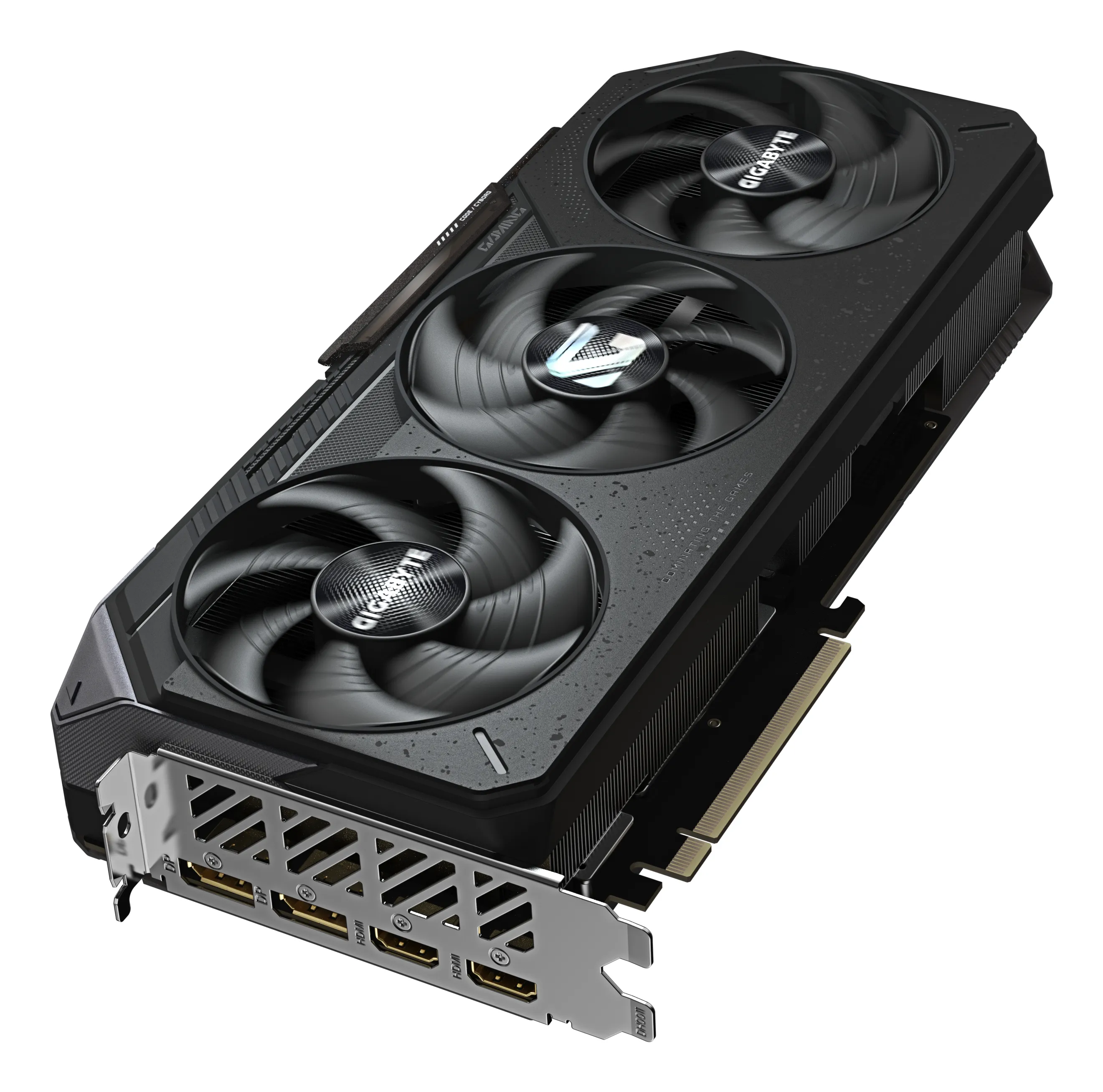
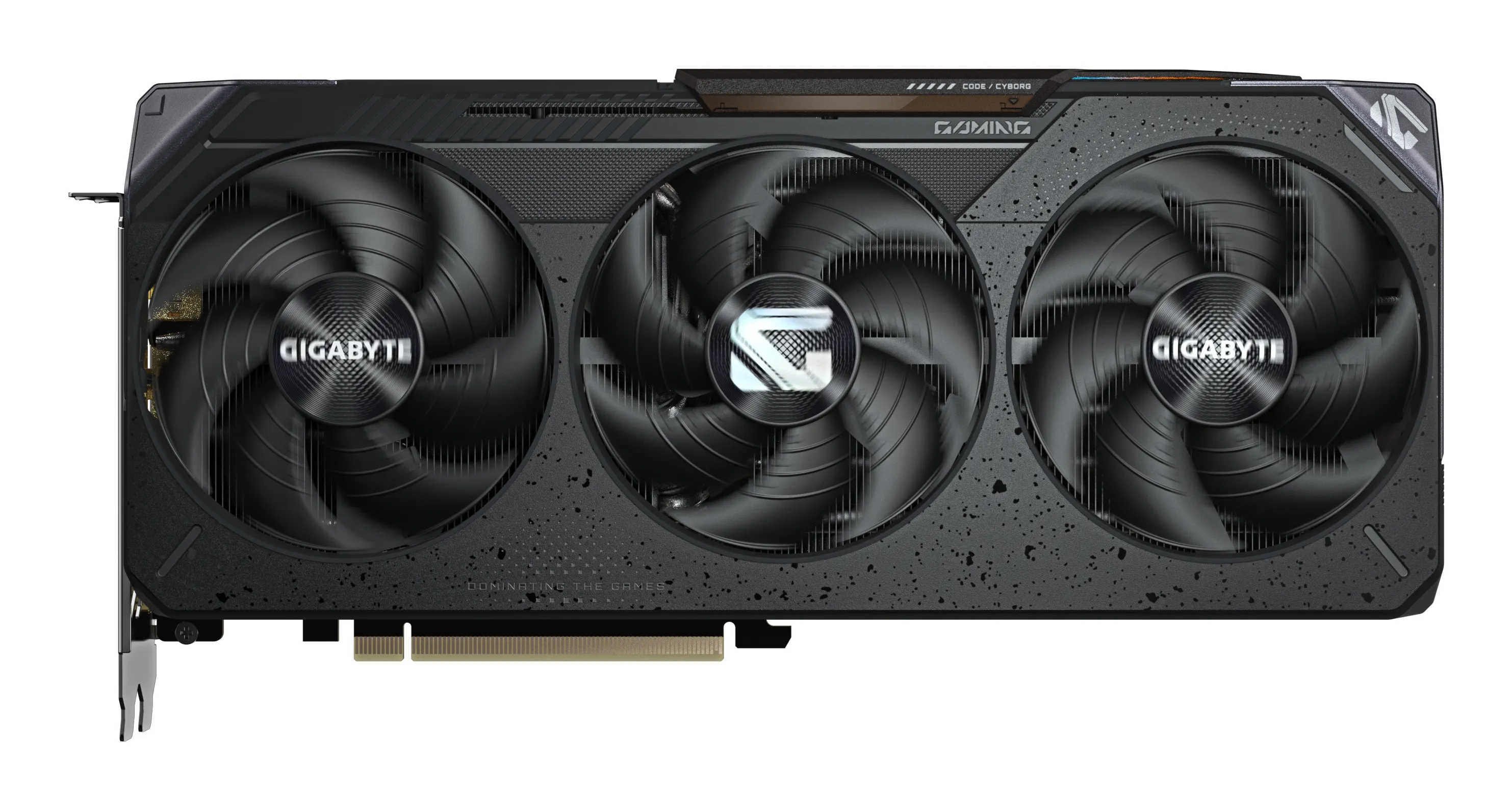
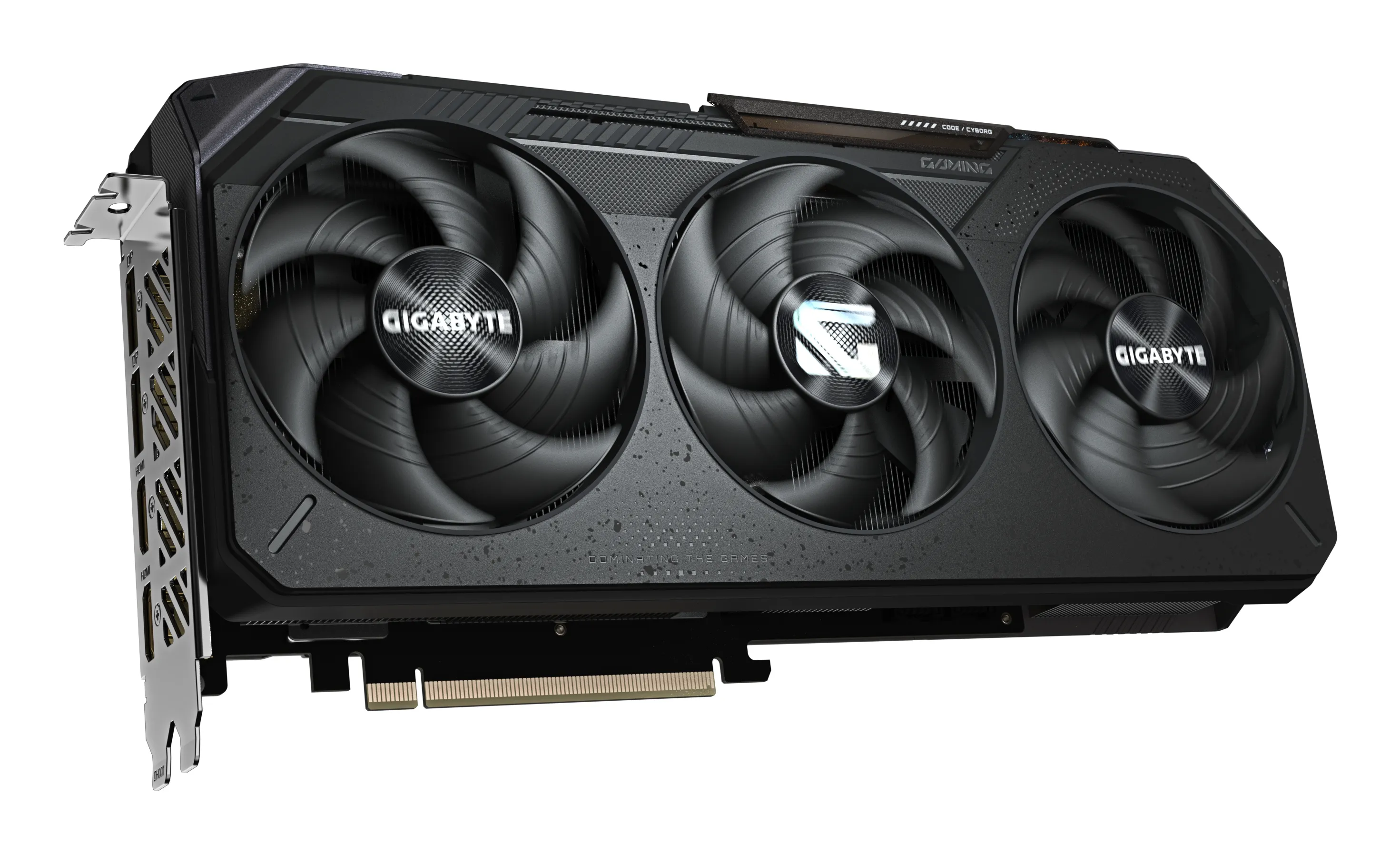
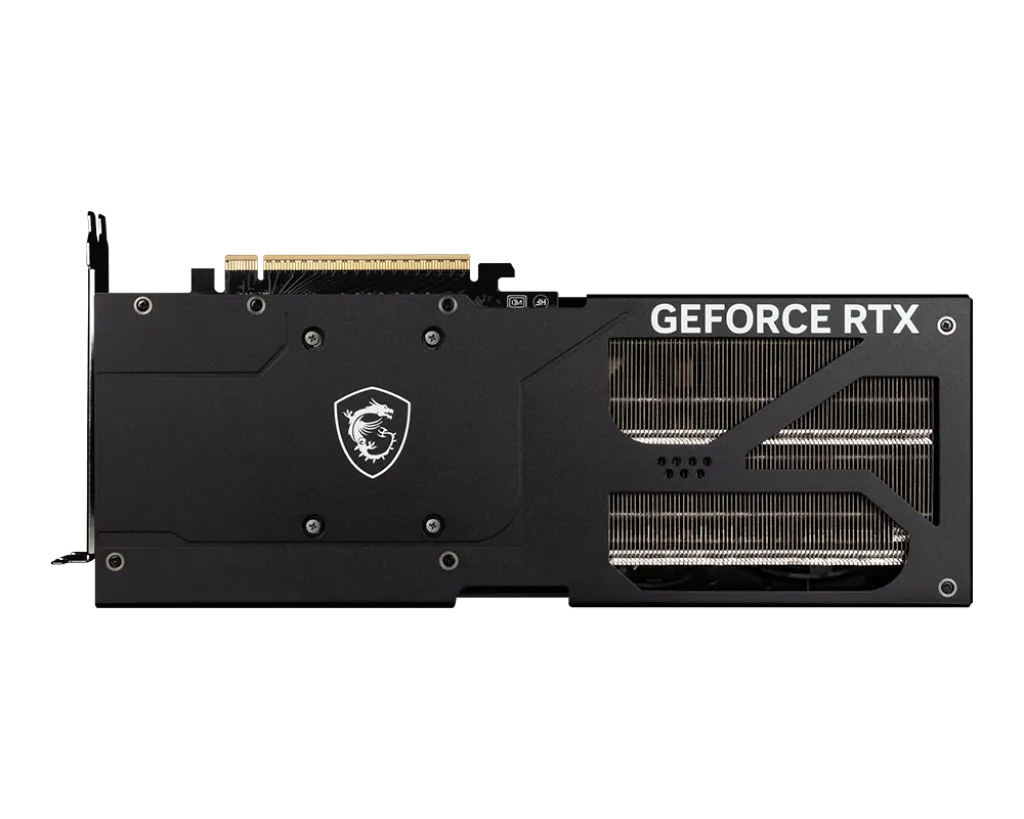
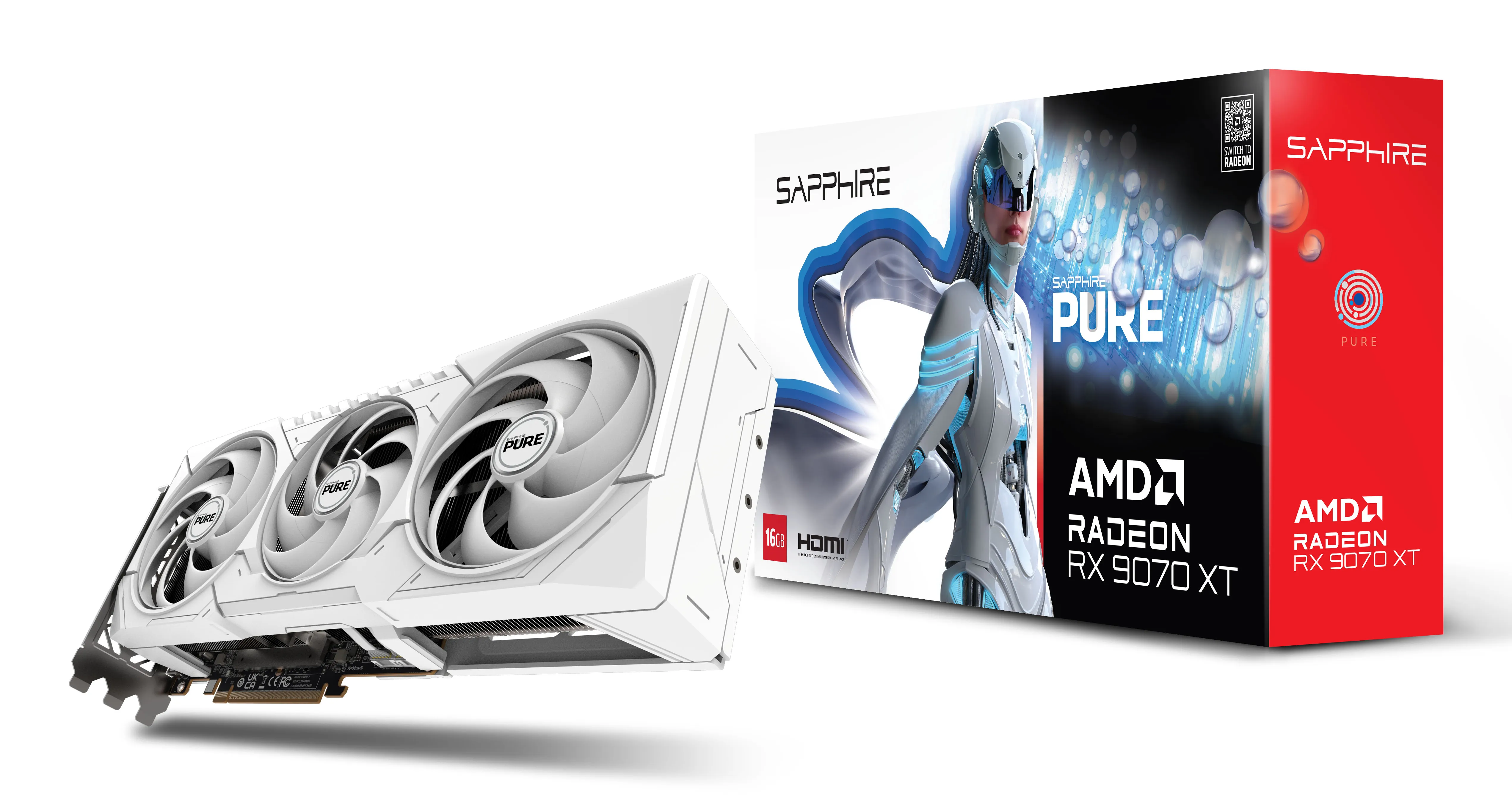
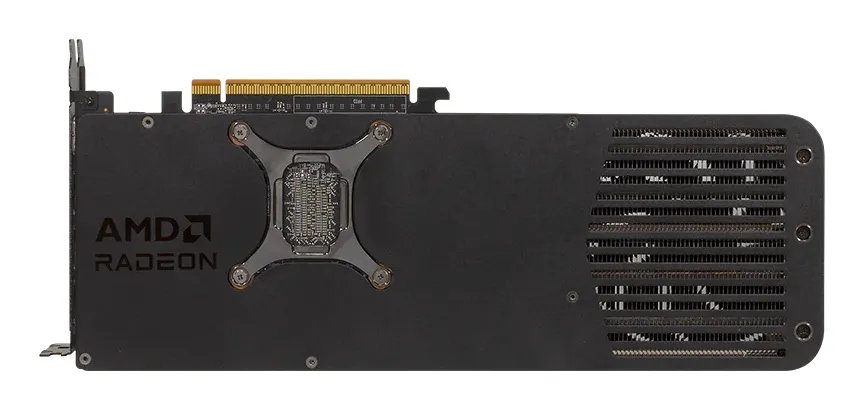
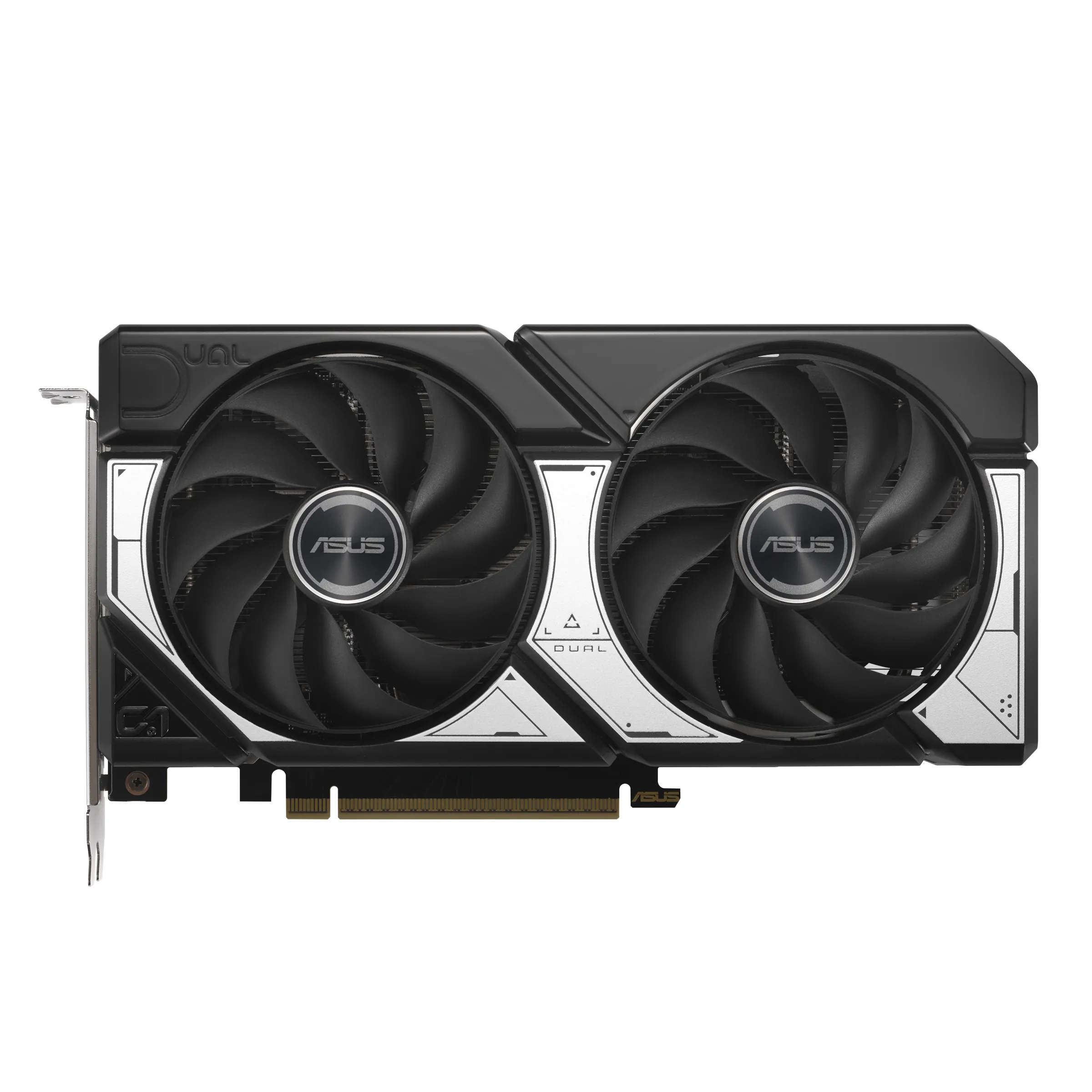
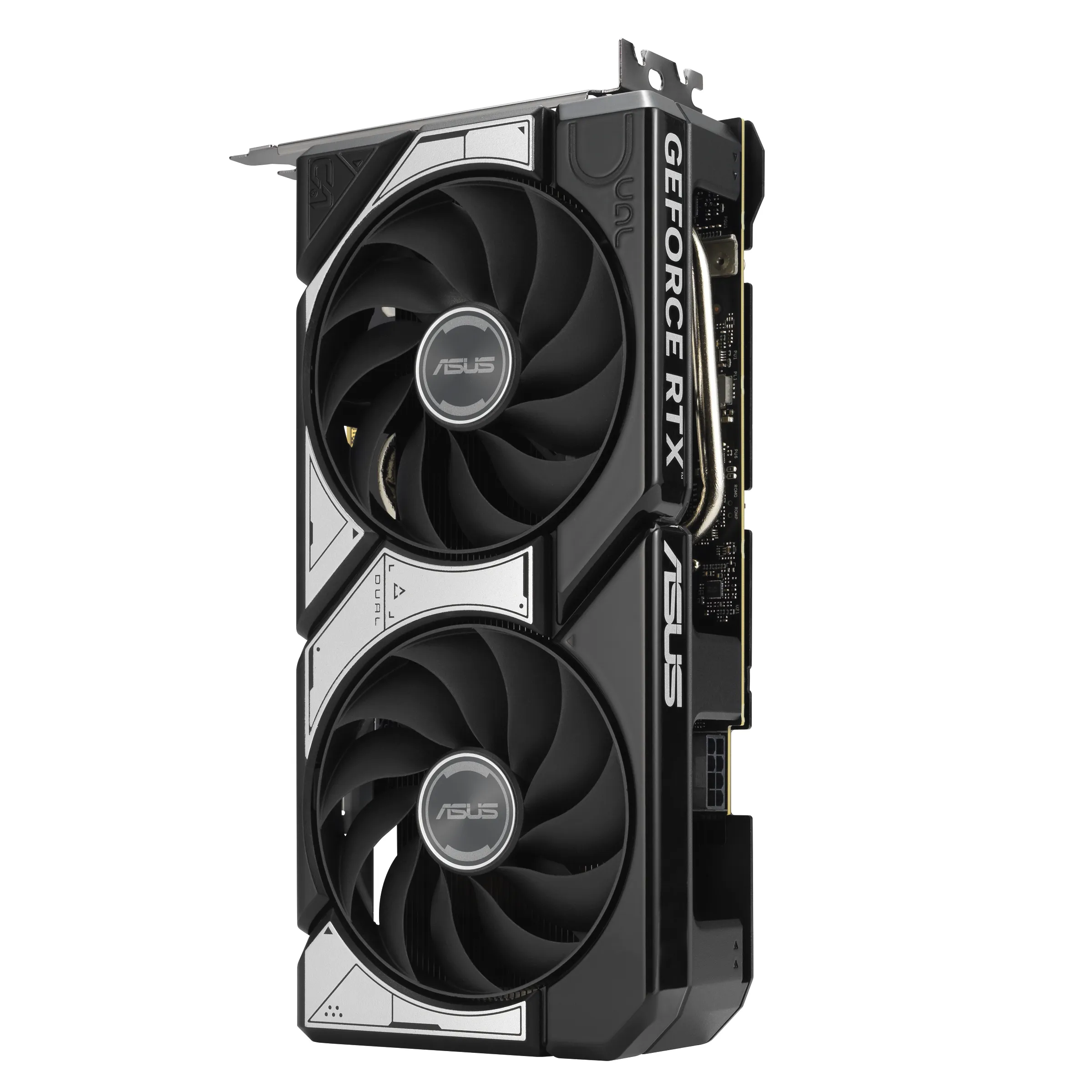
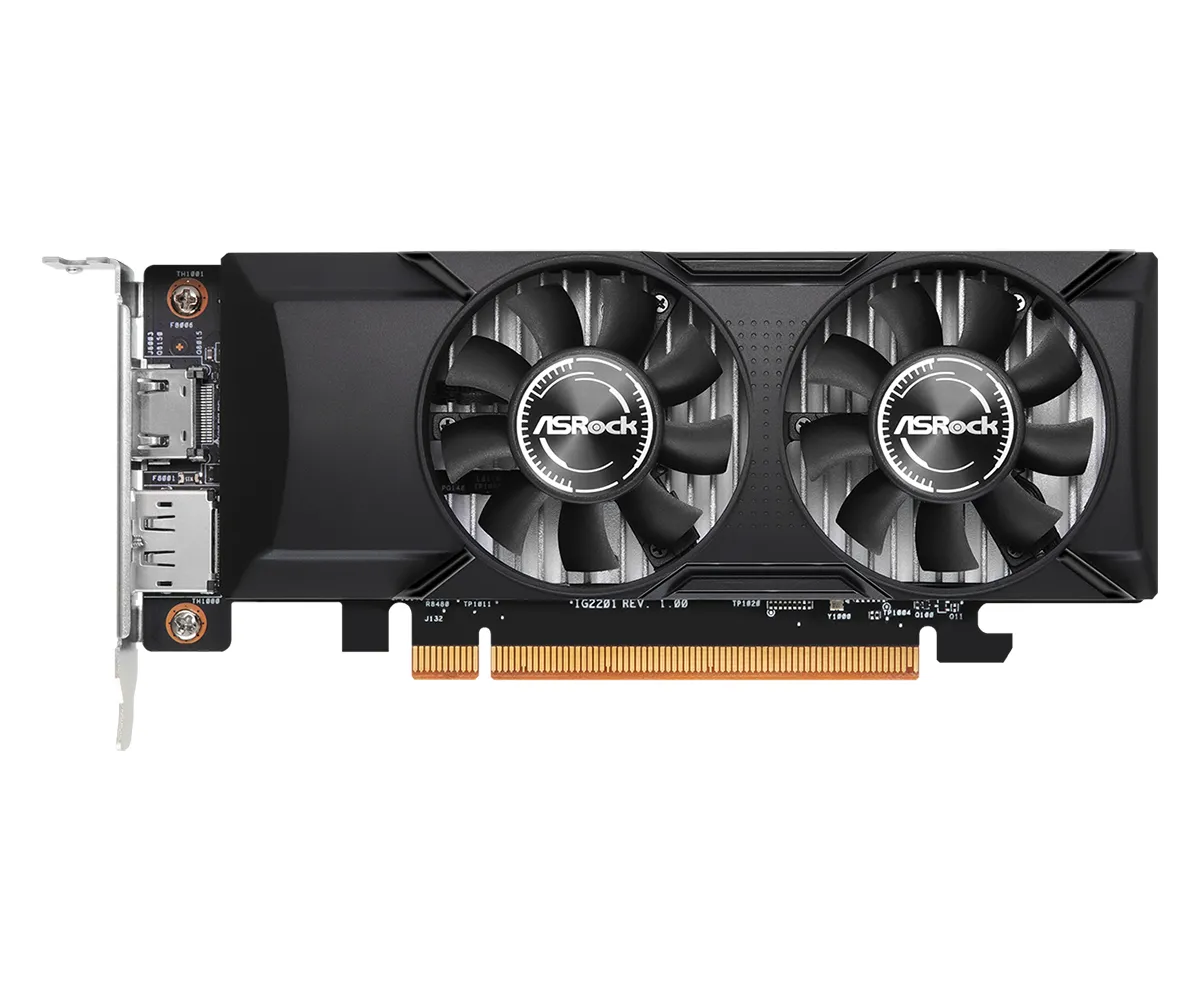
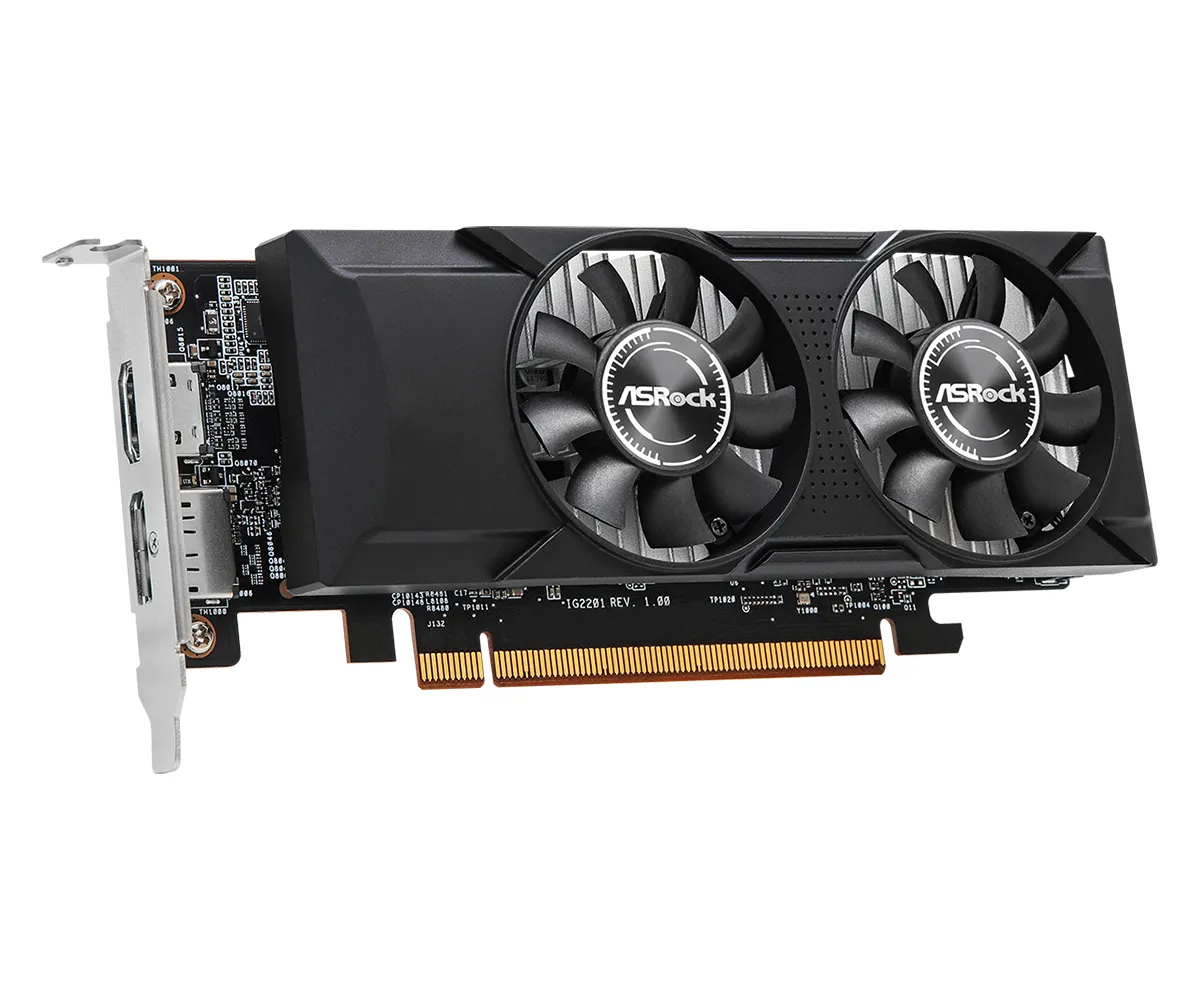
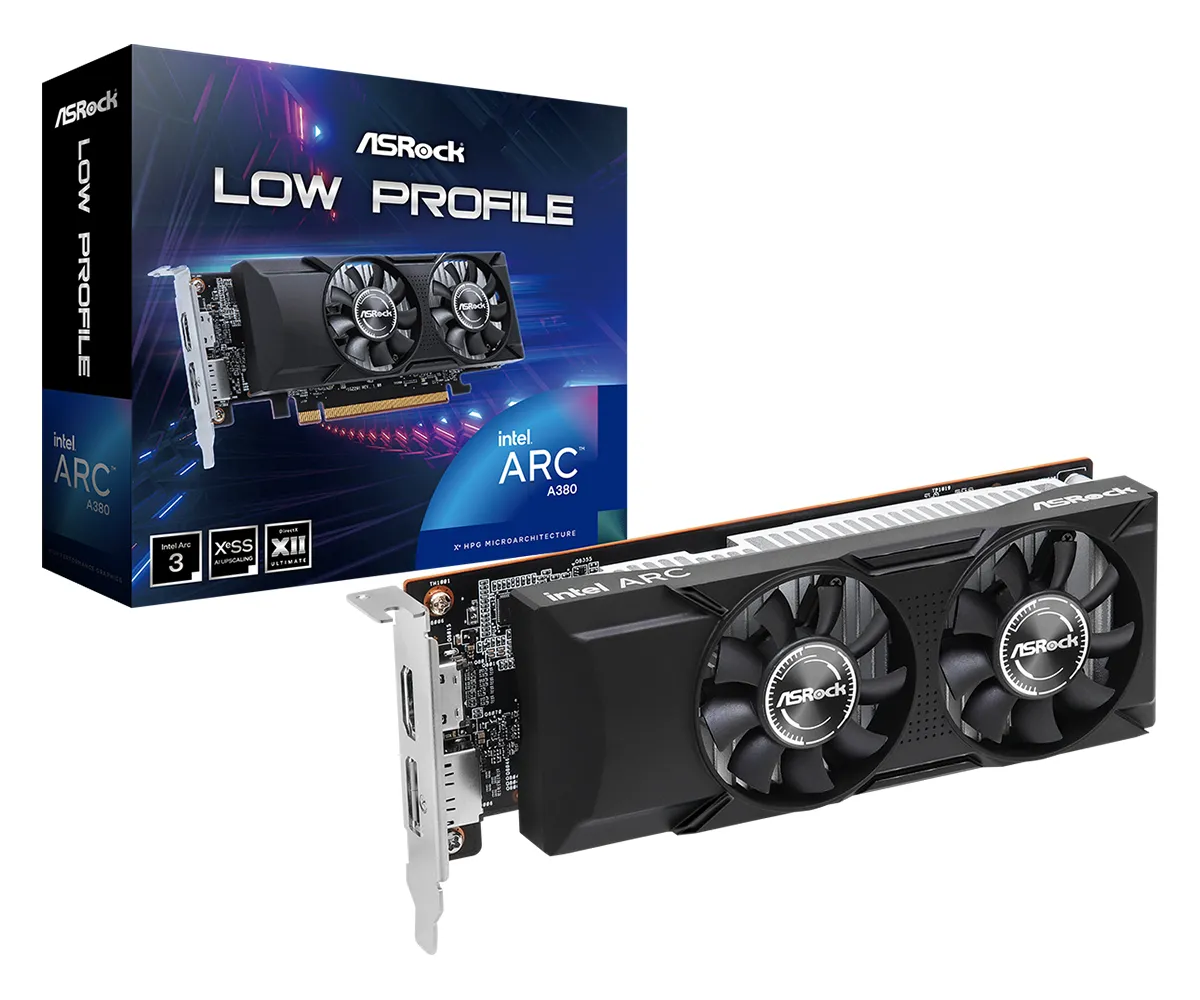
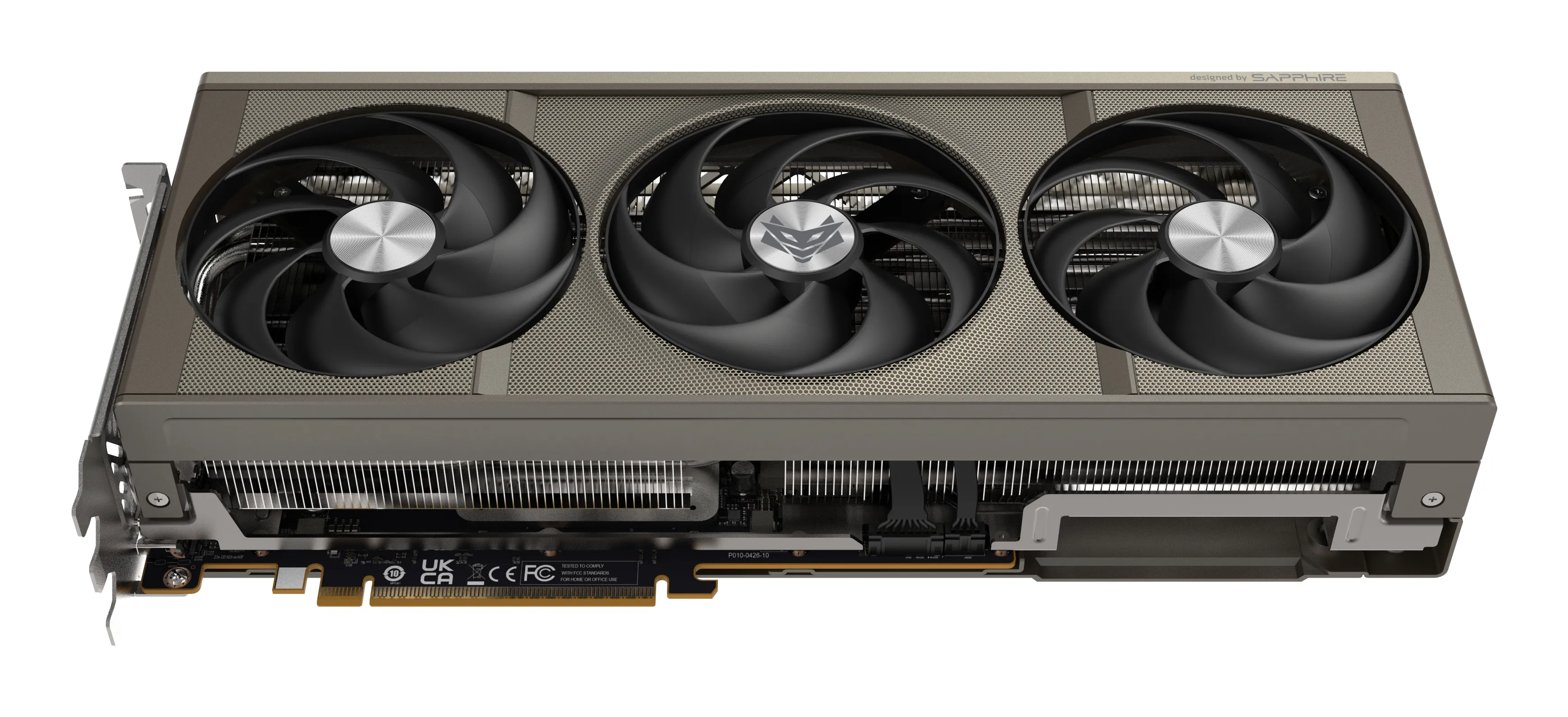
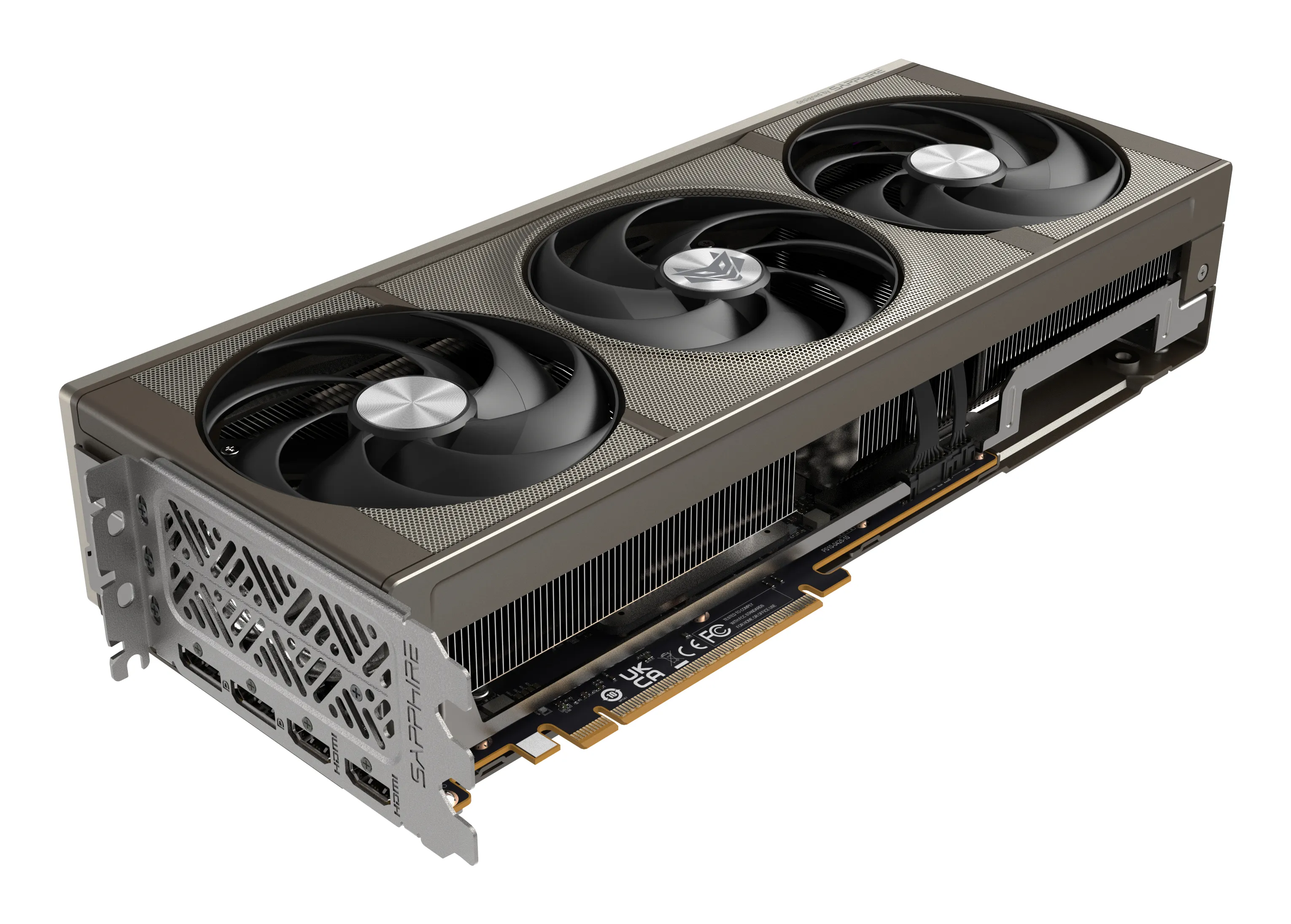
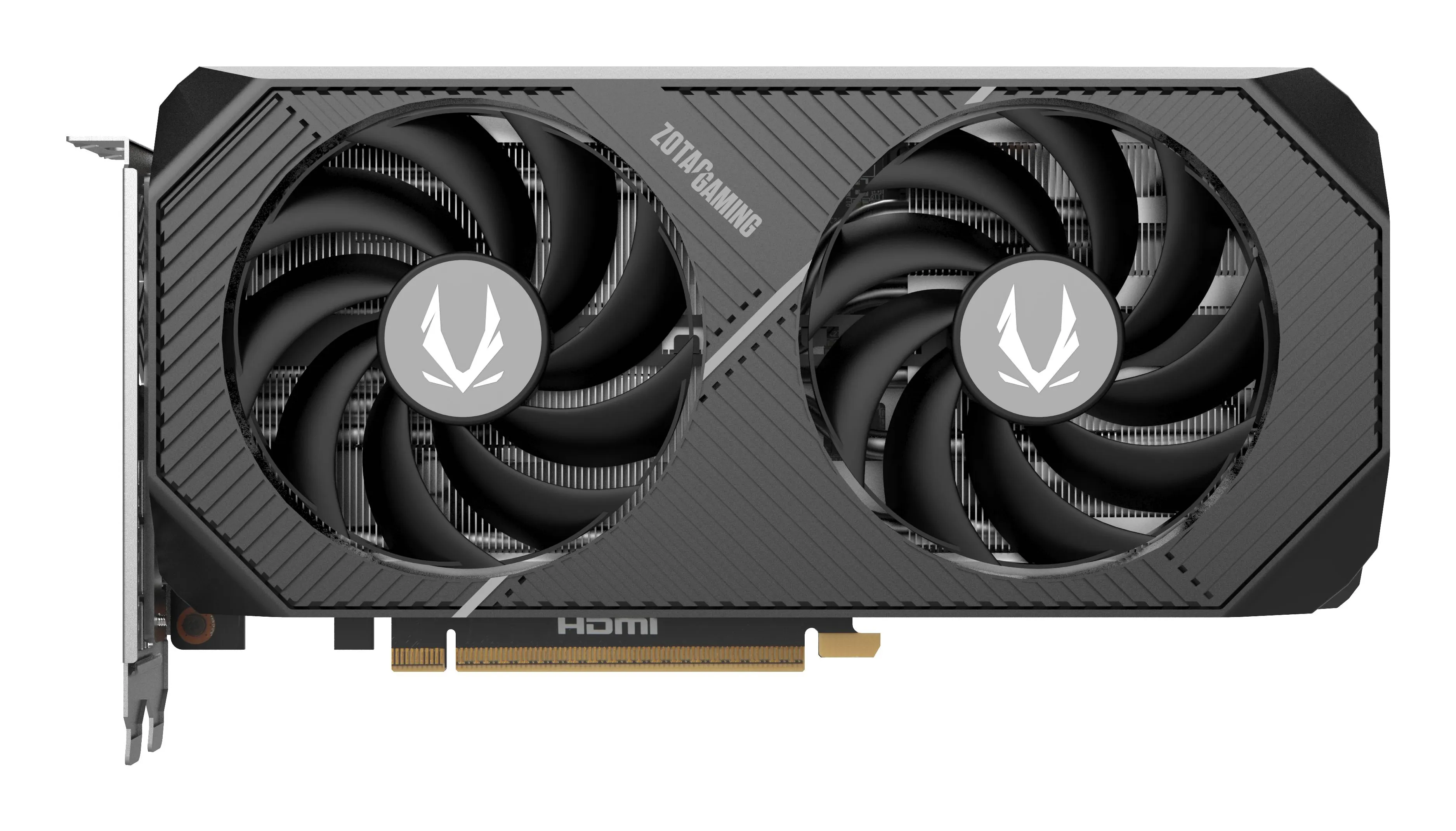
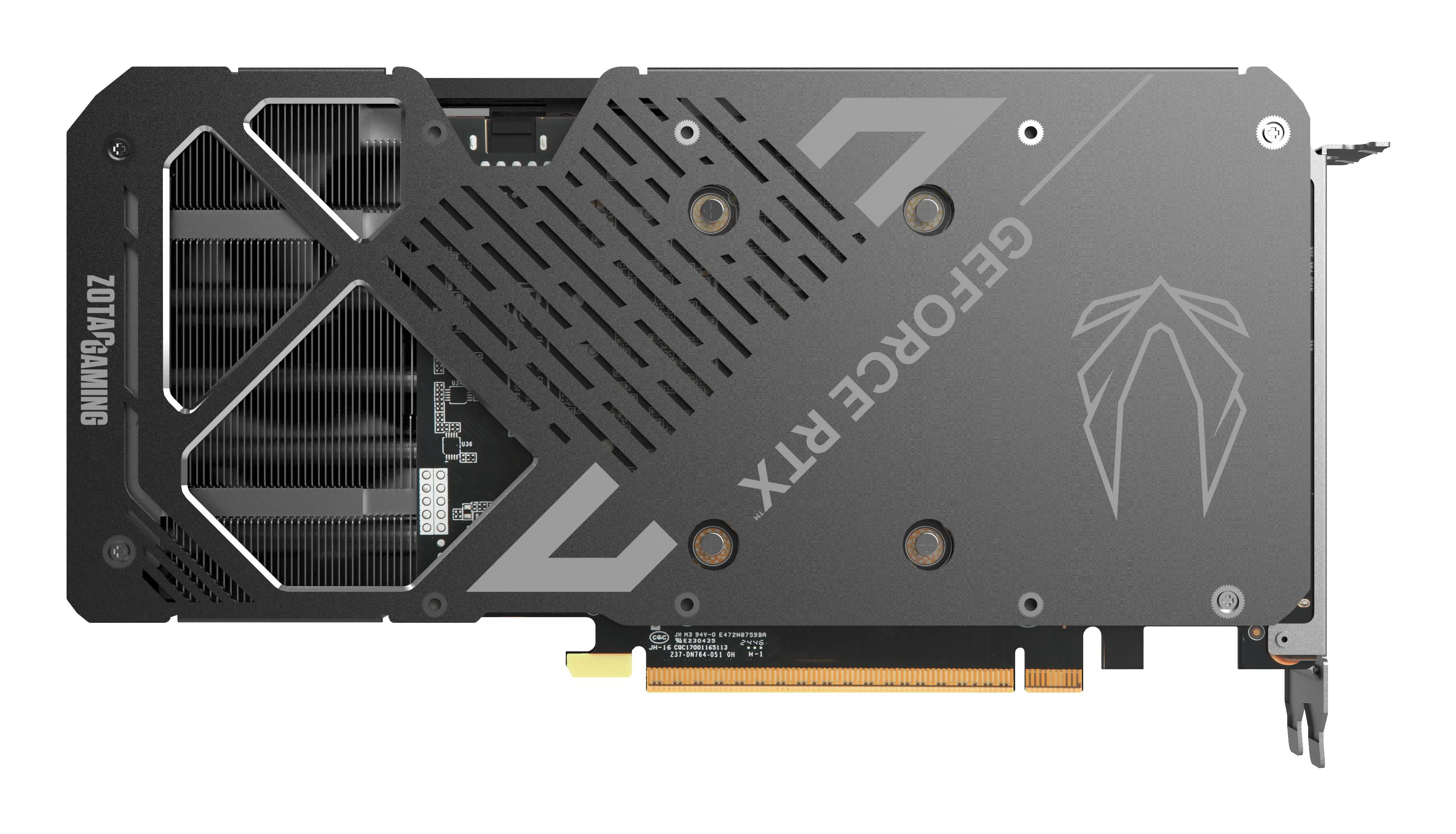
The graphics card is the most critical component for performance in both gaming and visual work. In 2026, choices are primarily based on intended use, screen resolution, and AI feature requirements. Major manufacturers like NVIDIA, AMD, and Intel offer solutions where raw power and intelligent scaling converge. See our full selection here.
Quick Guide: Choosing a graphics card by use case
| User Profile | Rec. Resolution | VRAM Recommendation | Key Technology |
|---|---|---|---|
| eSports Player (e.g., CS, Valorant) | 1080p / 1440p | 12 GB | High refresh rate & low latency |
| AAA Gamer (Story-driven games) | 1440p / 4K | 16 GB | Ray tracing & DLSS/FSR support |
| Photographer & Designer | 1440p / 4K+ | 12 GB - 16 GB | Color accuracy & hardware acceleration |
| Video Editor & Streamer | 4K+ | 16 GB+ | AV1 encoding & multitasking |
| 3D Designer & AI Developer | 5K / Multi-monitor | 20 GB - 24 GB+ | CUDA cores & high memory bandwidth |
NVIDIA DLSS 5
NVIDIA's latest DLSS 5 and its Neural Texture Compression have gained significant attention in professional circles. While the technology is just beginning to roll out, it promises to revolutionize memory management and physics calculations. When buying today, it is most important to ensure support for standards that serve your current workflow and games.

Performance relative to resolution
Screen resolution determines the need for processing power. The more pixels, the more demanding the task is for the graphics card:
- 1080p (Full HD): Most modern cards handle this with ease. The focus is on high refresh rates.
- 1440p (QHD): The most popular resolution for enthusiasts, requiring a mid-range card and sufficient memory.
- 4K (Ultra HD): Requires a top-tier graphics card and intelligent scaling to ensure a smooth experience.
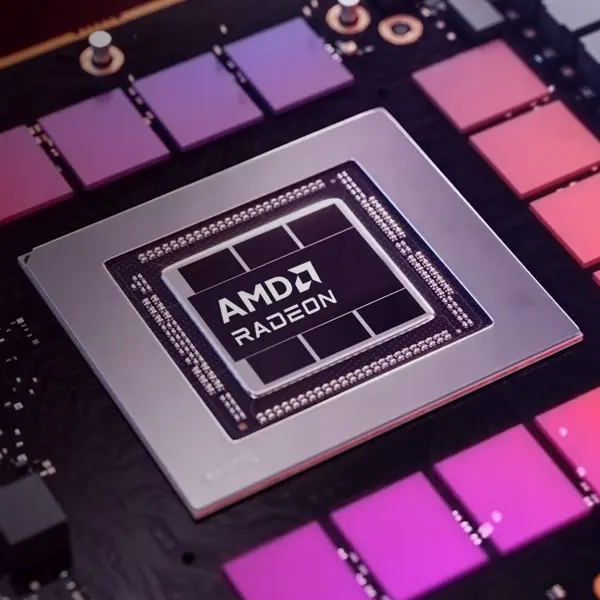
The Importance of Video Memory (VRAM)
Video memory stores textures and graphics data. Running out of memory degrades performance immediately:
- 12 GB: Recommended minimum for modern gaming and light image processing.
- 16 GB: Optimal amount for long-term gaming and demanding content creation.
- 20 GB - 24 GB: Necessary for 4K editing, 3D modeling, and AI computing.
Find the graphics card that fits your needs in our extensive selection
Browse graphics cards hereProfessional Software
If you use Adobe software, DaVinci Resolve, or applications intended for 3D rendering, check the card recommended by the software manufacturer. Many applications utilize NVIDIA's CUDA cores, which can significantly speed up work compared to raw processing power alone.
Frequently Asked Questions about Graphics Cards
Does the monitor's refresh rate (Hz) affect the choice?
Yes. High refresh rate monitors require a powerful graphics card so that the card can produce enough frames per second (FPS) to match the monitor's speed.
Is my current power supply (PSU) sufficient?
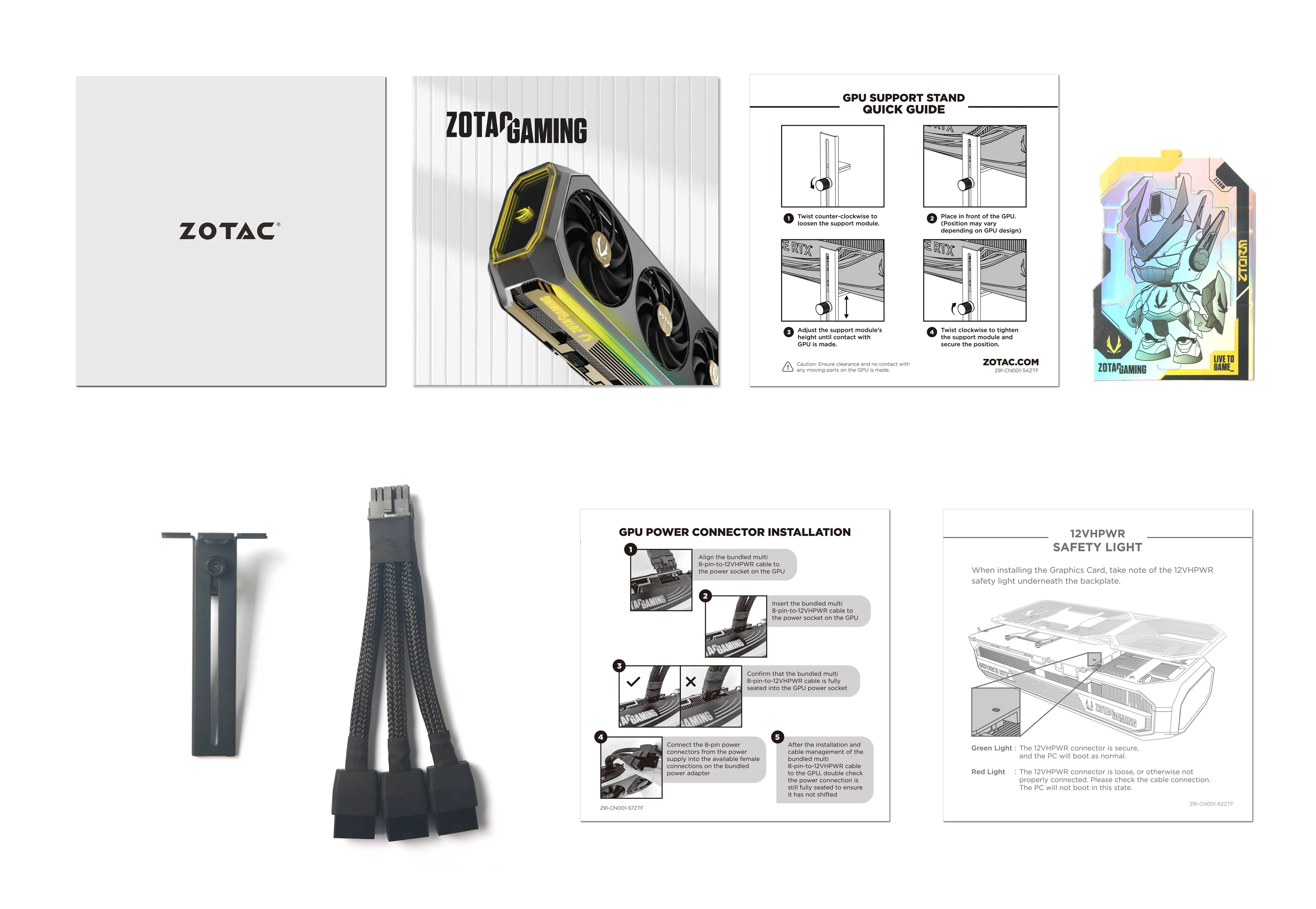
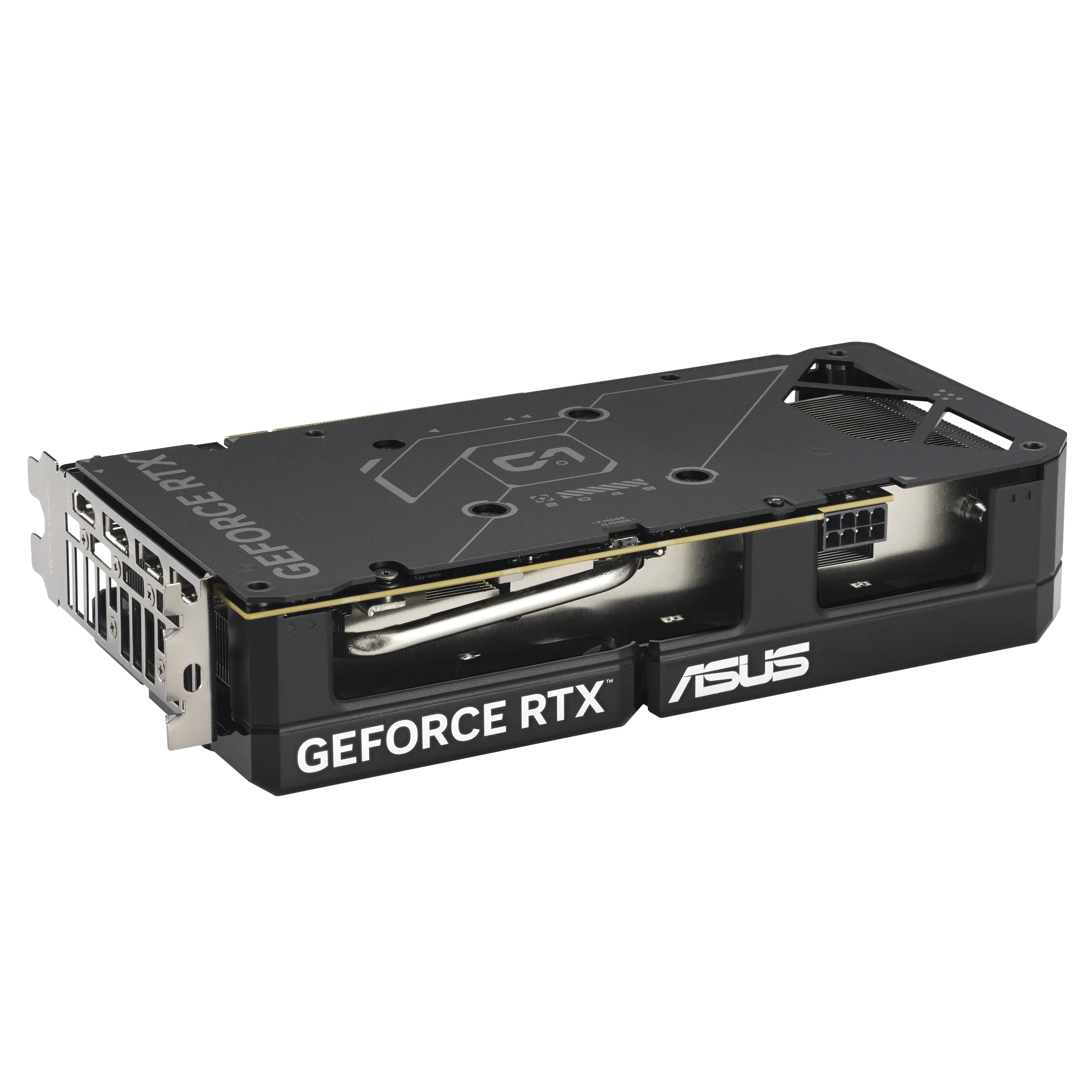
Powerful cards require significant amounts of power. Always check the recommended wattage (often 750W–1000W for flagship models) and ensure your PSU has the necessary connections.
How do I ensure the card's physical compatibility?
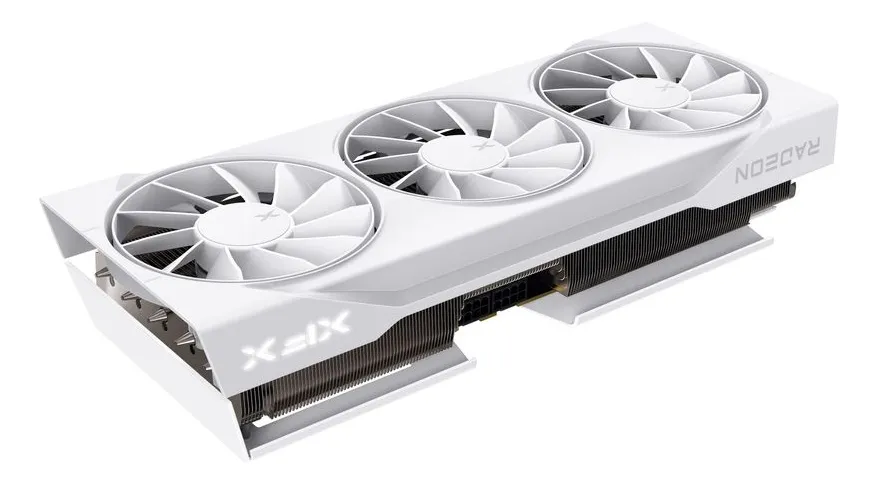
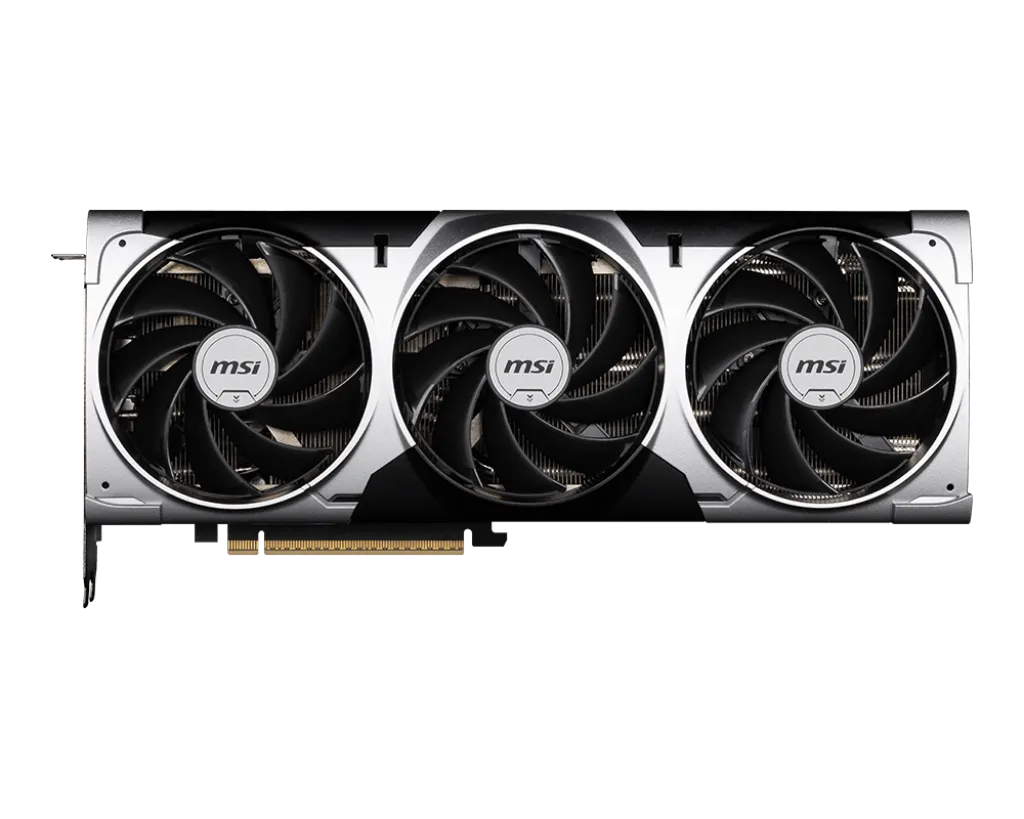
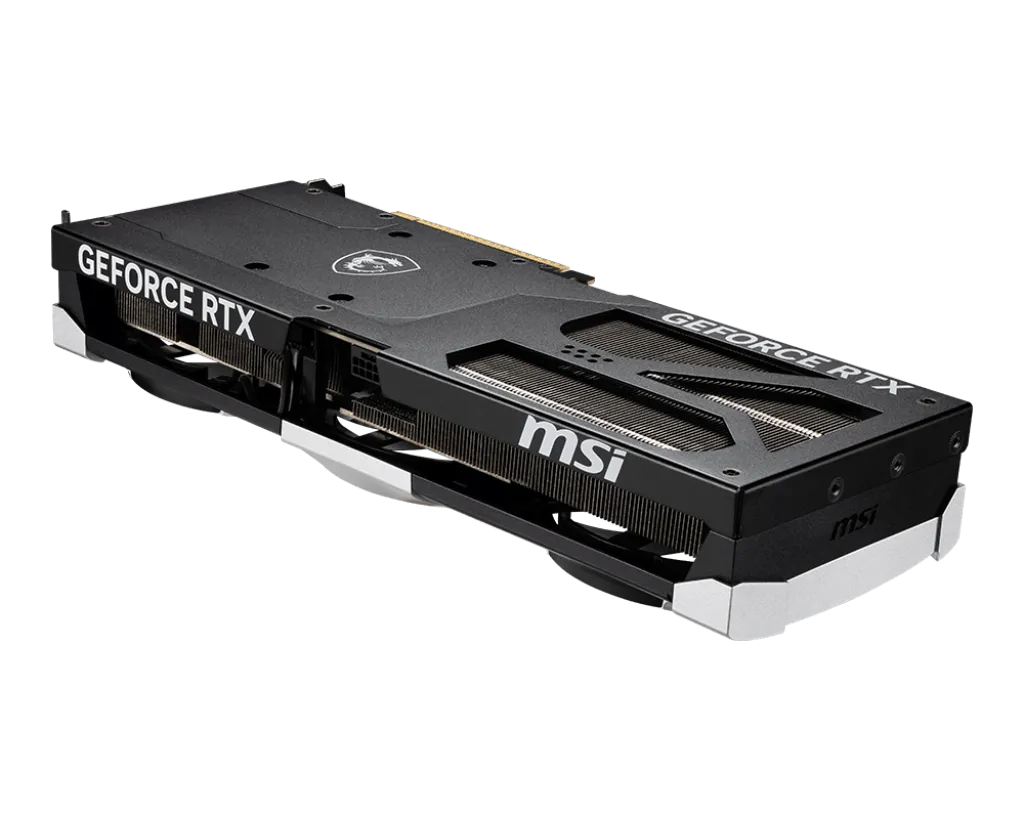
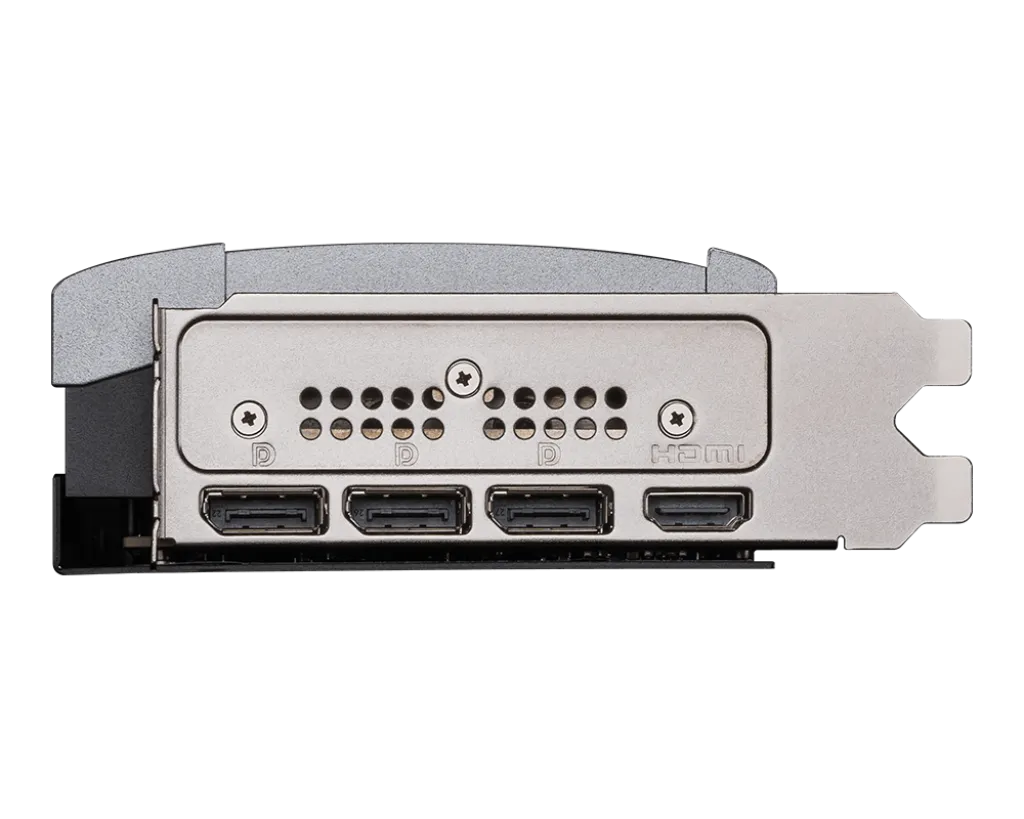
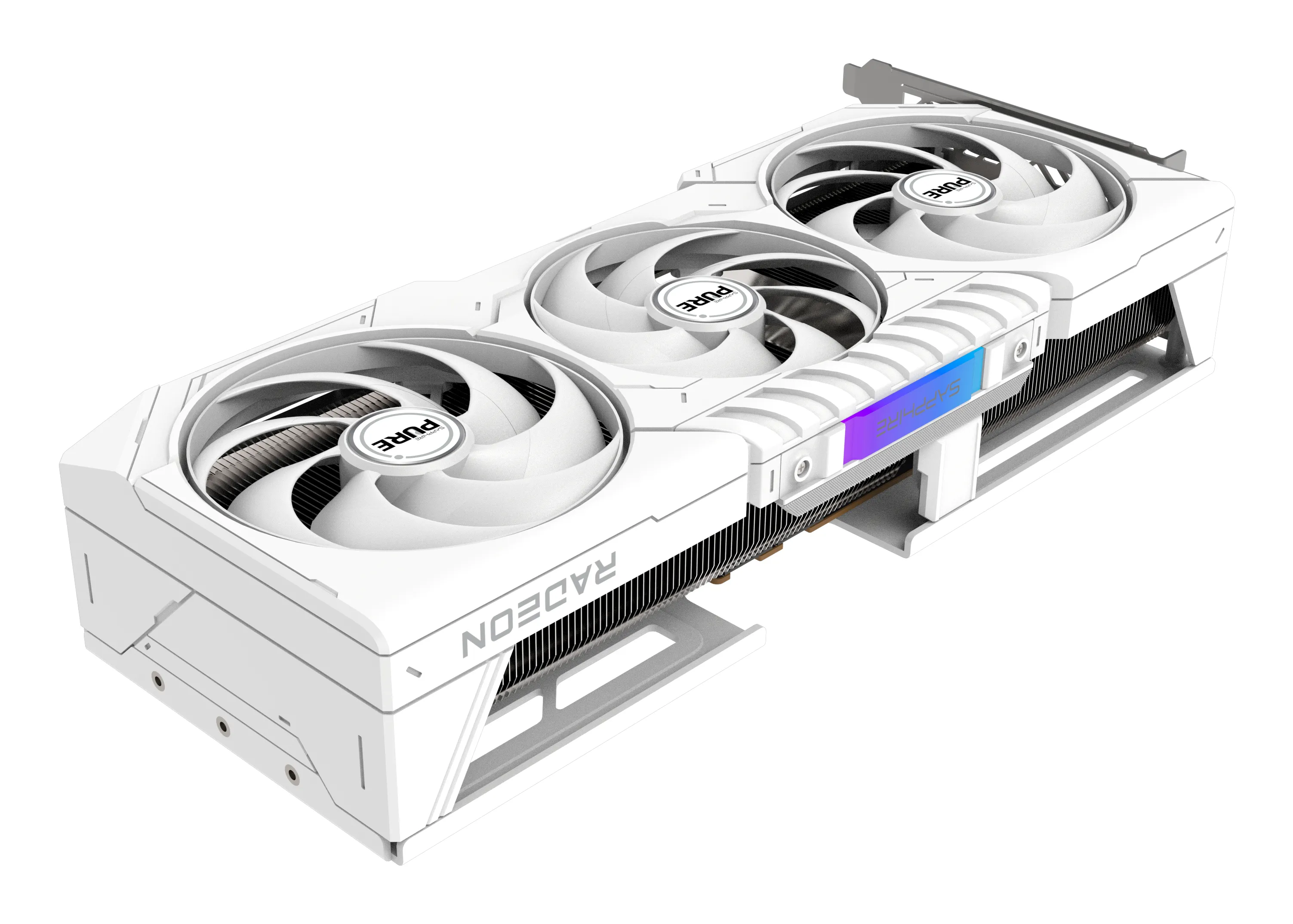
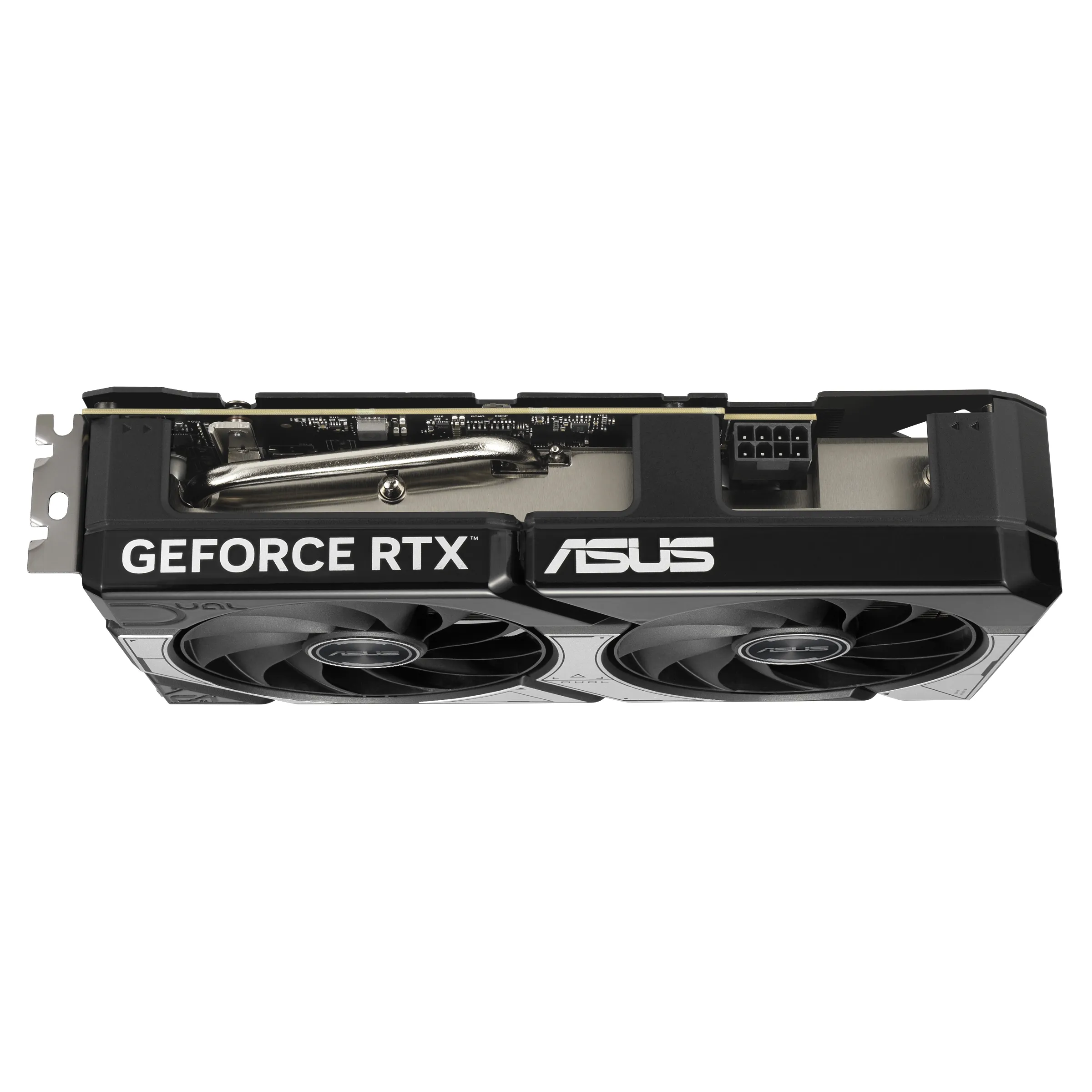
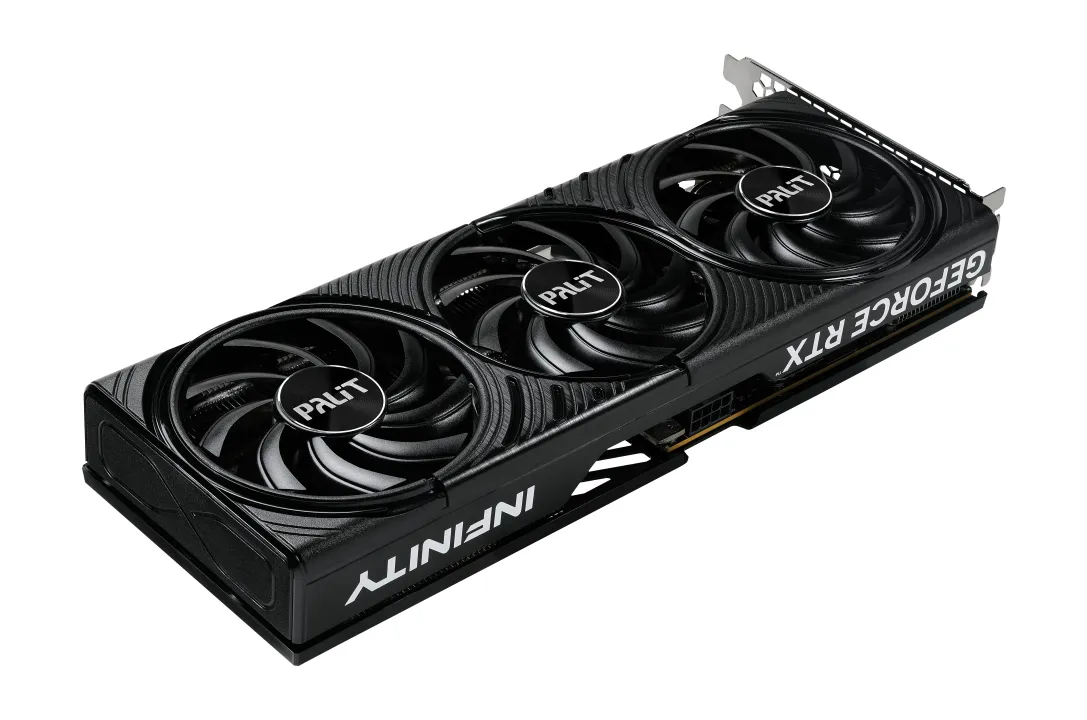
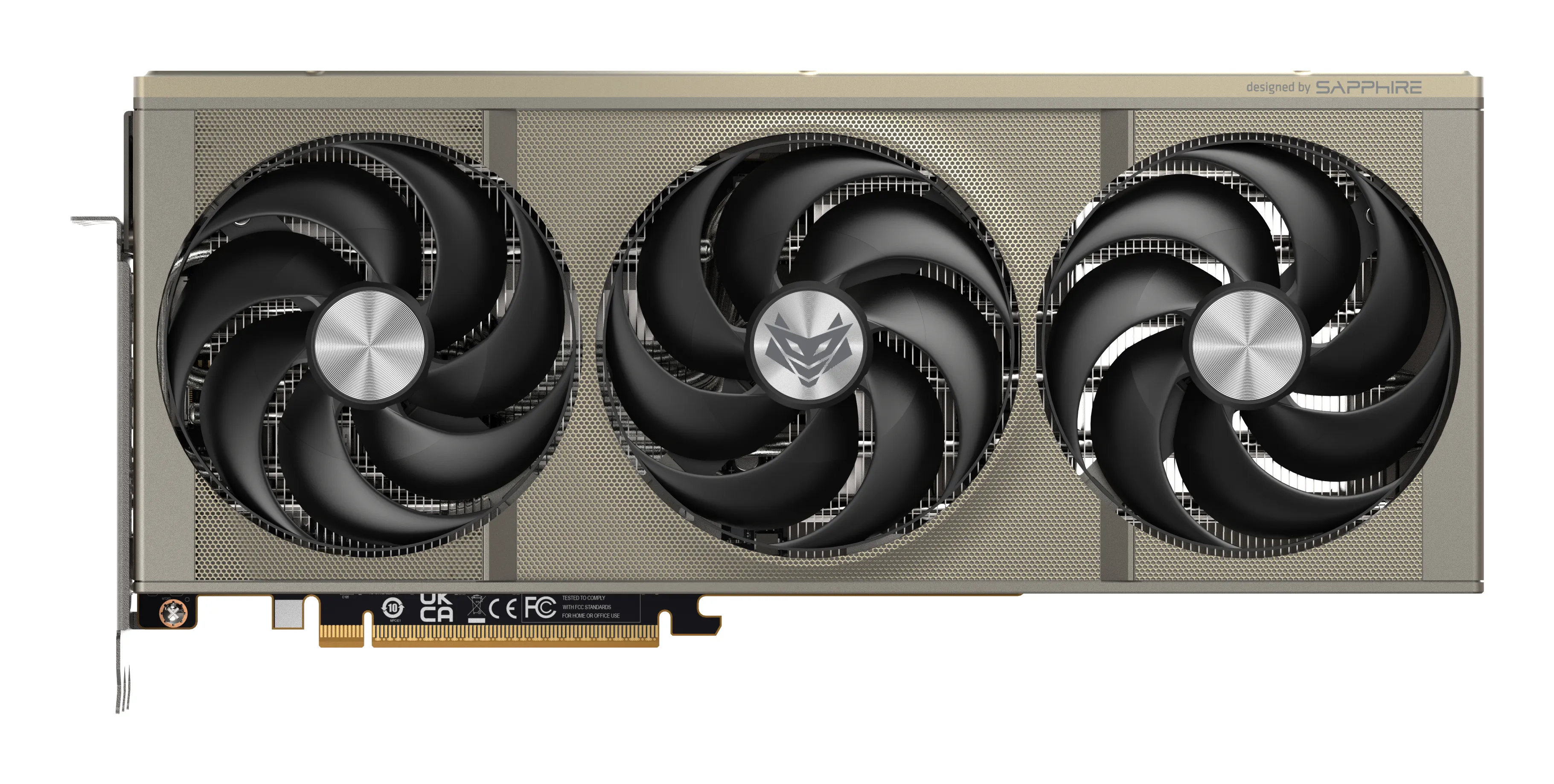
Modern cooling solutions make cards large. Always check the card's length (mm) and how many slots it occupies. We also recommend checking our case guide.