

No price development information for this product.
Product unavailable
This product is end of life or currently not available.
This product is end of life or currently not available.
Specifications
Description
Store availability
Delivery
Price development
| EAN | 8809213761072 |
| Warranty | 1 year |
| Source: Icecat.biz | |
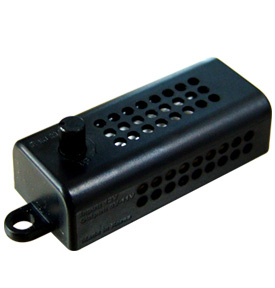
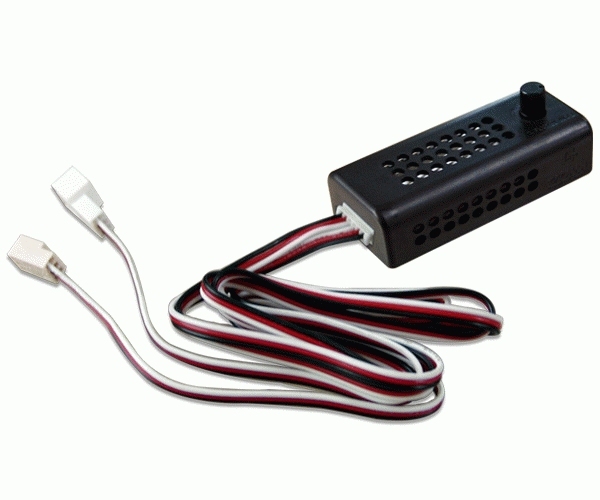
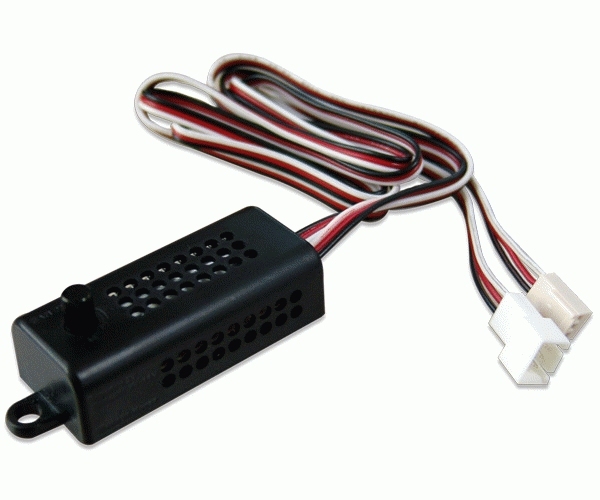
- Connect FAN MATE 2 (adjustable fan speed connector) to the 3-pin connector of a fan as shown in Figure 1.
- Connect FAN MATE 2 to the 3-pin CPU fan connector of the mainboard.
- Turn on the computer after assembly is finished.
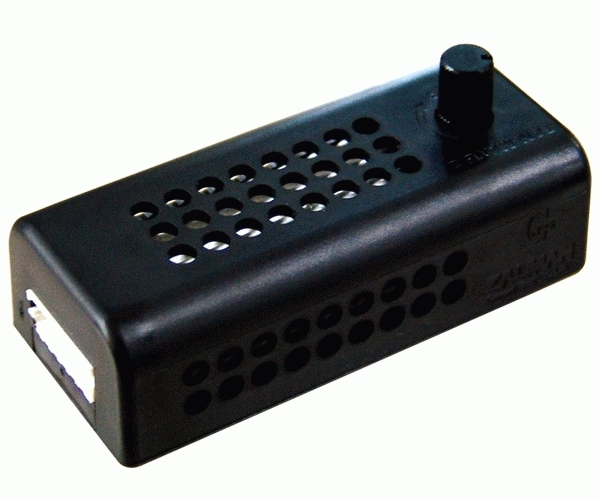
- When the speed control knob is turned fully counter-clockwise, the fan speed is minimum, and the fan operates in silent mode. You can select the desired fan speed by turning the knob.
When booting a computer in which FAN MATE 2 is used with the CPU fan, an alarm sound may be generated by a system monitoring program to indicate that the rotation of the CPU fan is slow. If this happens, you may turn the speed control knob fully clockwise to increase the fan speed, set 'CPU Fan Detected' to 'Disabled' in the BIOS settings, or set the slowest rotation of the CPU fan in the system monitoring program to less than or equal to 1500 RPM.
- Connect FAN MATE 2 to the 3-pin CPU fan connector of the mainboard.
- Turn on the computer after assembly is finished.
- When the speed control knob is turned fully counter-clockwise, the fan speed is minimum, and the fan operates in silent mode. You can select the desired fan speed by turning the knob.
When booting a computer in which FAN MATE 2 is used with the CPU fan, an alarm sound may be generated by a system monitoring program to indicate that the rotation of the CPU fan is slow. If this happens, you may turn the speed control knob fully clockwise to increase the fan speed, set 'CPU Fan Detected' to 'Disabled' in the BIOS settings, or set the slowest rotation of the CPU fan in the system monitoring program to less than or equal to 1500 RPM.
Multitronic Vaasa: 0 pcs
Estimated delivery: No delivery info
Estimated delivery: No delivery info
Today: 10:00 - 18:00
Multitronic Pietarsaari: 0 pcs
Estimated delivery: No delivery info
Estimated delivery: No delivery info
Today: 09:00 - 17:00
Multitronic Jyväskylä: 0 pcs
Estimated delivery: No delivery info
Estimated delivery: No delivery info
Today: 10:00 - 17:00
Multitronic Lappeenranta: 0 pcs
Estimated delivery: No delivery info
Estimated delivery: No delivery info
Today: 10:00 - 18:00
Multitronic Mariehamn: 0 pcs
Estimated delivery: No delivery info
Estimated delivery: No delivery info
Today: 10:00 - 17:00
The above technical details are for reference only and may change without notice. We reserve the right to correct printing errors and use illustrations for guidance. Some text may be auto-generated or machine-translated, which could lead to inaccuracies.