

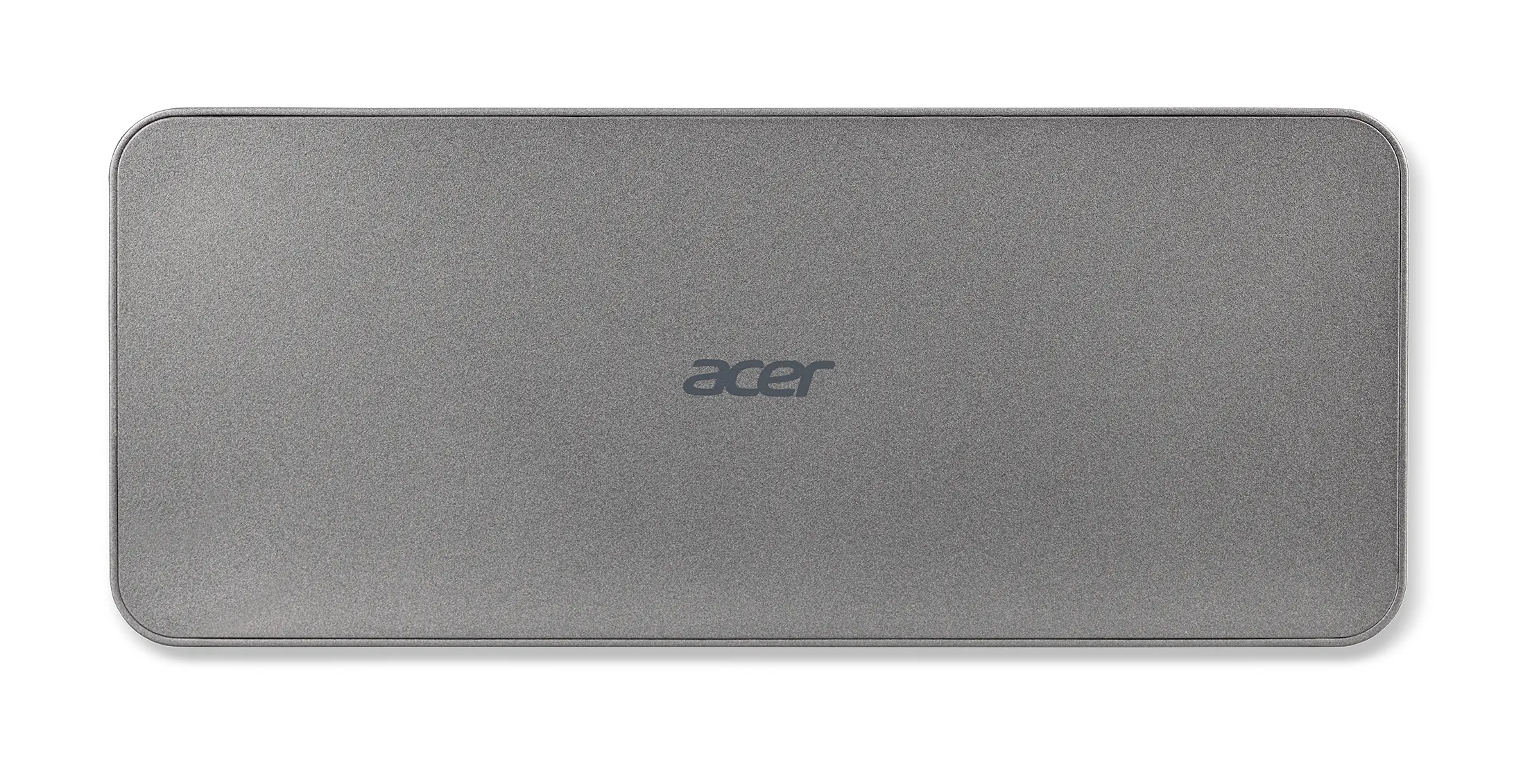
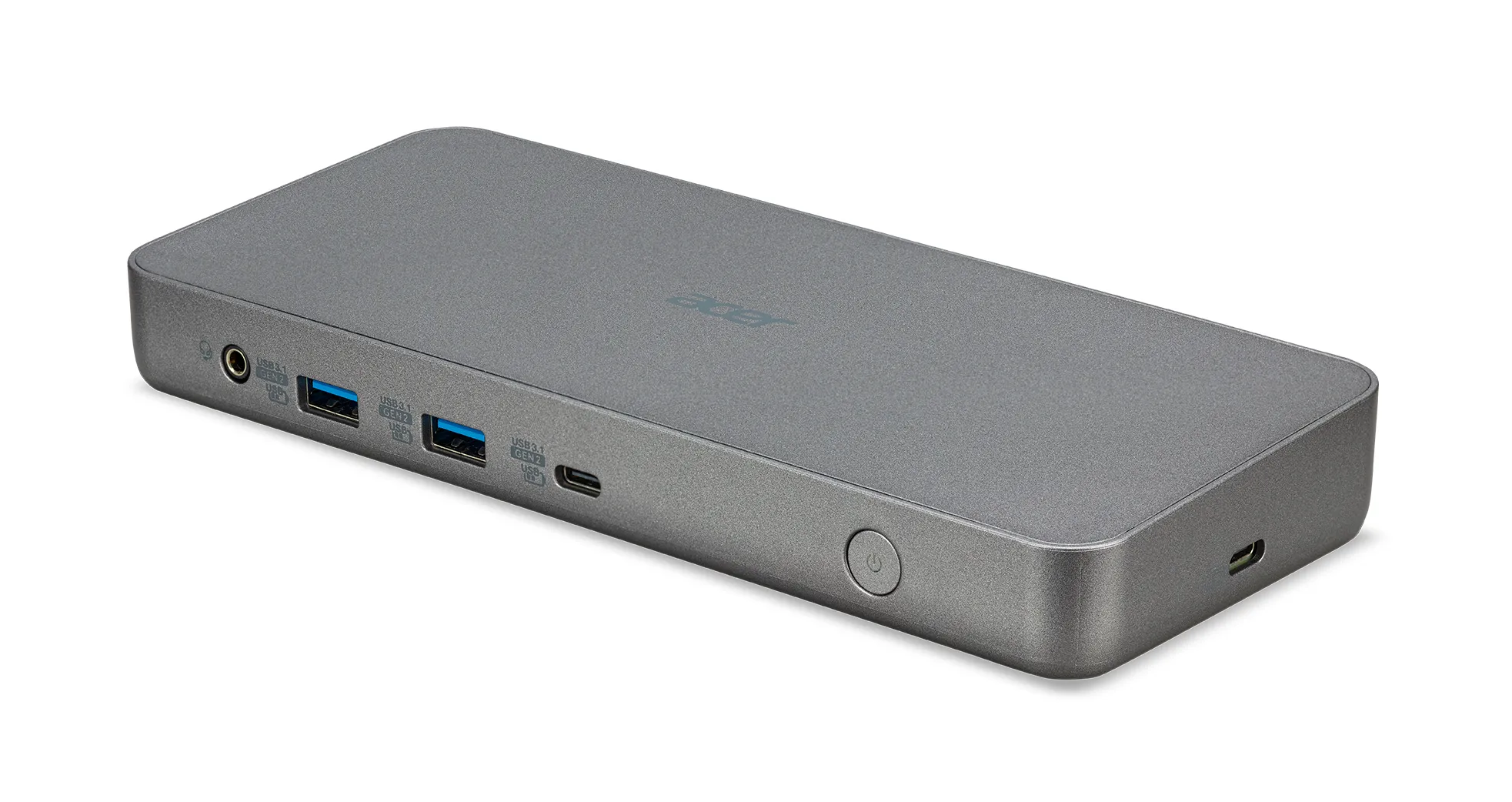
Acer USB Type-C ChromeOS Dock II - Certified by Works With Chromebook - with EU Power Cord
Manufacturer: ACER
ID: GP.DCK11.00F


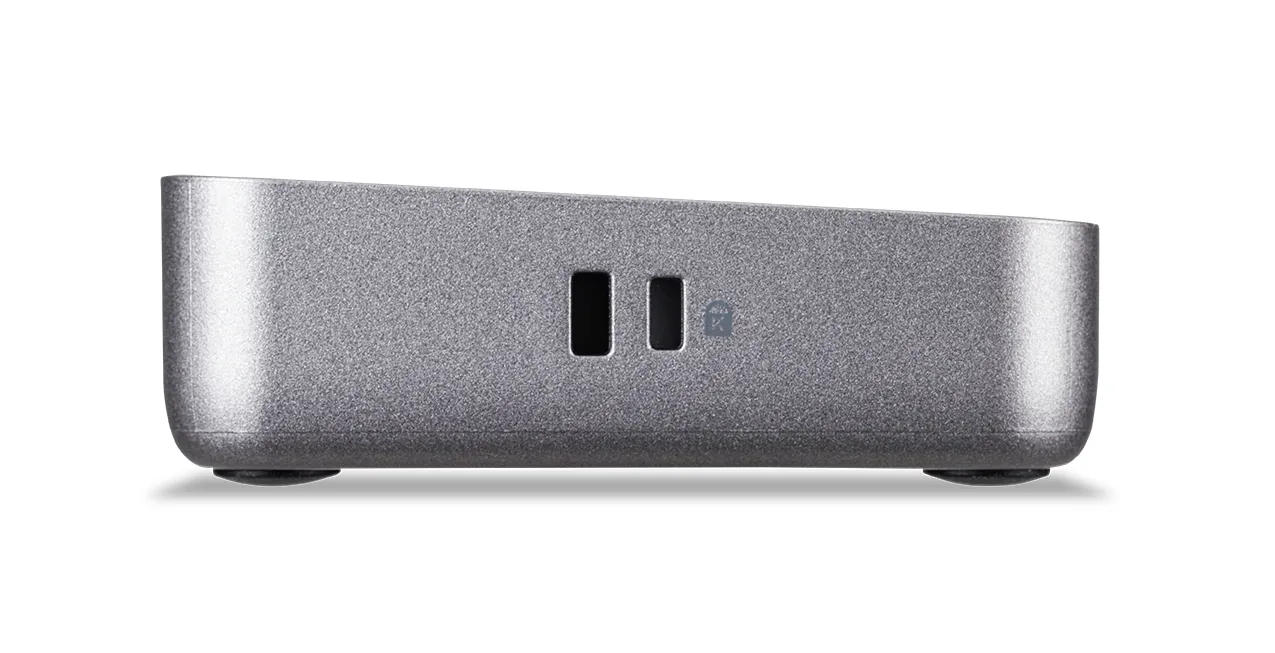
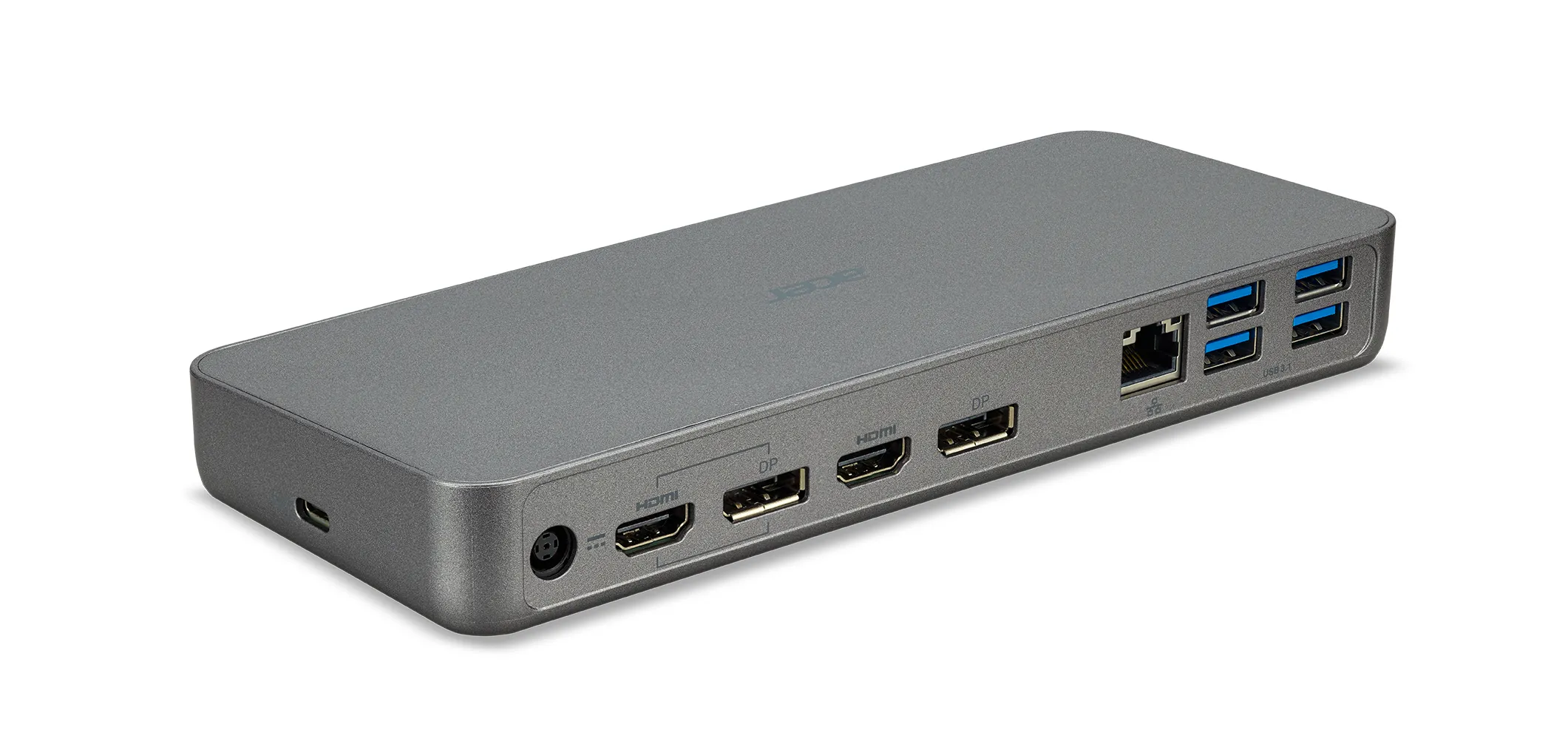
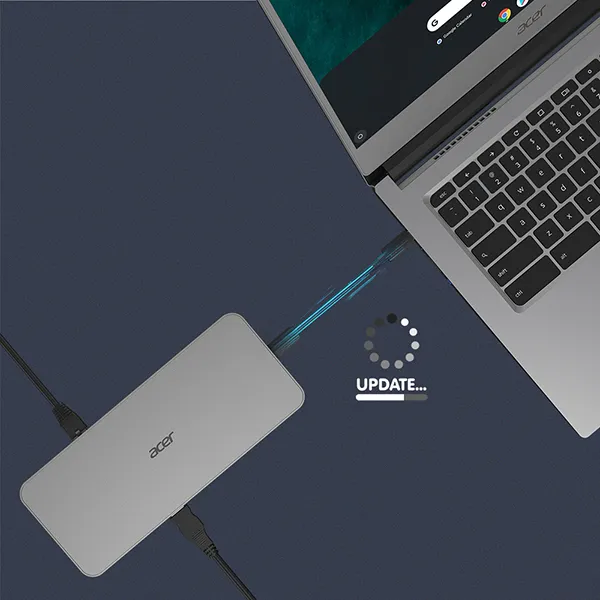
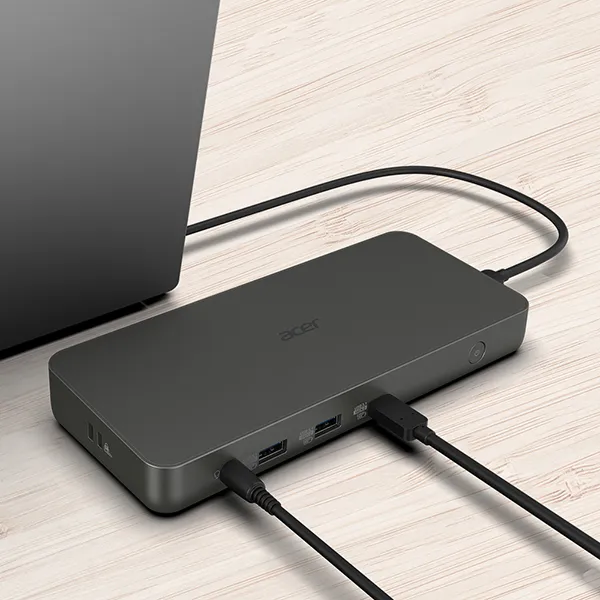
28290€
Show VAT 0%
Show VAT 25,5%
Multitronic Vaasa
Multitronic Pietarsaari
Multitronic Jyväskylä
Multitronic Lappeenranta
Multitronic Mariehamn
Specifications
Description
Store availability
Delivery
Price development
| Ports & interfaces | |
| Connectivity technology | Docking |
| USB 2.0 ports quantity | 0 |
| Headphone outputs | 0 |
| Microphone in |  |
| DC-in jack |  |
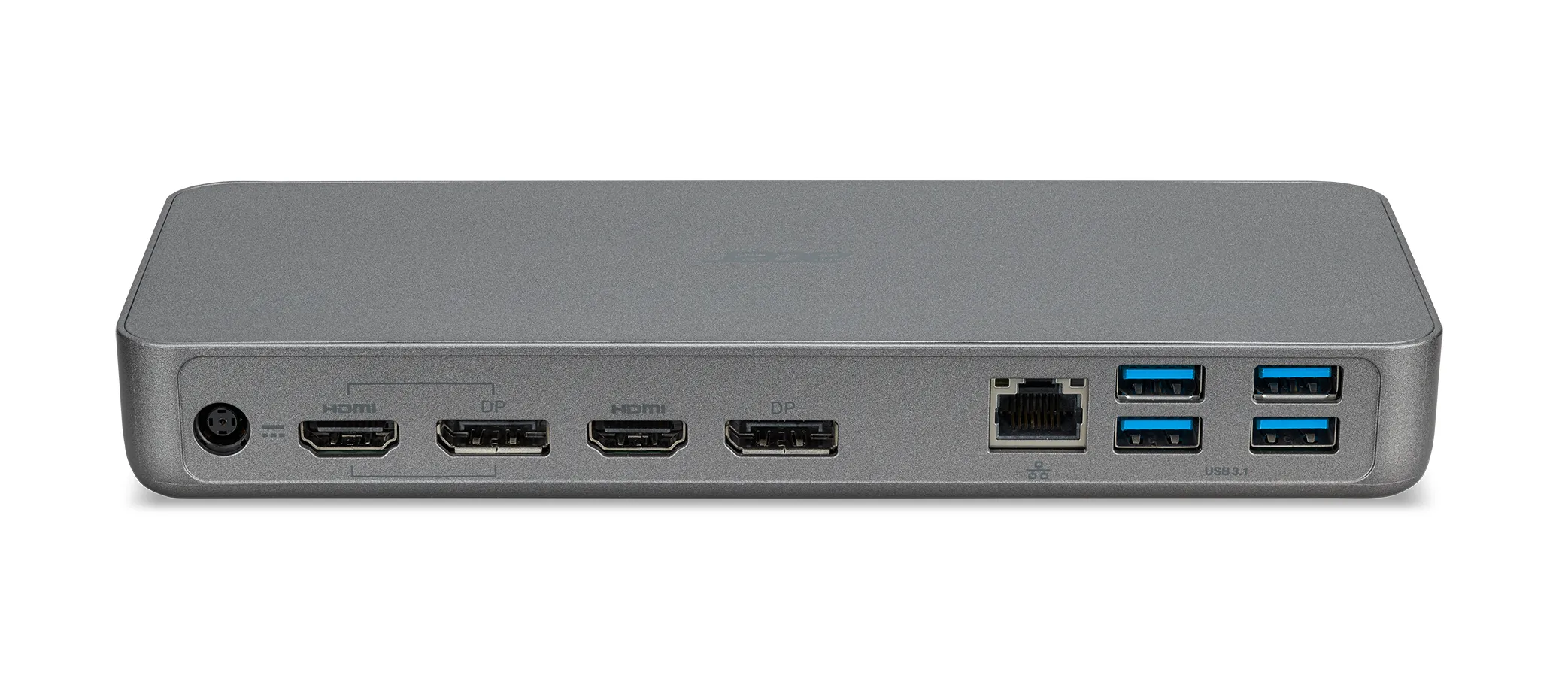
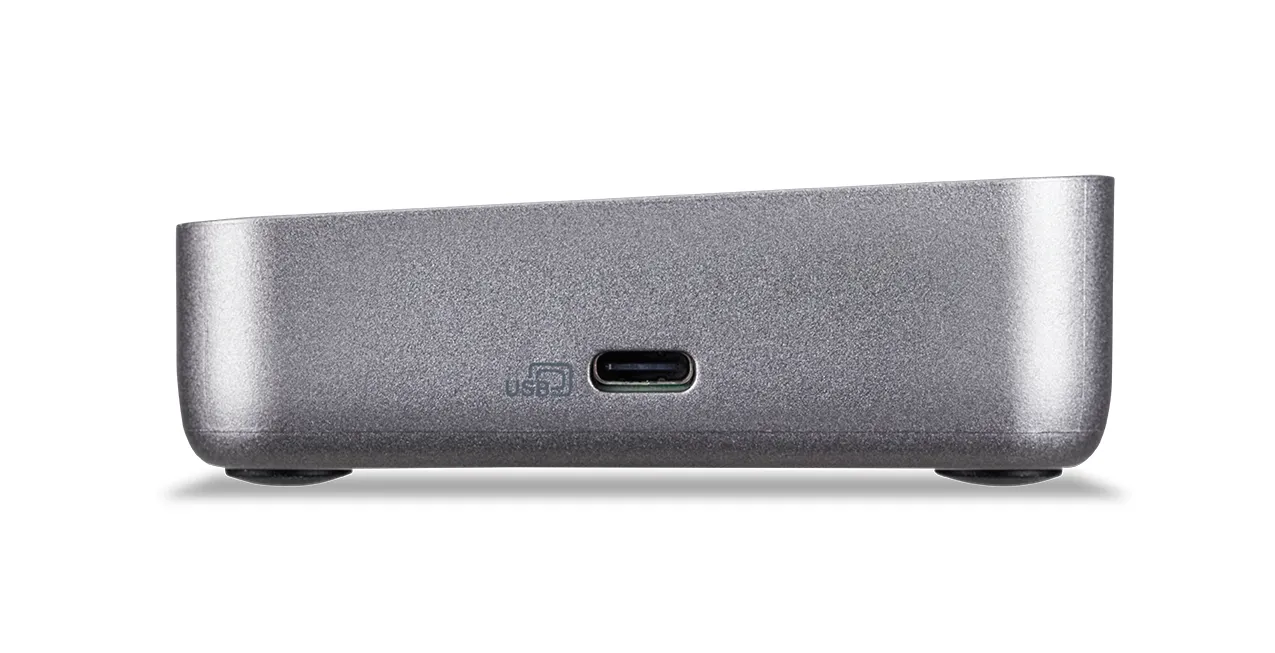
| Host interface | USB 3.2 Gen 1 (3.1 Gen 1) Type-C |
| HDMI ports quantity | 2 |
| HDMI version | 2.0 |
| DisplayPorts quantity | 2 |
| Combo headphone/mic port | |
| DisplayPort version | 1.4 |
| USB 3.2 Gen 1 (3.1 Gen 1) Type-A ports quantity | 4 |
| USB 3.2 Gen 2 (3.1 Gen 2) Type-A ports quantity | 2 |
| USB 3.2 Gen 2 (3.1 Gen 2) Type-C ports quantity | 2 |
| Weight & dimensions | |
| Weight | 260 g |
| Height | 26 mm |
| Width | 204.5 mm |
| Depth | 85 mm |
| Energy management | |
| Power source type | DC |
| Networking | |
| Ethernet LAN | |
| Ethernet LAN (RJ-45) ports | 1 |
| Ethernet LAN data rates | 1000 Mbit/s |
| Packaging data | |
| Quantity per pack | 1 pc(s) |
| Performance | |
| Compatibility | Chromebook Spin 511, R753T(N), Chromebook Spin 513, Chromebook Spin 514-1H(H) / 1W(H), Chromebook Spin 713-3W, Chromebook Spin 512, R853TNA, Chromebook 314-1H(T), C933L/T/LT), Chromebook Spin 713-2W, Chromebook C721, Chromebook 511-3H, R722T, R723T |
| Cable lock slot | |
| Product colour | Grey |
| Card reader integrated | |
| On/off switch | |
| Brand compatibility | Acer |
| HD type | 4K Ultra HD |
| Cable lock slot type | Kensington |
| Colour name | Cool Gray |
| Logistics data | |
| Harmonized System (HS) code | 84733020 |
| EAN | 4710886357605 |
| Warranty | 2 years |
| Source: Icecat.biz | |
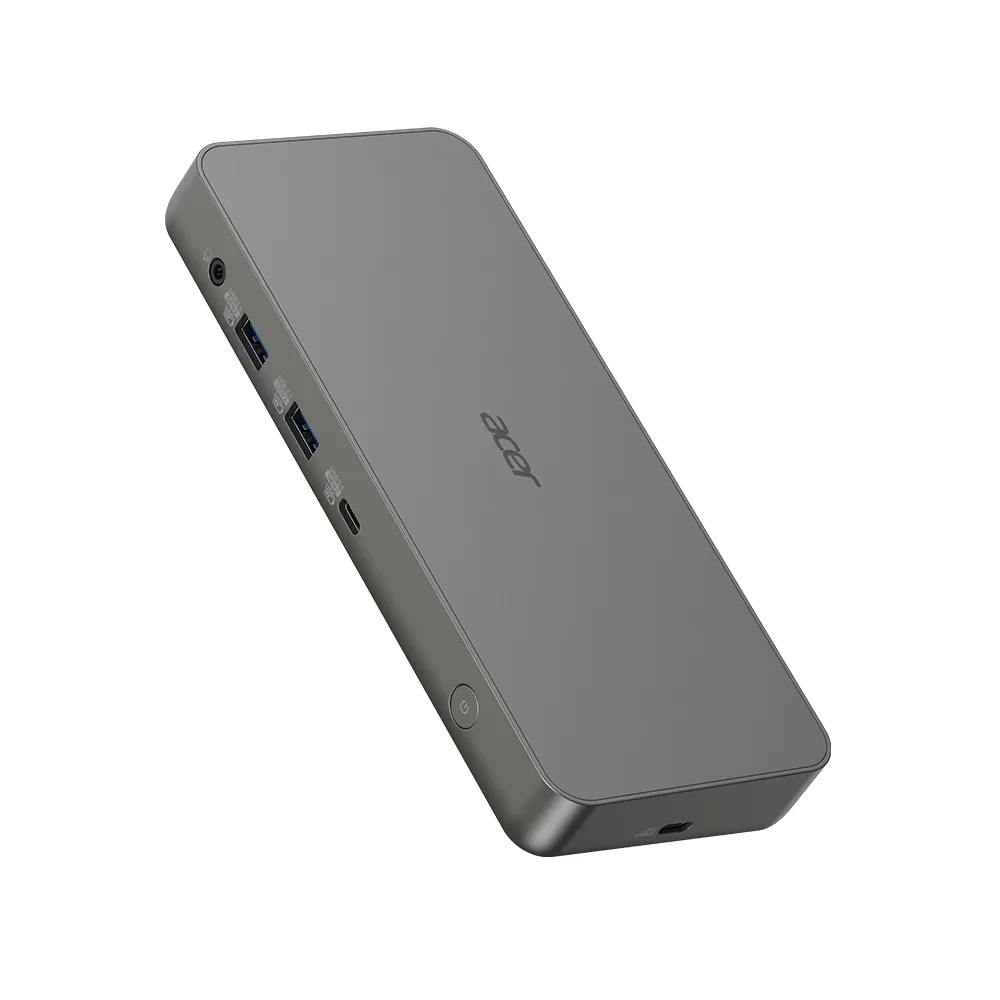
The Acer USB Type-C Dock is certified by Works With Chromebook to ensure it will work with your Chromebook seamlessly. The easily upgraded firmware allows for maximum compatibility while the many USB and HDMI ports let you set up an extremely efficient triple display work space while in the office or at home.
Peace of Mind
Certified by Works With Chromebook. This product has been certified by Acer to meet Google‘s compatibility standards. This dock will work with your Chromebook seamlessly and help you get the most from your Chromebook[1].
Future Proof
The firmware on this dock can be updated while the device is connected to a Chromebook, ensuring maximum compatibility with the peripherals of today and tomorrow.
Even More Displays
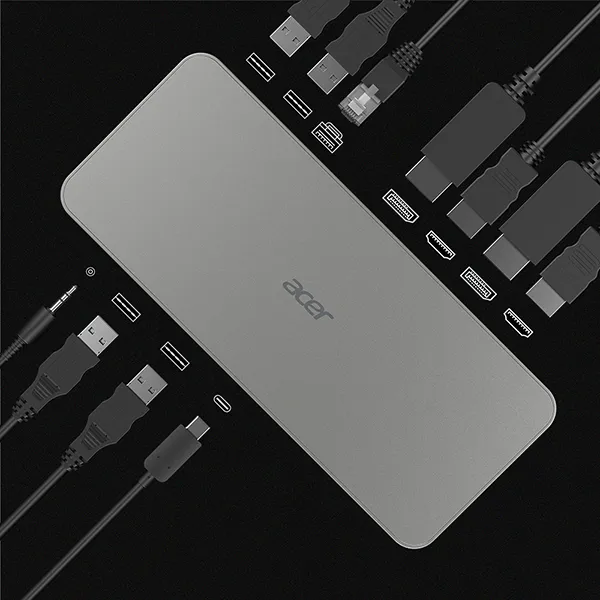
This versatile dock allows you to simultaneously connect up to three[2,3] monitors to a Chromebook through the HDMI and DisplayPort outputs on the dock, giving you the ability to easily extend or mirror your content.
Universal USB-C Dock
Charge your Chromebook, transfer data, extend your display, and enable peripherals such as speakers or Gigabit Ethernet with just single USB-C cable. The docking station’s USB-C Power Delivery can charge your laptop with up to 60W of power through the USB-C connection.
Gigabit Ethernet & USB Expansion
Easily connect to wired networks with the dock’s Gigabit Ethernet port, while the dock’s six USB ports (4 x USB 3.1 Gen 1 Type-A, 2 x USB 3.1 Gen 2 Type-A) are perfect for connecting all your additional peripherals such as mice, keyboards, hard drives, printers, and more. The dock also features a dedicated USB-C port for additional storage devices.
Peace of Mind
Certified by Works With Chromebook. This product has been certified by Acer to meet Google‘s compatibility standards. This dock will work with your Chromebook seamlessly and help you get the most from your Chromebook[1].
Future Proof
The firmware on this dock can be updated while the device is connected to a Chromebook, ensuring maximum compatibility with the peripherals of today and tomorrow.
Even More Displays
This versatile dock allows you to simultaneously connect up to three[2,3] monitors to a Chromebook through the HDMI and DisplayPort outputs on the dock, giving you the ability to easily extend or mirror your content.
Universal USB-C Dock
Charge your Chromebook, transfer data, extend your display, and enable peripherals such as speakers or Gigabit Ethernet with just single USB-C cable. The docking station’s USB-C Power Delivery can charge your laptop with up to 60W of power through the USB-C connection.
Gigabit Ethernet & USB Expansion
Easily connect to wired networks with the dock’s Gigabit Ethernet port, while the dock’s six USB ports (4 x USB 3.1 Gen 1 Type-A, 2 x USB 3.1 Gen 2 Type-A) are perfect for connecting all your additional peripherals such as mice, keyboards, hard drives, printers, and more. The dock also features a dedicated USB-C port for additional storage devices.
Multitronic Vaasa: 0 pcs
Estimated delivery: 13.04
Estimated delivery: 13.04
Today: Closed
Multitronic Pietarsaari: 0 pcs
Estimated delivery: 13.04
Estimated delivery: 13.04
Today: Closed (Easter Sunday)
Multitronic Jyväskylä: 0 pcs
Estimated delivery: 13.04
Estimated delivery: 13.04
Today: Closed
Multitronic Lappeenranta: 0 pcs
Estimated delivery: 13.04
Estimated delivery: 13.04
Today: Closed
Multitronic Mariehamn: 0 pcs
Estimated delivery: 13.04
Estimated delivery: 13.04
Today: Closed
Fetch from the shop
Estimated delivery time: 13.04
Estimated delivery time: 13.04
Posti: Parcel lockers and service points
Estimated delivery time: 13.04
Estimated delivery time: 13.04
Posti: Postal package
Estimated delivery time: 14.04
Estimated delivery time: 14.04
Matkahuolto: Parcel lockers and service points
Estimated delivery time: 14.04
Estimated delivery time: 14.04
Posti: Doorstep delivery
Estimated delivery time: 14.04
Estimated delivery time: 14.04
Matkahuolto: Business Parcel
Estimated delivery time: 13.04
Estimated delivery time: 13.04
Matkahuolto: Home Parcel
Estimated delivery time: 13.04
Estimated delivery time: 13.04
Posti: Home delivery
Estimated delivery time: 14.04
Estimated delivery time: 14.04
The above technical details are for reference only and may change without notice. We reserve the right to correct printing errors and use illustrations for guidance. Some text may be auto-generated or machine-translated, which could lead to inaccuracies.