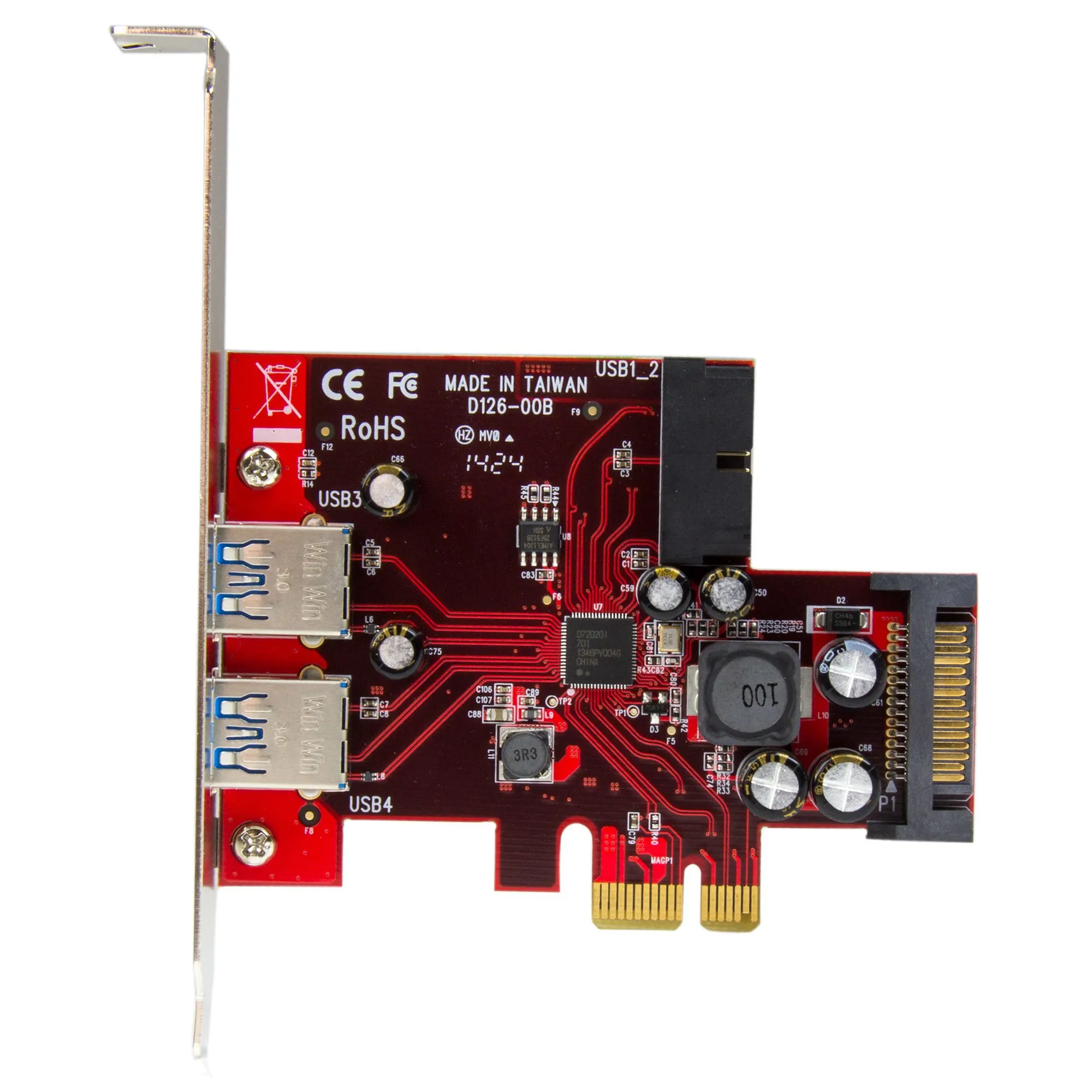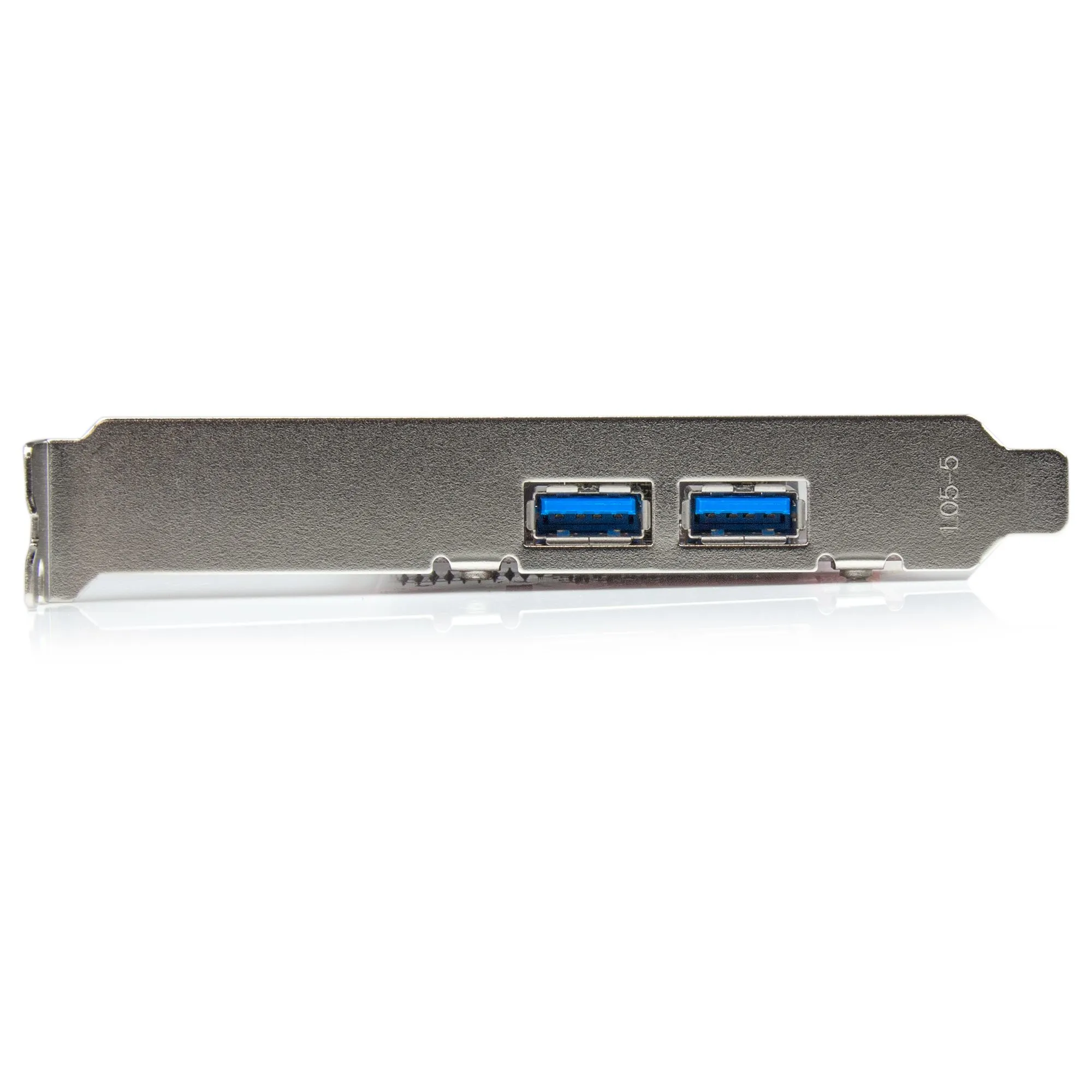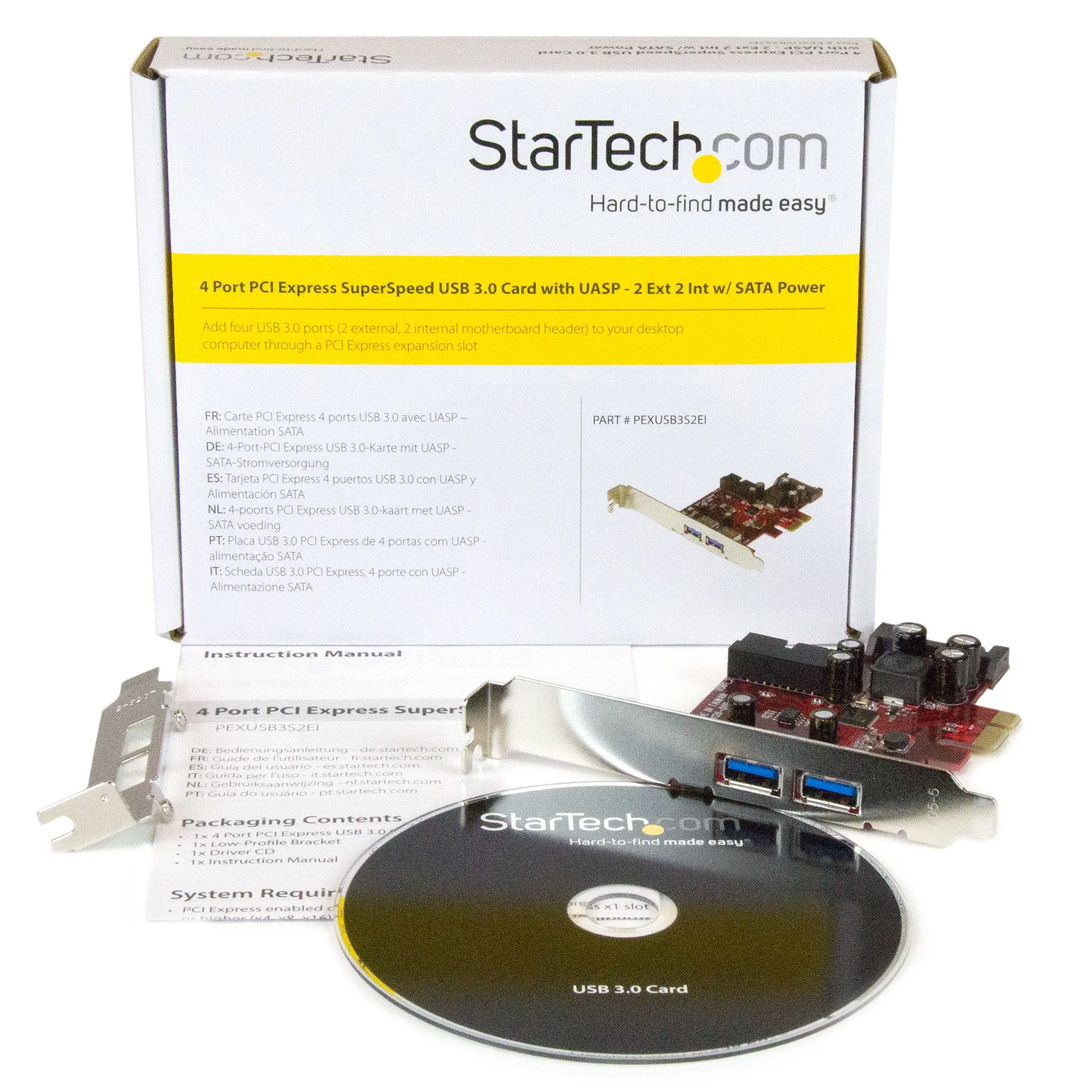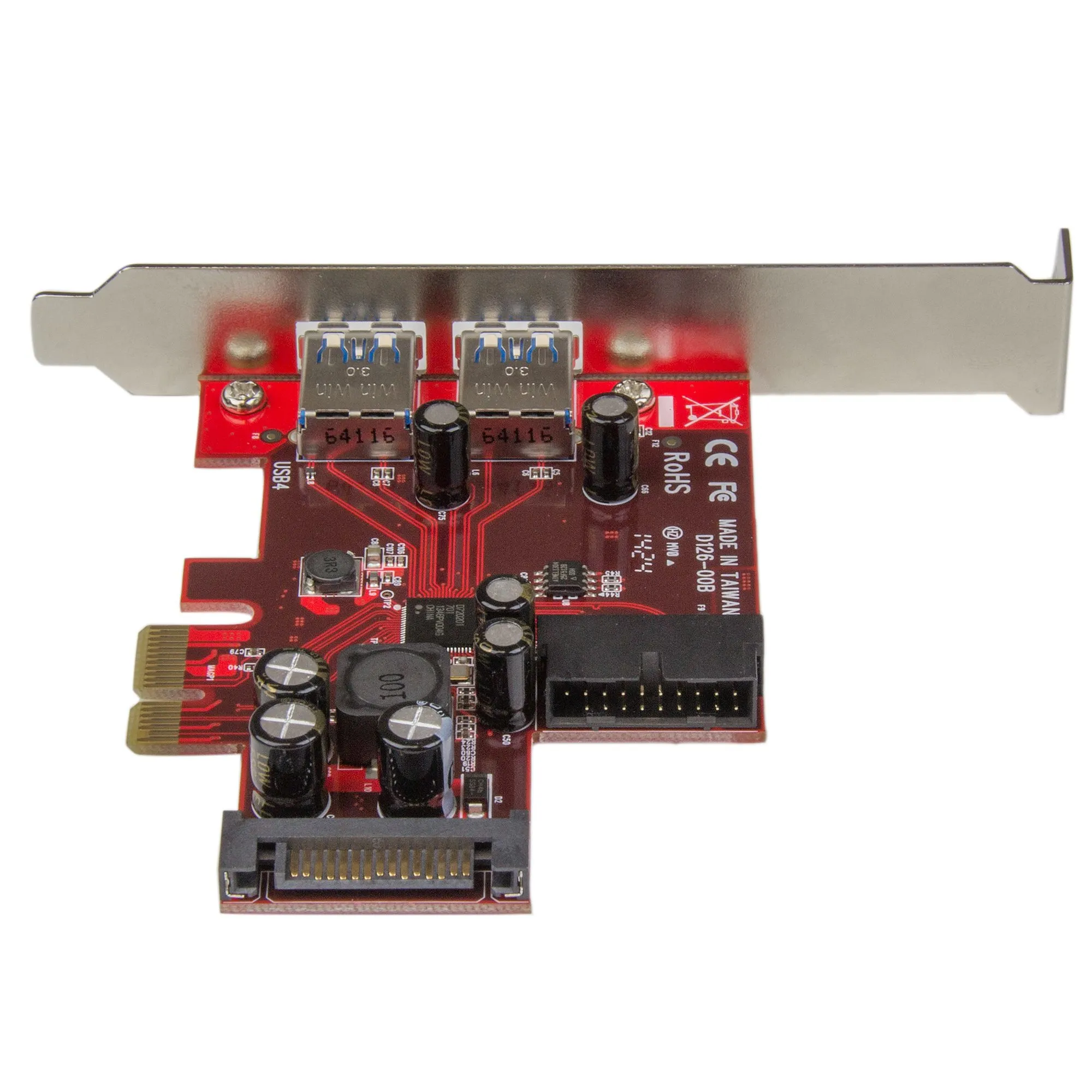

Most sold




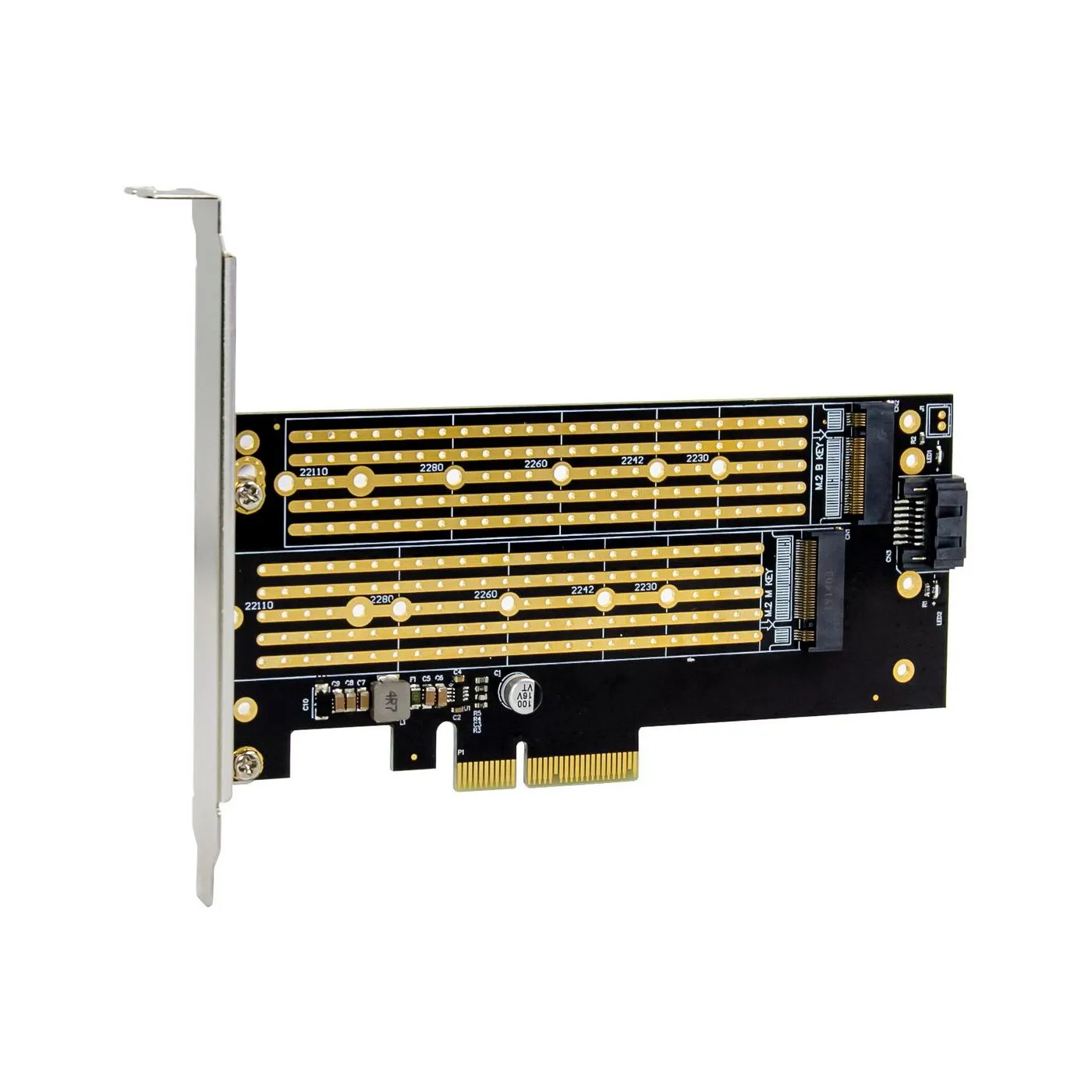
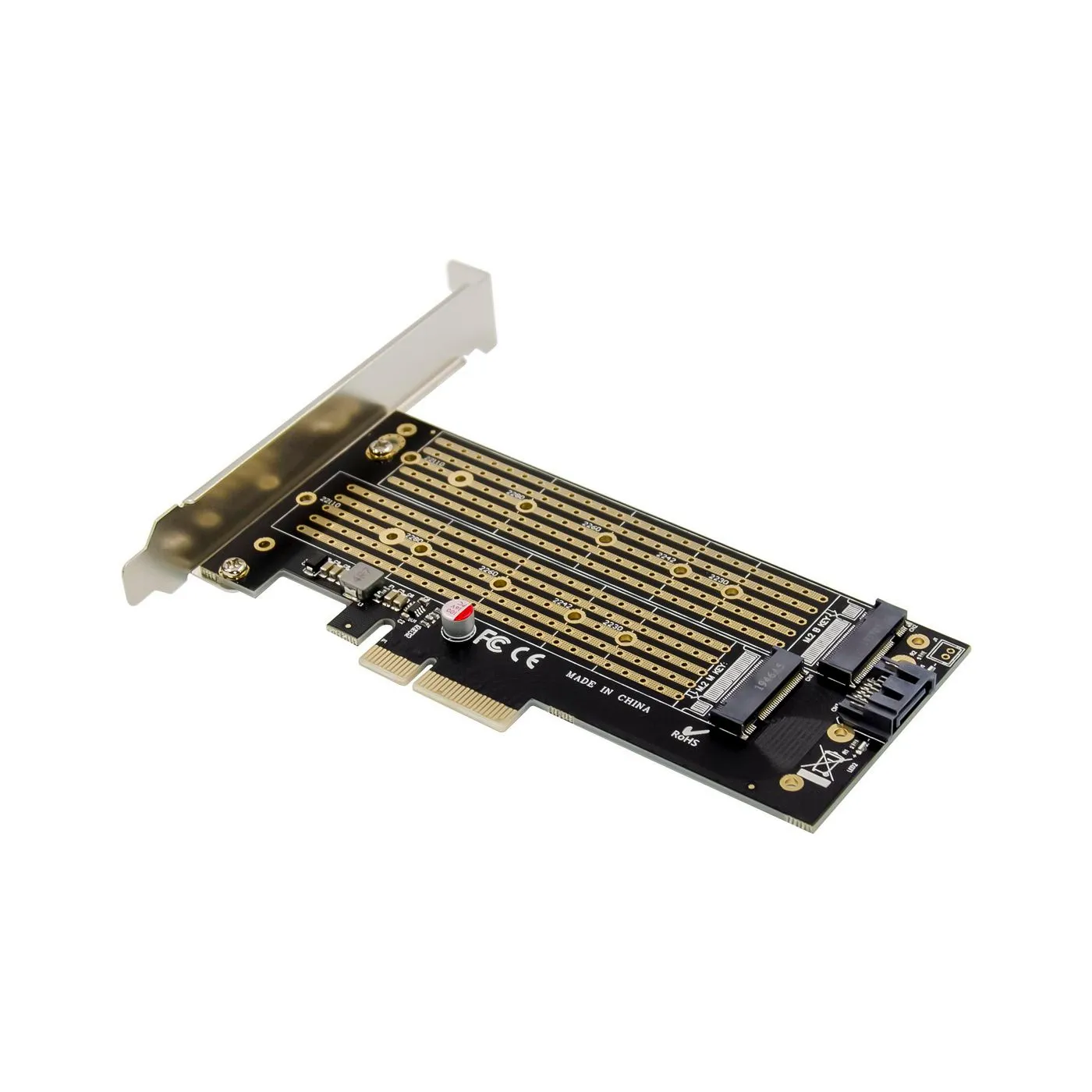
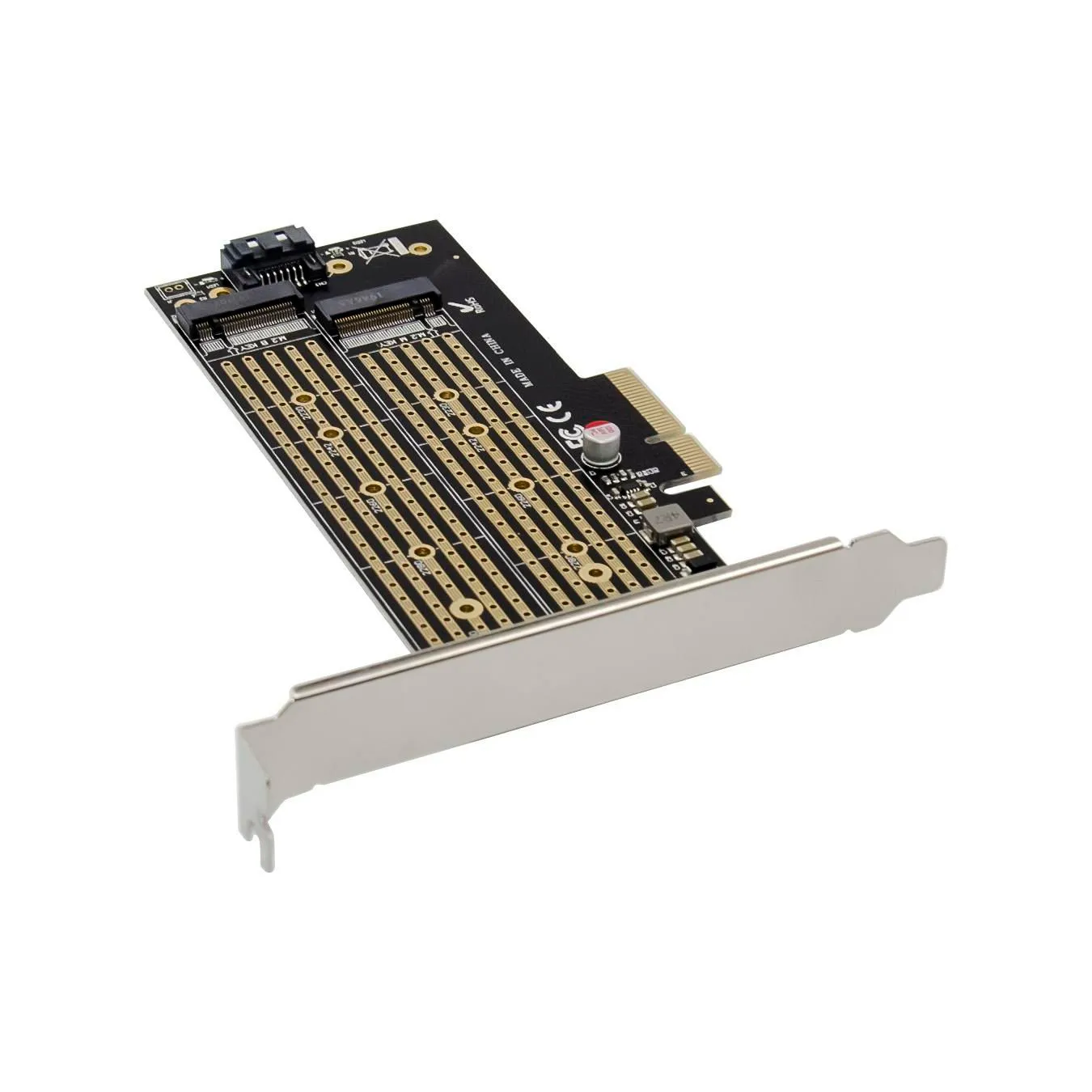
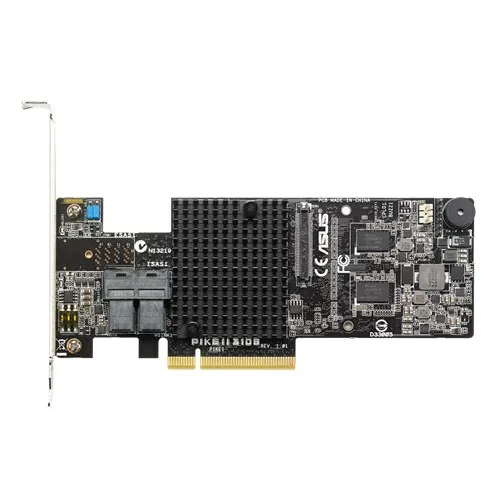
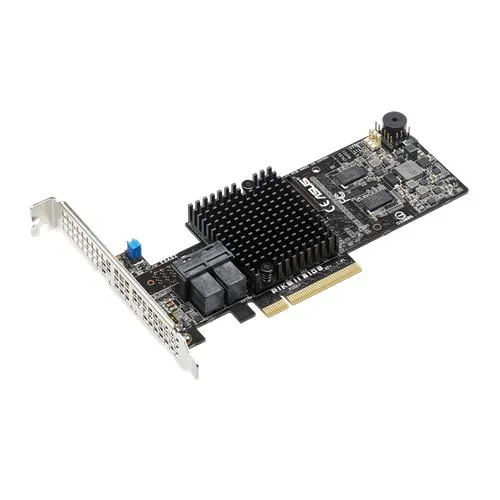

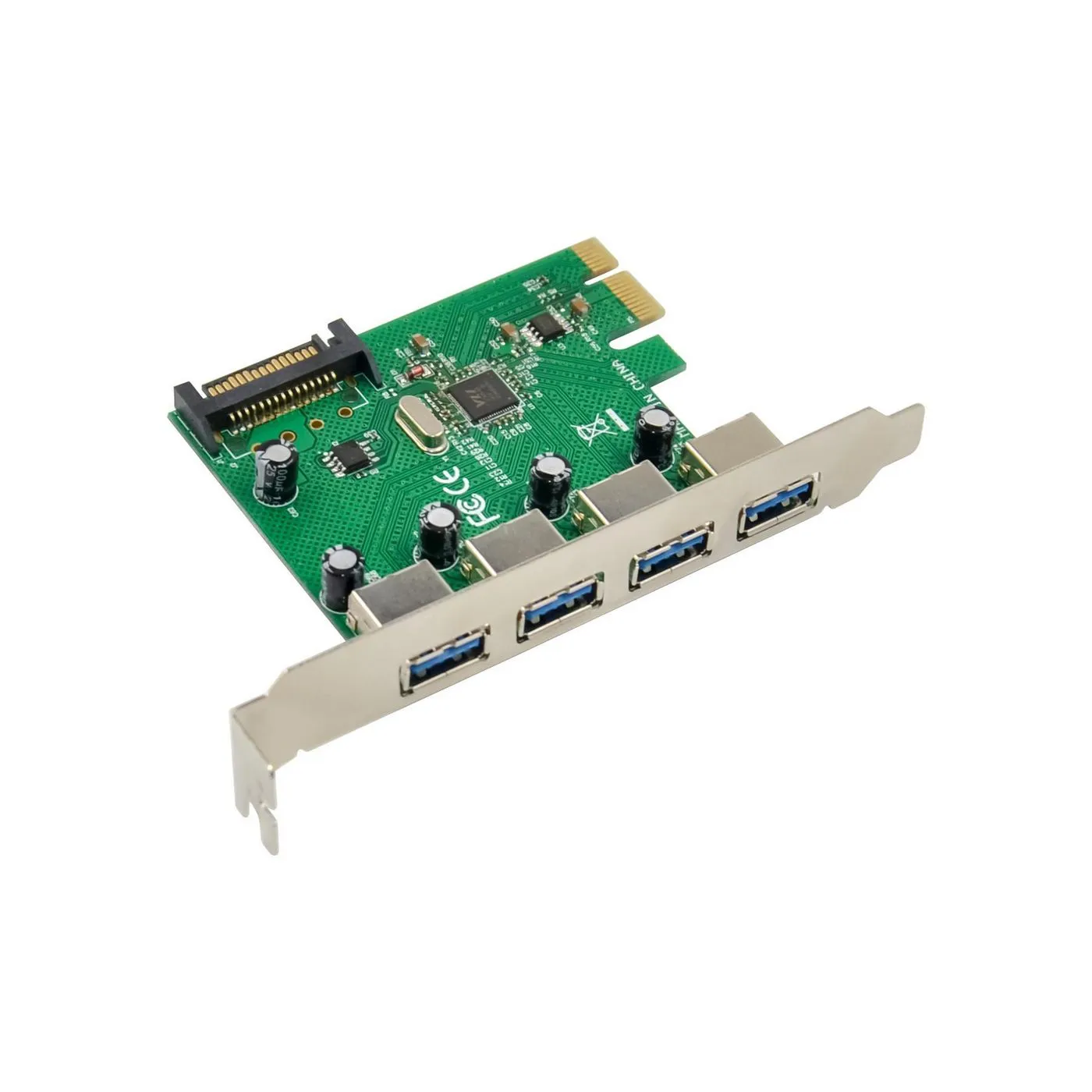
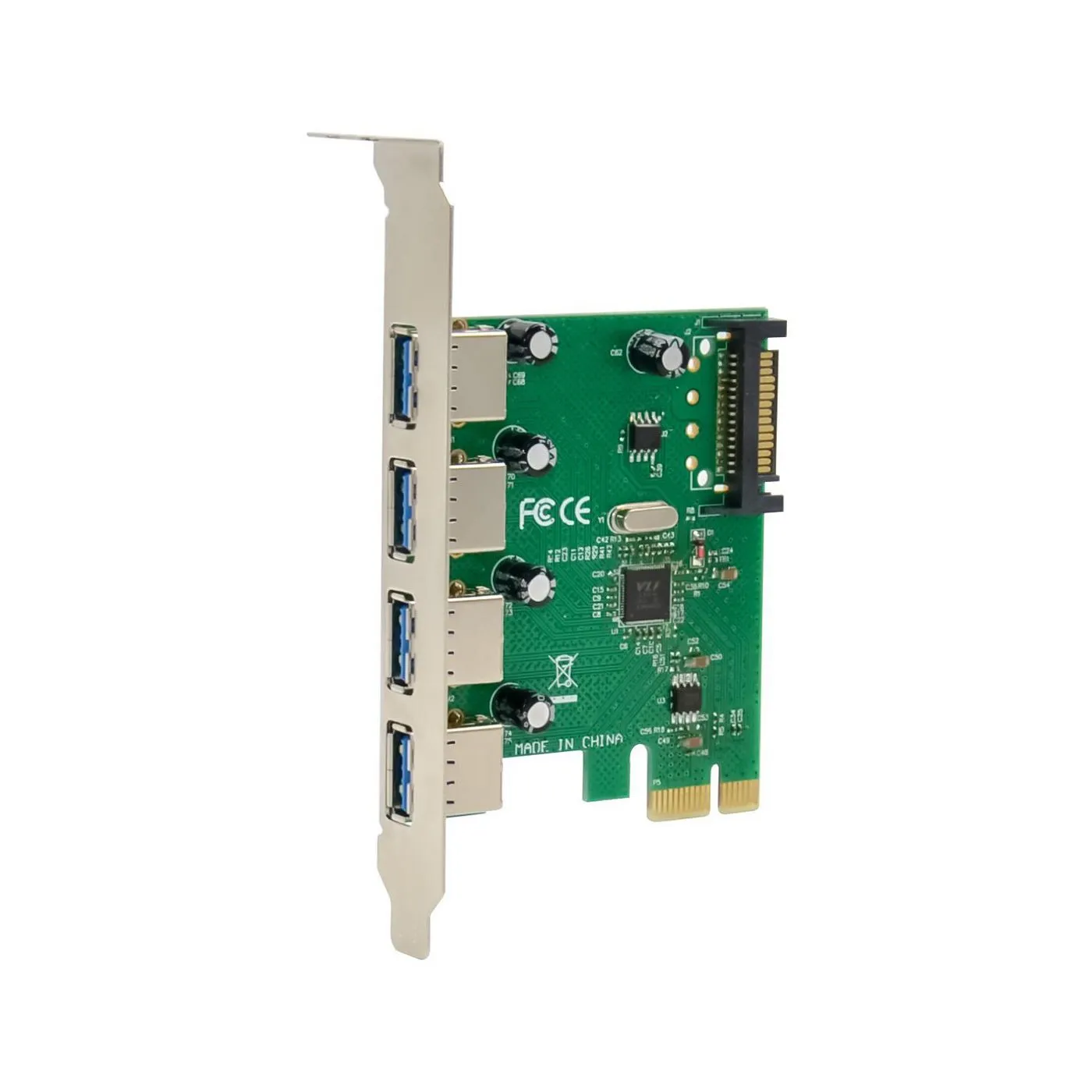
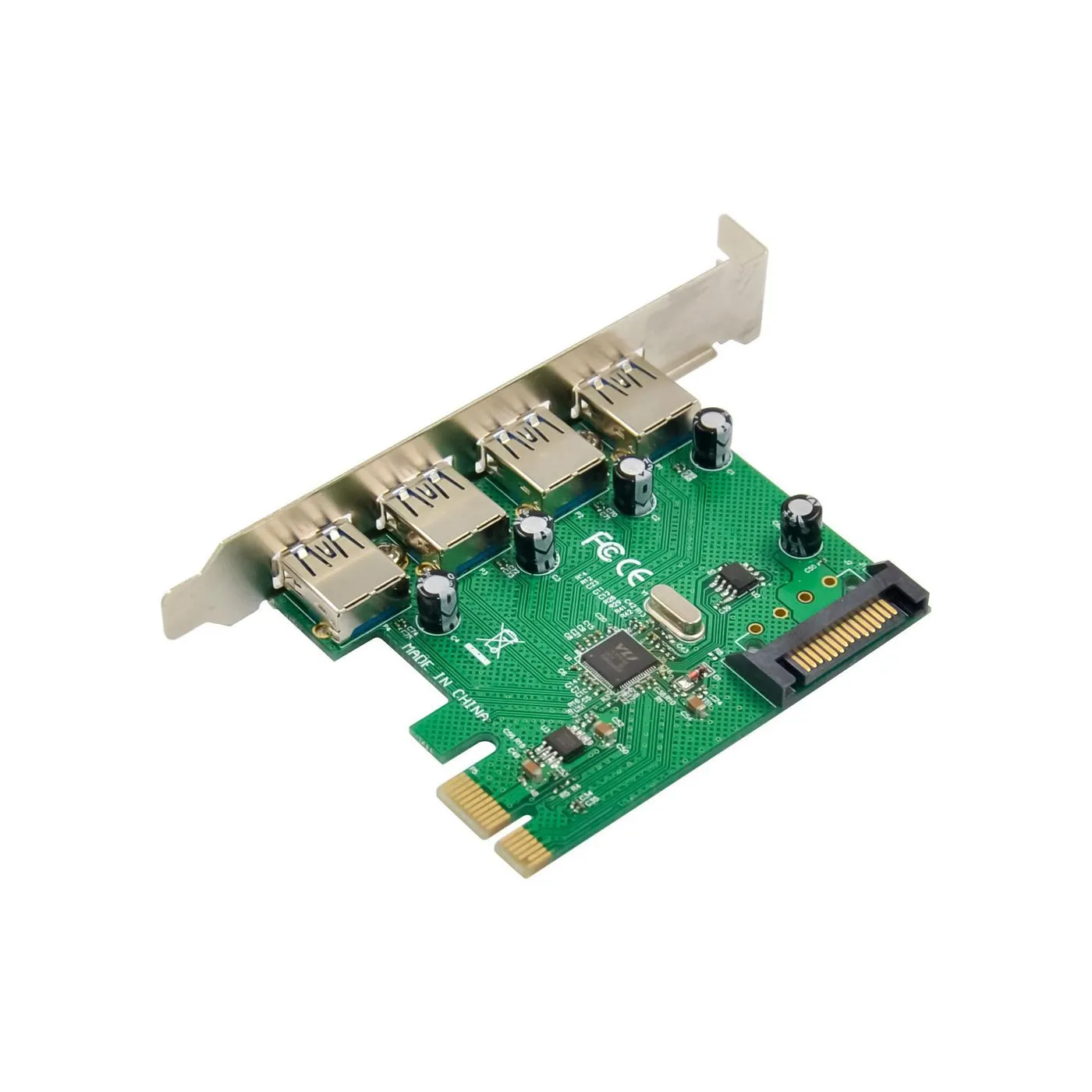





Expansion cards
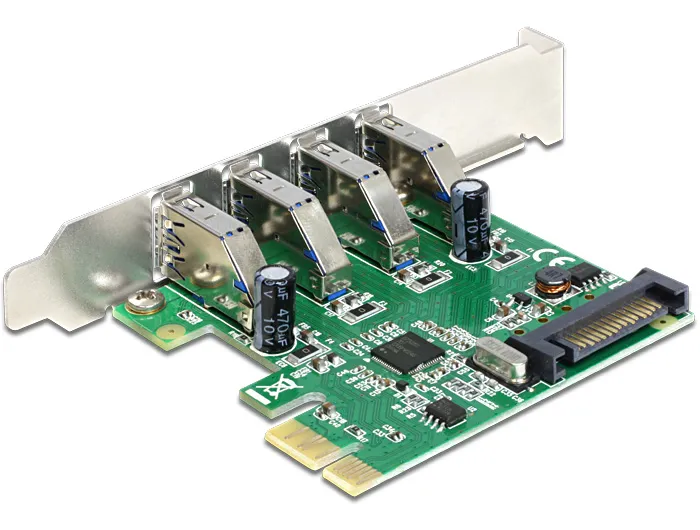
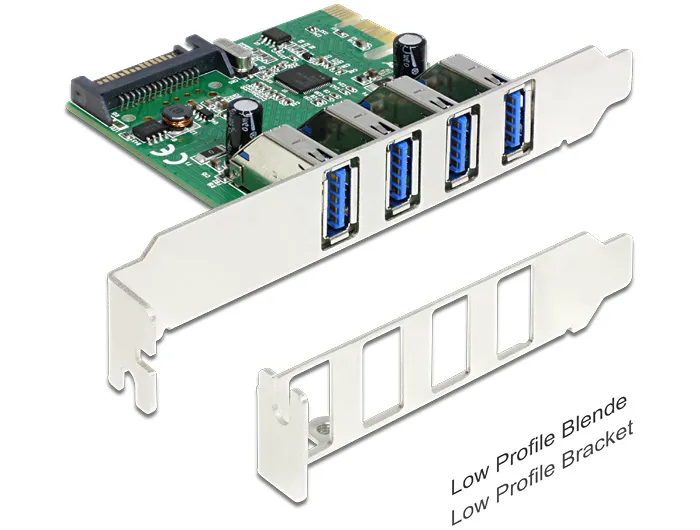
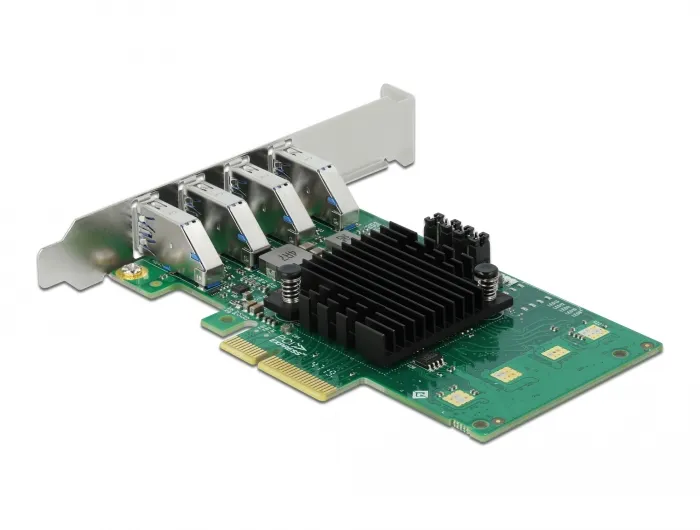
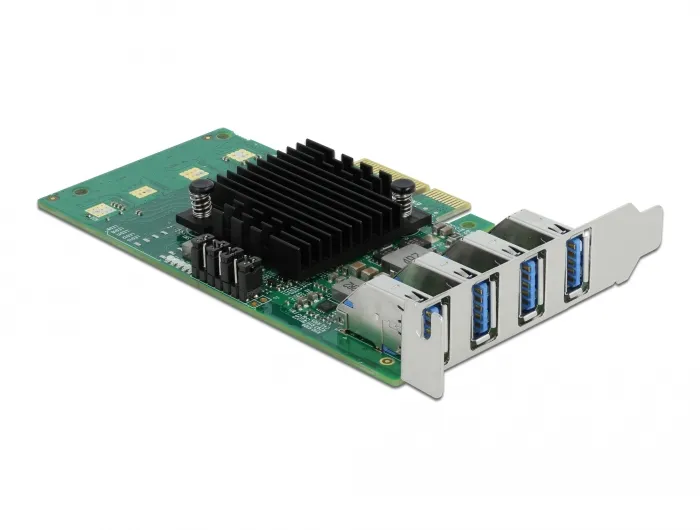
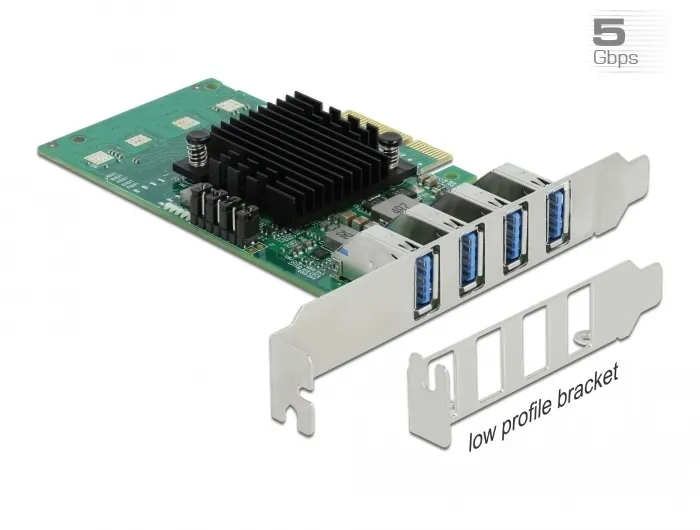
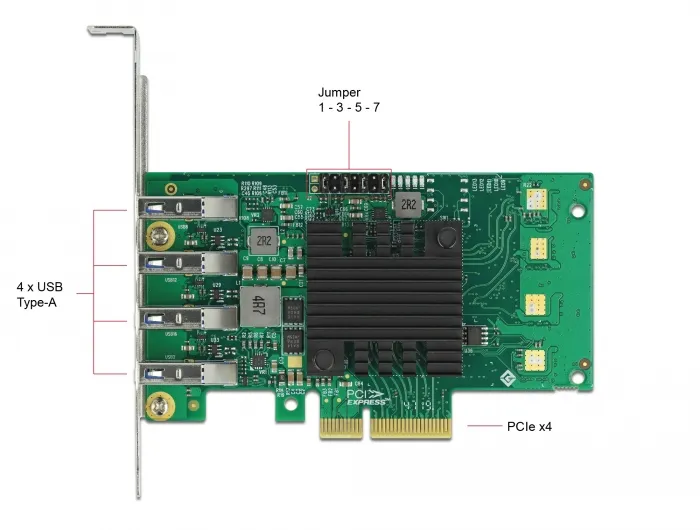
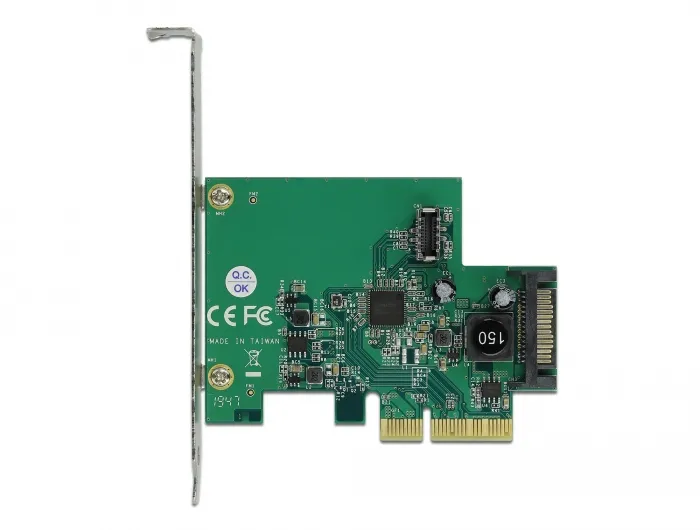
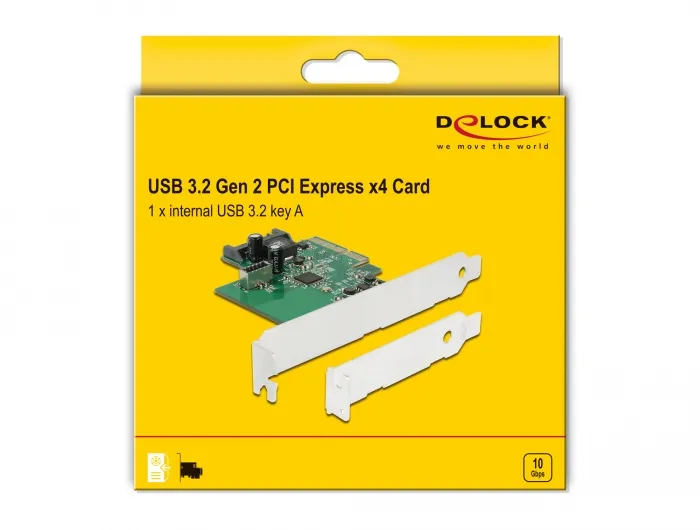
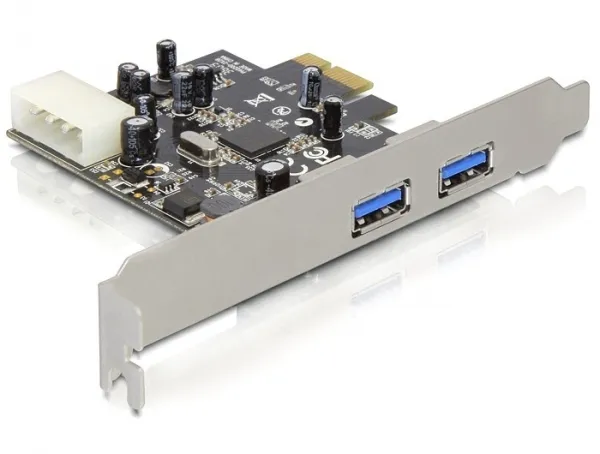
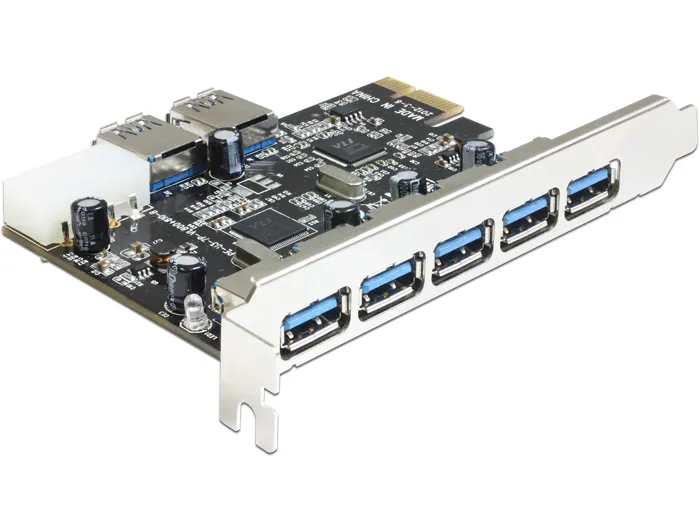
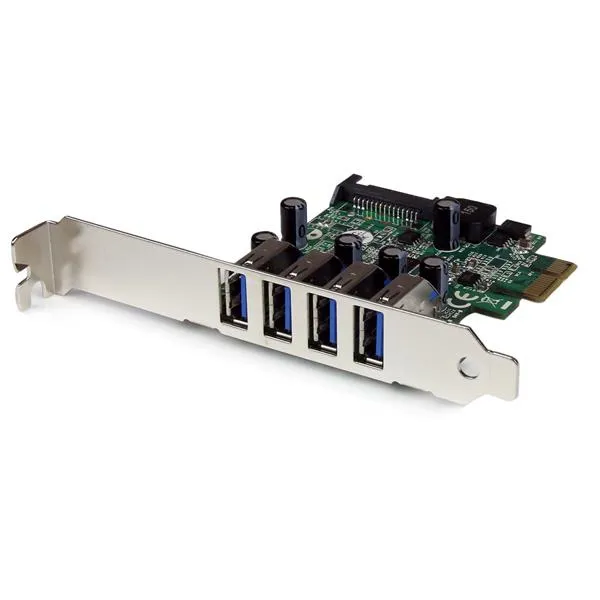
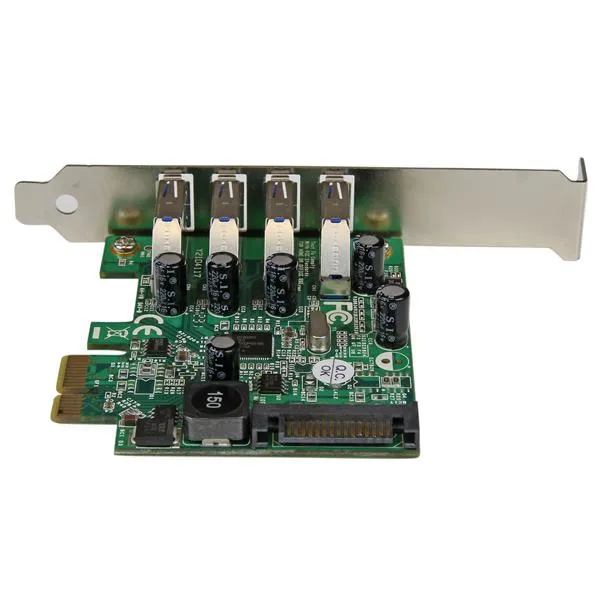
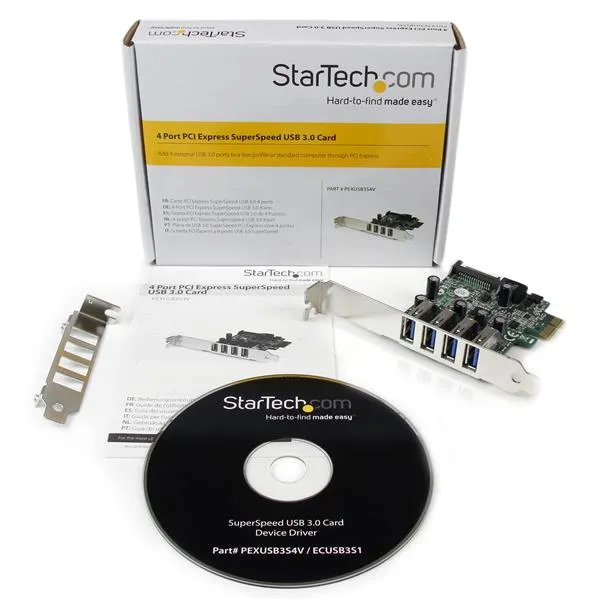
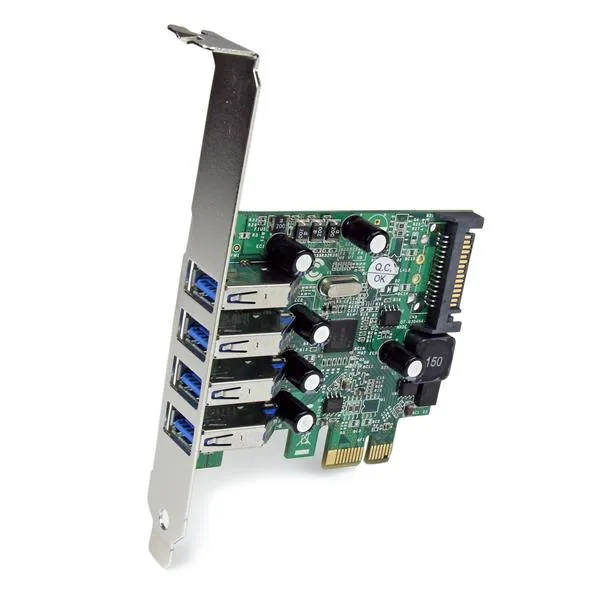
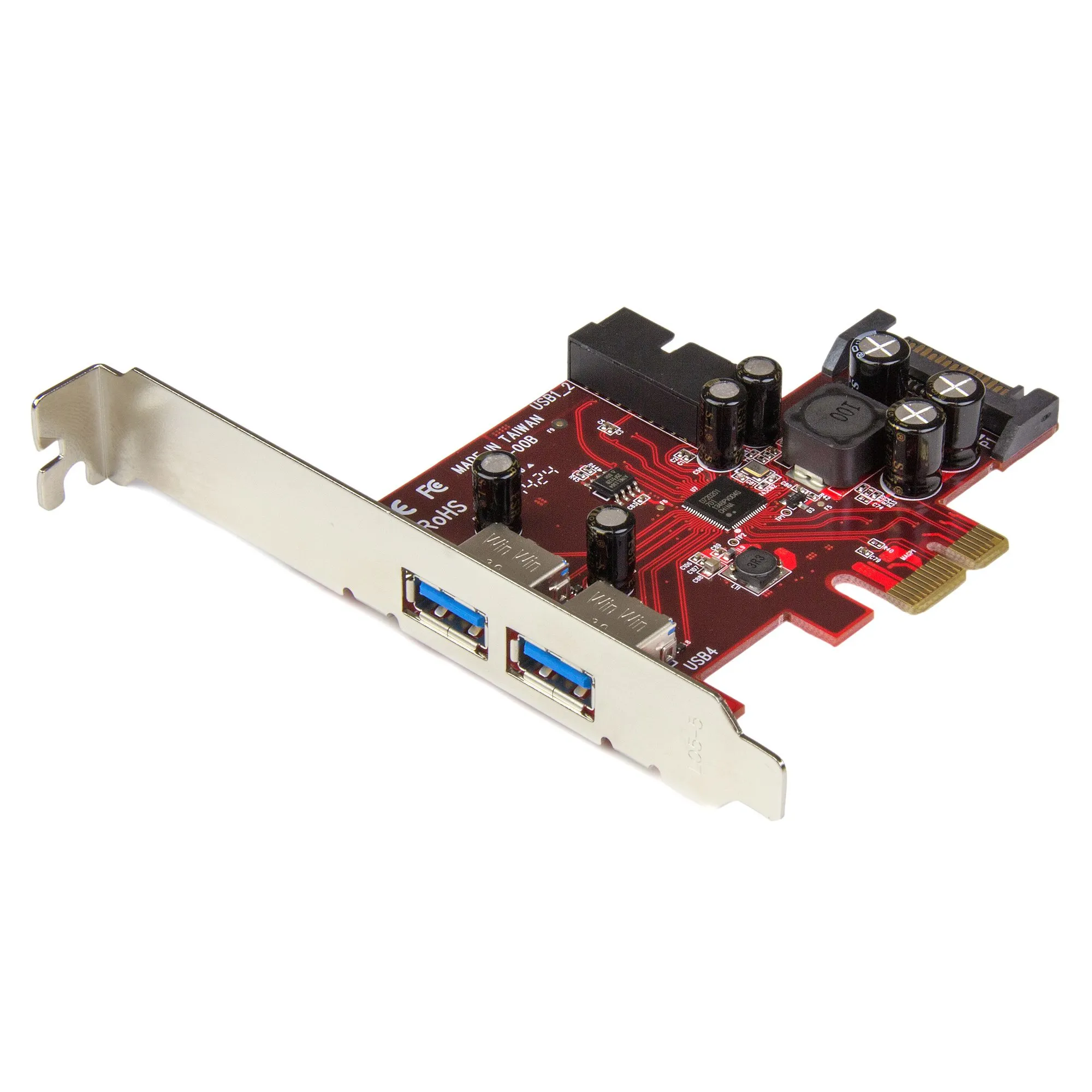
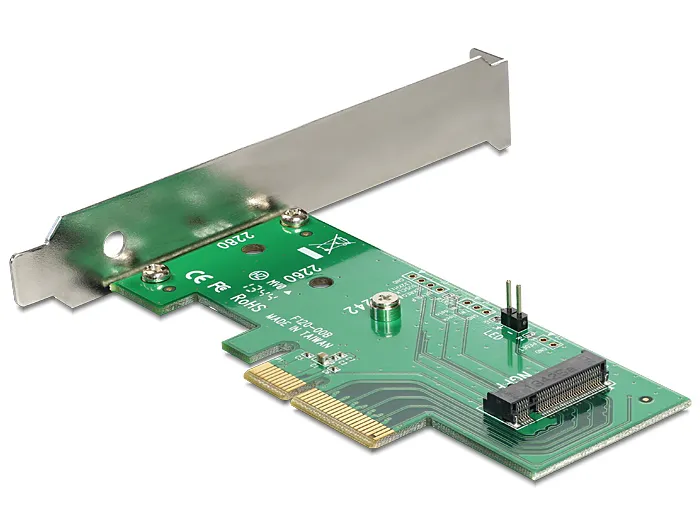
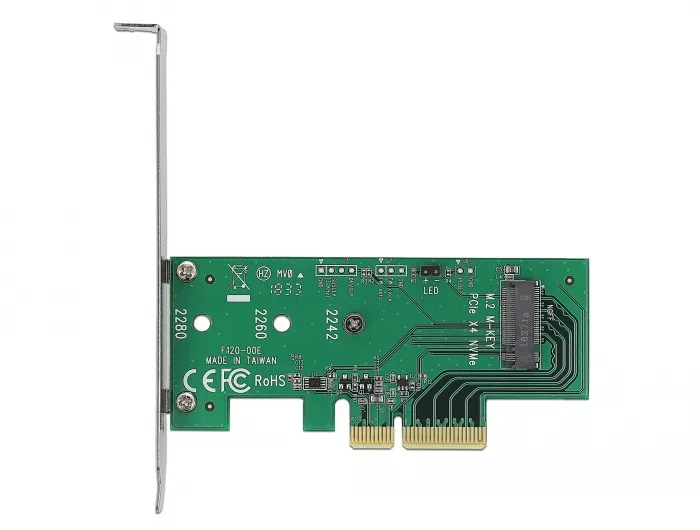
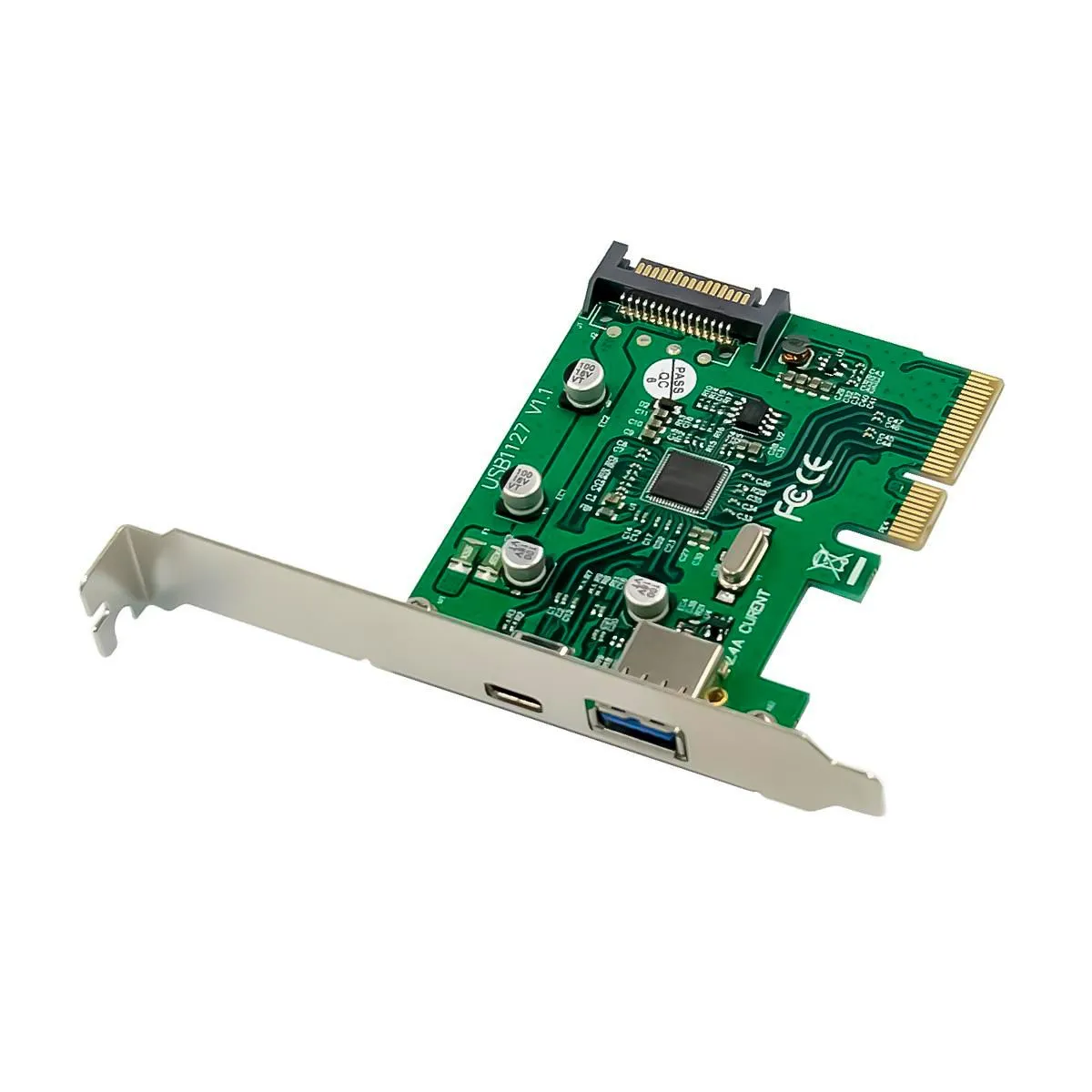
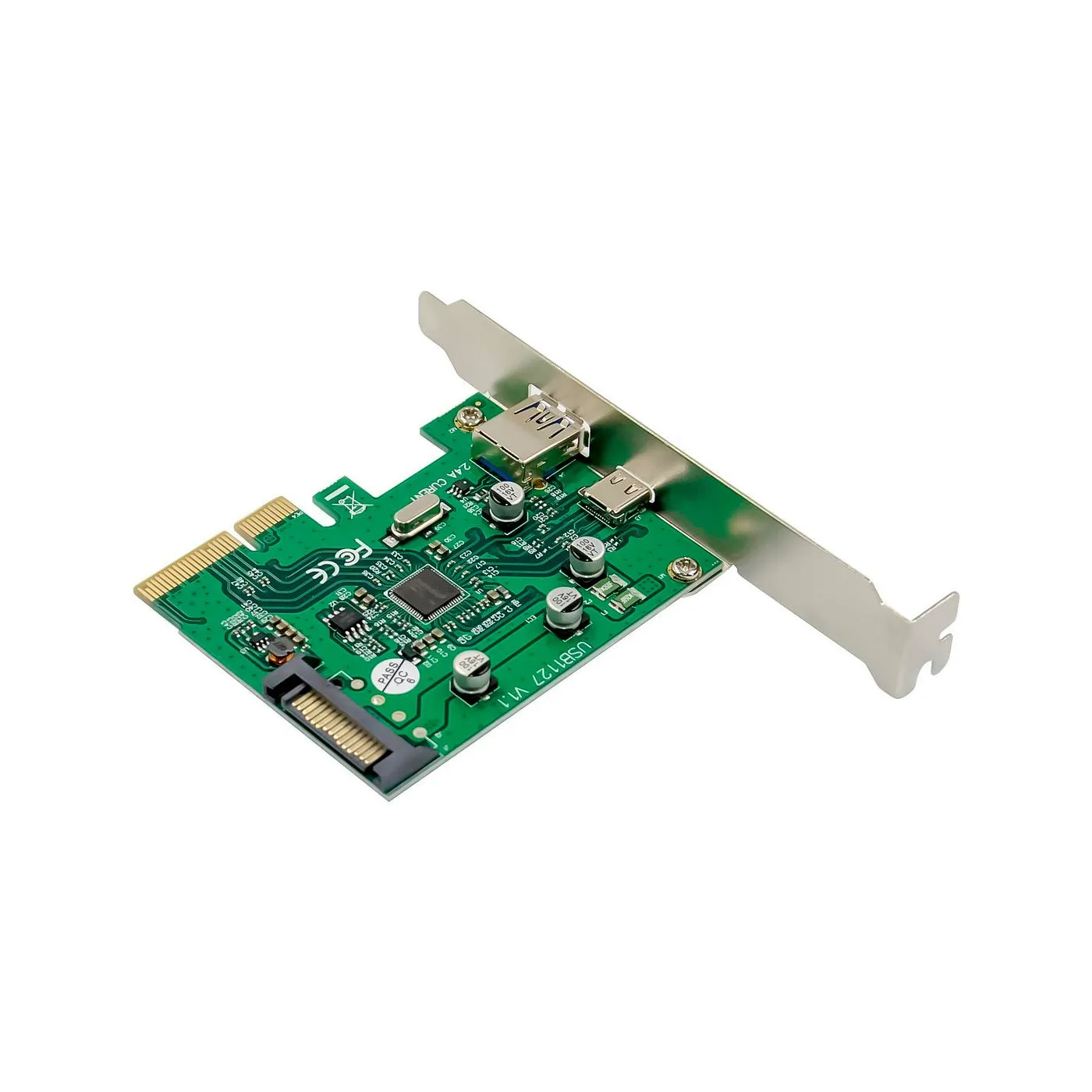
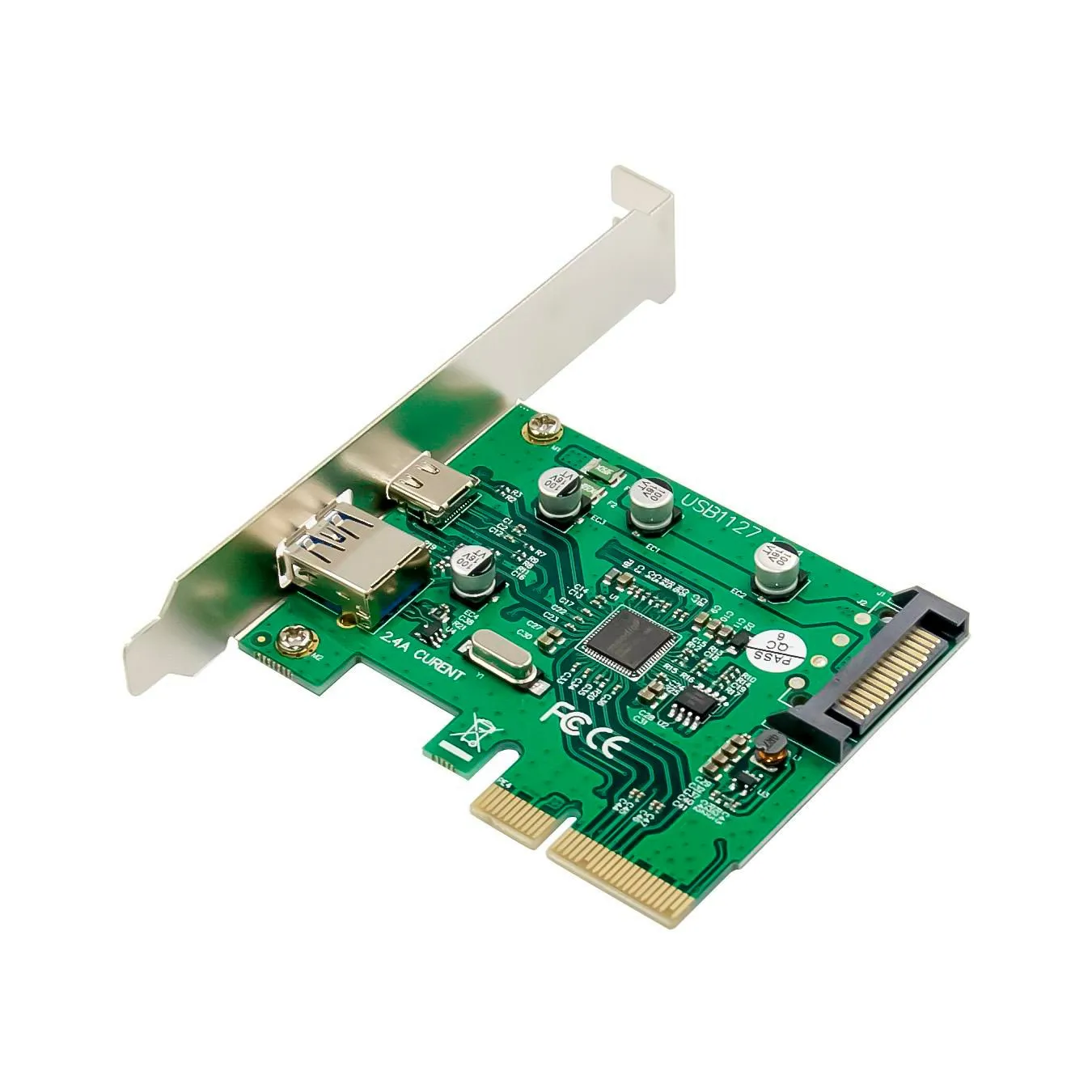
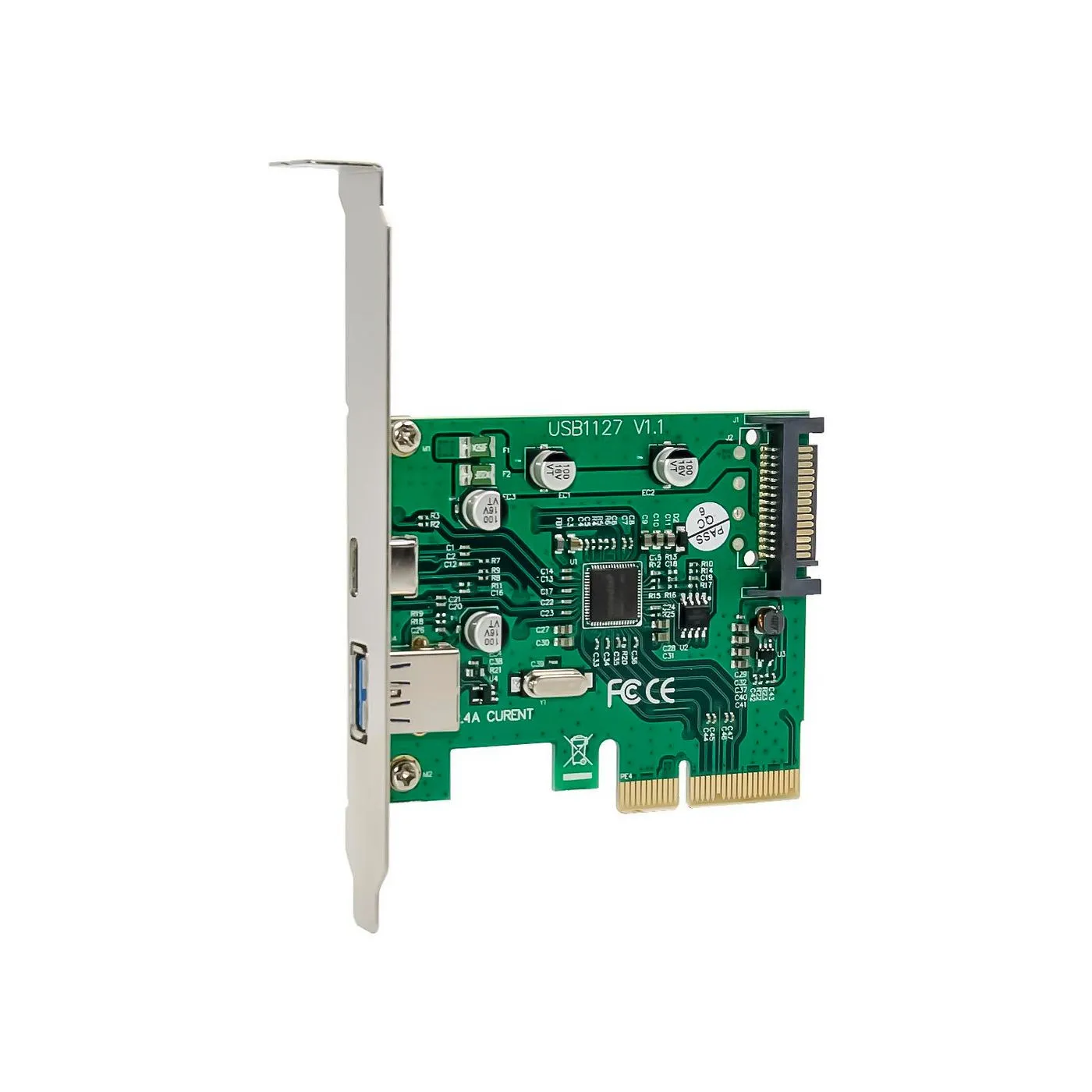
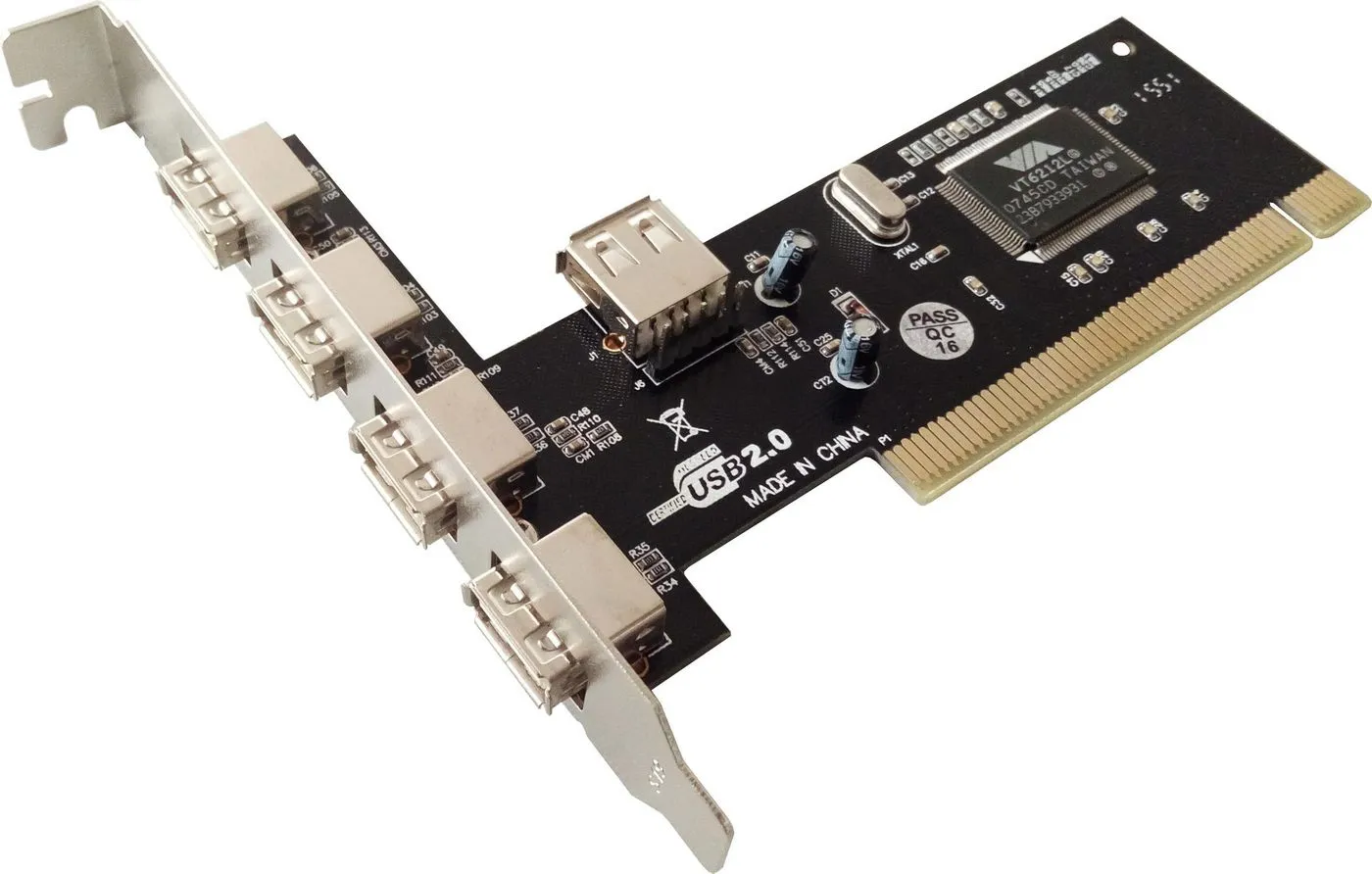
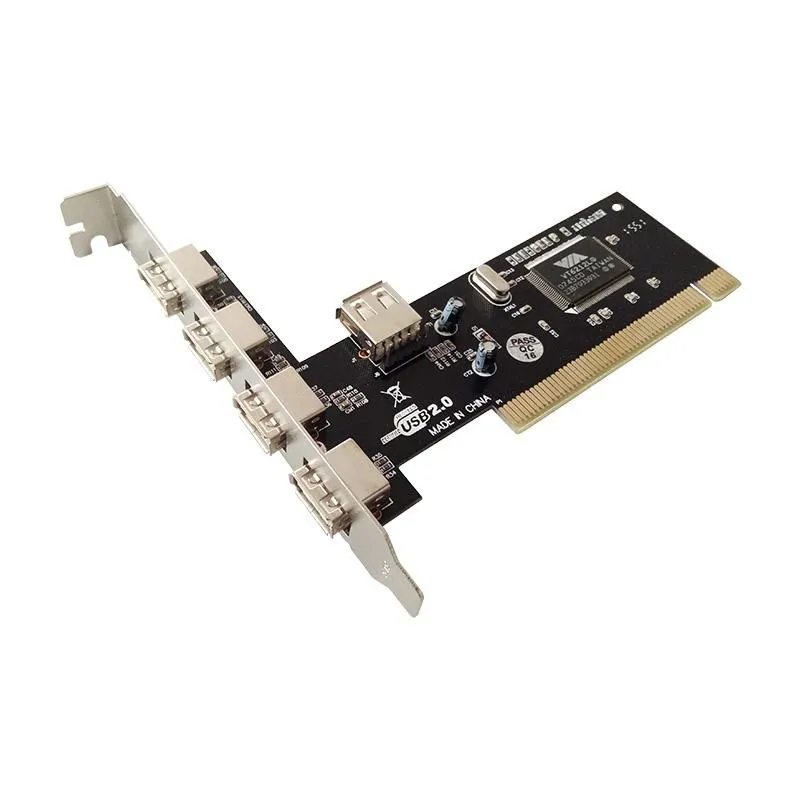
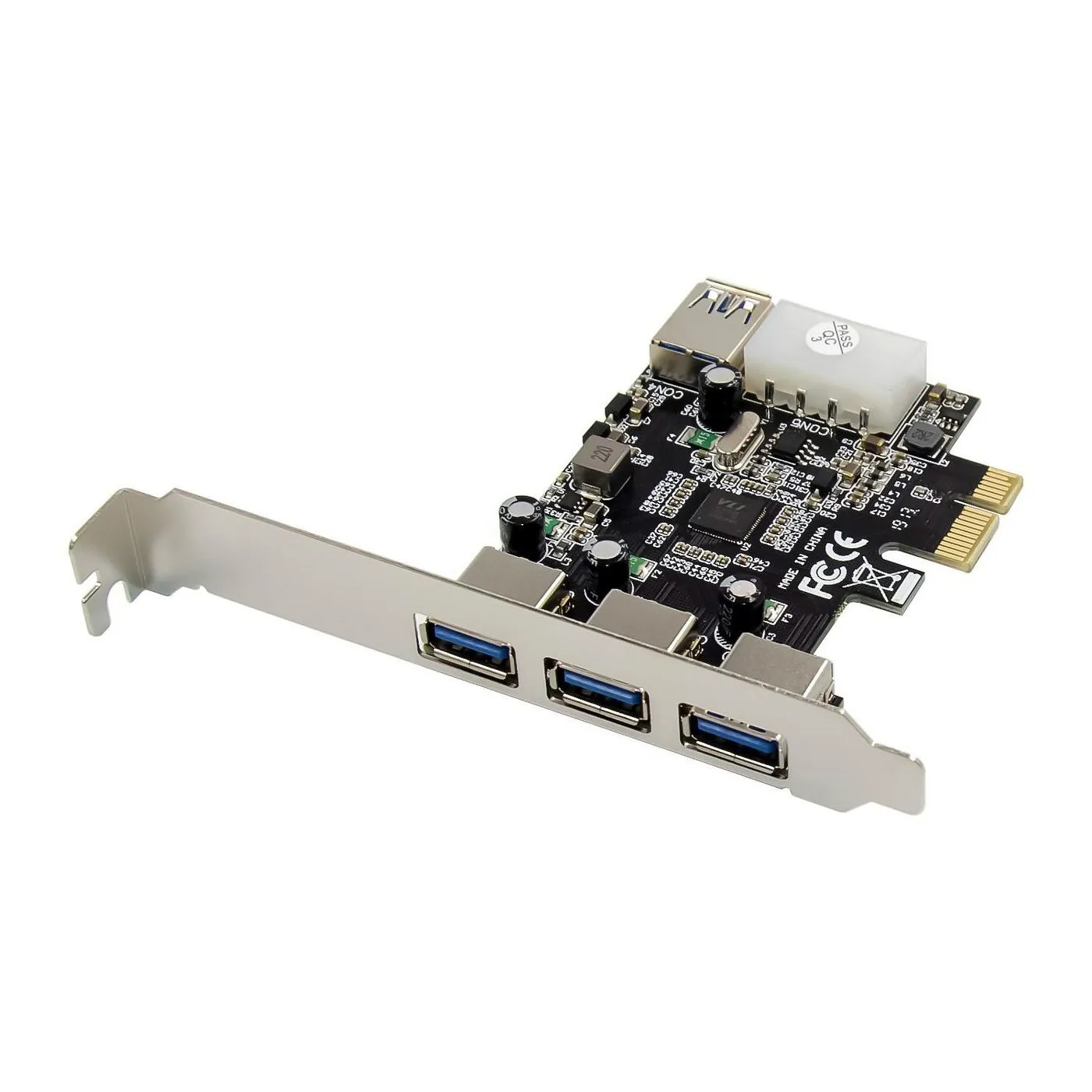
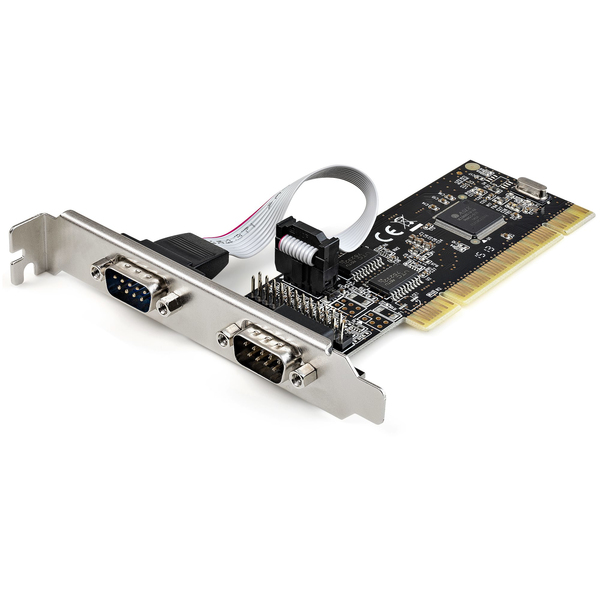
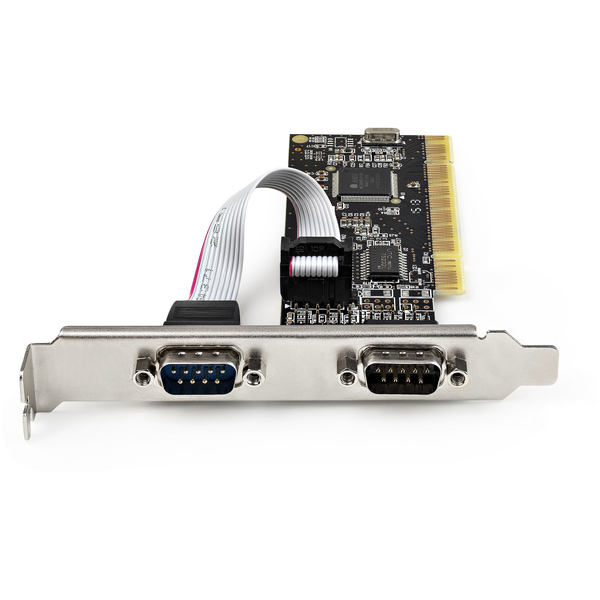
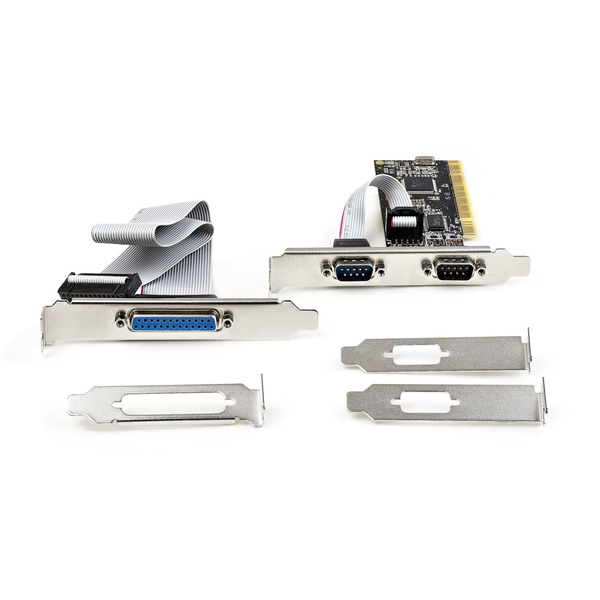
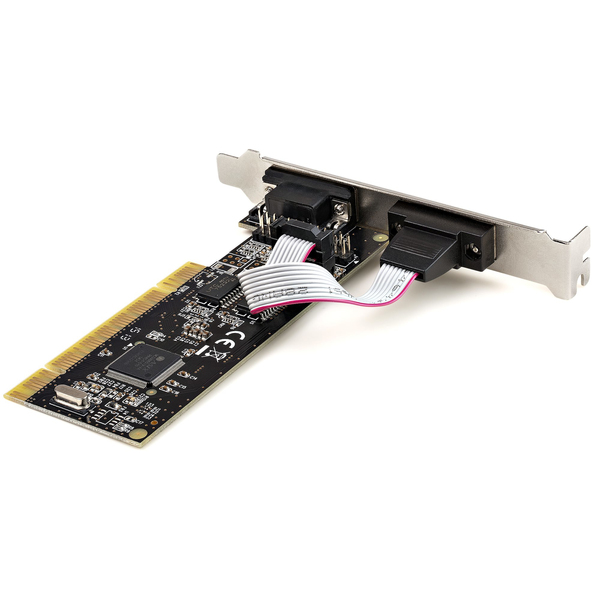
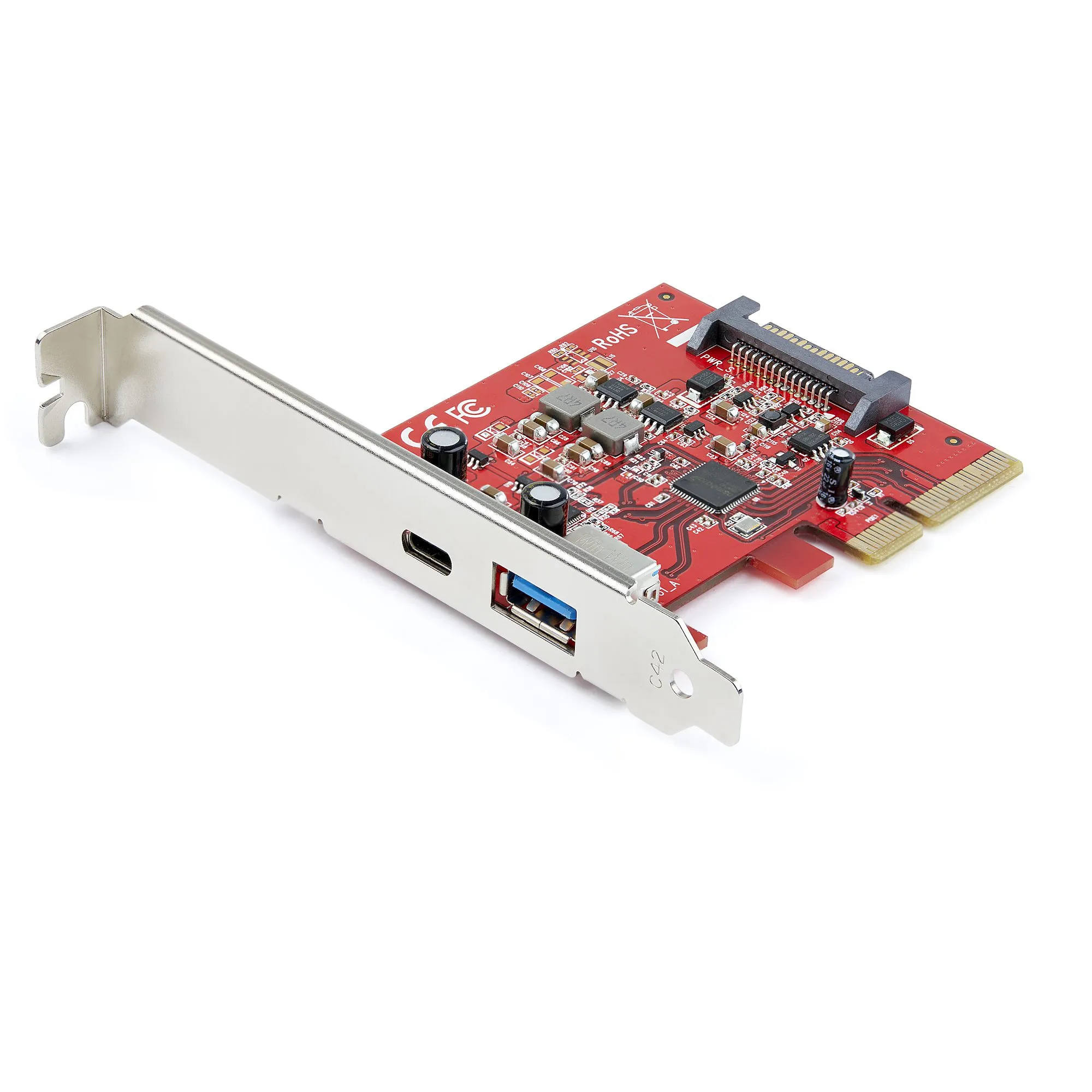
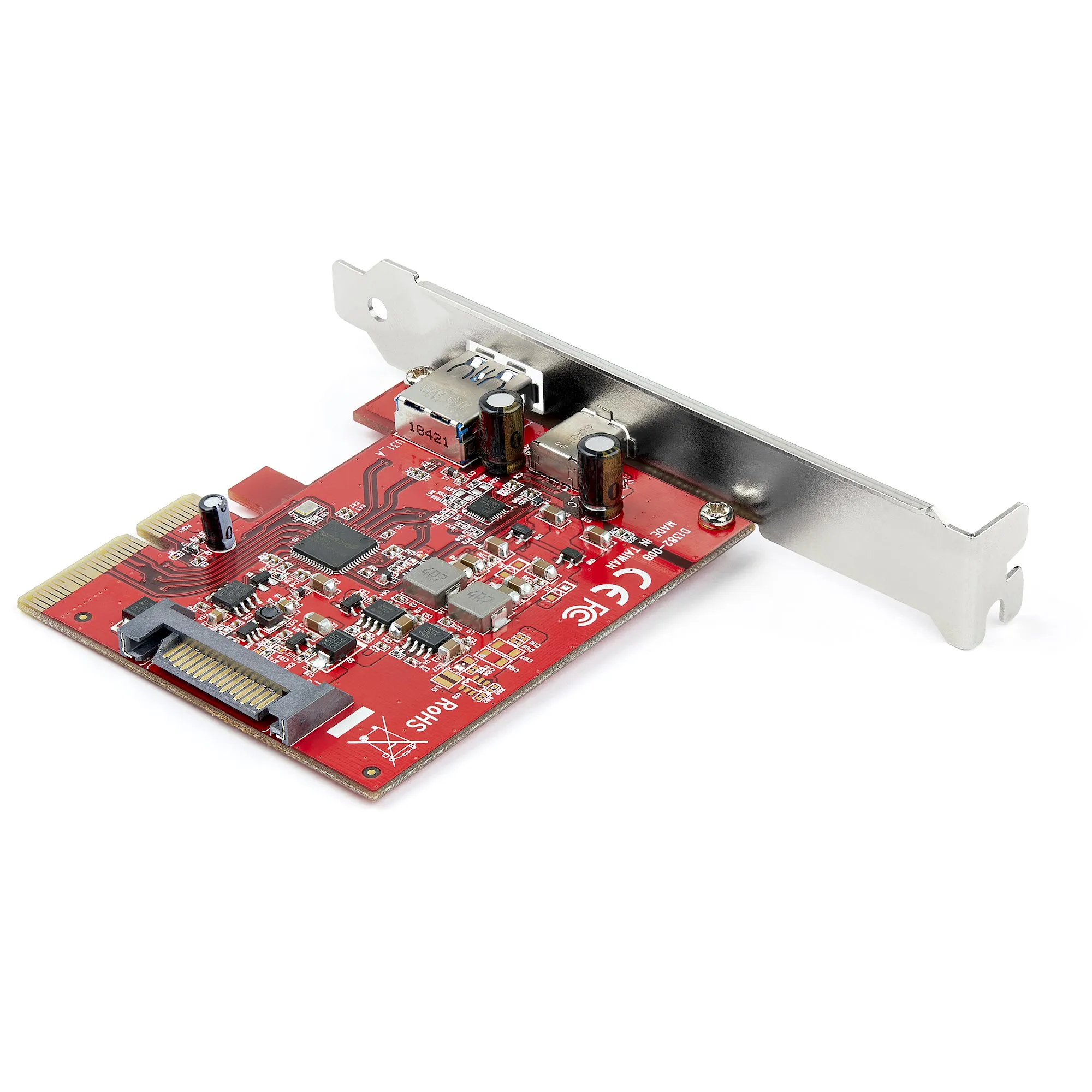
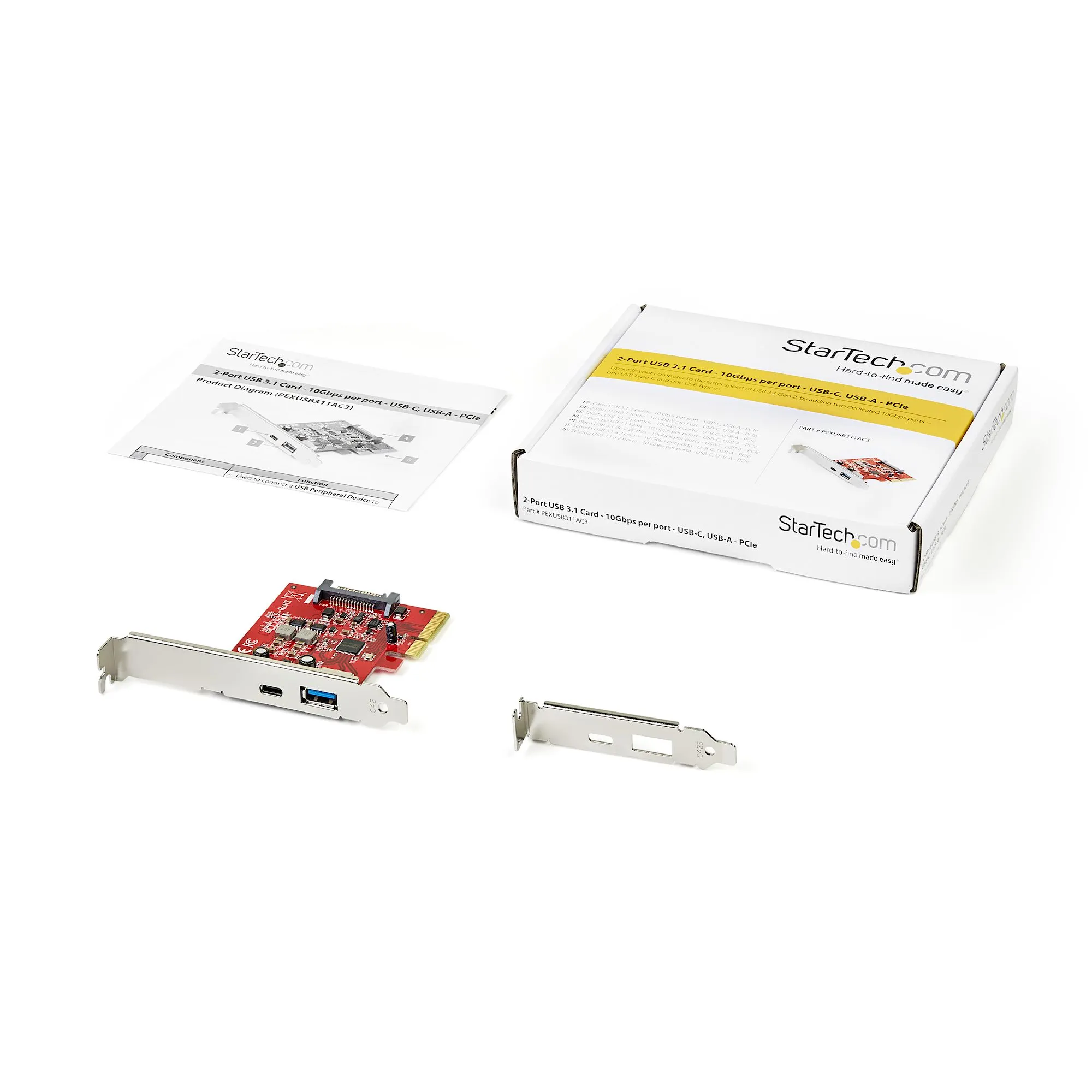
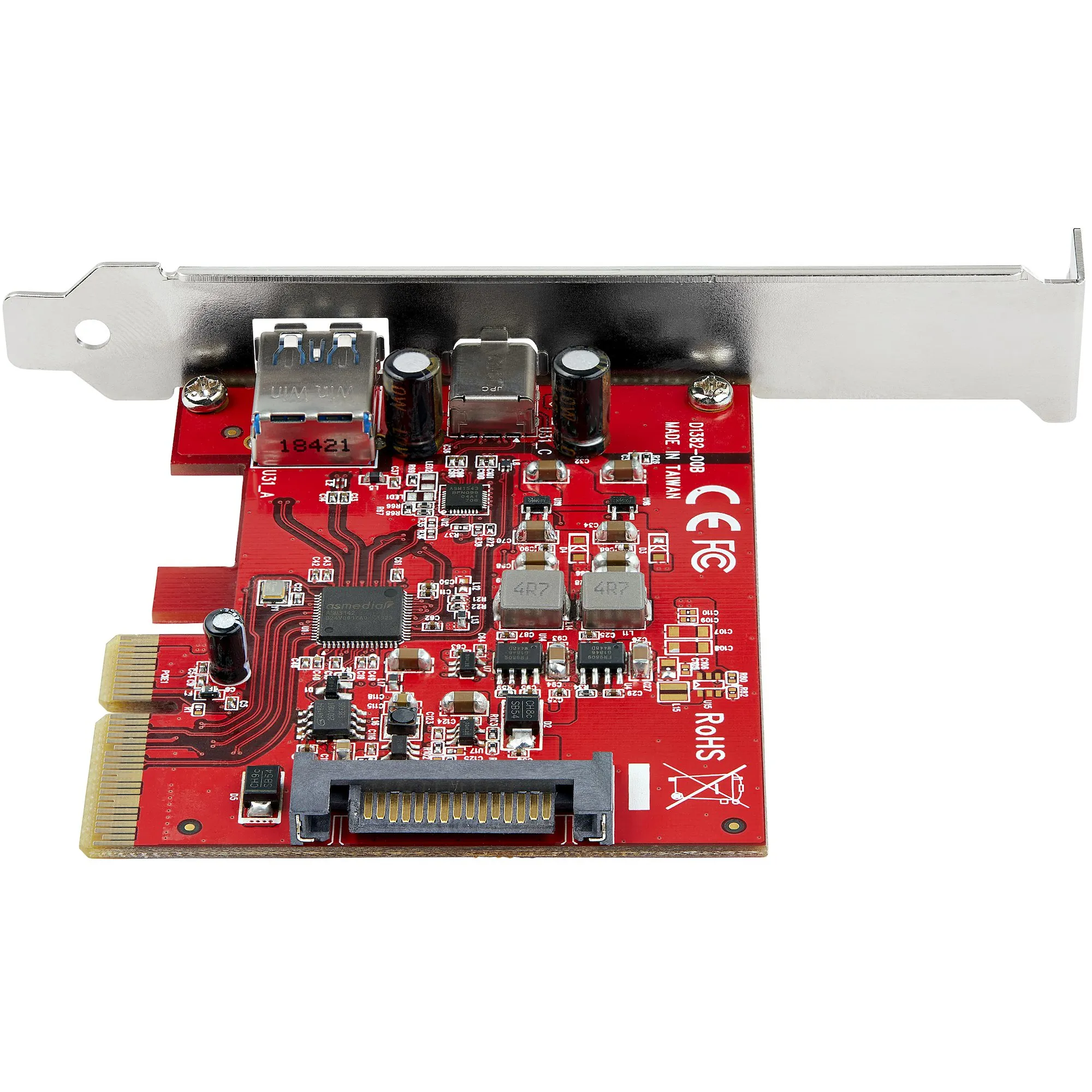
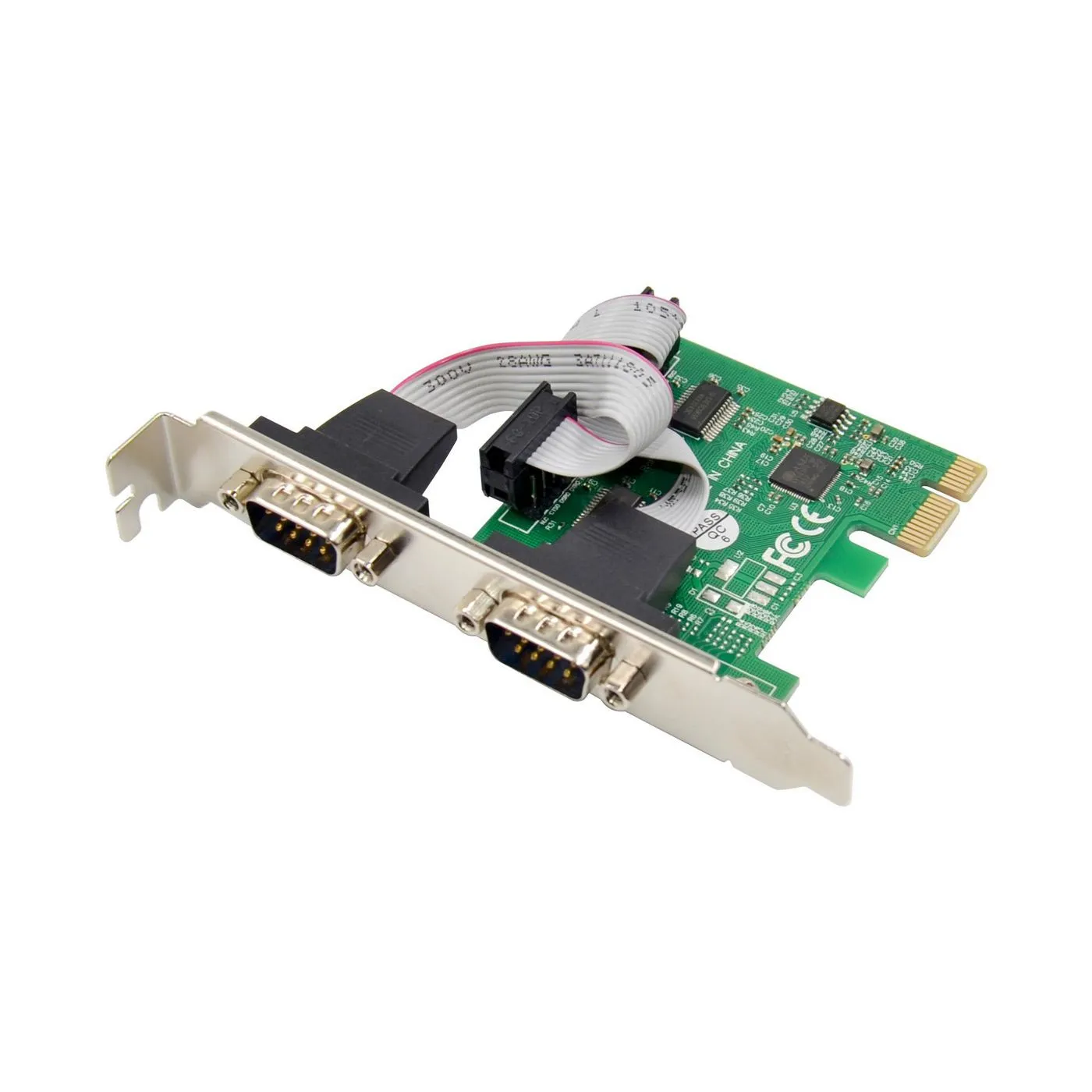
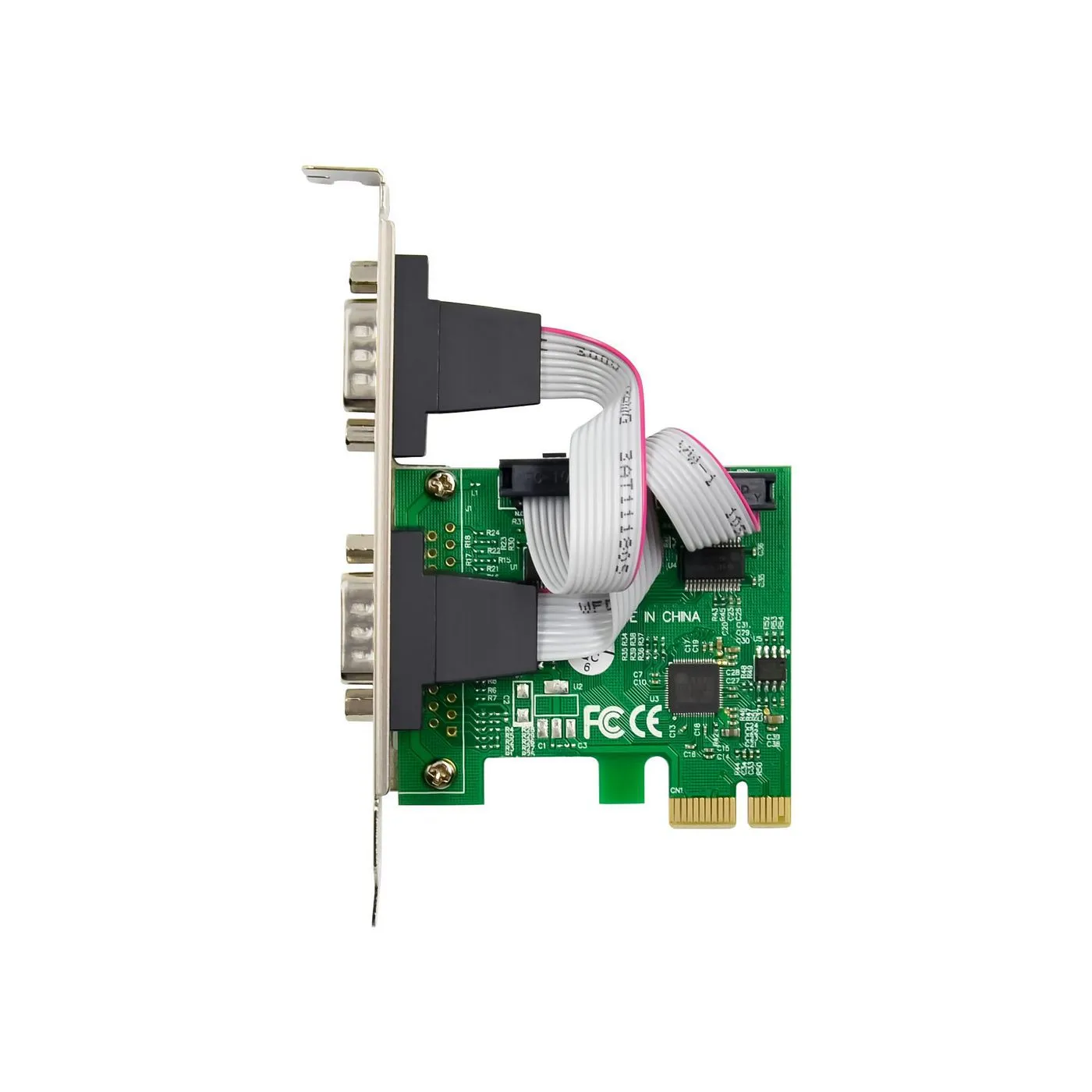
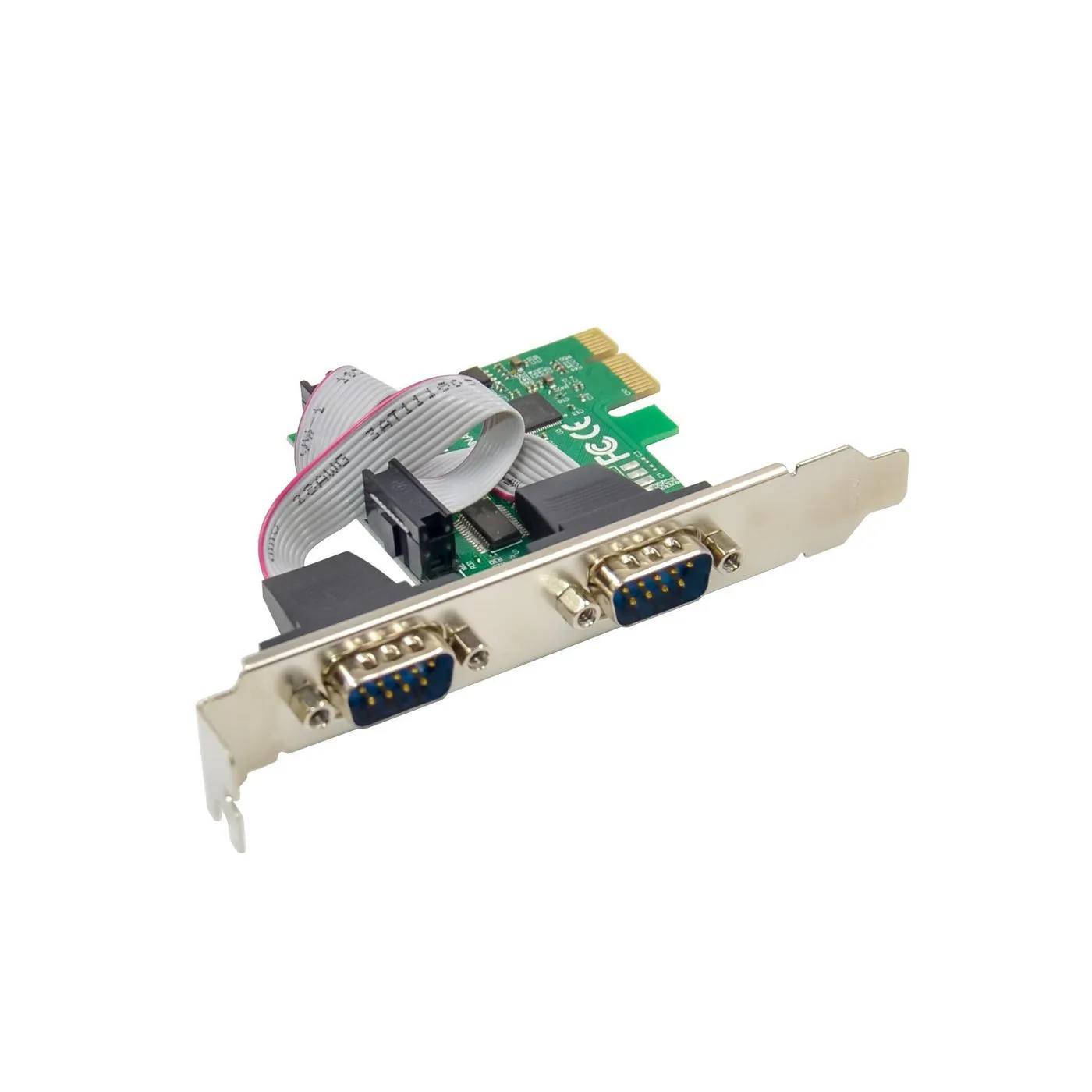
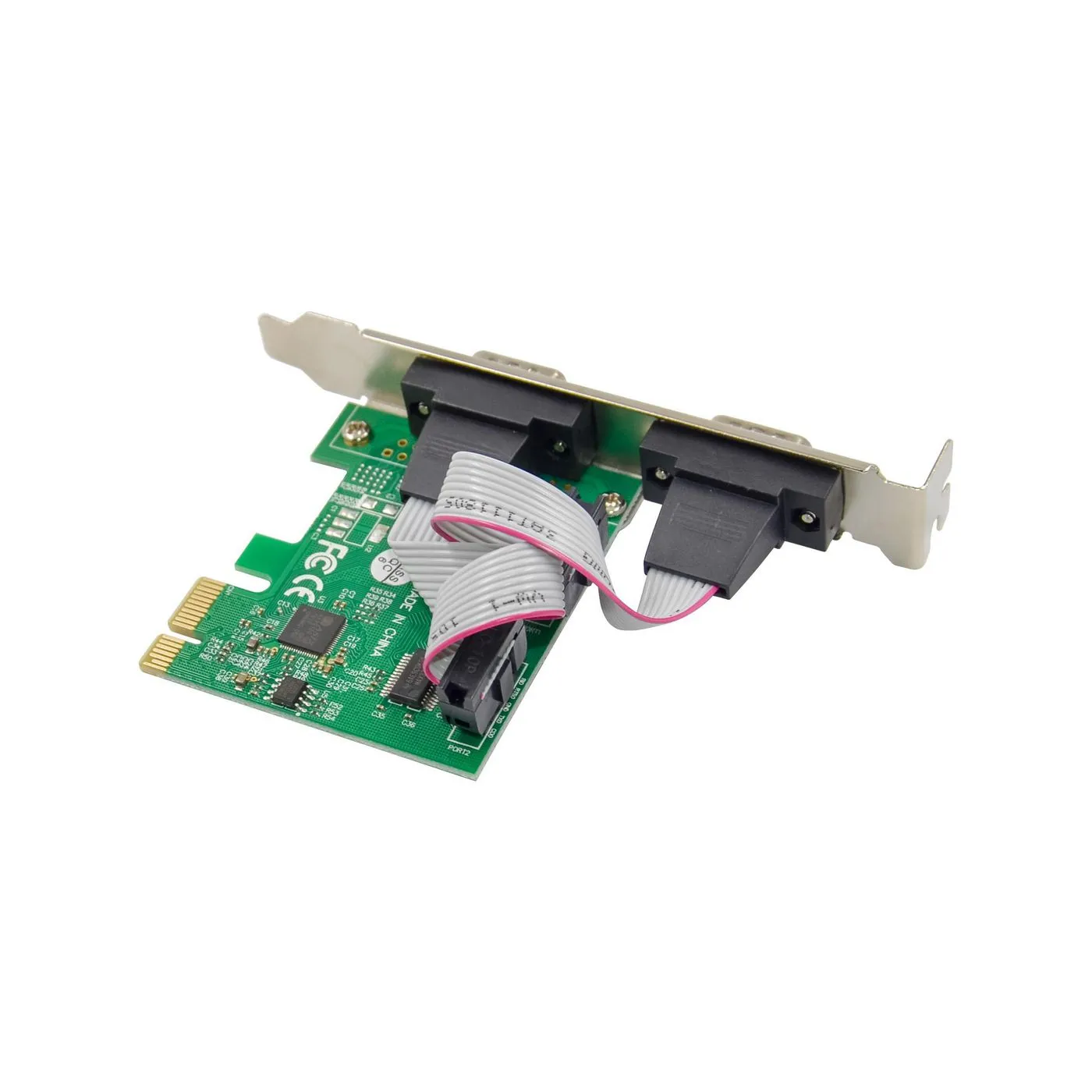
Expansion cards are components installed into the motherboard's PCI Express (PCIe) slots to extend the computer's capabilities beyond the basics. While modern motherboards include many integrated functions, dedicated expansion cards offer significantly higher quality and performance, especially in audio processing, video streaming, and networking. Expansion cards allow even older computers to be upgraded to support the latest technologies, such as faster network standards or additional ports.
How to choose the right expansion card?
The choice depends on which specific function you want to improve or what new feature you need:
- Sound Cards: Geared towards audiophiles and professionals. They offer a better signal-to-noise ratio, higher-quality headphone amplification, and surround sound support that integrated motherboard circuits cannot achieve.
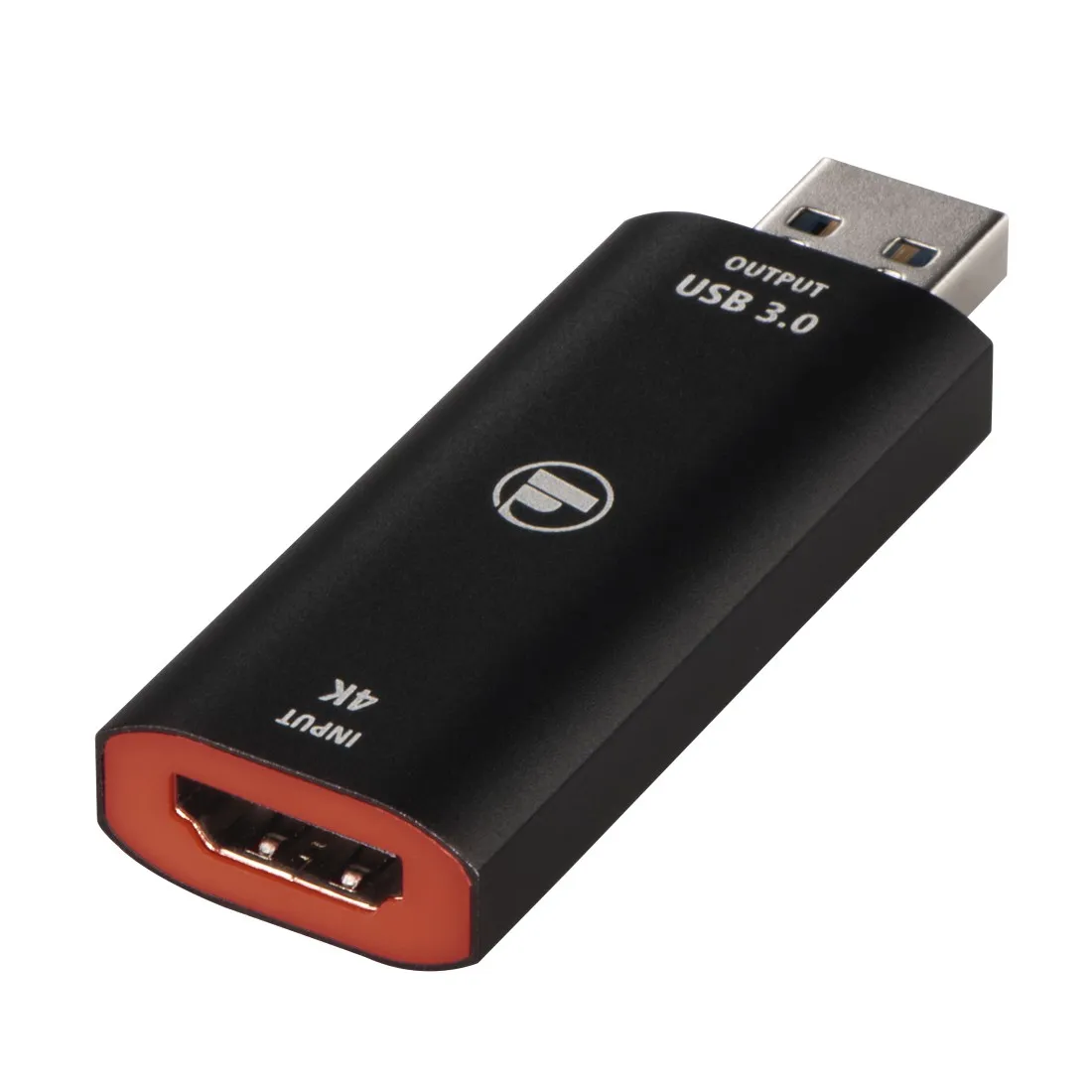
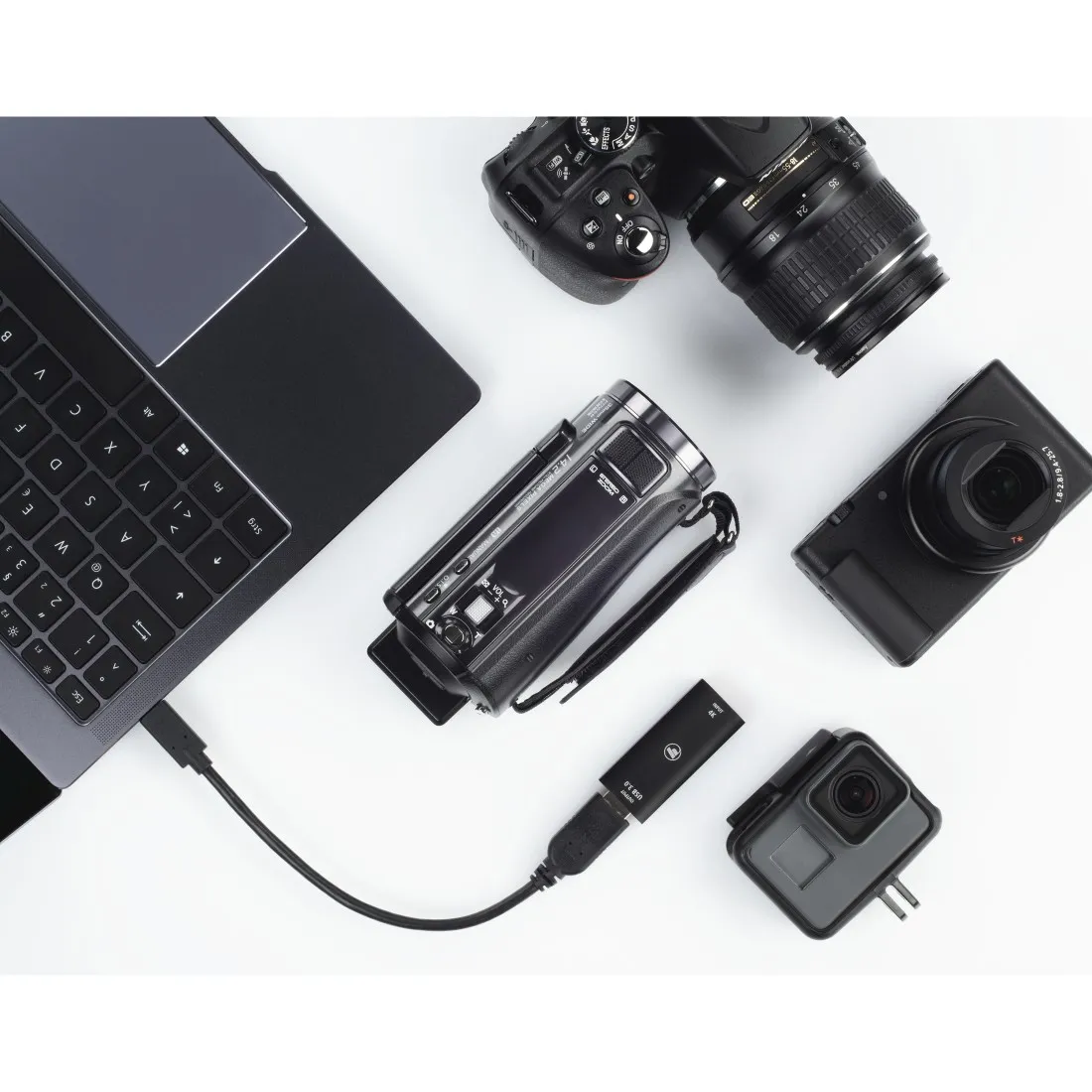
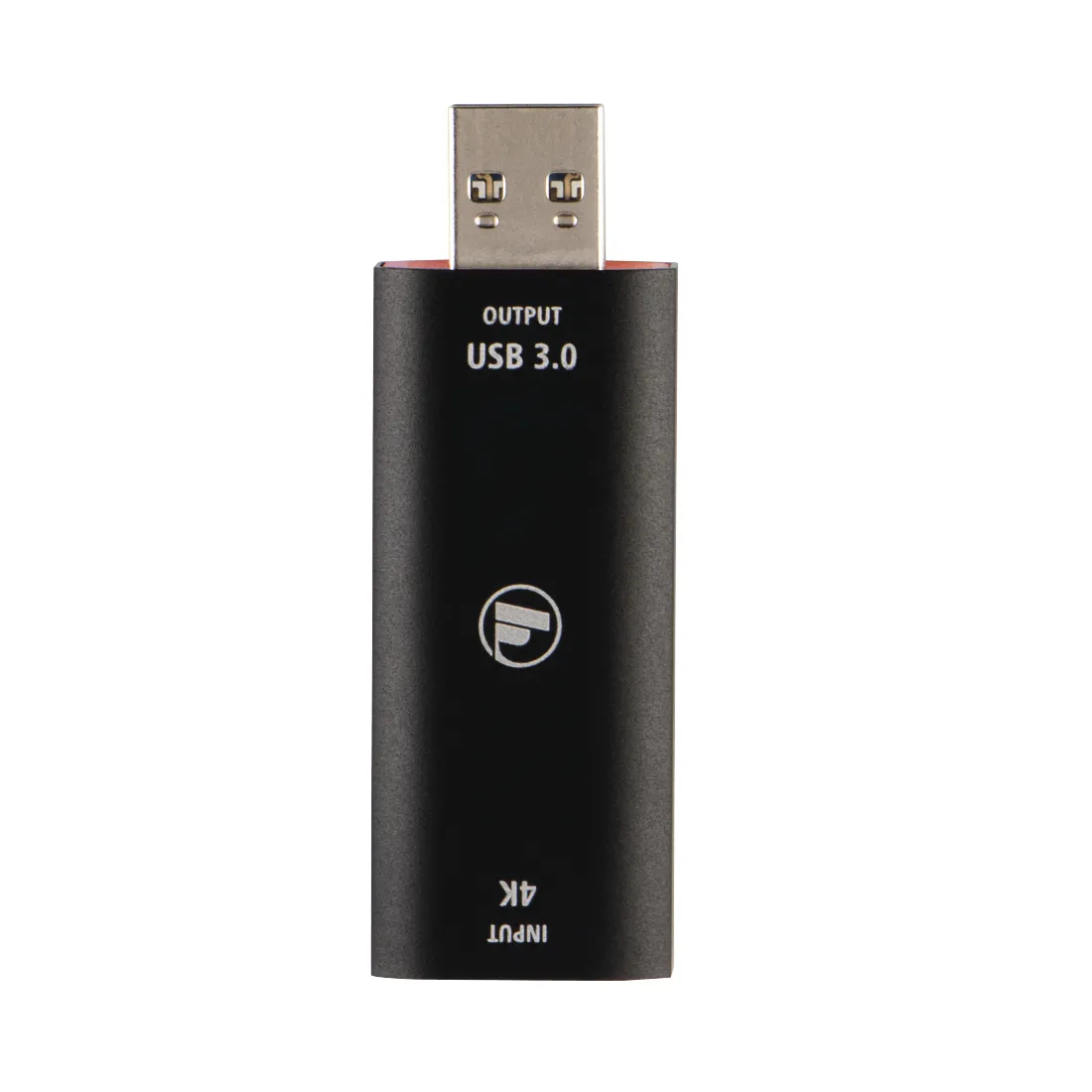
- Capture Cards: Essential for streamers and content creators. These cards allow for high-quality video recording and streaming from external sources, such as gaming consoles or cameras, without significantly taxing the computer's processor.
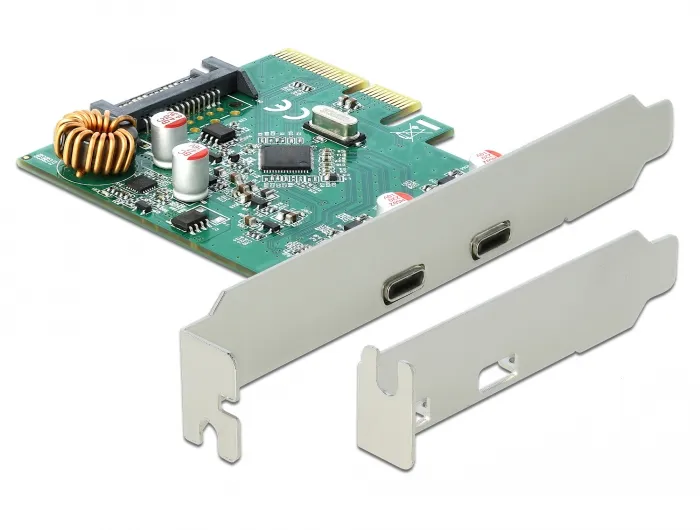
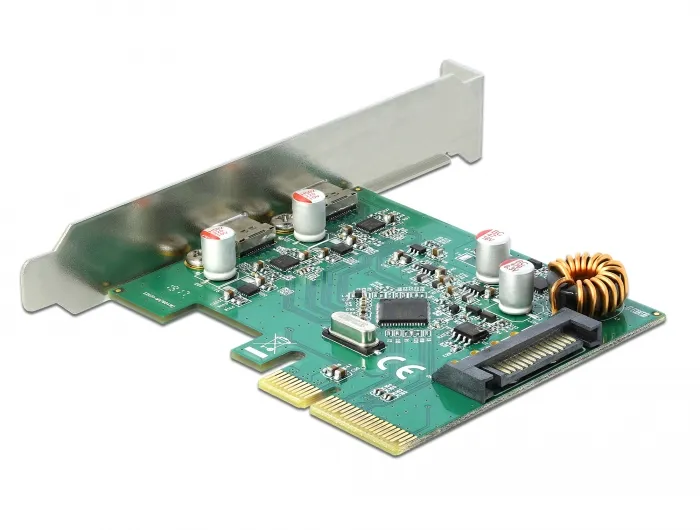
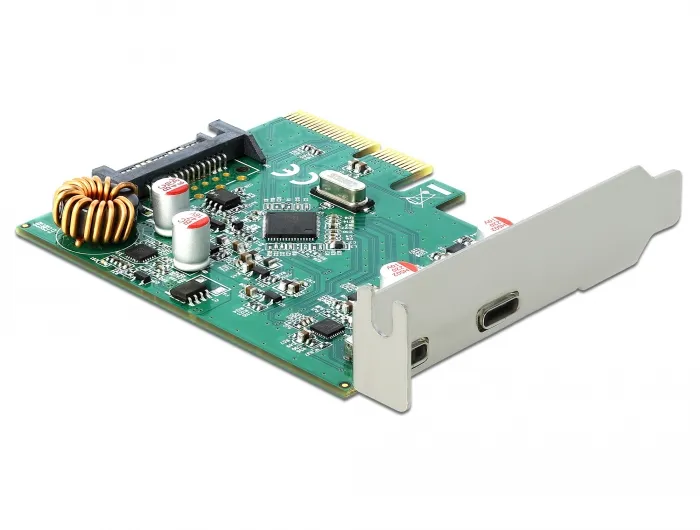
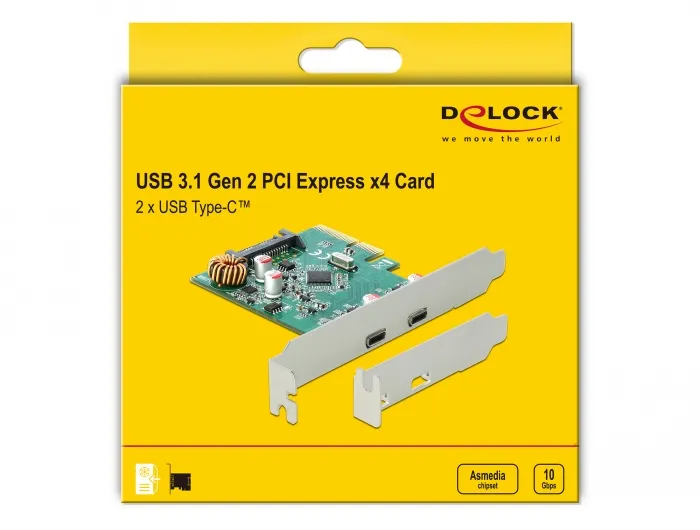
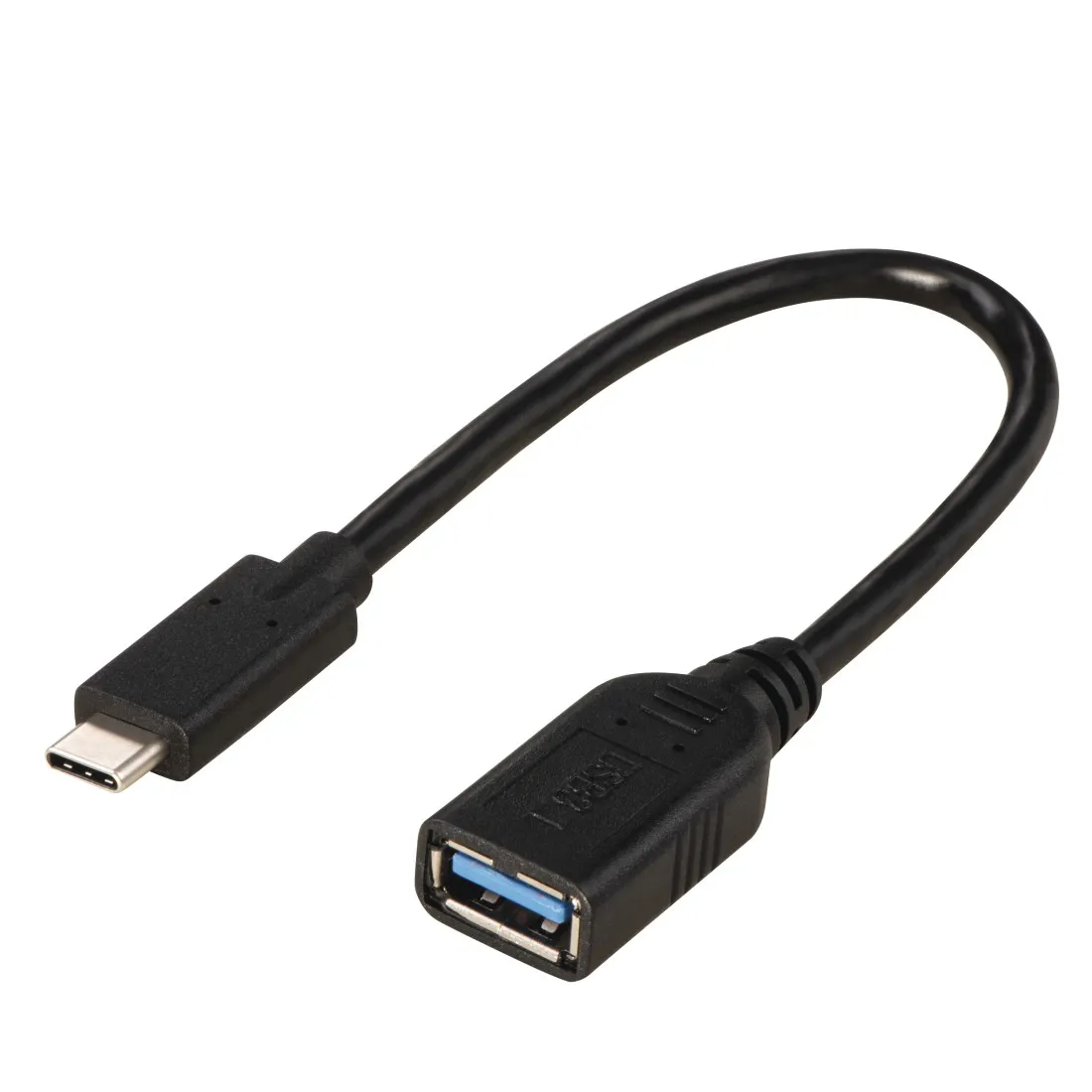
- Network Cards and Port Expansion: If you need a faster 10 Gbps Ethernet connection, Wi-Fi 7 support, or more USB-C ports, a dedicated expansion card is the easiest way to upgrade the system to meet modern requirements.
Frequently Asked Questions (FAQ)
Do I need a dedicated sound card if my motherboard already has integrated audio?
For most basic users, the integrated chip is sufficient. However, if you use high-impedance hi-fi headphones or require completely interference-free audio for production work, a dedicated sound card is a significant improvement over the unshielded circuits of a motherboard.
Why does a streamer need a capture card?
A capture card allows video to be transferred from another computer or console to streaming software with minimal latency. This ensures the best possible image quality for viewers without the gaming PC's performance suffering from encoding tasks.
Can a PCIe x1 card fit in a longer PCIe x16 slot?
Yes, a shorter card works perfectly in a longer slot. The PCIe standard is designed to be backward compatible and flexible regarding the length of physical slots.
Do expansion cards require separate drivers?
Most modern cards are "Plug and Play," but accessing the best performance and special features (such as sound card EQ settings or capture card latency optimization) requires installing the manufacturer's own drivers and software.