

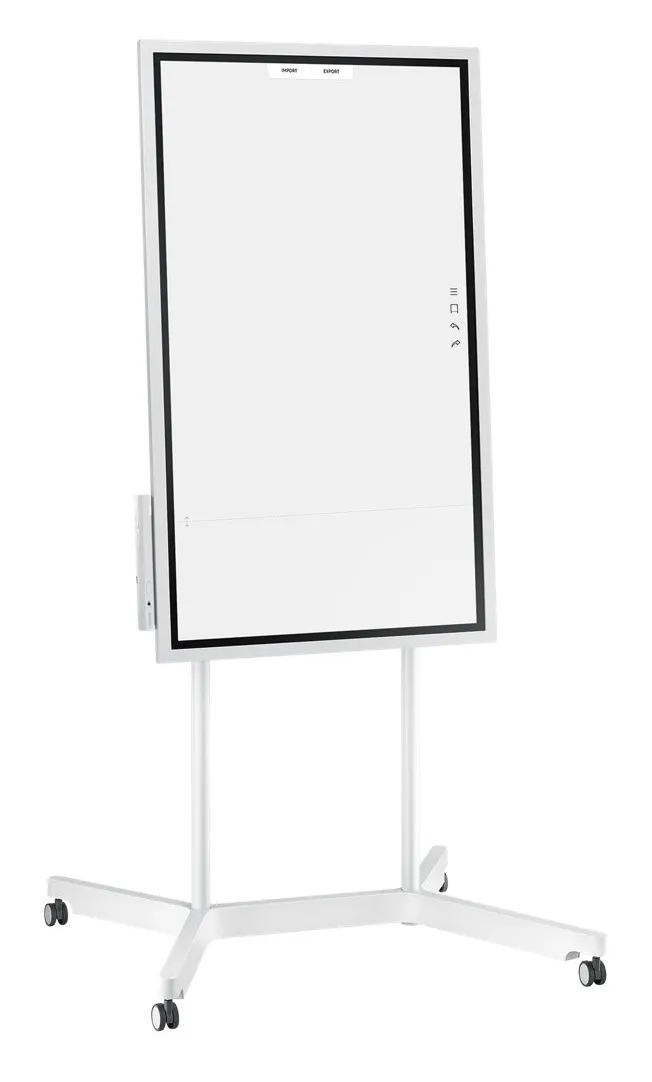
SAMSUNG Flip 55inch Edge LED 8ms 3840x2160 UHD 300cd/m2 HDMI USB TouchOut Pivot WiFi VESA grey
Manufacturer: SAMSUNG
ID: LH55WMHPTWC/EN

91690€
Show VAT 0%
Show VAT 25,5%
Multitronic Vaasa
Multitronic Pietarsaari
Multitronic Jyväskylä
Multitronic Lappeenranta
Multitronic Mariehamn
Specifications
Description
Store availability
Delivery
Price development
Manuals
| Display | |
| Pixel pitch | 0.105 x 0.315 mm |
| Contrast ratio (typical) | 4700:1 |
| Horizontal scan range | 0 - 135 kHz |
| Viewing angle, horizontal | 178° |
| Viewing angle, vertical | 178° |
| Vertical scan range | 0 - 60 Hz |
| Display diagonal | 139.7 cm (55") |
| Display brightness | 220 cd/m² |
| Response time | 8 ms |
| Display resolution | 4K 3840 x 2160 pixels |
| Touchscreen |  |
| Colour gamut | 72% |
| Panel type | ELED |
| Haze rate | 2.3% |
| Maximum pixel clock | 578 MHz |
| System requirements | |
| Mobile operating systems supported | Tizen |
| Audio | |
| Speaker power | 10 W |
| Number of built-in speakers | 2 |
| Built-in speaker(s) | |
| Ports & interfaces | |
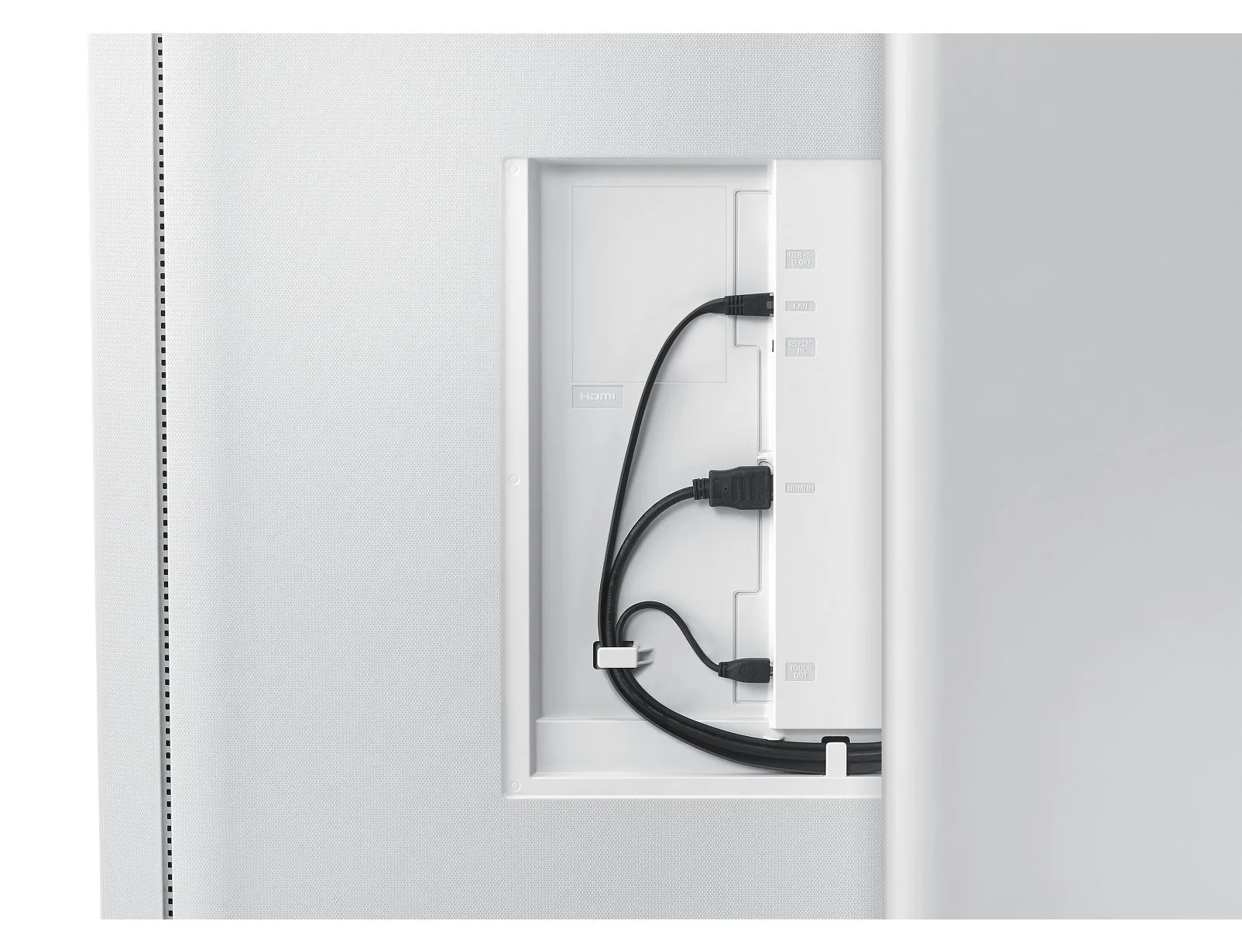
| USB 2.0 ports quantity | 2 |
| Ethernet LAN (RJ-45) ports | 1 |
| HDMI ports quantity | 1 |
| Weight & dimensions | |
| Weight | 28.9 kg |
| Height | 805.5 mm |
| Width | 1302.6 mm |
| Depth | 52 mm |
| Energy management | |
| Power consumption (typical) | 100 W |
| Power consumption (standby) | 0.5 W |
| Maximum capacity | 562.65 BTU/h |
| AC input frequency | 60 Hz |
| AC input voltage | 100/240 V |
| Power consumption (max) | 165 W |
| Energy efficiency class (old) | A |
| Operational conditions | |
| Operating relative humidity (H-H) | 20 - 95% |
| Operating temperature (T-T) | 0 - 40 °C |
| Networking | |
| Wi-Fi | |
| Near Field Communication (NFC) | |
| Packaging data | |
| Package weight | 34.9 kg |
| Package depth | 210 mm |
| Package height | 924 mm |
| Package width | 1469 mm |
| Ergonomics | |
| Certification | EMC, FCC (USA) Part 15, Subpart B Class A CE (Europe) : EN55022:2006+A1:2007 EN55024:1998+A1:2001+A2:2003 VCCI (Japan) : VCCI V-3 /2010.04 Class A KCC/EK (Korea) : Tuner : KN13 / KN20 Tunerless : KN22 / KN24 BSMI (Taiwan) : CNS13438 (ITE EMI) Class A / CNS13439 (AV EMI) / CNS14409 (AV EMS) / CNS14972 (Digital) C-Tick (Australia) : AS/NZS CISPR22:2009 CCC(China) :GB9254-2008 GB17625.1-2012 GOST(Russia/CIS) : GOST R 51317 Series, GOST 22505-97 EN55022:2006+A1:2007 EN55024:1998+A1:2001+A2:2003 CB (Europe) : IEC60950-1/EN60950-1 CCC (China) : GB4943.1-2011 PSB (Singapore ) : PSB+IEC60950-1 NOM (Mexico ) : NOM-001-SCFI-1993 IRAM (Argentina ) : IRAM+IEC60950-1 SASO (Saudi Arabia ) : SASO+IEC60950-1 BIS(India) : IEC60950-1 / IS13252 NOM(Mexico) : Tuner : NOM-001-SCFI-1993 Tunerless : NOM-019-SCFI-1998 KC(Korea) : K 60950-1 EAC(Russia) : EAC+IEC60950-1 INMETRO(Brazil) : INMETRO+IEC60950-1 BSMI(Taiwan) : BSMI+IEC60950-1 RCM(Australia) : IEC60950-1/AS/NZS 60950-1 UL(USA) : cUL60950-1 CSA (Canada) : cUL TUV (Germany) : CE NEMKO (Norway) : CE |
| Wall mountable | |
| Product colour | White |
| Pivot | |
| Panel mounting interface | 400 x 400 mm |
| Pivot angle | 0 - 90° |
| Power cable length | 3 m |
| VESA mounting | |
| Packaging content | |
| Cables included | AC |
| Performance | |
| Proximity sensor | |
| Accelerometer | |
| Temperature sensor | |
| Computer system | |
| Maximum internal memory | 8 GB |
| Processor cores | 4 |
| Built-in processor | |
| RAM capacity | 3 GB |
| Processor cache | 1 MB |
| Processor frequency | 1.7 GHz |
| RAM type | LPDDR4 |
| User memory | 5.35 GB |
| RAM clock speed | 1400 MHz |
| EAN | 8801643047481 |
| Warranty | 1 year |
| Source: Icecat.biz | |
Flip Notation
Draw, Write, Inspire
Enjoy the smooth, familiar feel of traditional writing in a versatile digital format, with a variety of colors, styles and widths available. Up to 4 people can write simultaneously, using any object as a writing tool.
Flip Capture
Capture, in Collaboration
Through Samsung Flip's broad connectivity, you and your team can share and make notations within a variety of content files, all maintained at optimal visual quality.
Flip Navigation
Navigate, with Intuition
Samsung Flip's intuitive, user-friendly menu simplifies navigation and reduces the time required to access controls or view content in its entirety. Facilitators also can preview individual content pages and make instant changes directly on the screen.
Flip Navigation
Scroll, with Ease
You and your teammates no longer need to sort through endless stacks of paper to find a specific discussion point. Now, you can seamlessly scroll through and search within up to 20 clearly-divided digital Flip pages.
Flip protection
Protect Your Valuable Ideas
Ensure that your game-changing ideas remain in the right hands through a reinforced security system. Each in-office team can set a unique numeric password to lock the display and remove critical content from view.
Flip Connection
Enjoy Versatile Connectivity
Samsung Flip's connectivity empowers a fully synchronized, user-friendly collaborative experience. Align your personal devices with the central screen for interactive content visibility, notation and sharing.
Flip Synchronization
Sync Viewing, Sync Control
The touch out control functionality allows users to sync their personal devices to the Flip for real-time viewing and control. Changes made on the central screen will automatically transmit to the user's personal device, and vice versa, for efficient, matched viewing.
Flip Presentation
Professionally Showcase Your Work
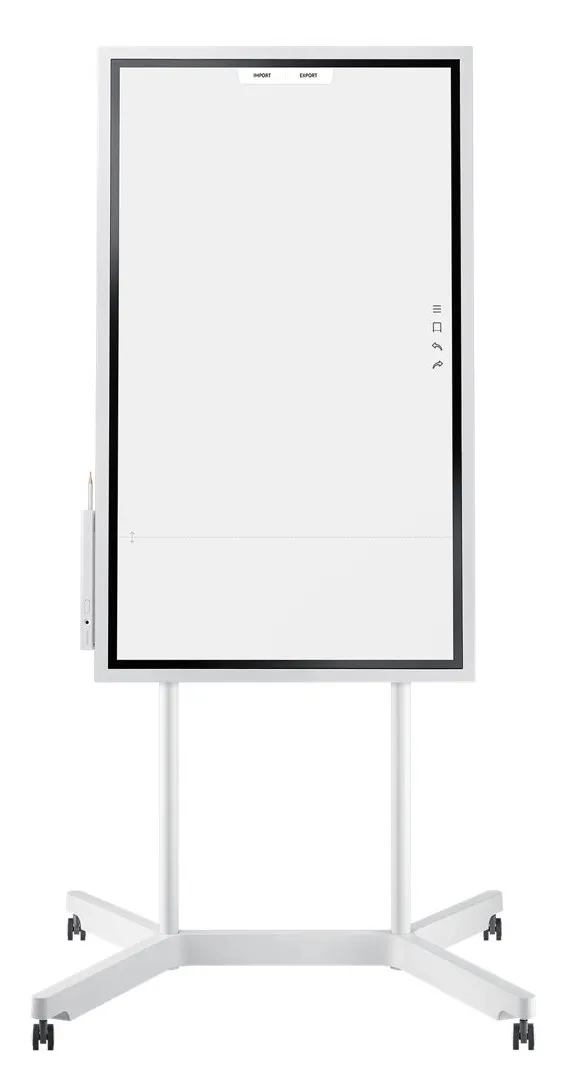
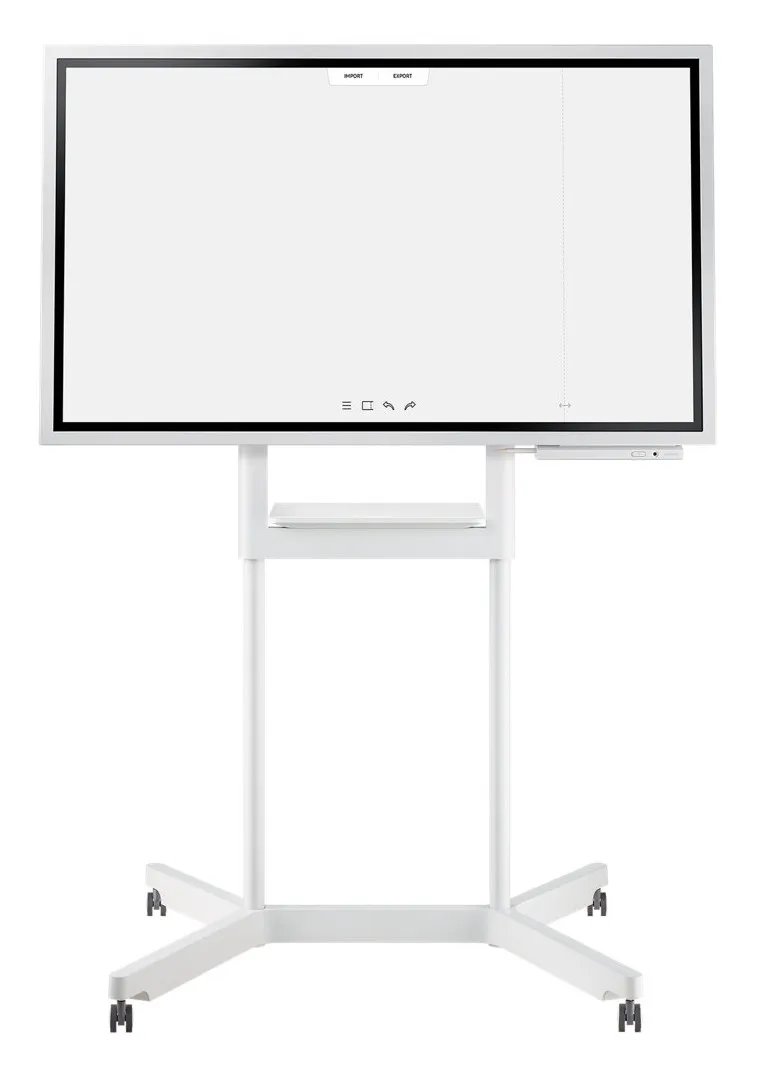
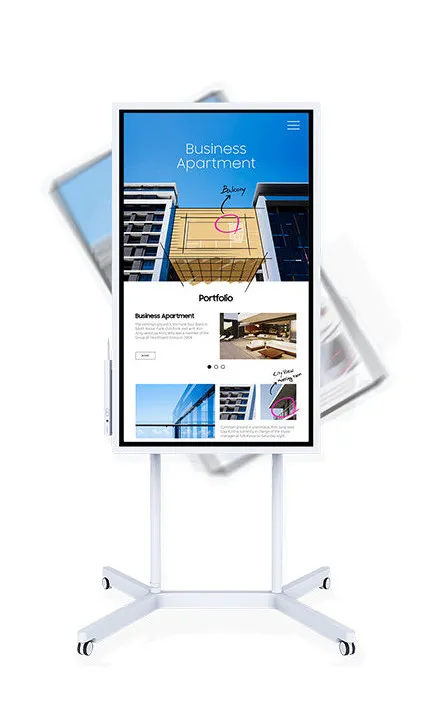
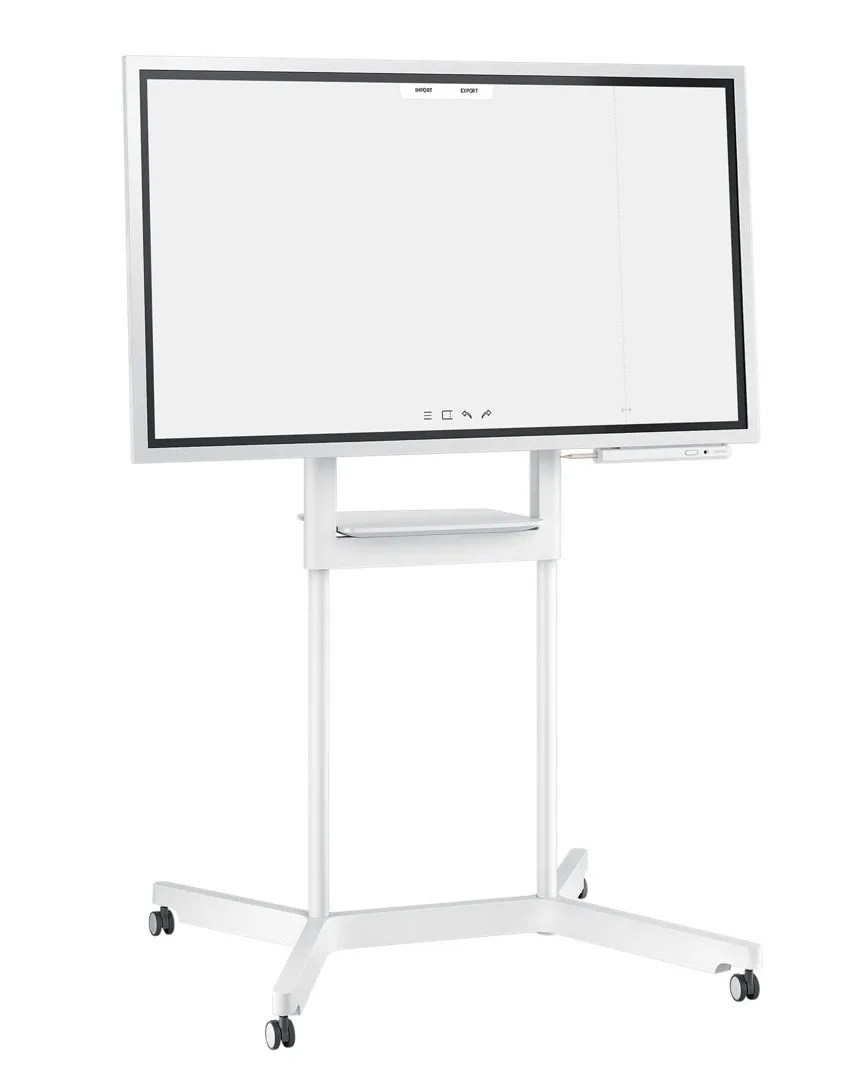
Adjust to varying huddle room dynamics without sacrificing comfort. Featuring a versatile pivot mode and ergonomic stand, each Flip display can configure to a portrait or landscape orientation to match your collaborative needs.
Flip Distribution
Effortlessly Share Post-Meeting Recaps
Any meeting participant knows the frustration of capturing and sending handwritten recaps. The Samsung Flip relieves this burdensome process. Save conversations and critical content within the display's central storage, and easily share with your colleagues through mobile and digital channels.
Flip touch
Navigate Touch-Driven Communication
InGlass™ technology ensures real-time feedback and speeds without delay. This allows users to experience smooth writing or drawing, equivalent to that of working on traditional paper.
Flip Design
Pioneer thought, Style and Comfort
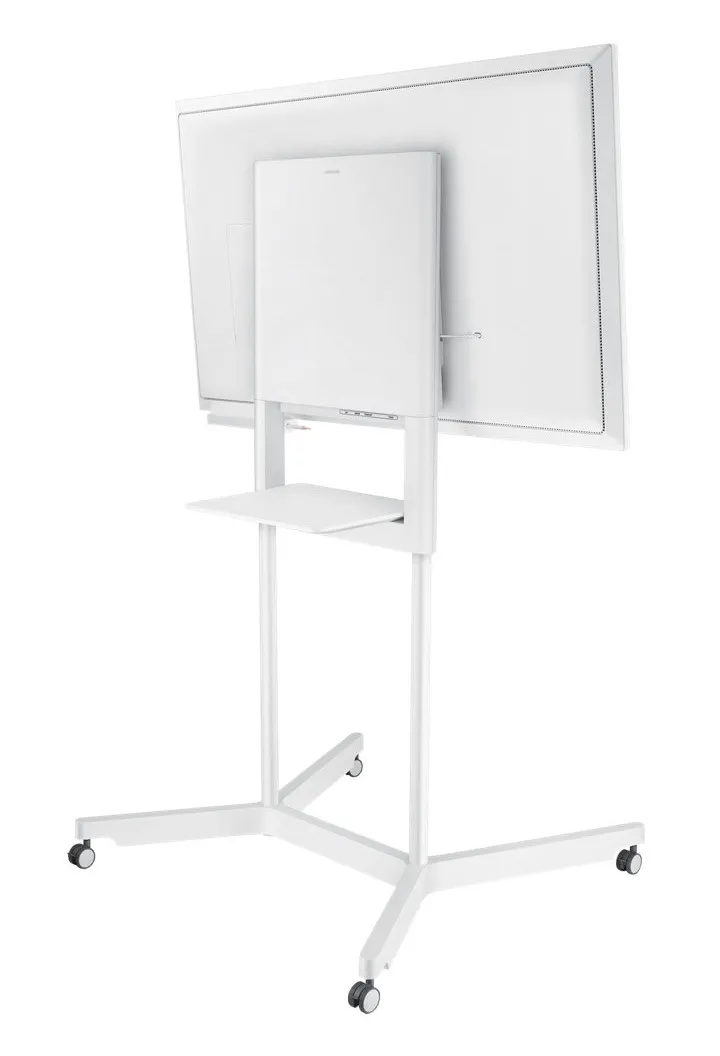
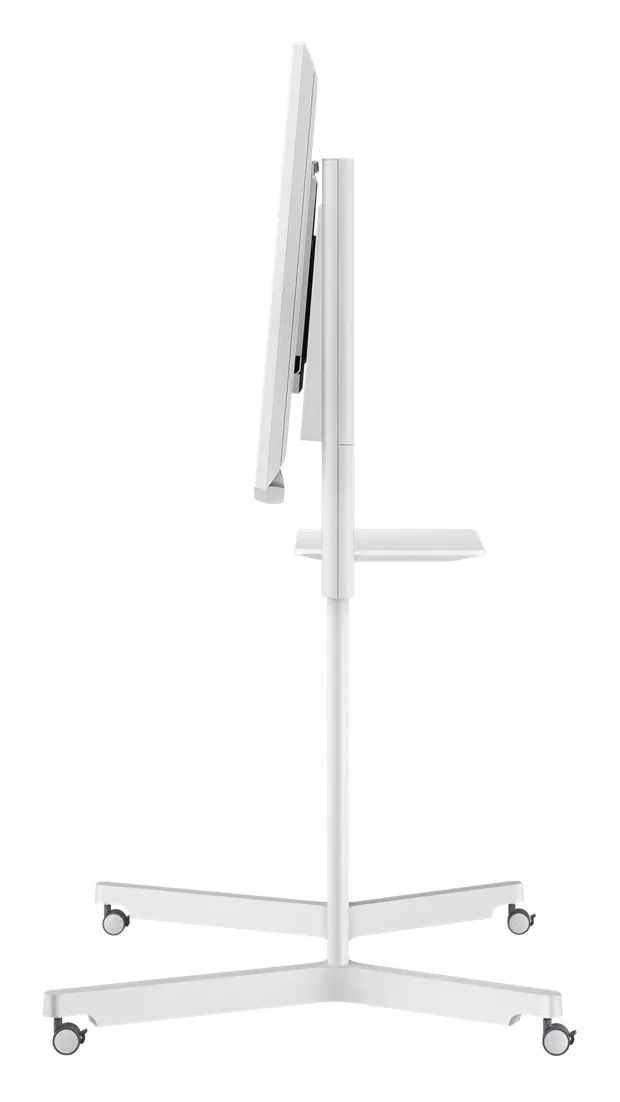
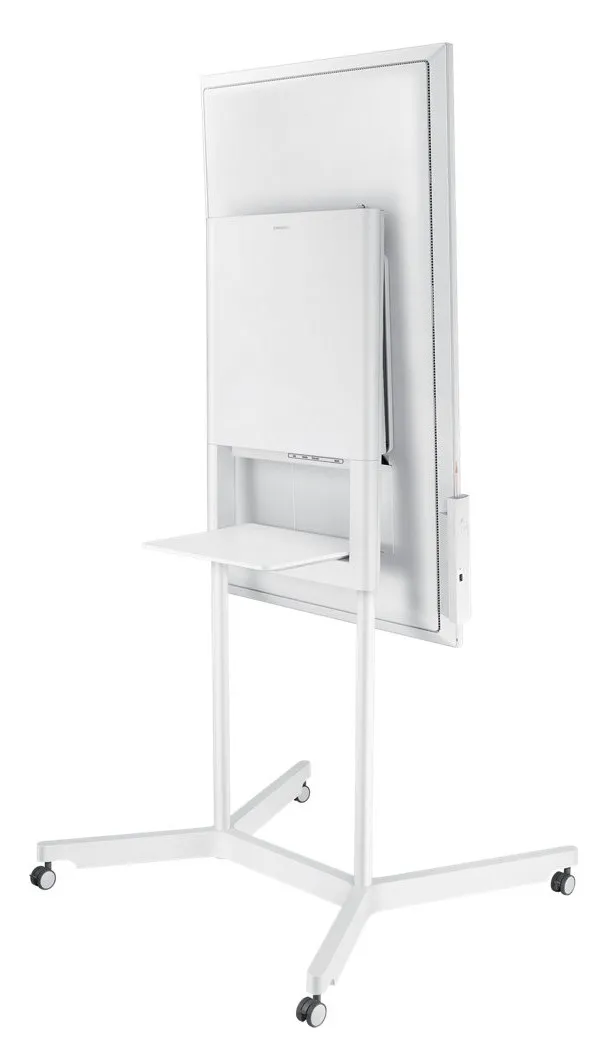
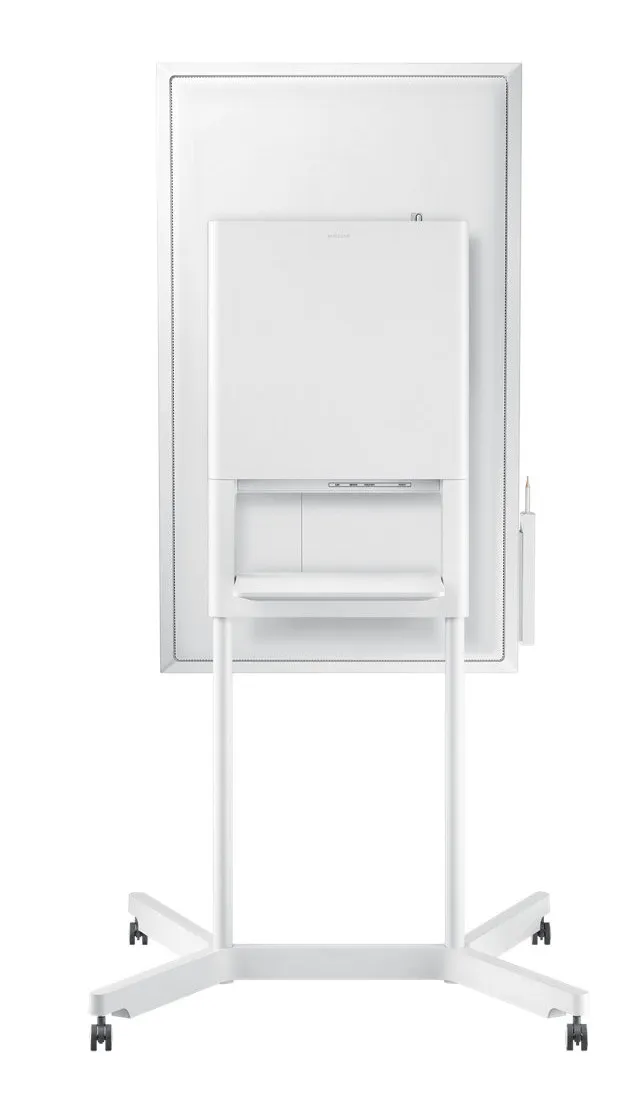
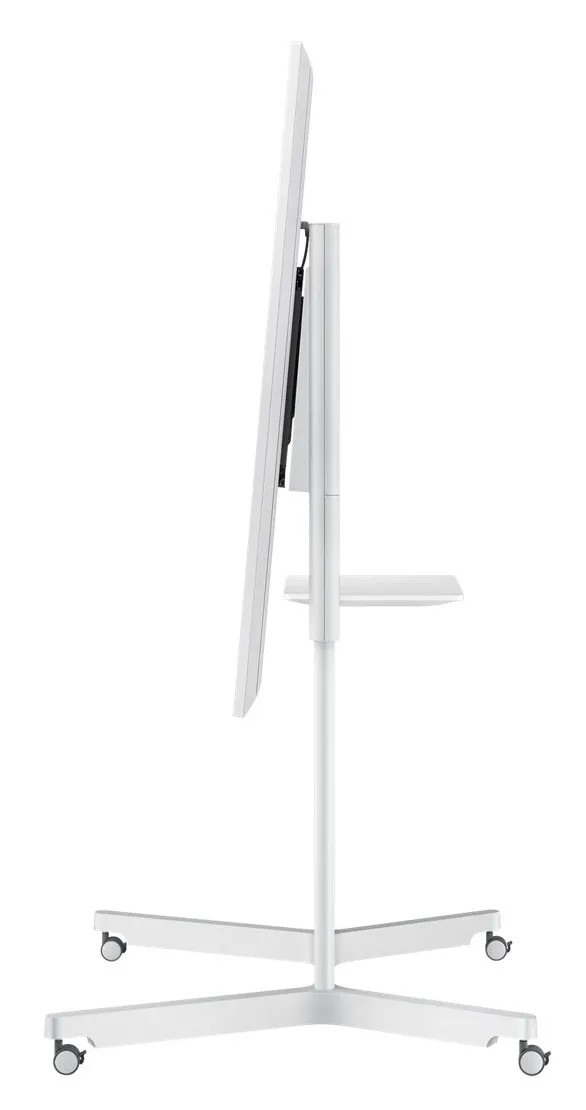
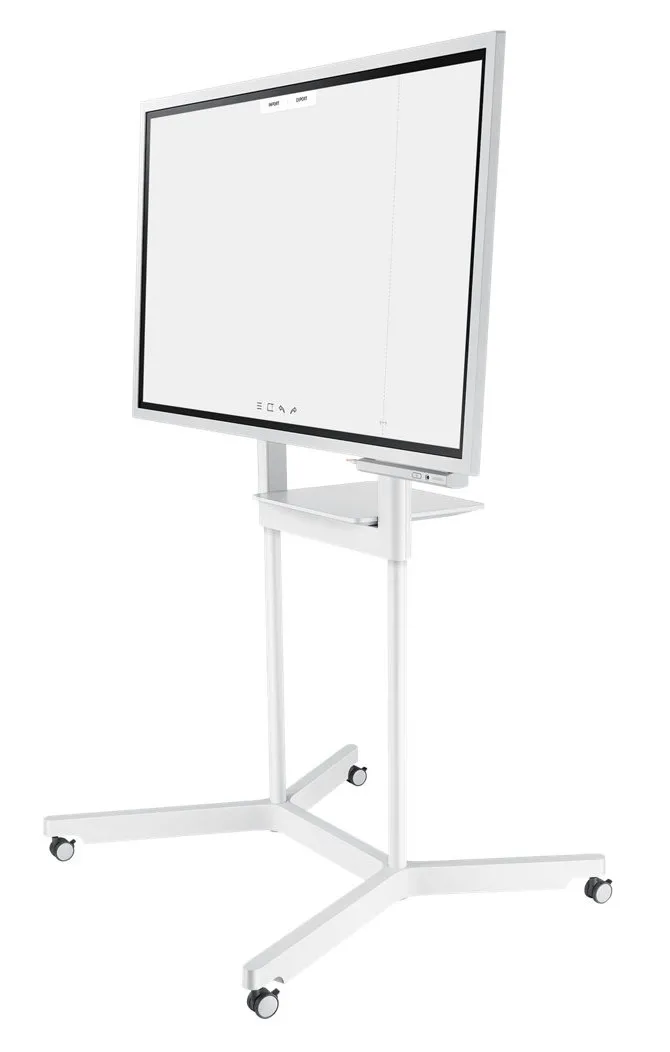
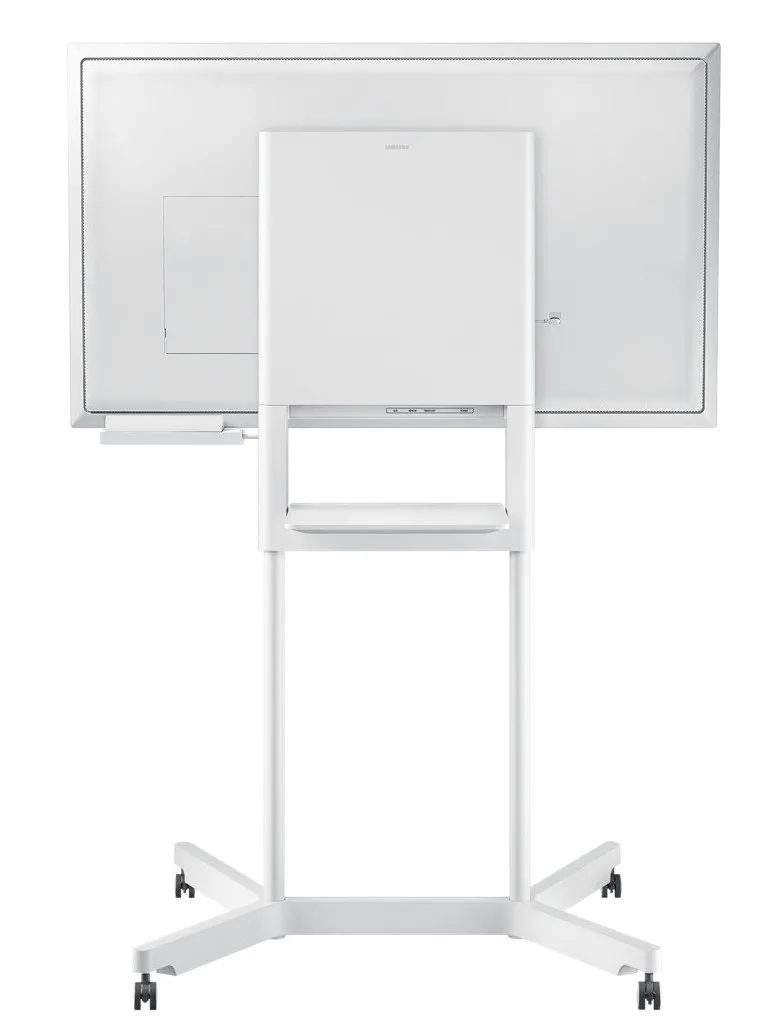
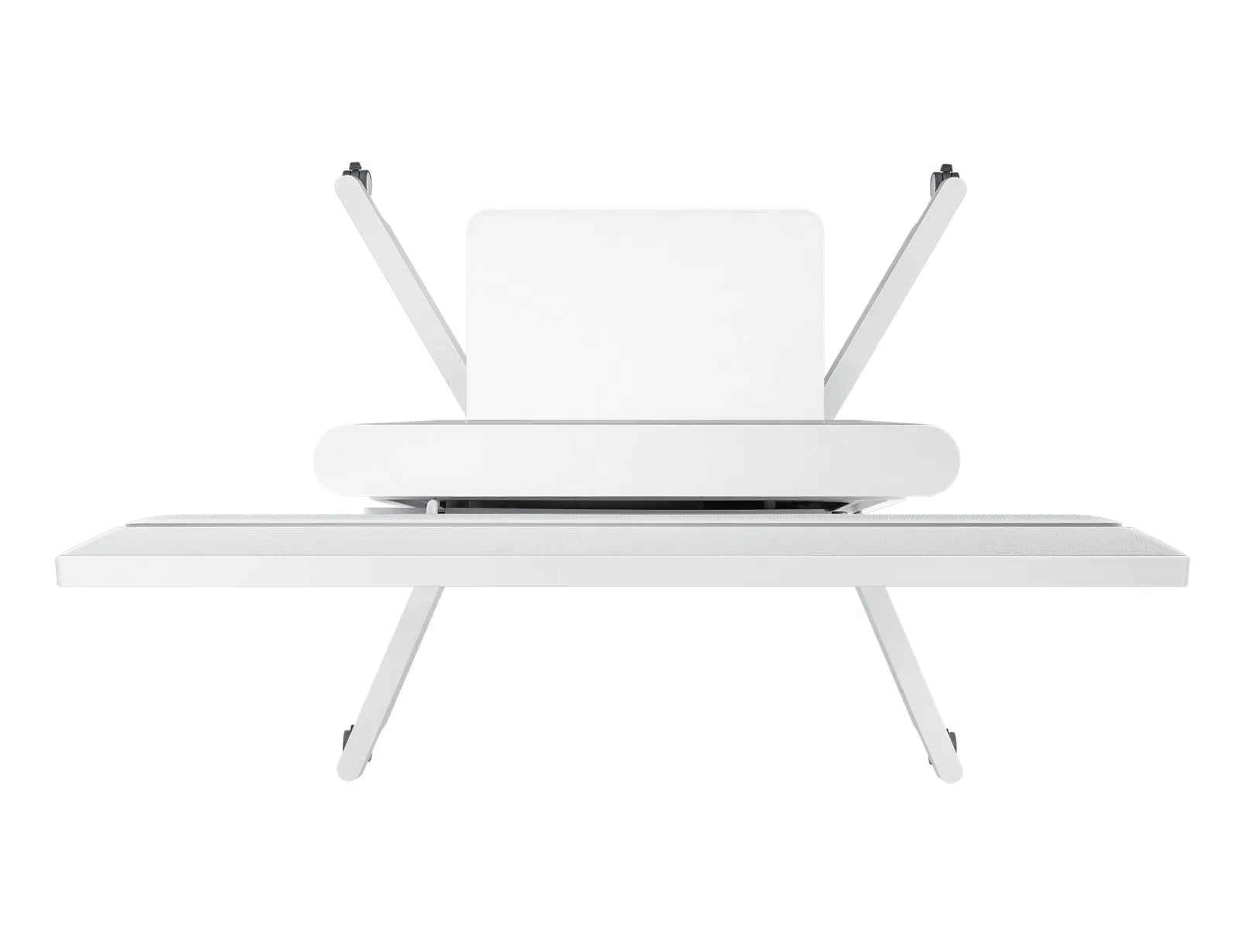
The Flip’s sleek, gray design positions any environment as sophisticated and forward thinking. With an ergonomic tilt of 4.5° and a spacious front tray and pen holder to house essential meeting tools, you and your team can stay comfortable and organized to focus on what’s important.
Flip Design
Transform any Space into a Meeting Room
For business with limited collaborative areas, the Samsung Flip elevates any personal office or available room into a fully-functional huddle space. A portable, wheel-based stand empowers users to start a meeting in any location at anytime.
Flip Display
Present Visuals with Precision
Samsung Flip maintains consistent and clear UHD picture quality regardless of the surrounding environment or use case, introducing more powerful and compelling visuals to the meeting room.
Keep Your Ideas Within Reach
Avoid the fears of lost or erased handwritten meeting notes. Backed by the powerful TIZEN 3.0 operating system, the Flip offers extensive, centralized space to store meeting content. Additionally, TIZEN 3.0 provides you and your team with an intuitive interface to locate and view saved materials.
Flip Solution
Activate your Display Intuitively
Start your meetings on time and without a lengthy boot-up. Embedded sensors activate the Flip display ad user approach the screen, pick ip a pen or rotate between portrait and landscape modes, allowing you and your colleagues to launch a new discussion or resume where you left off.
Hall sensor
The screen turns on instantly when a user removes the pen in the holder.
Proximity sensor
The Flip begins to boot automatically when a user approaches the display
Accelerometer sensor
The UX intuitively adjusts according to the Flip's portrait or landscape orientation.
Draw, Write, Inspire
Enjoy the smooth, familiar feel of traditional writing in a versatile digital format, with a variety of colors, styles and widths available. Up to 4 people can write simultaneously, using any object as a writing tool.
Flip Capture
Capture, in Collaboration
Through Samsung Flip's broad connectivity, you and your team can share and make notations within a variety of content files, all maintained at optimal visual quality.
Flip Navigation
Navigate, with Intuition
Samsung Flip's intuitive, user-friendly menu simplifies navigation and reduces the time required to access controls or view content in its entirety. Facilitators also can preview individual content pages and make instant changes directly on the screen.
Flip Navigation
Scroll, with Ease
You and your teammates no longer need to sort through endless stacks of paper to find a specific discussion point. Now, you can seamlessly scroll through and search within up to 20 clearly-divided digital Flip pages.
Flip protection
Protect Your Valuable Ideas
Ensure that your game-changing ideas remain in the right hands through a reinforced security system. Each in-office team can set a unique numeric password to lock the display and remove critical content from view.
Flip Connection
Enjoy Versatile Connectivity
Samsung Flip's connectivity empowers a fully synchronized, user-friendly collaborative experience. Align your personal devices with the central screen for interactive content visibility, notation and sharing.
Flip Synchronization
Sync Viewing, Sync Control
The touch out control functionality allows users to sync their personal devices to the Flip for real-time viewing and control. Changes made on the central screen will automatically transmit to the user's personal device, and vice versa, for efficient, matched viewing.
Flip Presentation
Professionally Showcase Your Work
Adjust to varying huddle room dynamics without sacrificing comfort. Featuring a versatile pivot mode and ergonomic stand, each Flip display can configure to a portrait or landscape orientation to match your collaborative needs.
Flip Distribution
Effortlessly Share Post-Meeting Recaps
Any meeting participant knows the frustration of capturing and sending handwritten recaps. The Samsung Flip relieves this burdensome process. Save conversations and critical content within the display's central storage, and easily share with your colleagues through mobile and digital channels.
Flip touch
Navigate Touch-Driven Communication
InGlass™ technology ensures real-time feedback and speeds without delay. This allows users to experience smooth writing or drawing, equivalent to that of working on traditional paper.
Flip Design
Pioneer thought, Style and Comfort
The Flip’s sleek, gray design positions any environment as sophisticated and forward thinking. With an ergonomic tilt of 4.5° and a spacious front tray and pen holder to house essential meeting tools, you and your team can stay comfortable and organized to focus on what’s important.
Flip Design
Transform any Space into a Meeting Room
For business with limited collaborative areas, the Samsung Flip elevates any personal office or available room into a fully-functional huddle space. A portable, wheel-based stand empowers users to start a meeting in any location at anytime.
Flip Display
Present Visuals with Precision
Samsung Flip maintains consistent and clear UHD picture quality regardless of the surrounding environment or use case, introducing more powerful and compelling visuals to the meeting room.
Keep Your Ideas Within Reach
Avoid the fears of lost or erased handwritten meeting notes. Backed by the powerful TIZEN 3.0 operating system, the Flip offers extensive, centralized space to store meeting content. Additionally, TIZEN 3.0 provides you and your team with an intuitive interface to locate and view saved materials.
Flip Solution
Activate your Display Intuitively
Start your meetings on time and without a lengthy boot-up. Embedded sensors activate the Flip display ad user approach the screen, pick ip a pen or rotate between portrait and landscape modes, allowing you and your colleagues to launch a new discussion or resume where you left off.
Hall sensor
The screen turns on instantly when a user removes the pen in the holder.
Proximity sensor
The Flip begins to boot automatically when a user approaches the display
Accelerometer sensor
The UX intuitively adjusts according to the Flip's portrait or landscape orientation.
Multitronic Vaasa: 0 pcs
Estimated delivery: 02.05 - 08.05
Estimated delivery: 02.05 - 08.05
Today: Closed
Multitronic Pietarsaari: 0 pcs
Estimated delivery: 02.05 - 08.05
Estimated delivery: 02.05 - 08.05
Today: Closed
Multitronic Jyväskylä: 0 pcs
Estimated delivery: 02.05 - 08.05
Estimated delivery: 02.05 - 08.05
Today: Closed
Multitronic Lappeenranta: 0 pcs
Estimated delivery: 02.05 - 08.05
Estimated delivery: 02.05 - 08.05
Today: Closed
Multitronic Mariehamn: 0 pcs
Estimated delivery: 02.05 - 08.05
Estimated delivery: 02.05 - 08.05
Today: Closed
Fetch from the shop
Estimated delivery time: 02.05 - 08.05
Estimated delivery time: 02.05 - 08.05
Posti: Parcel lockers and service points
Estimated delivery time: 02.05 - 07.05
Estimated delivery time: 02.05 - 07.05
Posti: Postal package
Estimated delivery time: 03.05 - 08.05
Estimated delivery time: 03.05 - 08.05
Posti: Doorstep delivery
Estimated delivery time: 03.05 - 07.05
Estimated delivery time: 03.05 - 07.05
Matkahuolto: Business Parcel
Estimated delivery time: 02.05 - 08.05
Estimated delivery time: 02.05 - 08.05
Matkahuolto: Home Parcel
Estimated delivery time: 02.05 - 08.05
Estimated delivery time: 02.05 - 08.05
Posti: Home delivery
Estimated delivery time: 03.05 - 07.05
Estimated delivery time: 03.05 - 07.05
- leaflet (English)
- manual pdf (English)
The above technical details are for reference only and may change without notice. We reserve the right to correct printing errors and use illustrations for guidance. Some text may be auto-generated or machine-translated, which could lead to inaccuracies.